

Edit Entity
To edit an entity using the mobile app, follow the steps below:
-
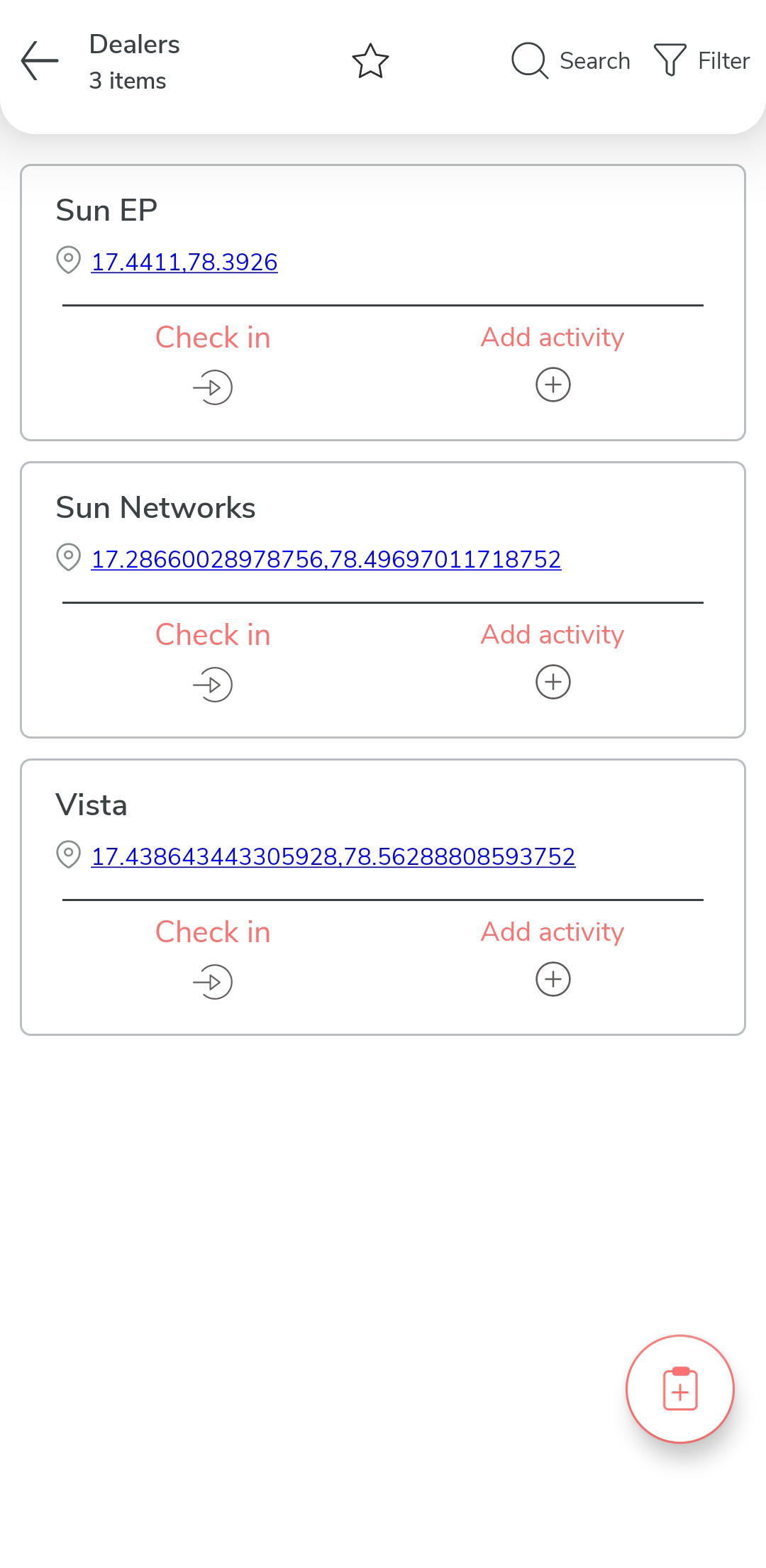
On the home screen, tap the Entity card.

Note: In the provided screenshot, Dealers is an example of an entity. -
Tap the entity name you want to edit to open its details.
-
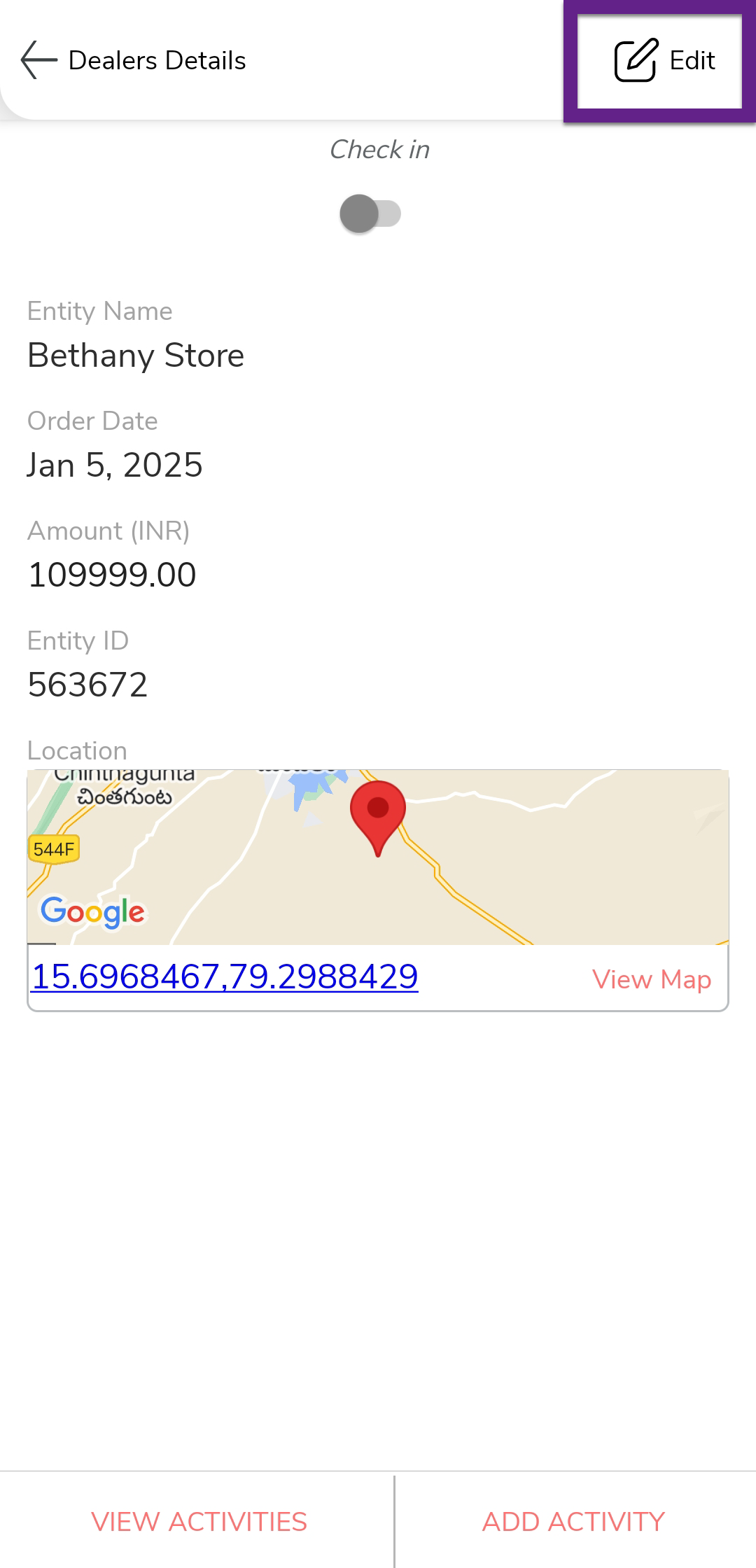
Tap the Edit option located in the top-right corner of
the screen.
-
Update the required fields according to your requirements.
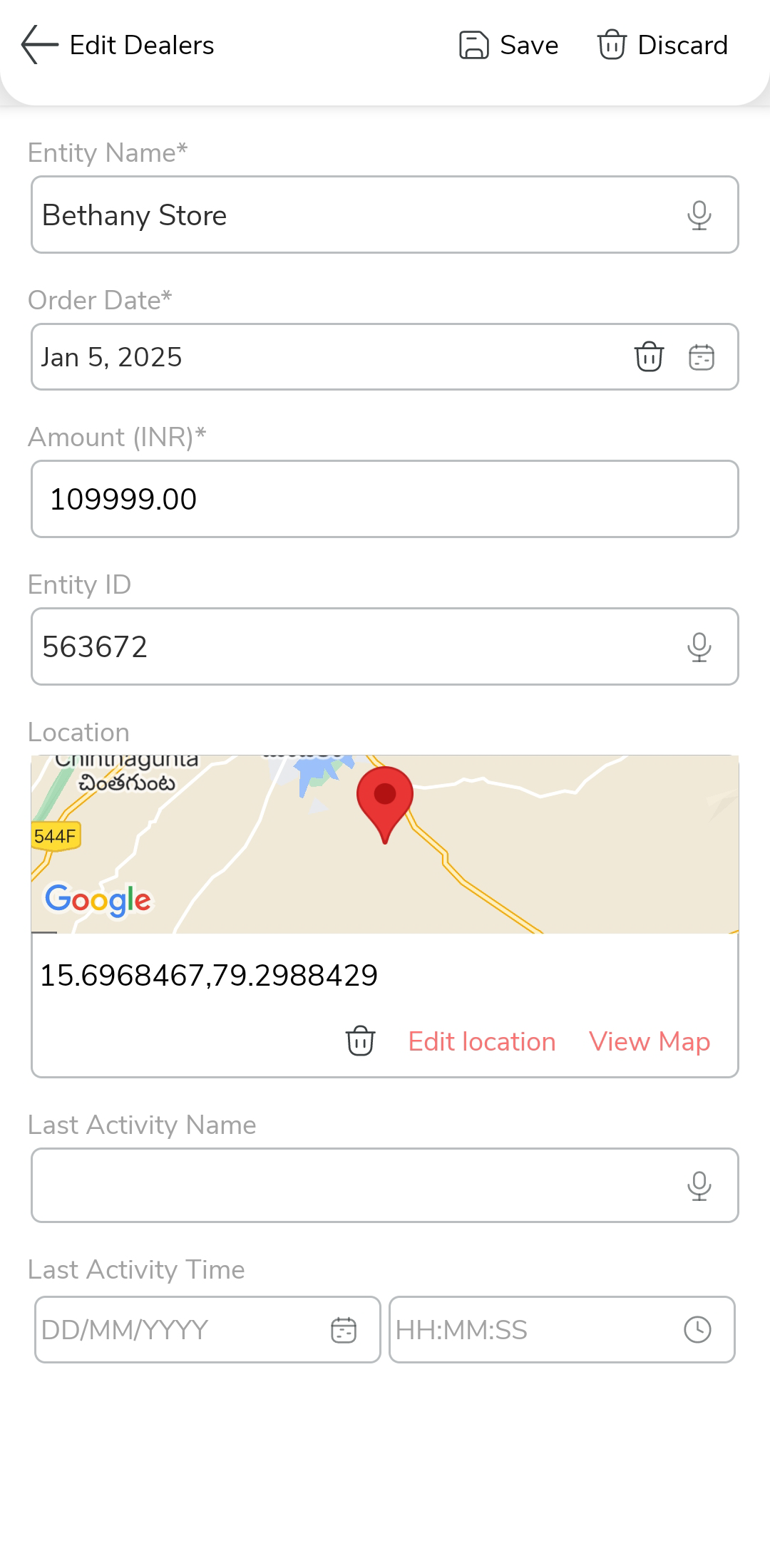
- After updating the details, tap Save to apply the changes.