

Map a Territory To Employees
To map a territory to employees, follow the steps below:
-
Go to .
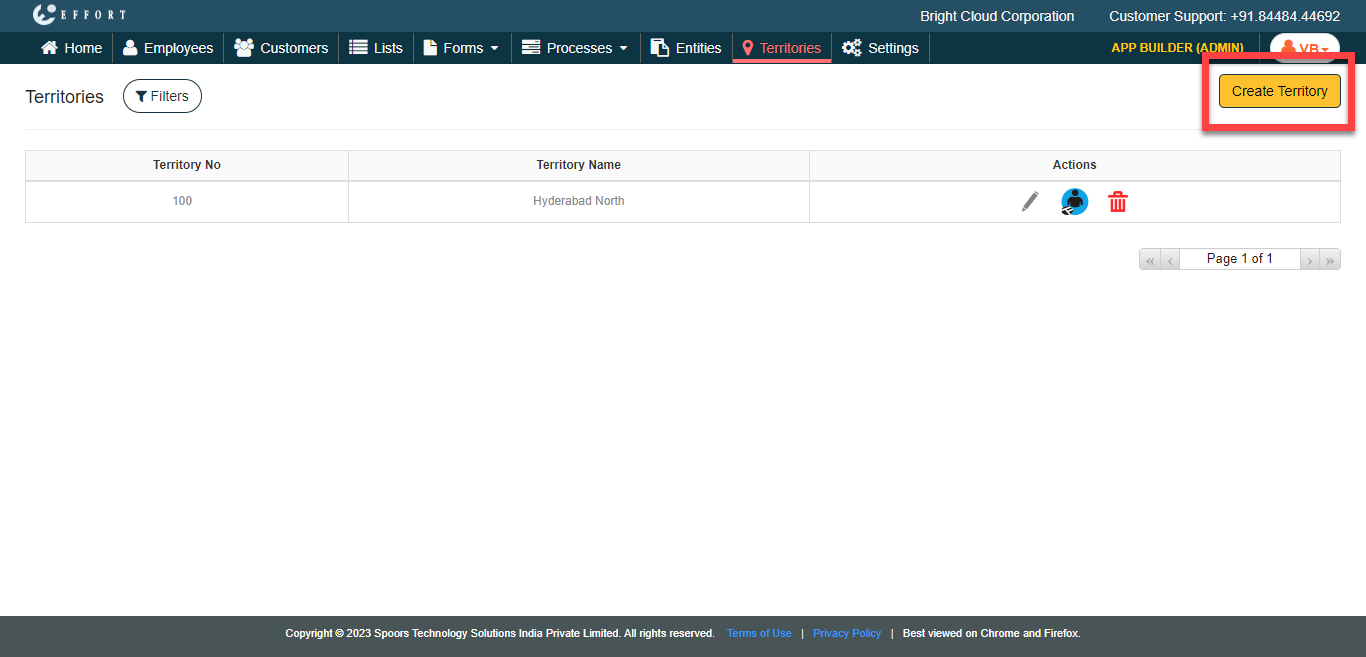
The Territories page appears.
-
Click the Manage Territories card.
-
Under the Actions column, click the employee

icon.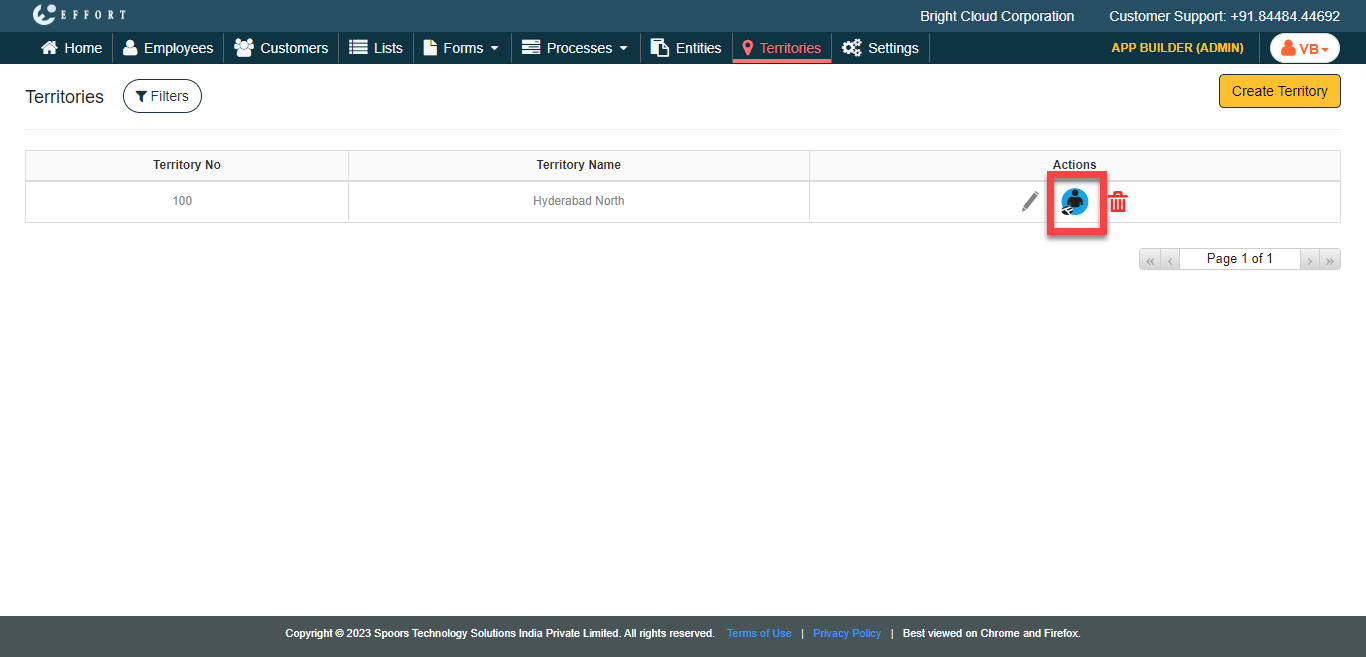
-
Select employees from the Employees section and move
them to Employees in Territory section using the move or
move all icons.
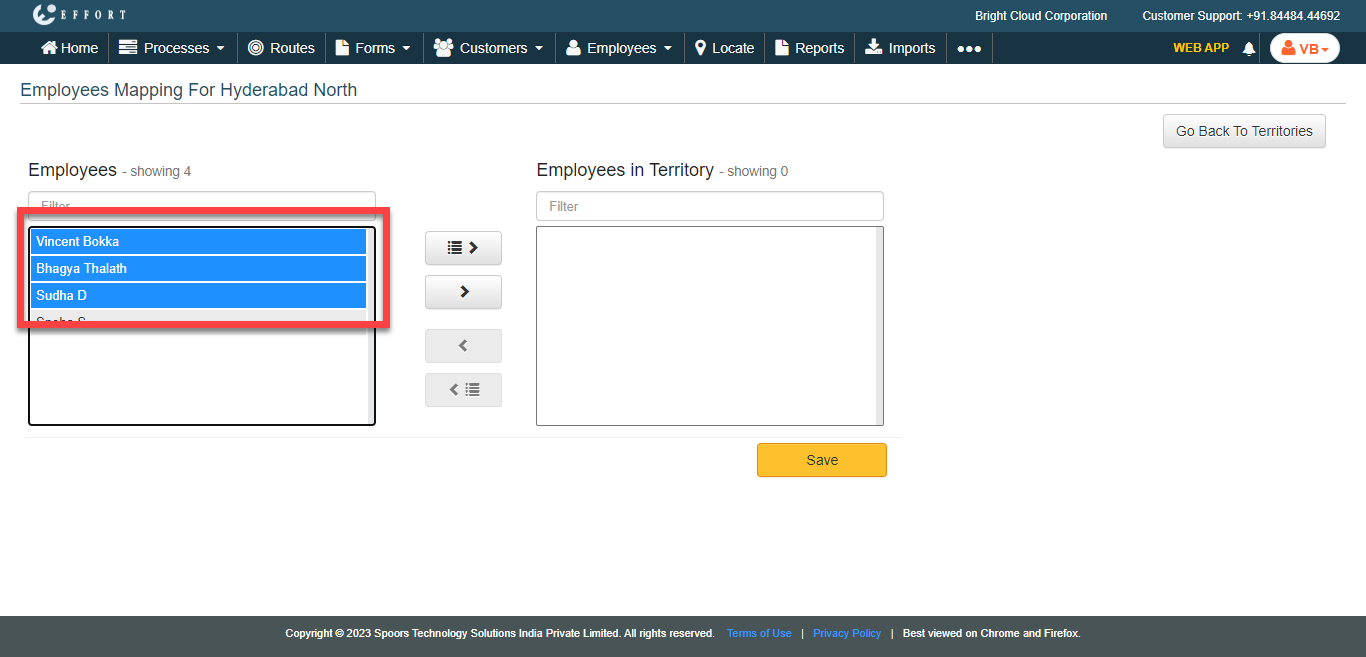
- Click Save.