

Home Page – Web Lite App
The Home page of the Web Lite App provides a centralized interface for users to access key features and data. It allows users to monitor tasks, navigate to different modules, and stay informed about team and customer activities. Each section is designed to enhance user productivity and support daily operations.
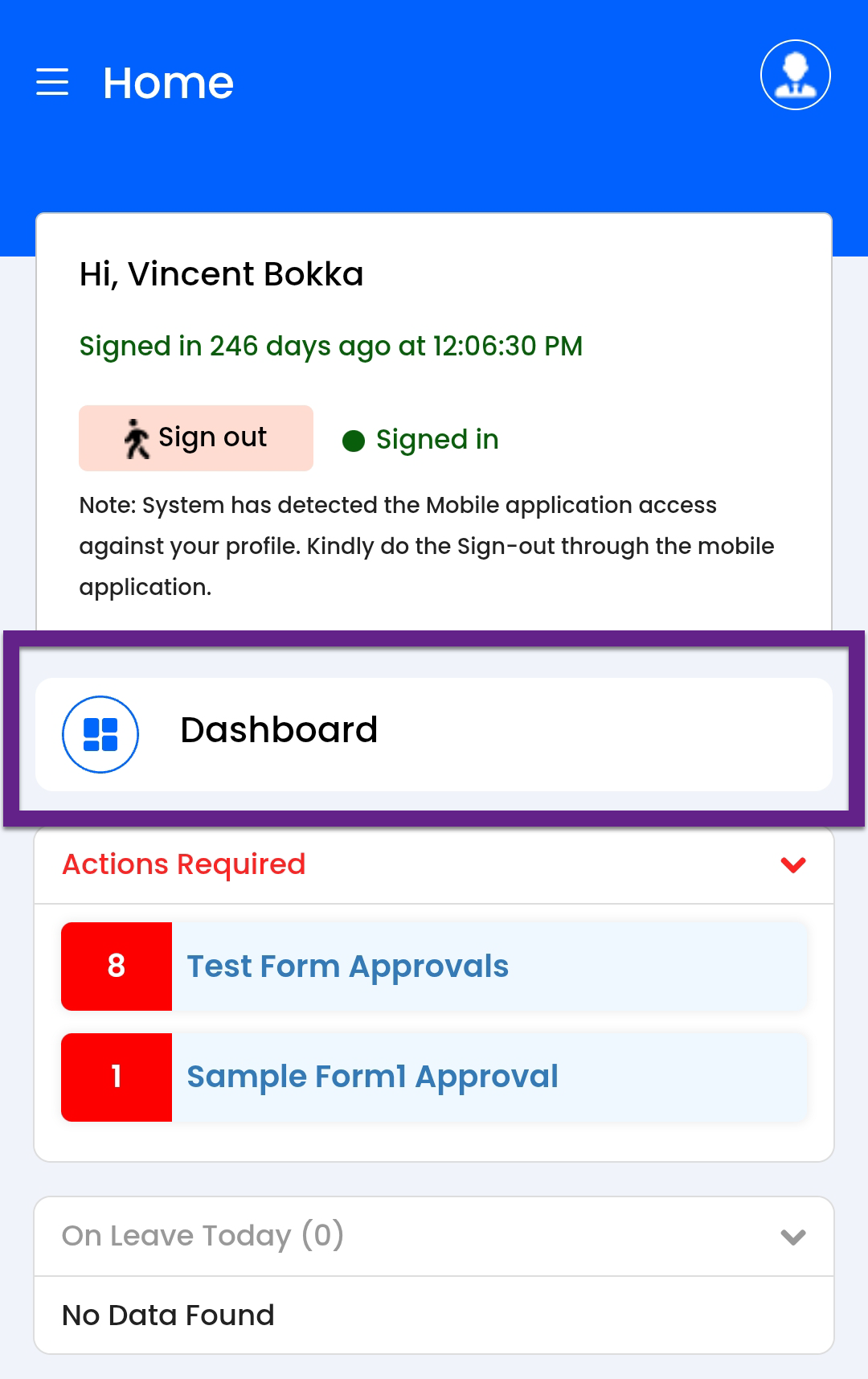
Sign In / Sign Out
Allows you to securely sign in to begin their day and sign out once they complete
their activities.

Dashboard
Click the Dashboard button to access the Dashboard page for organizational
analytics and key metrics. Refer to the Dashboard
topic for more information.
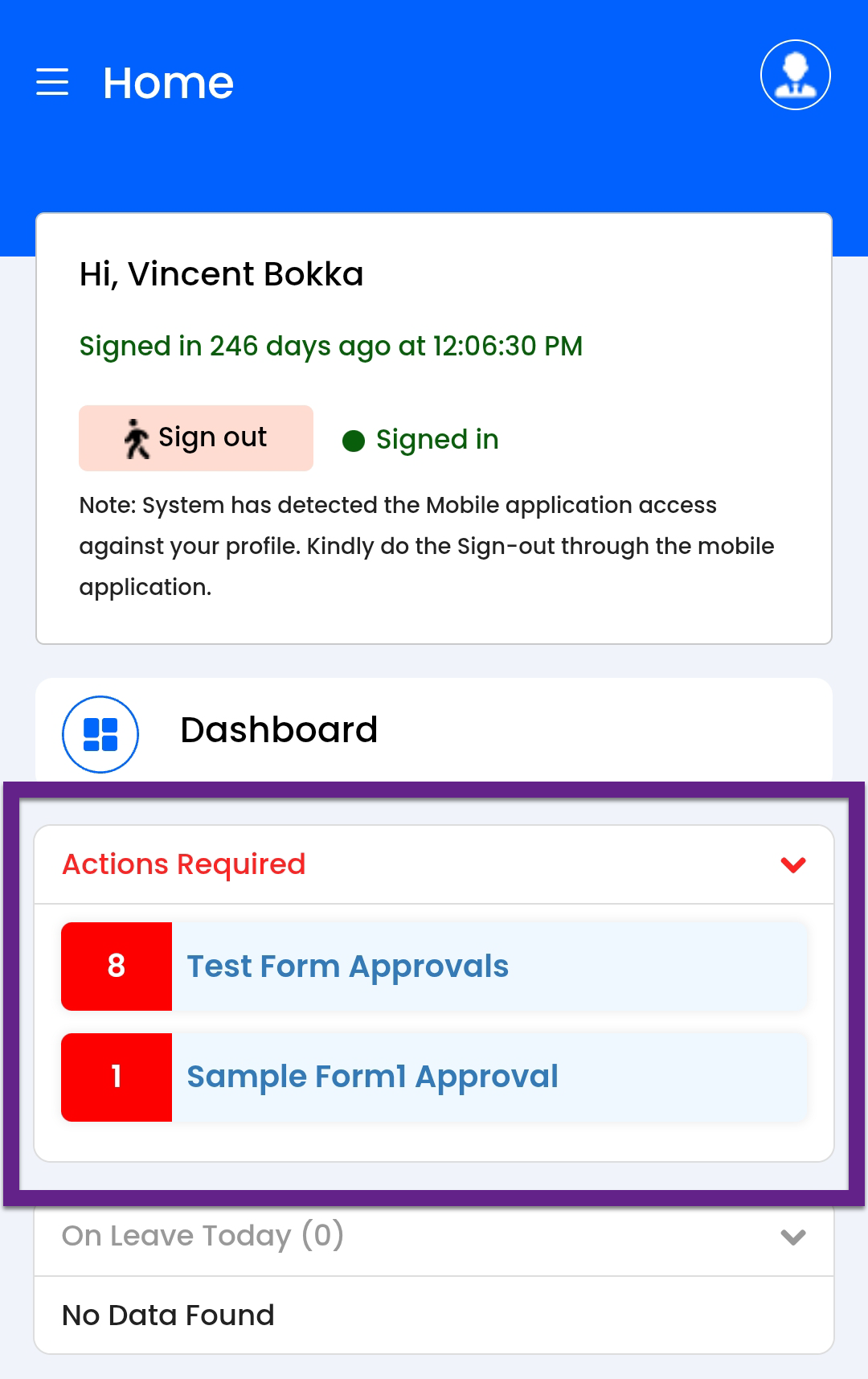
Action Required
Displays all pending tasks or activities that require your attention or action.
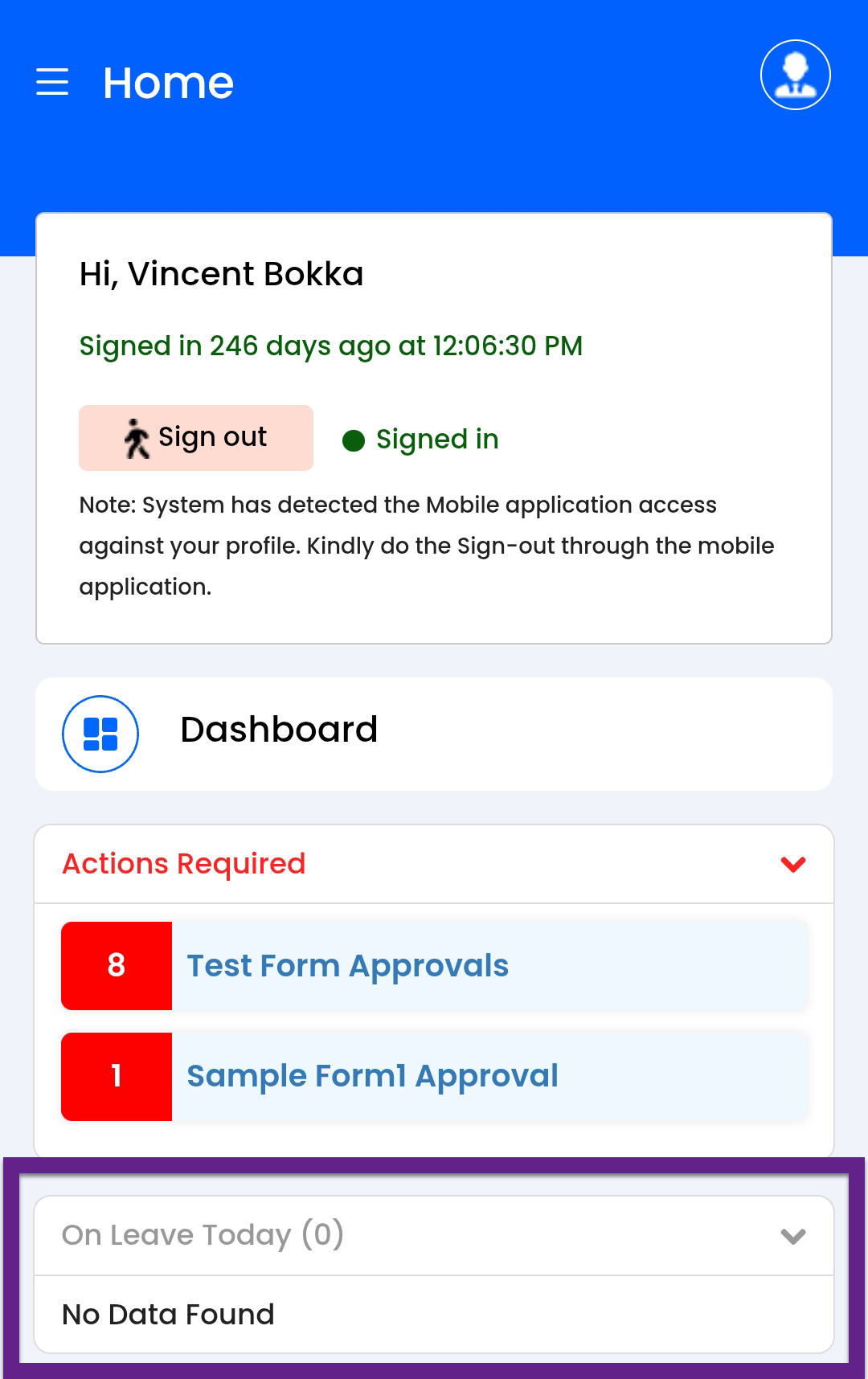
On Leave Today
Lists reporting employees who are currently on leave.
Customers Section
This section provides various customer-related metrics:
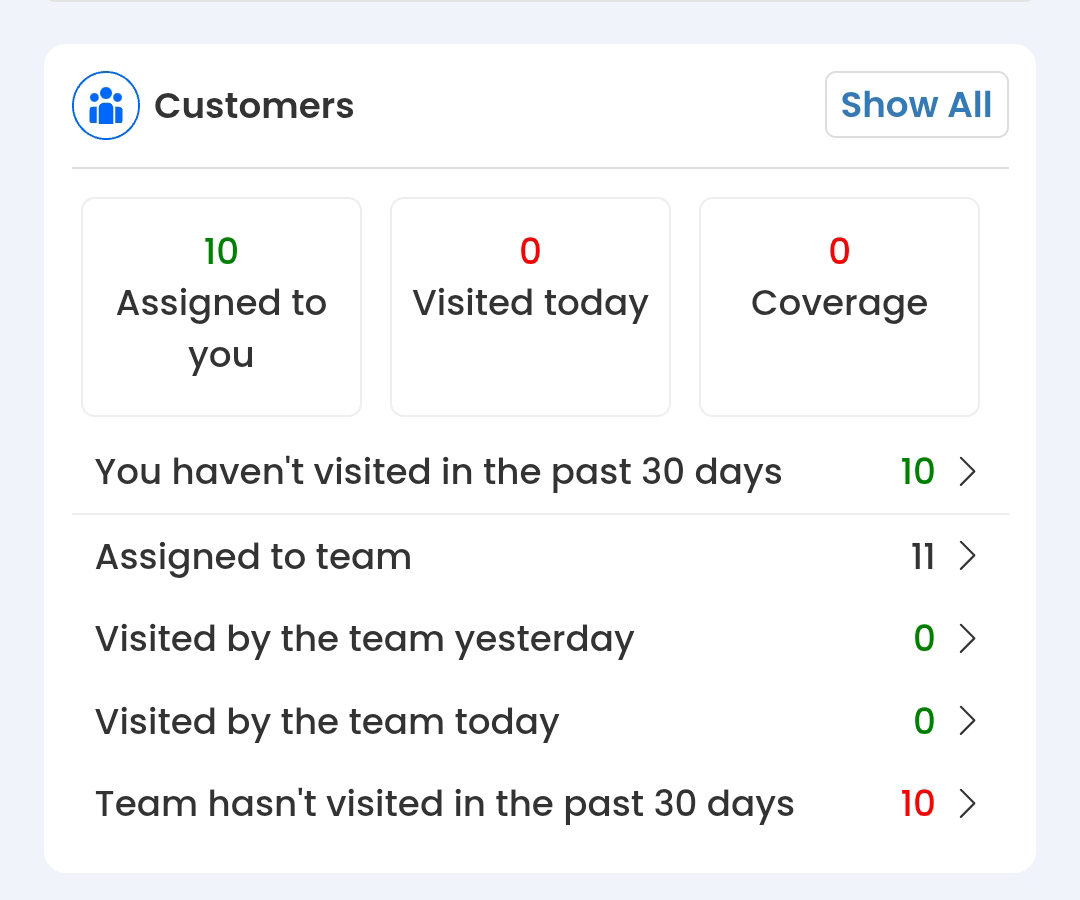
- Show All: Opens the Customers screen with the list of customers mapped to you.
- Assigned to You: Number of customers assigned to you.
- Visited Today: Number of customers you visited today.
- Coverage: Number of customers covered today.
- You Haven’t Visited in the Past 30 Days: Number of customers not visited in the past 30 days.
- Assigned to Team: Number of customers assigned to your team.
- Visited by the Team Yesterday: Customers visited by your team yesterday.
- Visited by the Team Today: Customers visited by your team today.
- Team Hasn’t Visited in the Past 30 Days: Customers the team hasn’t visited in the past 30 days.
Knowledge Base Section
Displays insights on organizational documents:

- Show All: Opens the full list of documents.
- Total Count: Total number of documents available.
- Total Viewed: Total number of documents you have viewed.
- Total Unviewed: Number of documents yet to be viewed by you.
Leaves Section
Manage your leave applications and approvals:
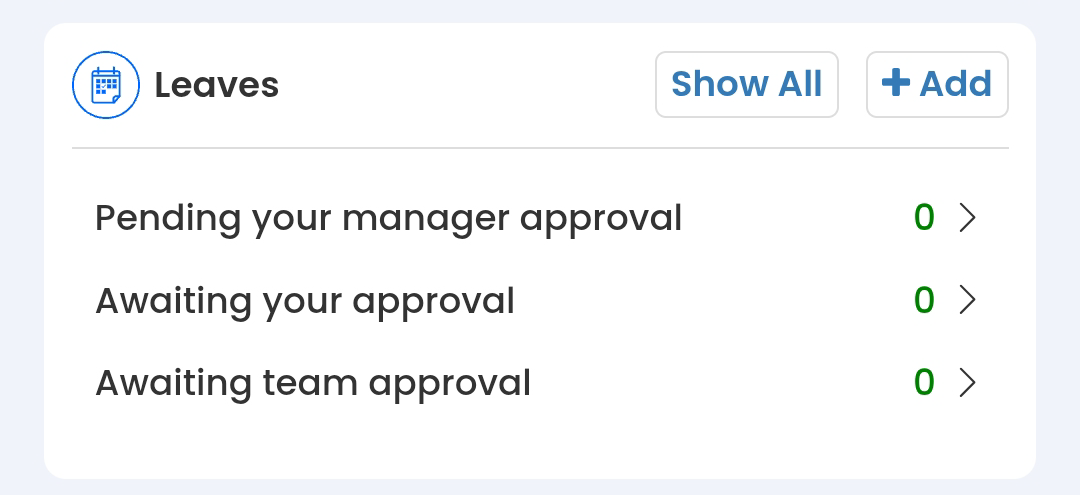
- Show All: Opens the Leaves screen.
- + Add: Opens the Apply Leave page to submit a new leave request.
- Pending Your Manager Approval: Leave requests awaiting approval from your manager.
- Awaiting Your Approval: Leave requests waiting for your approval (if applicable).
- Awaiting Team Approval: Leave requests pending approval by team leads or managers.
Day Plans Section
Provides planning and visit-related metrics:
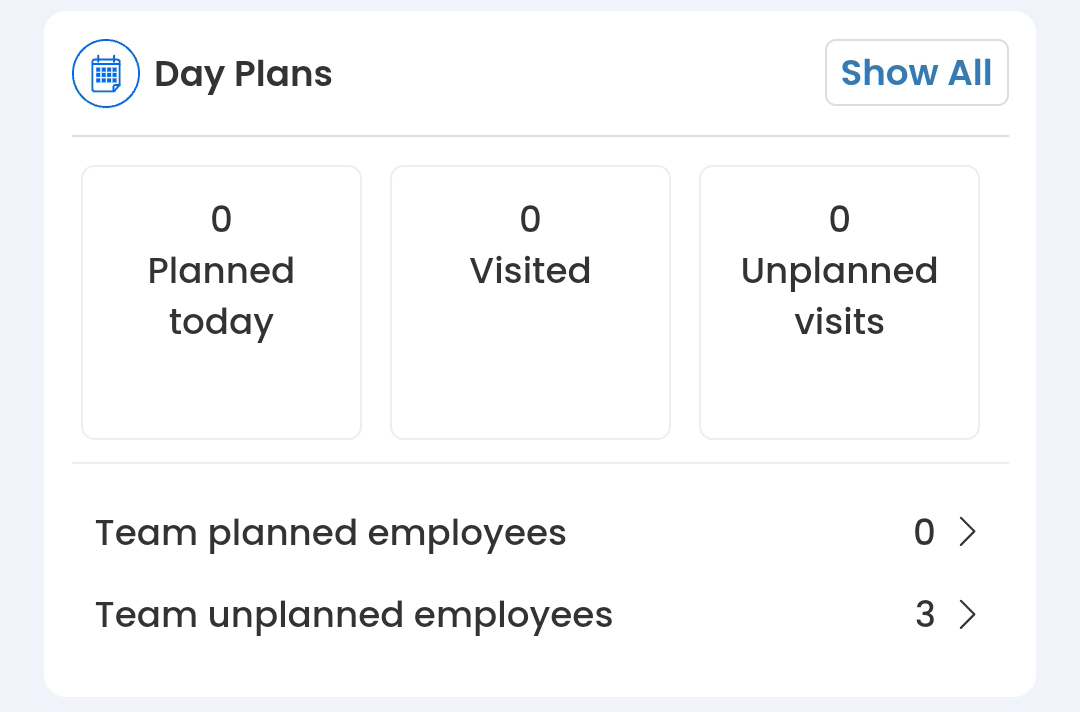
- Show All: Opens the Day Plans screen.
- Planned Today: Number of activities planned for the day.
- Visited: Number of visits completed.
- Unplanned Visits: Number of visits not planned in advance.
- Team Planned Employees: Team members with planned visits.
- Team Unplanned Employees: Team members who made unplanned visits.