

Assign Works to Gig Users
Pre-Requisites
Before assigning works, ensure the following:
- You have already created gig users.
- For detailed information on gig users and how to enable or create them,
refer to these topics:
- Gig User
- Enable Gig User Creation
- Create Employee (Change the Onboarding Employee to Gig User)
To assign works to gig users in your organization, follow the steps below:
- Navigate to .
-
In the process page, click Add Work.

-
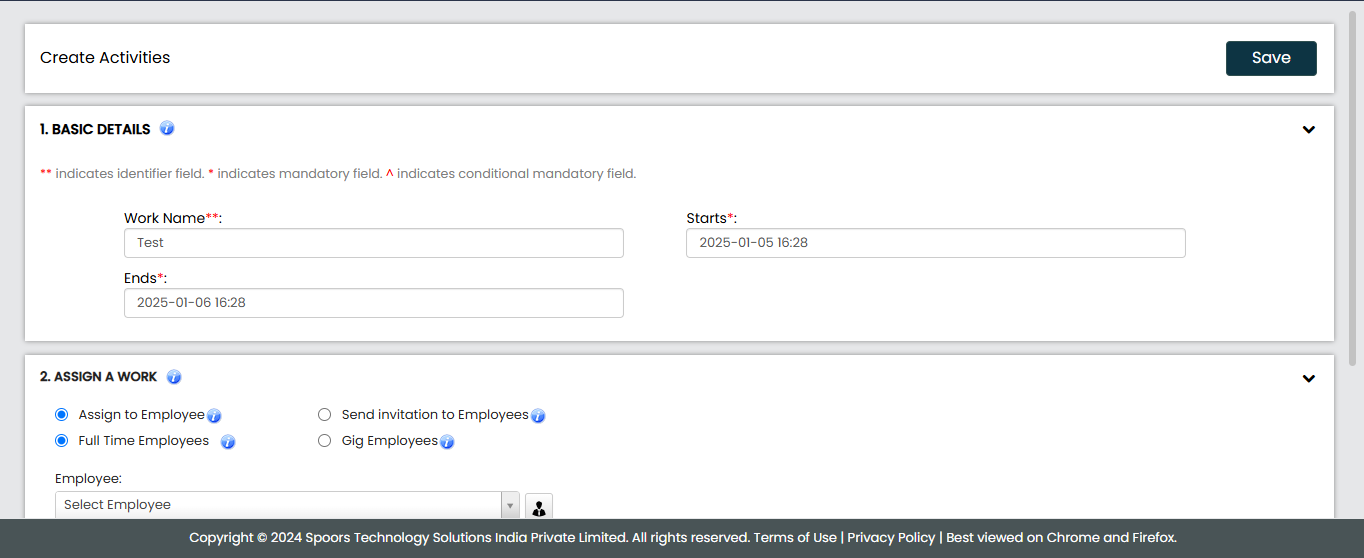
Fill in the required details in the available work fields.
-
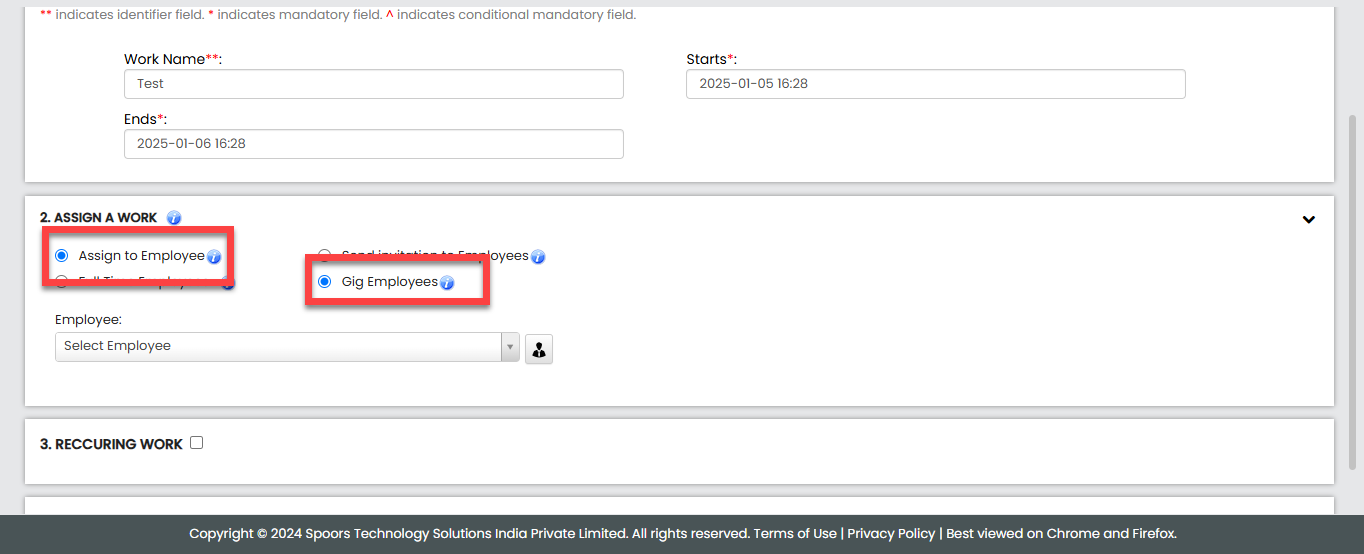
Scroll down to the Assign a Work section and select the
following options.
-
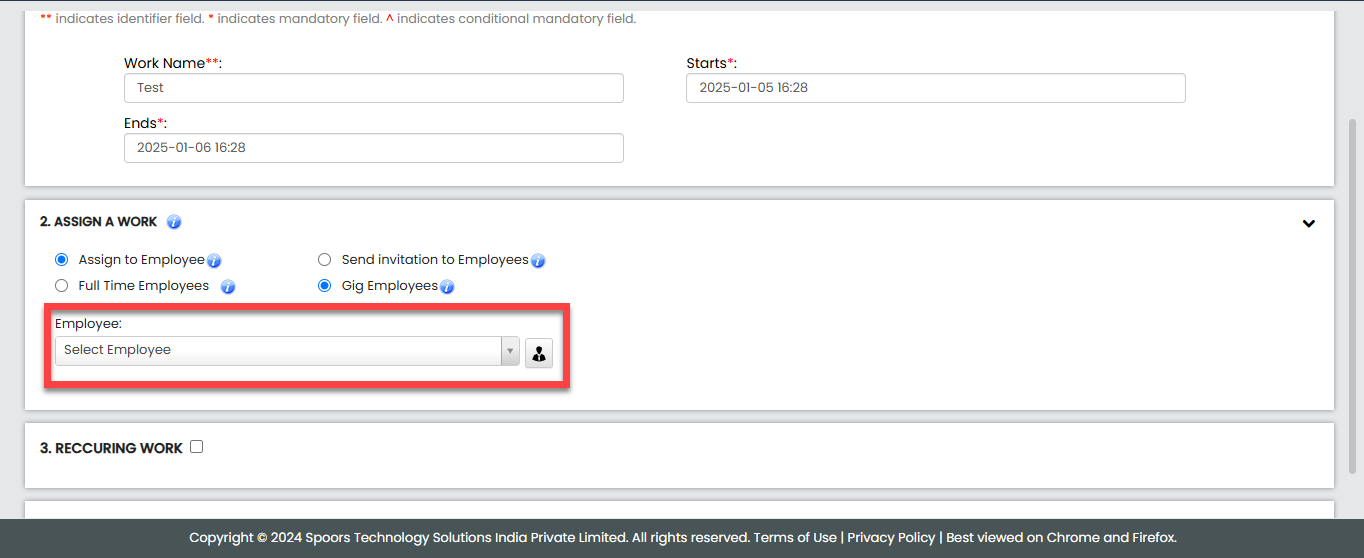
From the Employee dropdown, select the employee to whom
you want to assign the work.
- After selecting the employee, click Save to assign work.