

Enable Day Plan Approvals
To enable day plan approvals, follow the steps below:
-
Go to .
The Employee Setting page appears.
- Scroll down to the bottom of the page.
-
Enable the Enable Day Plan Approval checkbox.
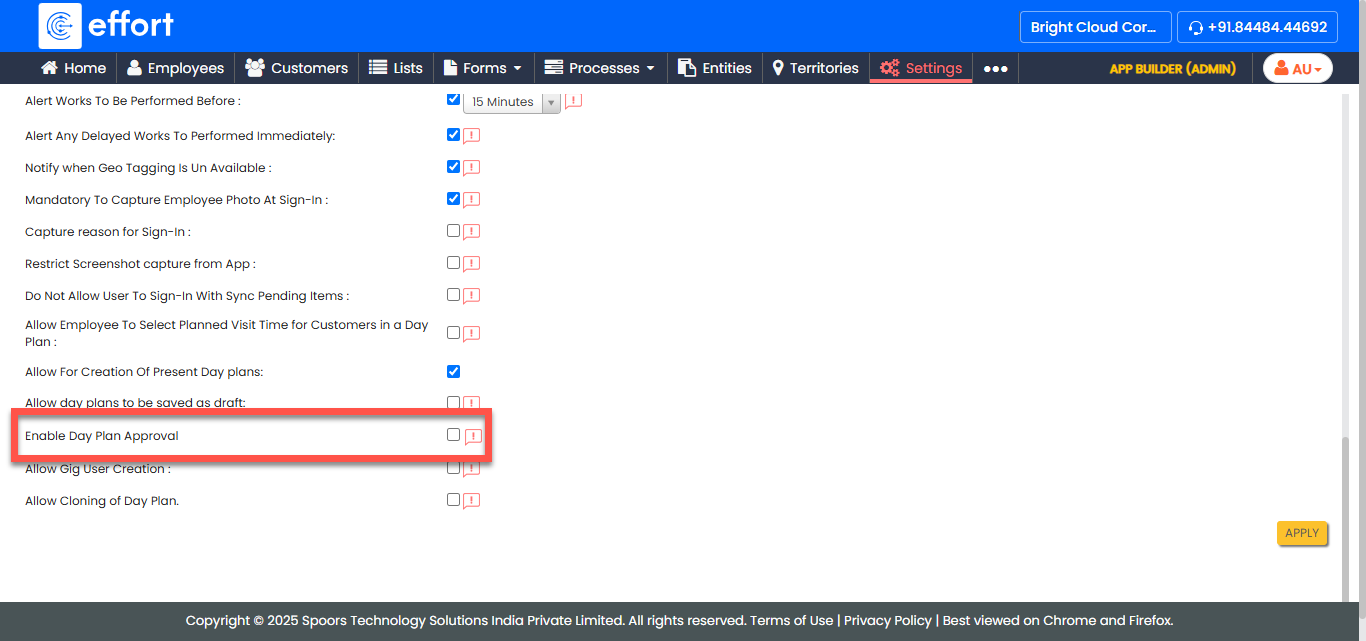
- Click Apply.
- On the confirmation pop-up, click Yes.