Create a Day Plan
Creating a day plan allows you to choose the list of customers that you would like to meet on a specific day.
-
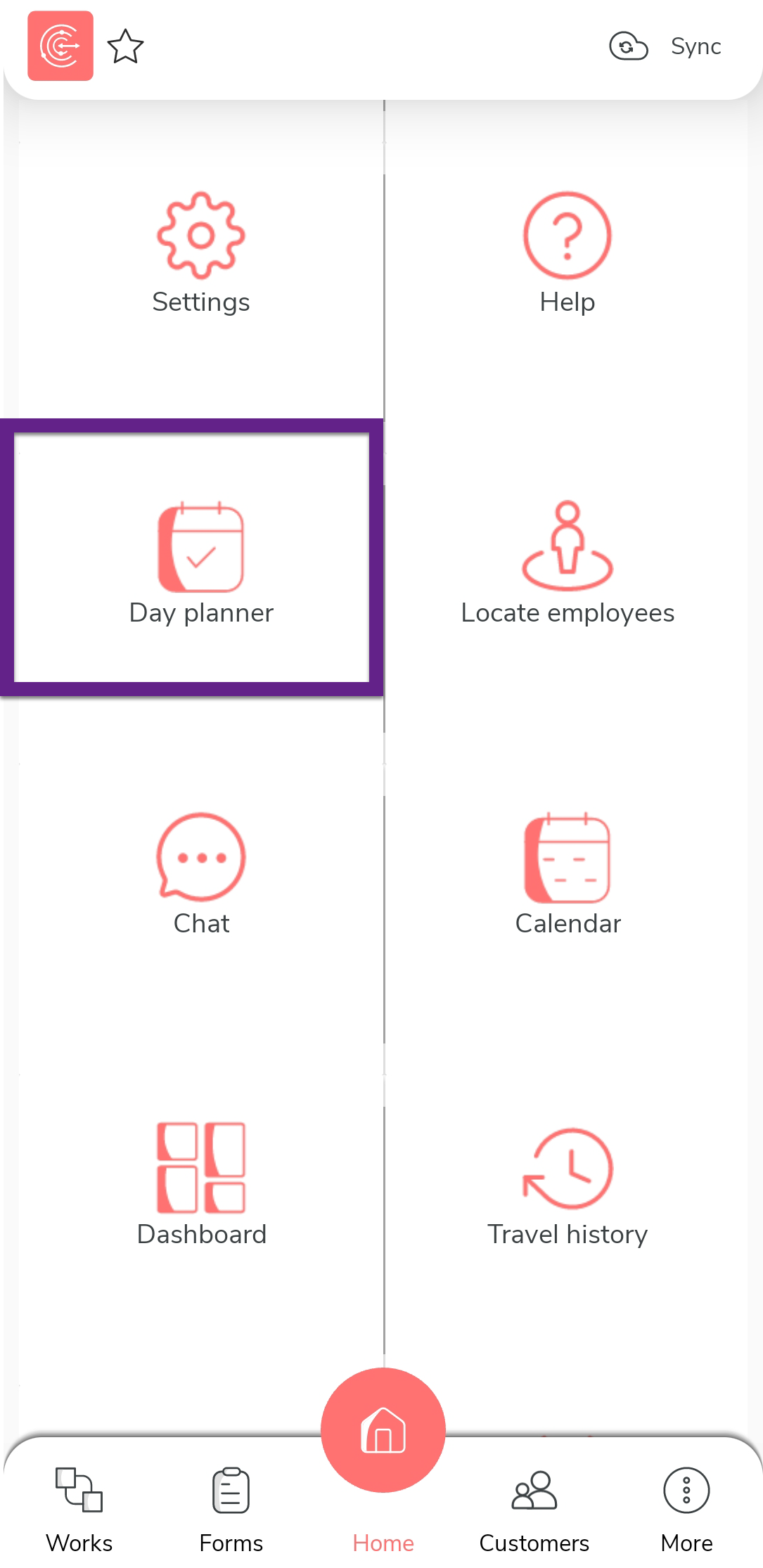
Tap Day planner on the home screen.
-
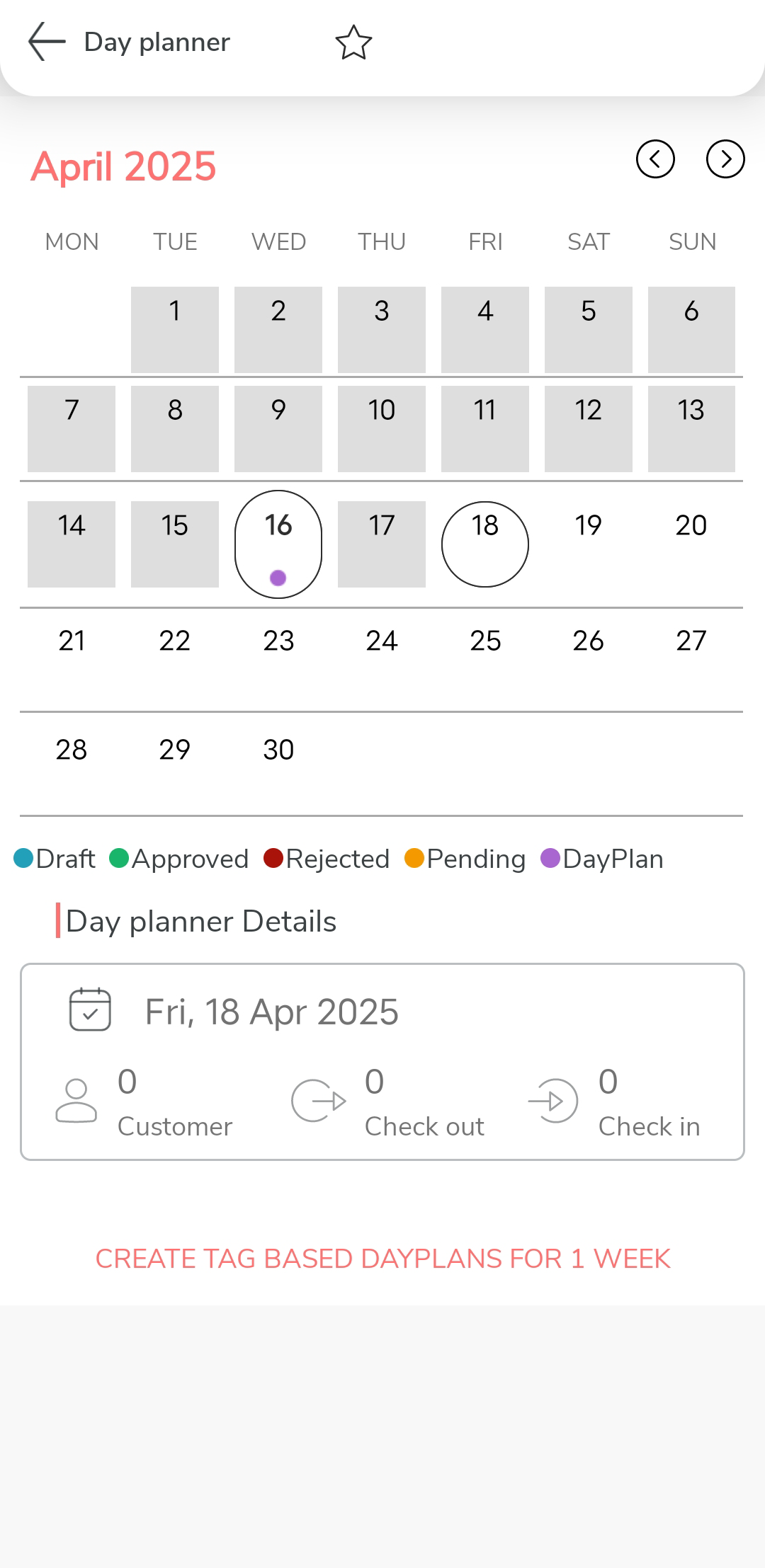
Tap a day that doesn't have a day plan.
- Optional:
Locate the customers you would like to select using Search
 ,
Filter
,
Filter  , and Sort
  options.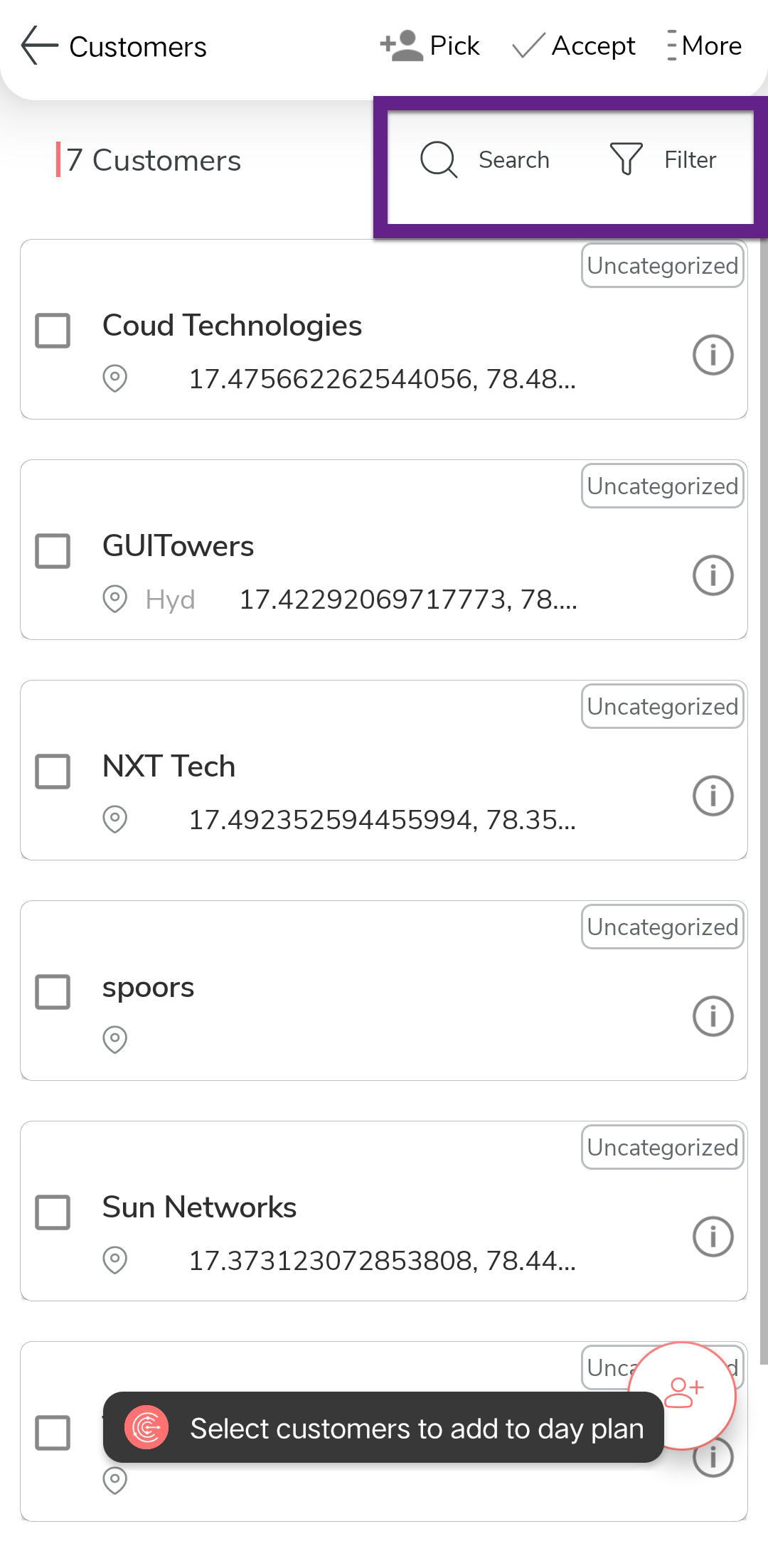
- Optional:
Tap customer to view the customer details on a mini map.
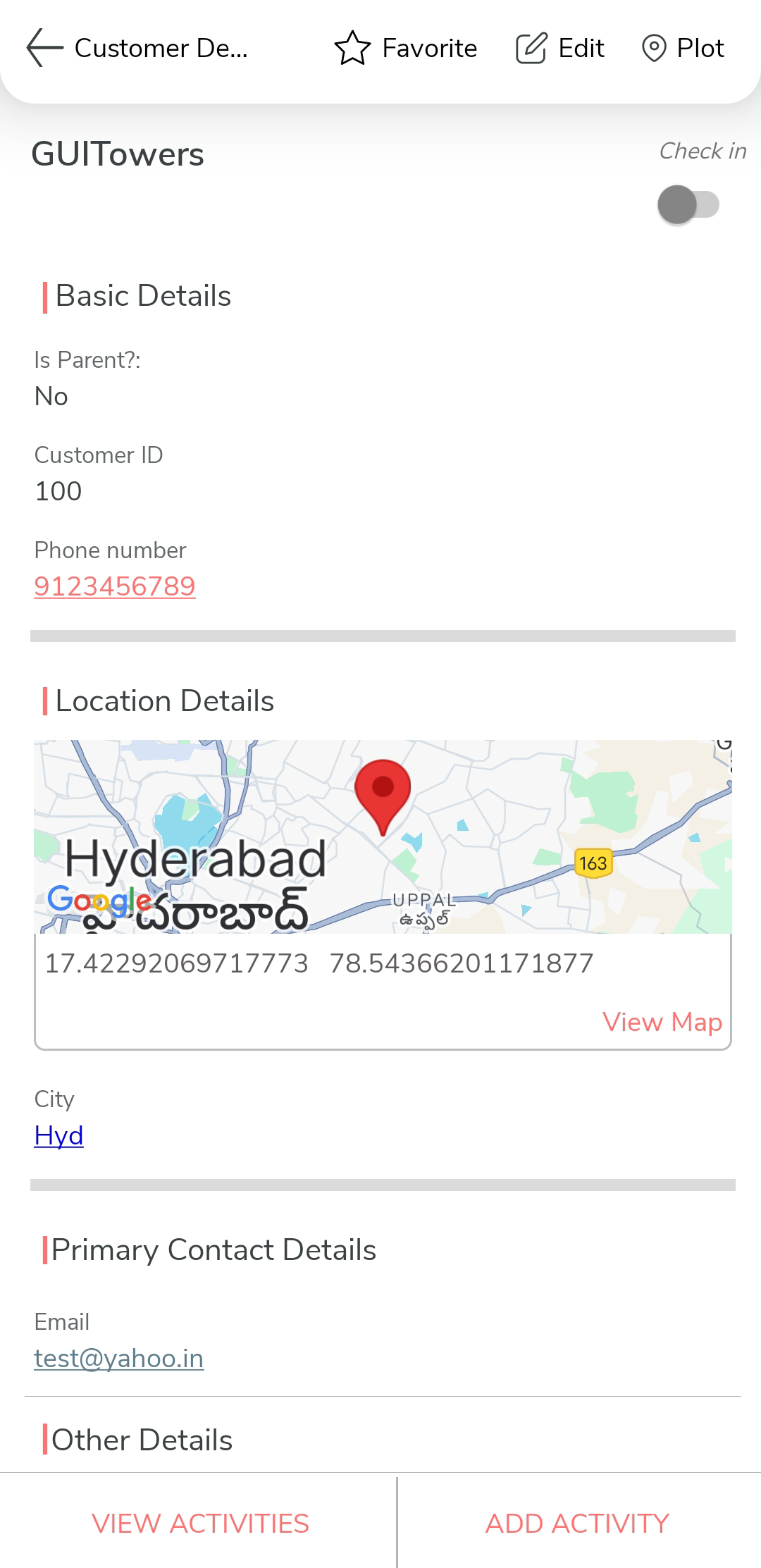
- Optional:
Create one or more customers using add button at the bottom right corner.
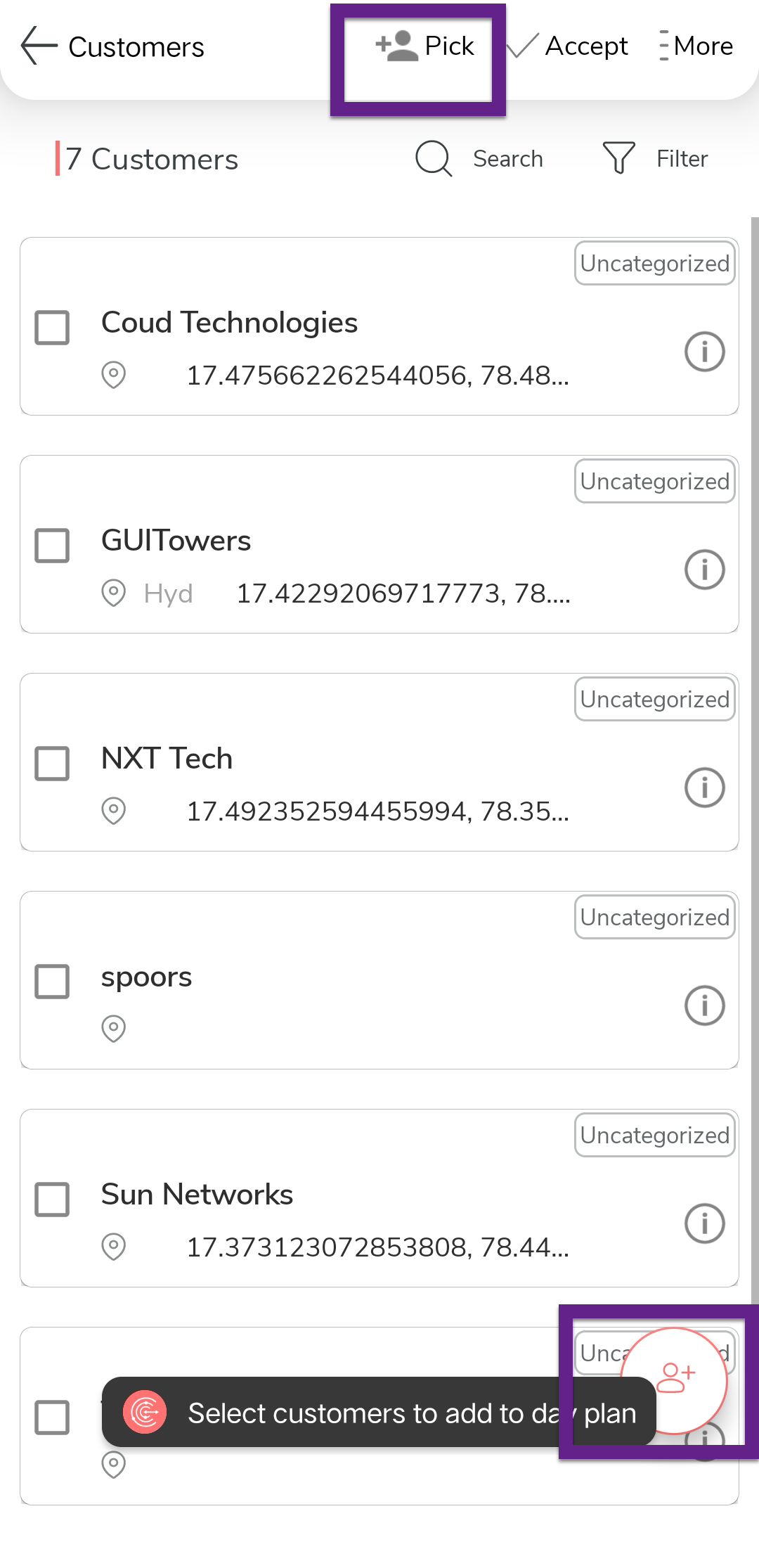
-
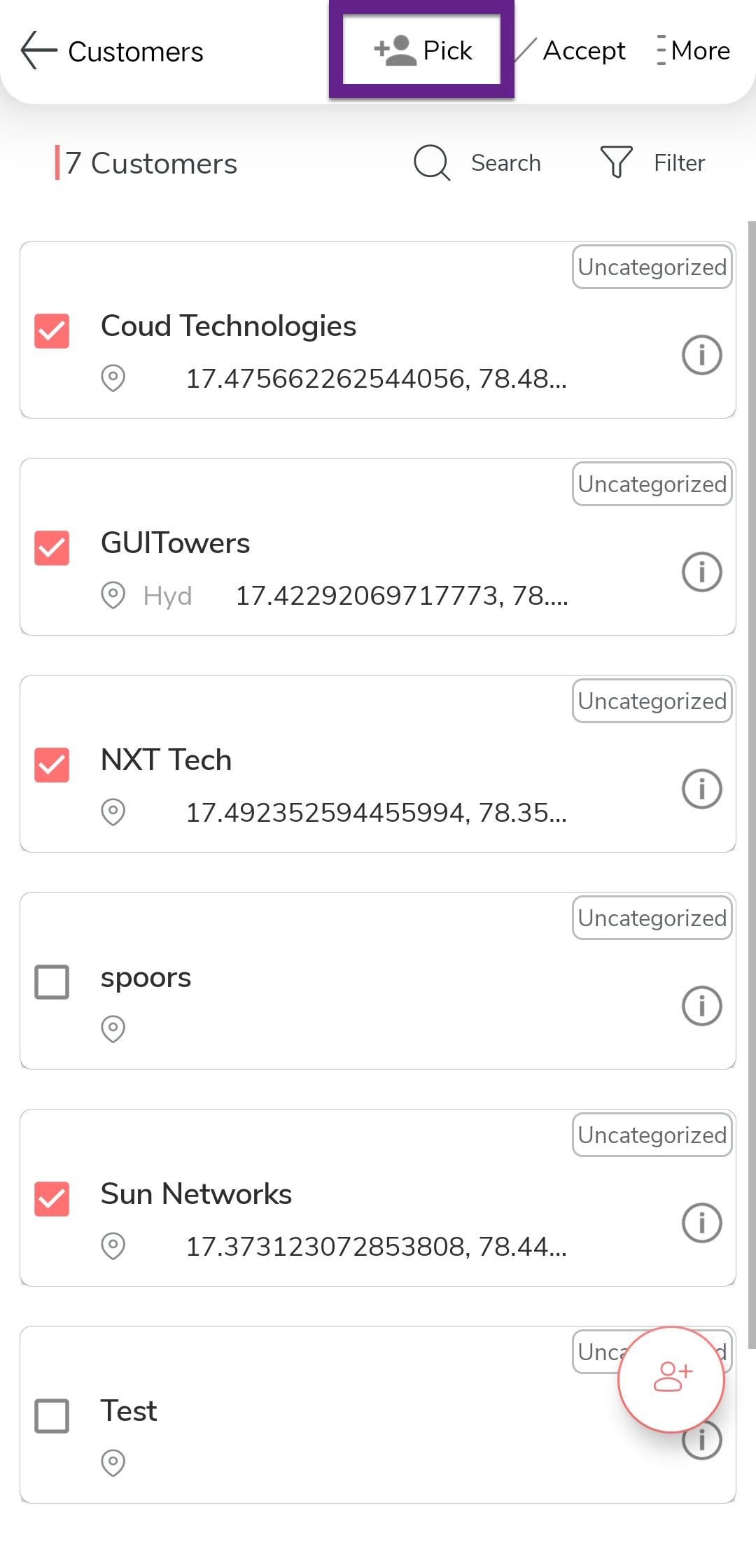
Select one or more checkboxes on the customers list.
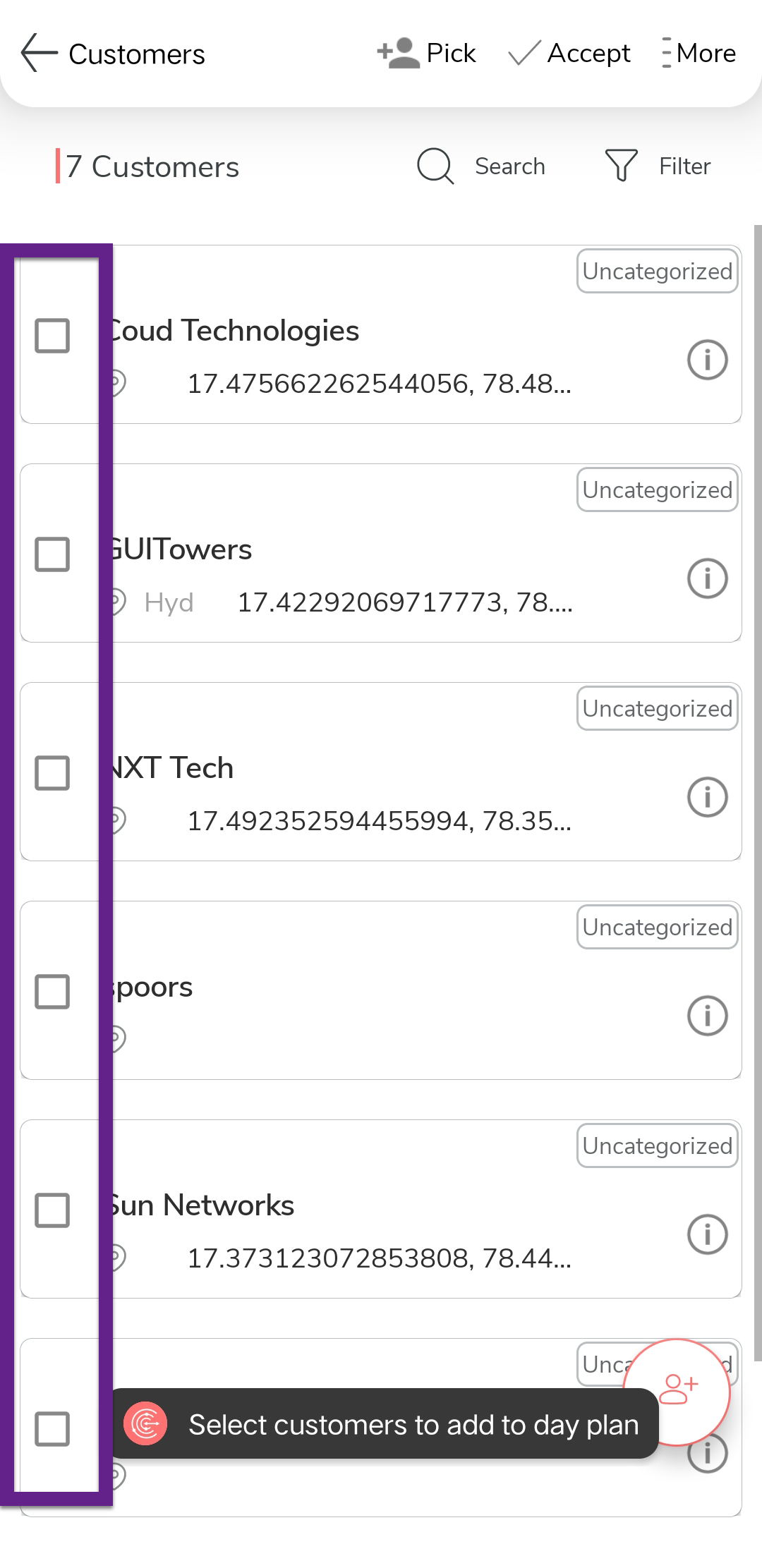
-
Tap the
 Accept option.