Delete a Work in Mobile App
This topic helps you understand how to delete a work entry using the mobile app.
-
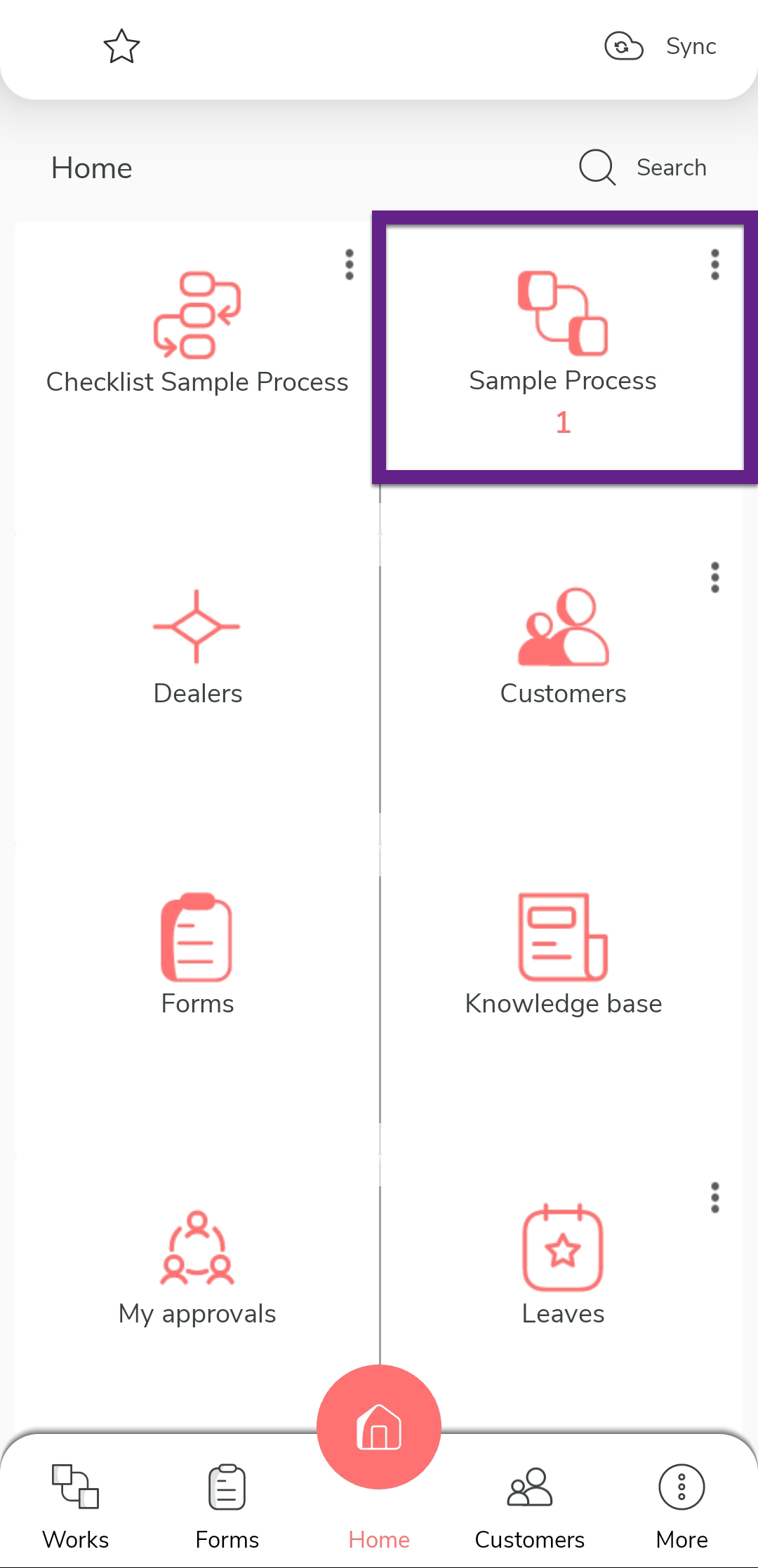
Tap the process on the home screen.
-
Tap on the specific work you want to delete.

-
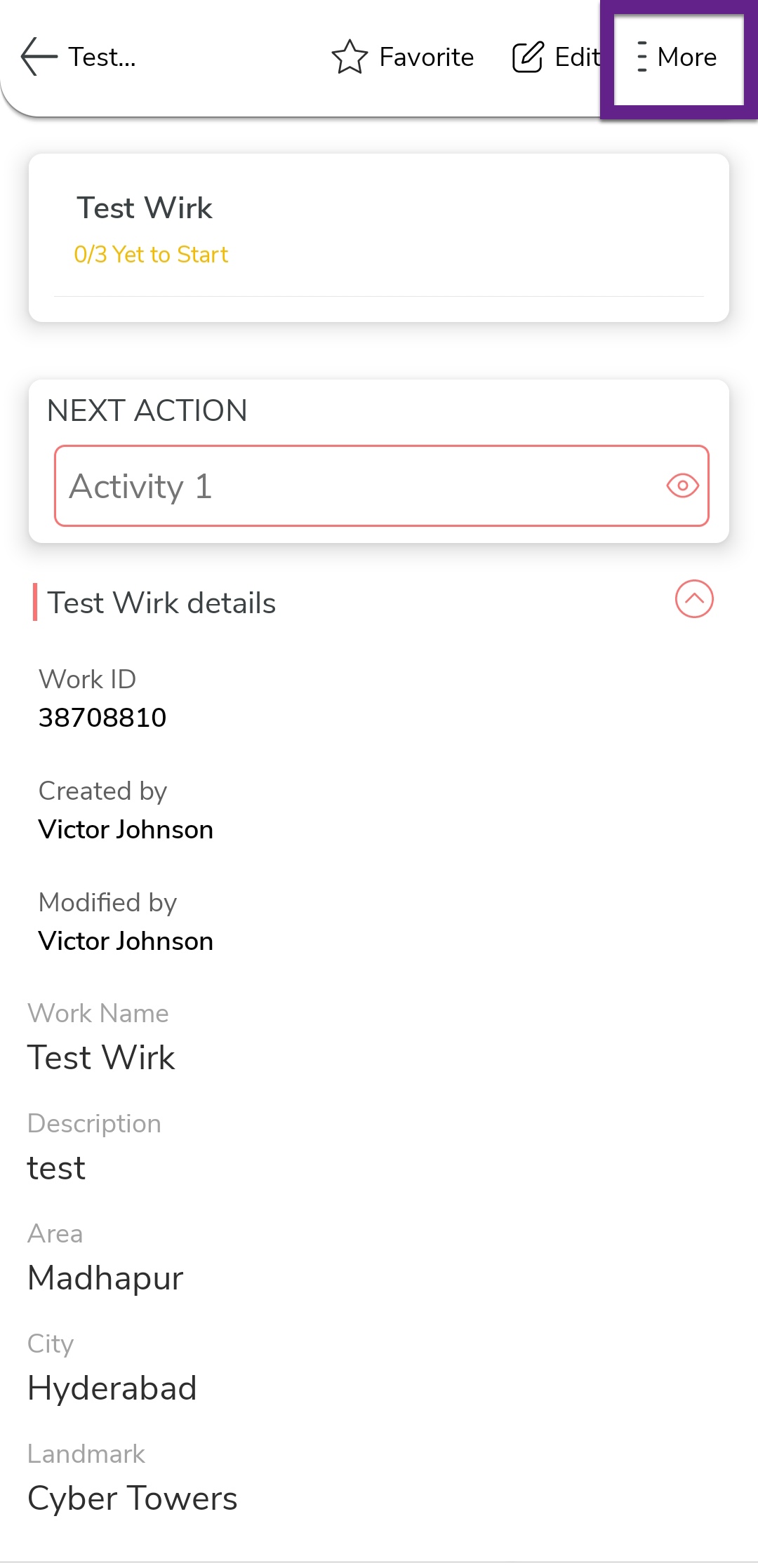
Tap the More option at the top of the screen.
-
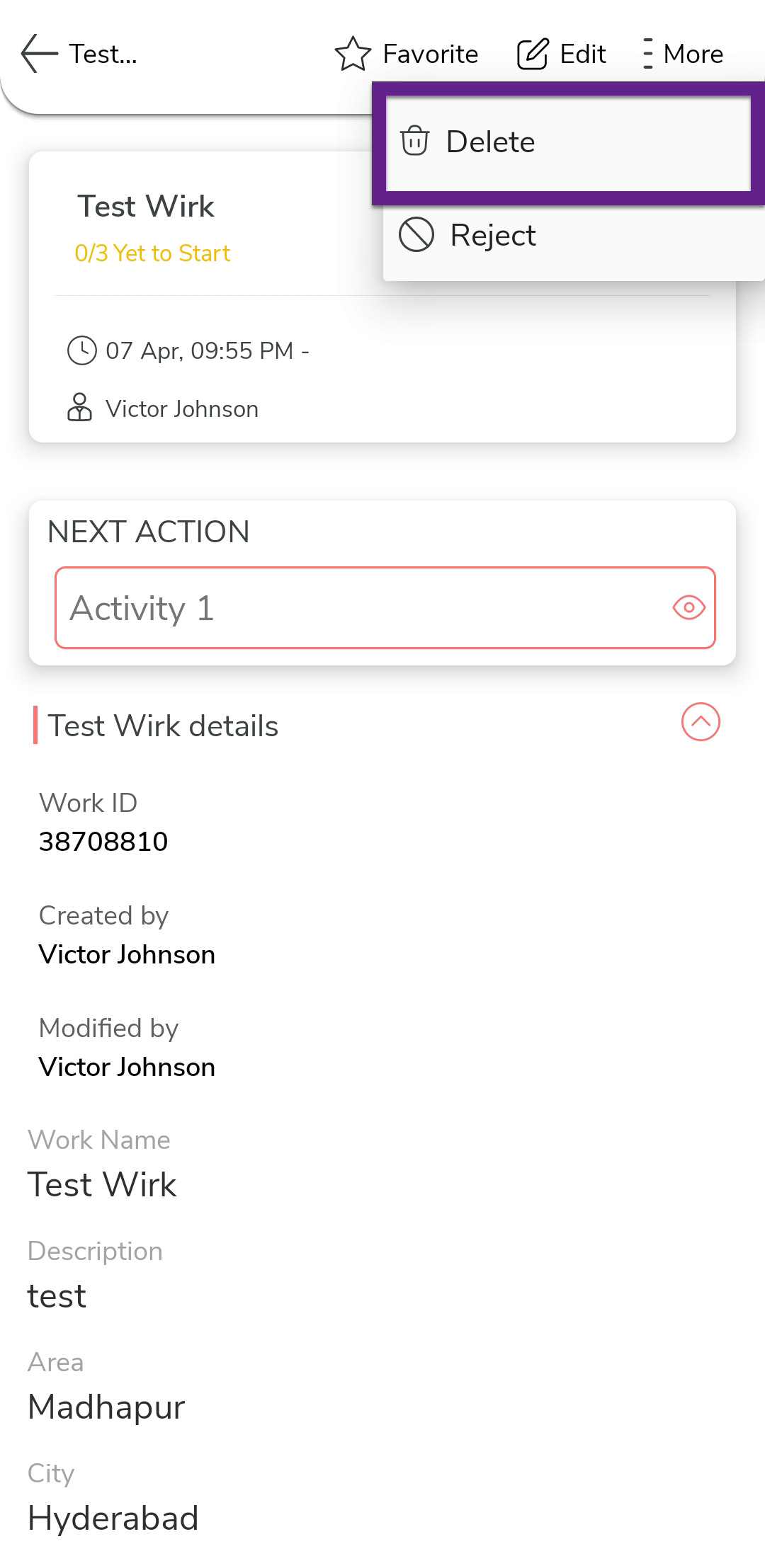
Tap the Delete option from the menu.
-
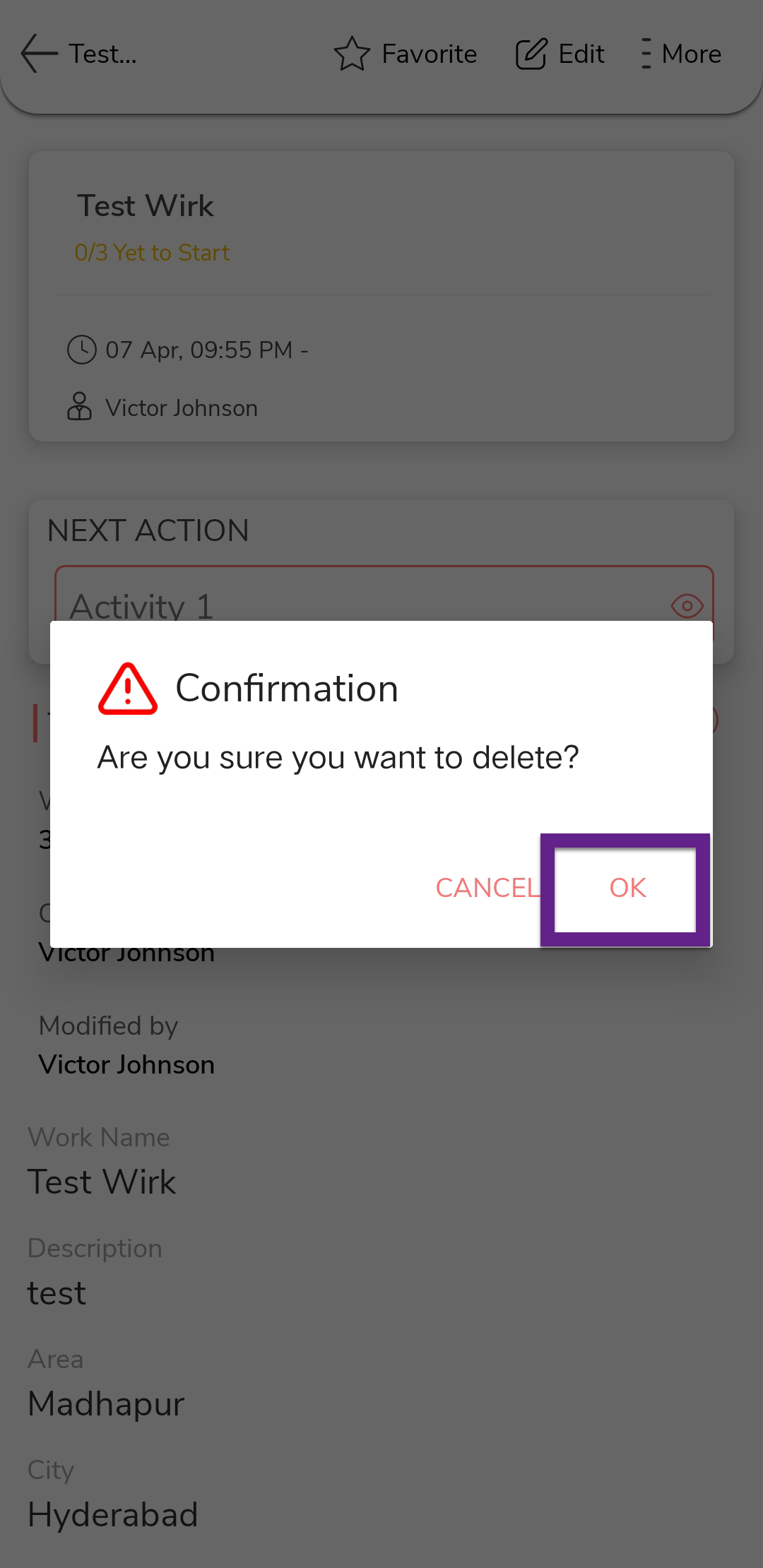
In the confirmation pop-up, tap OK to confirm deletion.