

Create Role Based Approval Process
Make sure that you have already created Roles in the Employees module. To create roles, refer to the Create Roles.
-
Go to .
The Create Approval Processes page appears.
-
Specify a Title for the approval process.

- Optional:
Enable the checkboxes depending on your requirement.
- Can edit submitted data when it comes for approval: The approver gets permission to edit the submitted data in the form while approving.
- Can reject after approval: The approver gets permission to reject the form submission even if it is approved.
- Can edit submitted data by submitter: The submitter gets permission to edit the data that is already submitted for approval.
- Can reintiate flow when submitter modifies after approval: The approval flow will be reinitiated when the submitter modifies the already approved form submission.

-
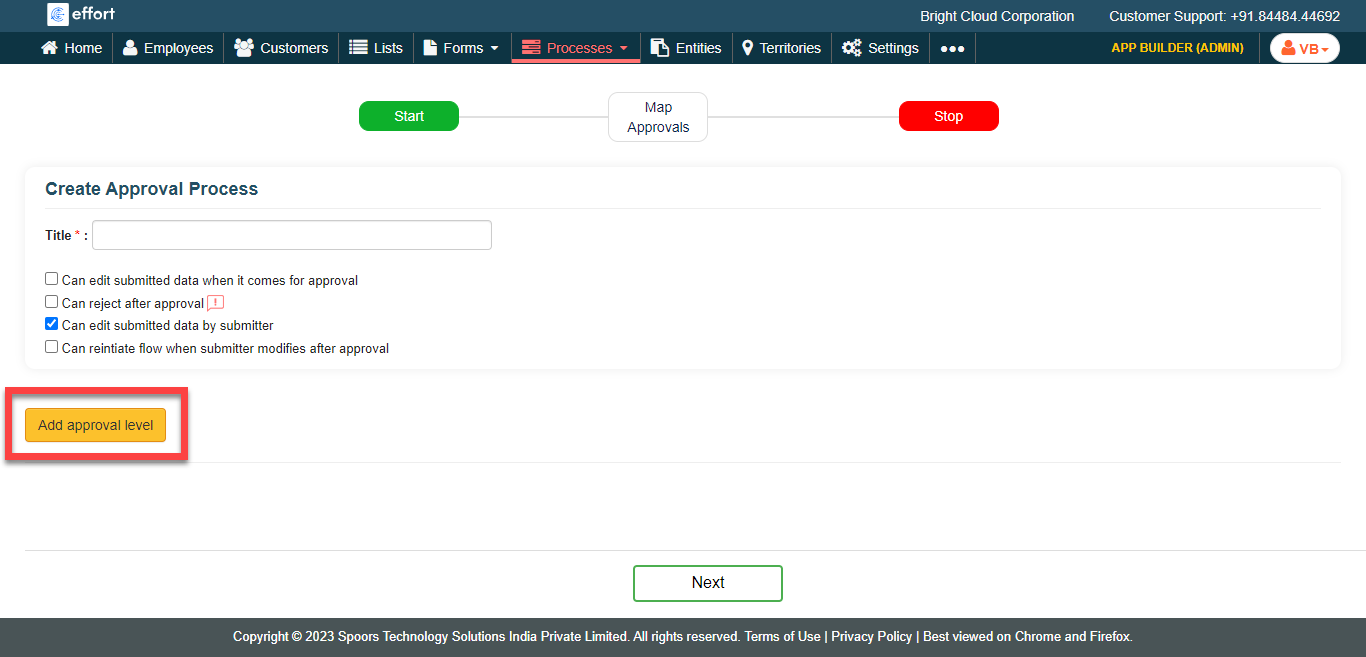
Click the Add Approval Level button and do the
following.
-
Specify a name for the approval level in the Approval Level
Name textbox.

-
Select Approval Flow Mode as per your
requirement.
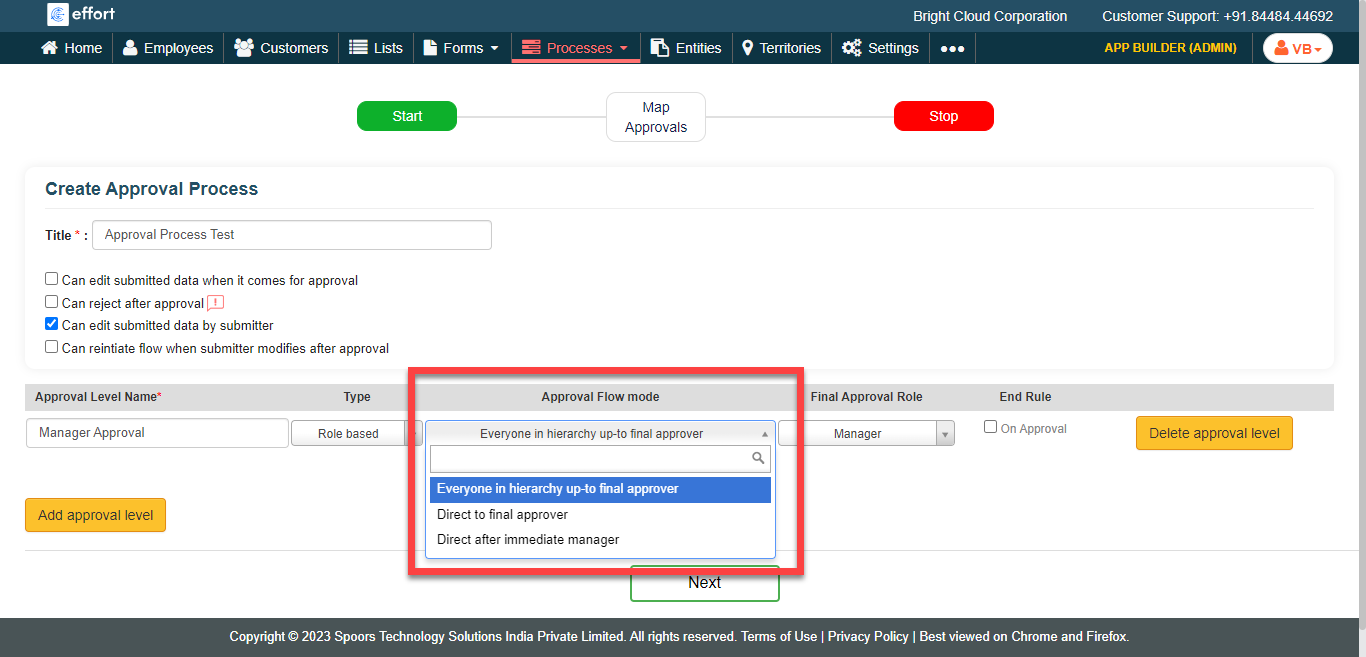
- Everyone in hierarchy up-to final approver: Select this option if you want everyone in the hierarchy to approve the form submission.
- Direct to final approver: Select this option if you want a particular role to approve the form submission.
- Direct after immediate manager: Select this option if you want the manager after immediate manager to approve the form submission.
-
Select a Final Approval Role from the dropdown.
The approval process ends when the selected role approves the form
submission.

- Optional:
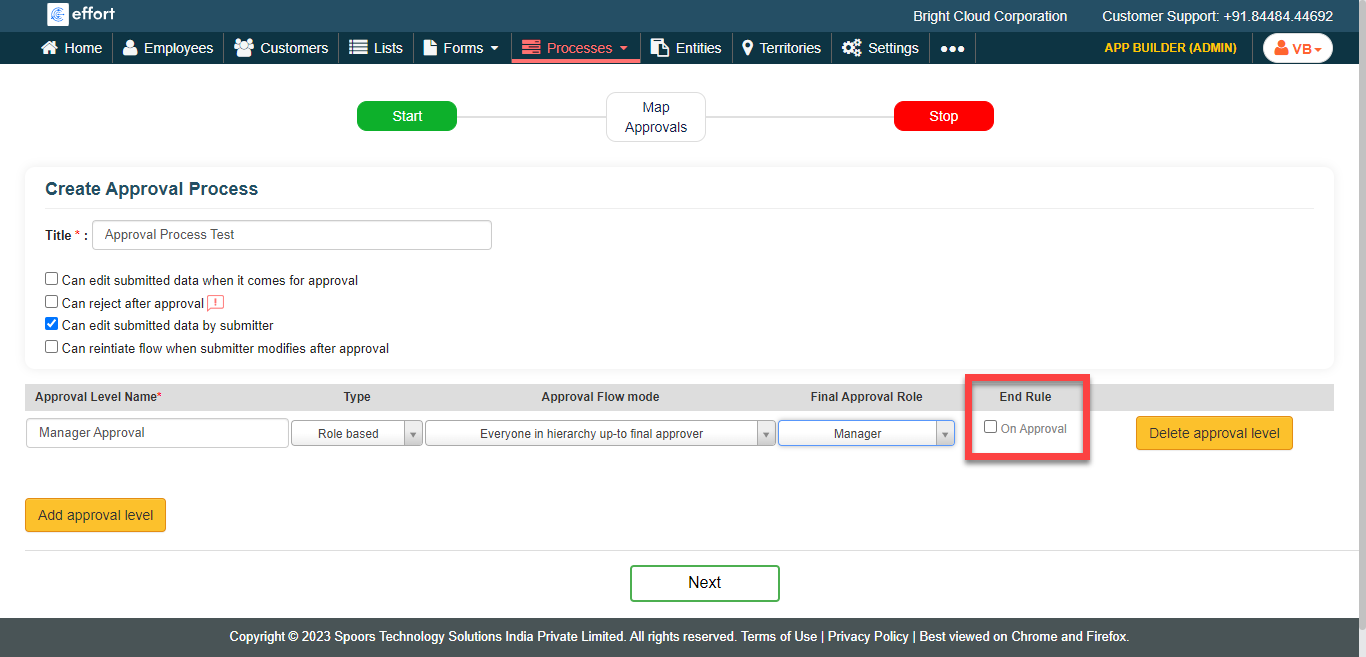
Click the On Approval checkbox under the
End Rule column.
-
Specify a name for the approval level in the Approval Level
Name textbox.
- Optional: Click the Add Approval Level button again if you want to add more approval levels.
-
Click the Next button to configure approval
mapping.

-
In the Map Approvals section, map the newly created
approval process to the existing form templates.
-
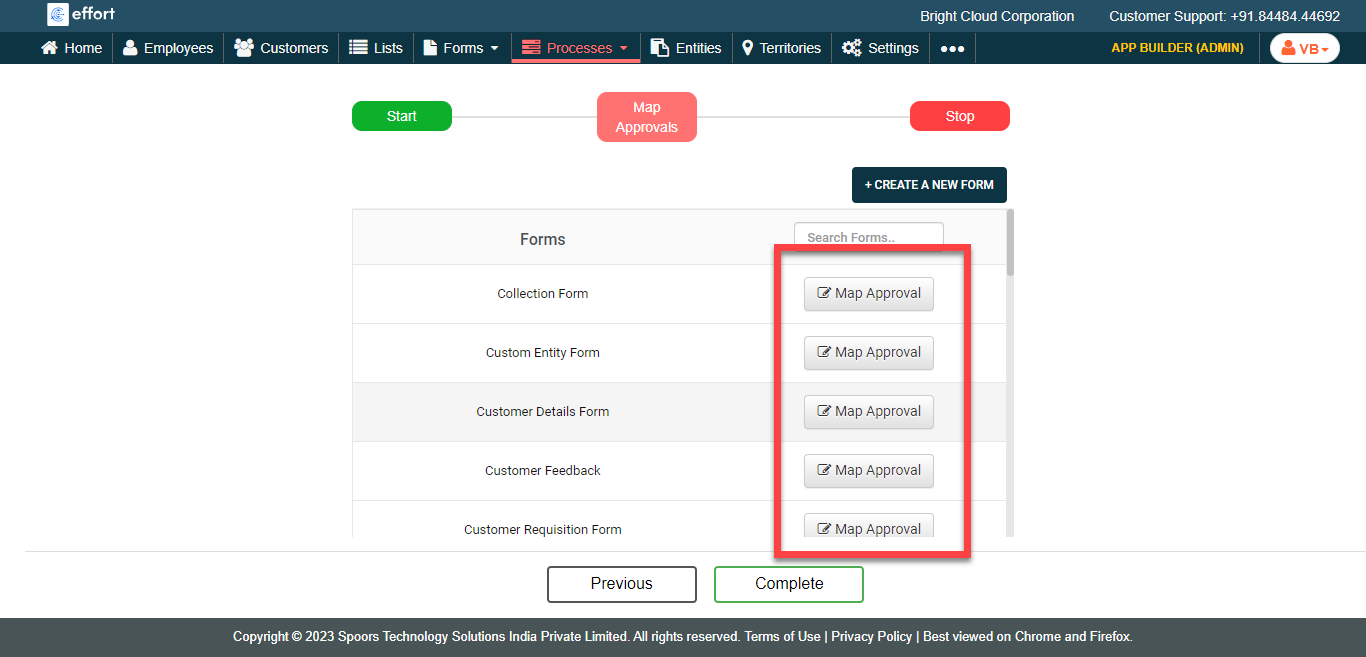
Click the Map Approval button against the
required form template.
-
In the Assign Approval Process pop-up window,
configure the approval process as per your requirement.
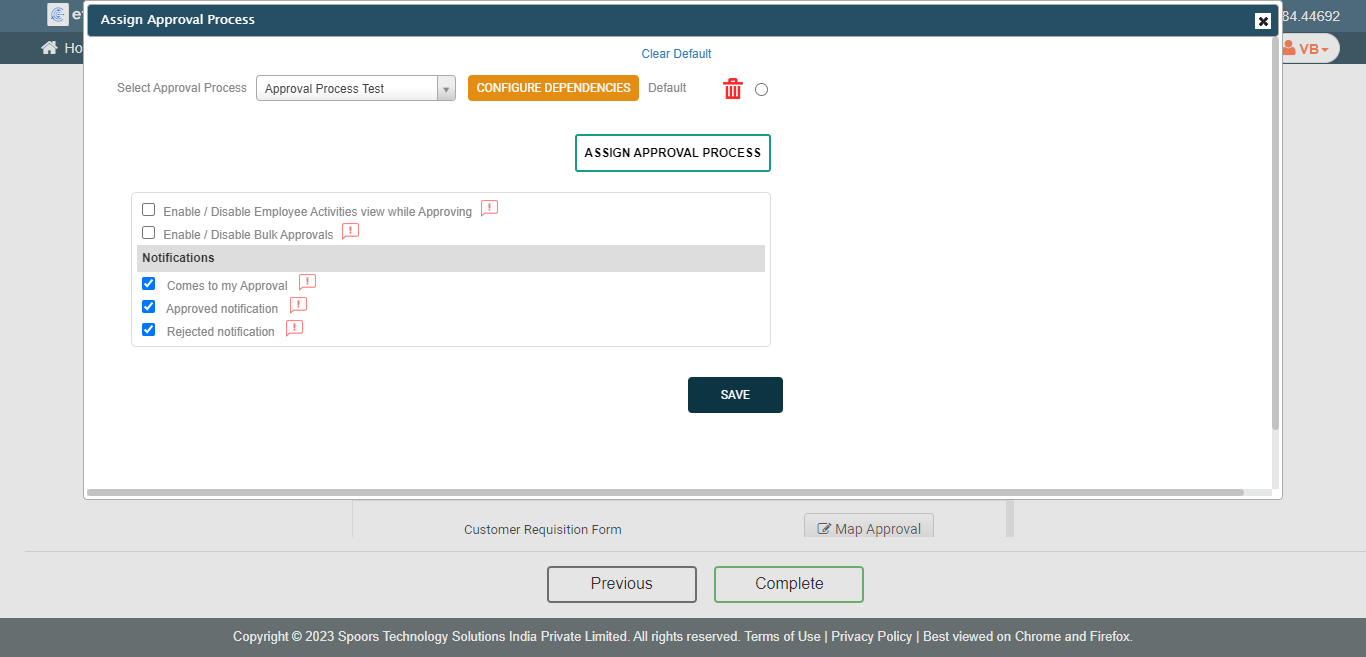
- Click Save.
-
Click the Map Approval button against the
required form template.
- Click Complete.