

Edit a Data Delivery Template
-
On the welcome screen, click the Analytics Connector
card.
The Analytics Connector page appears.
-
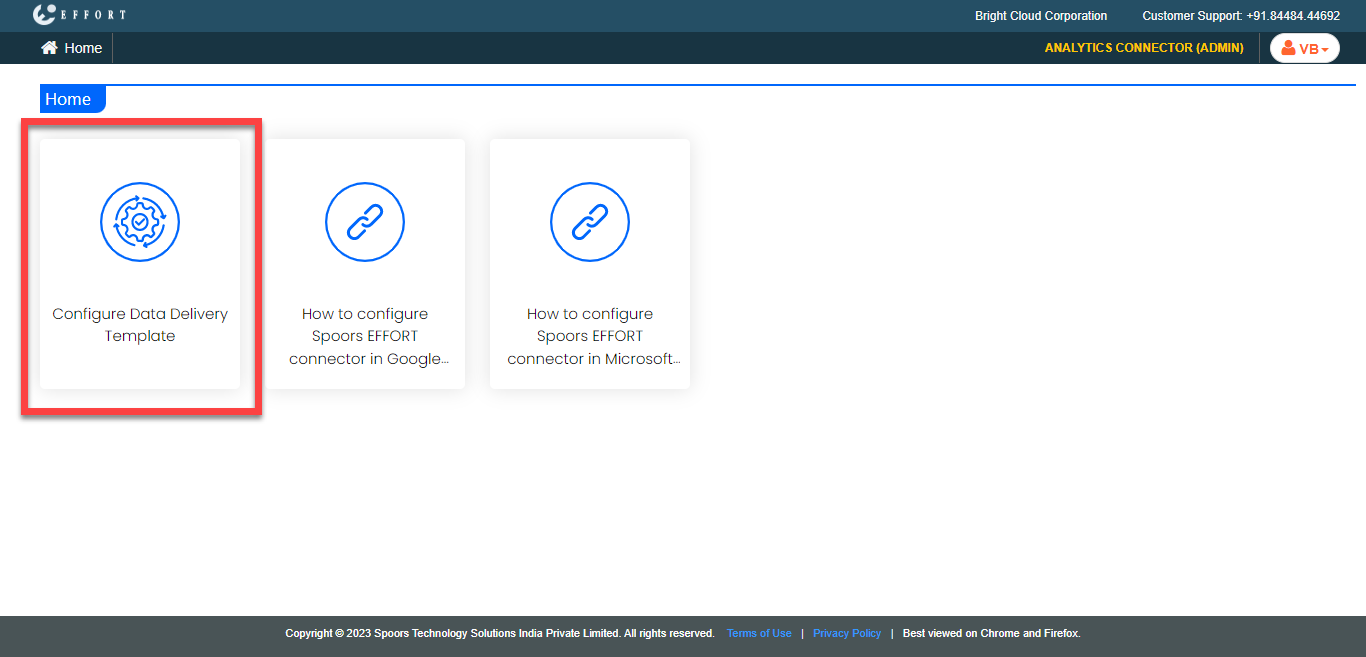
Click the Configure Data Delivery Template card.
-
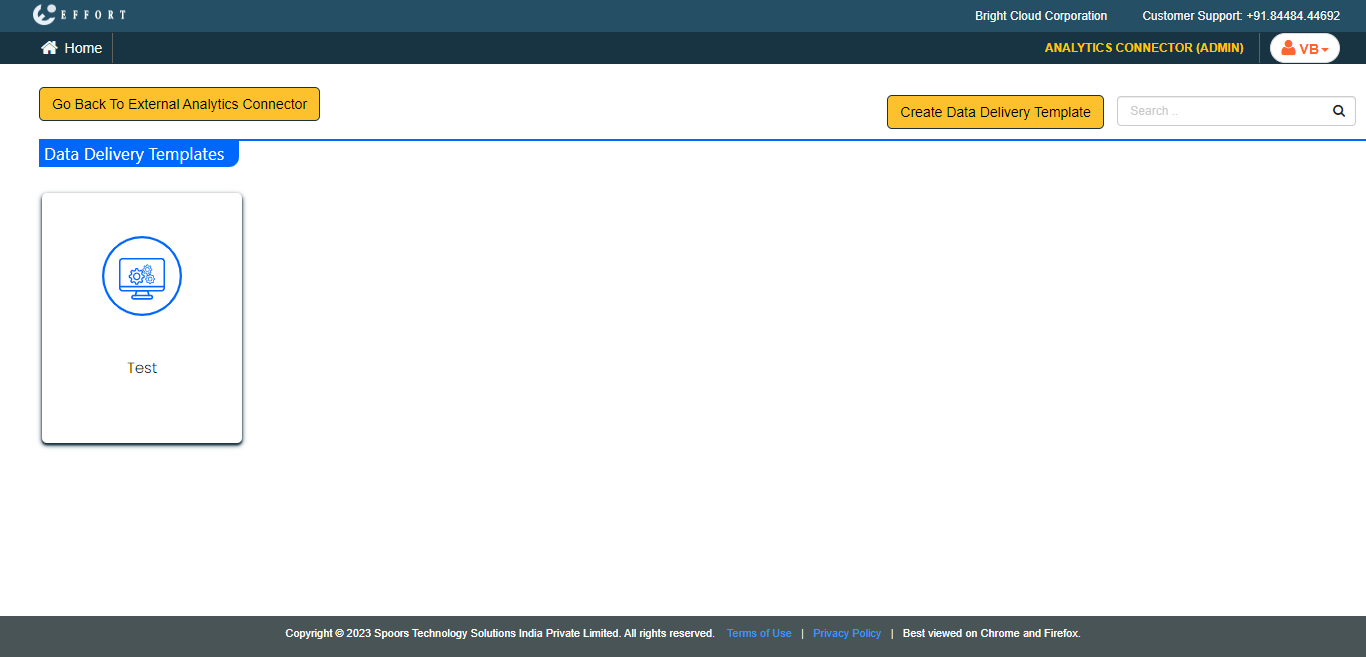
Click the data delivery template card that you want to modify.
-
Modify the fields as per your requirement.
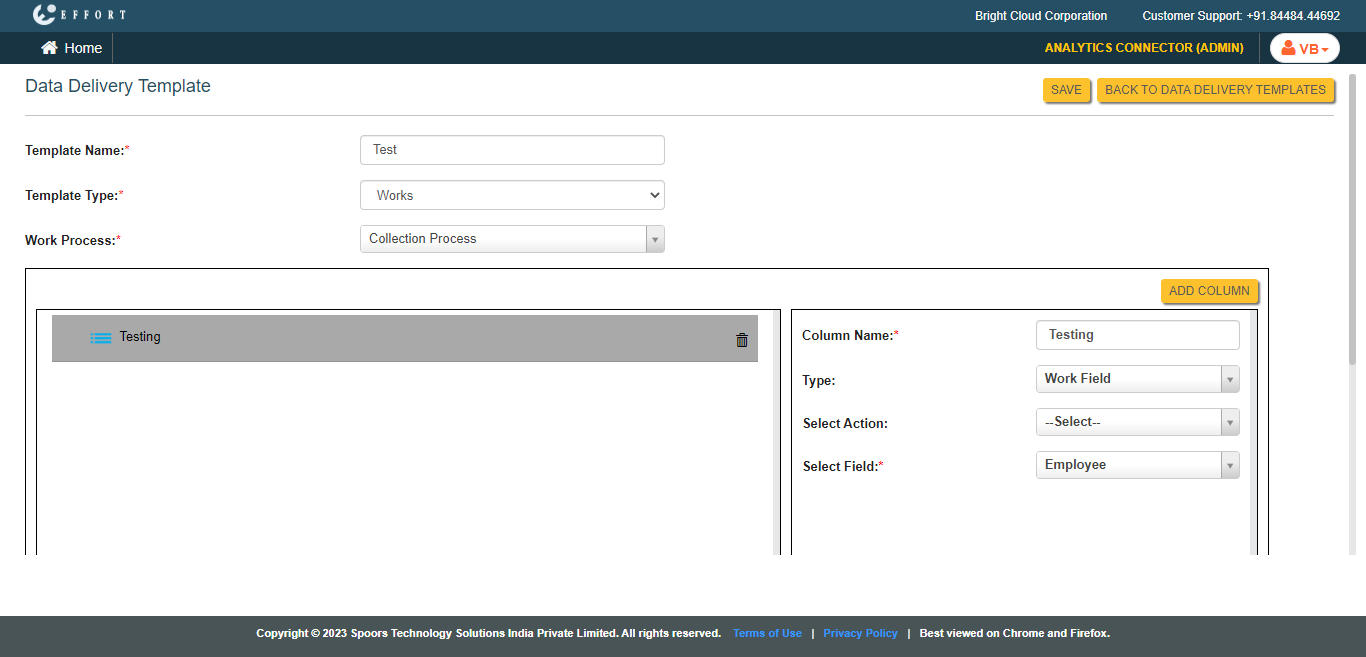
- Click Save.