Edit a Day Plan
Add customers or remove customers from a day plan.
-
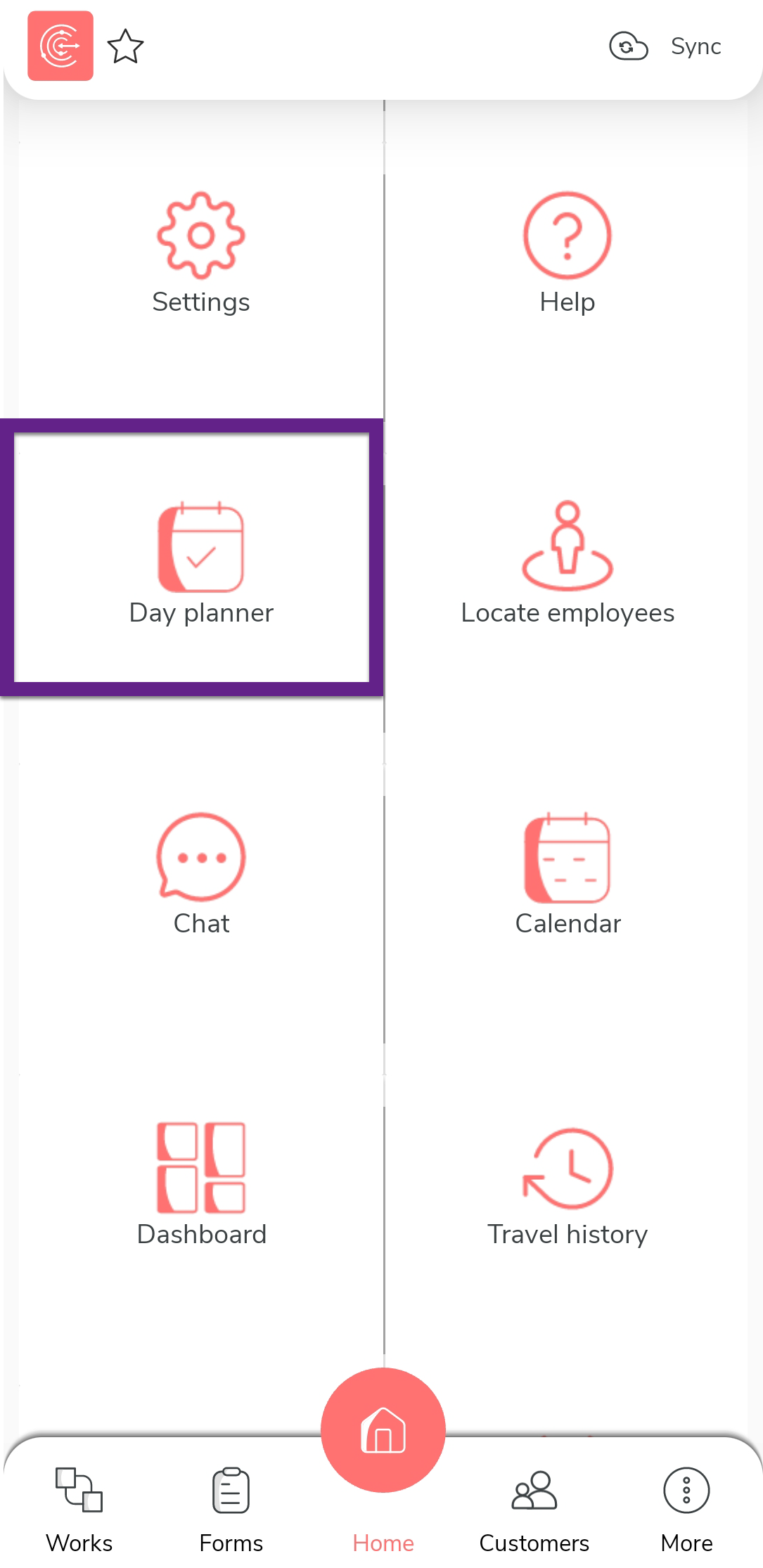
Tap Day planner on the home screen.
-
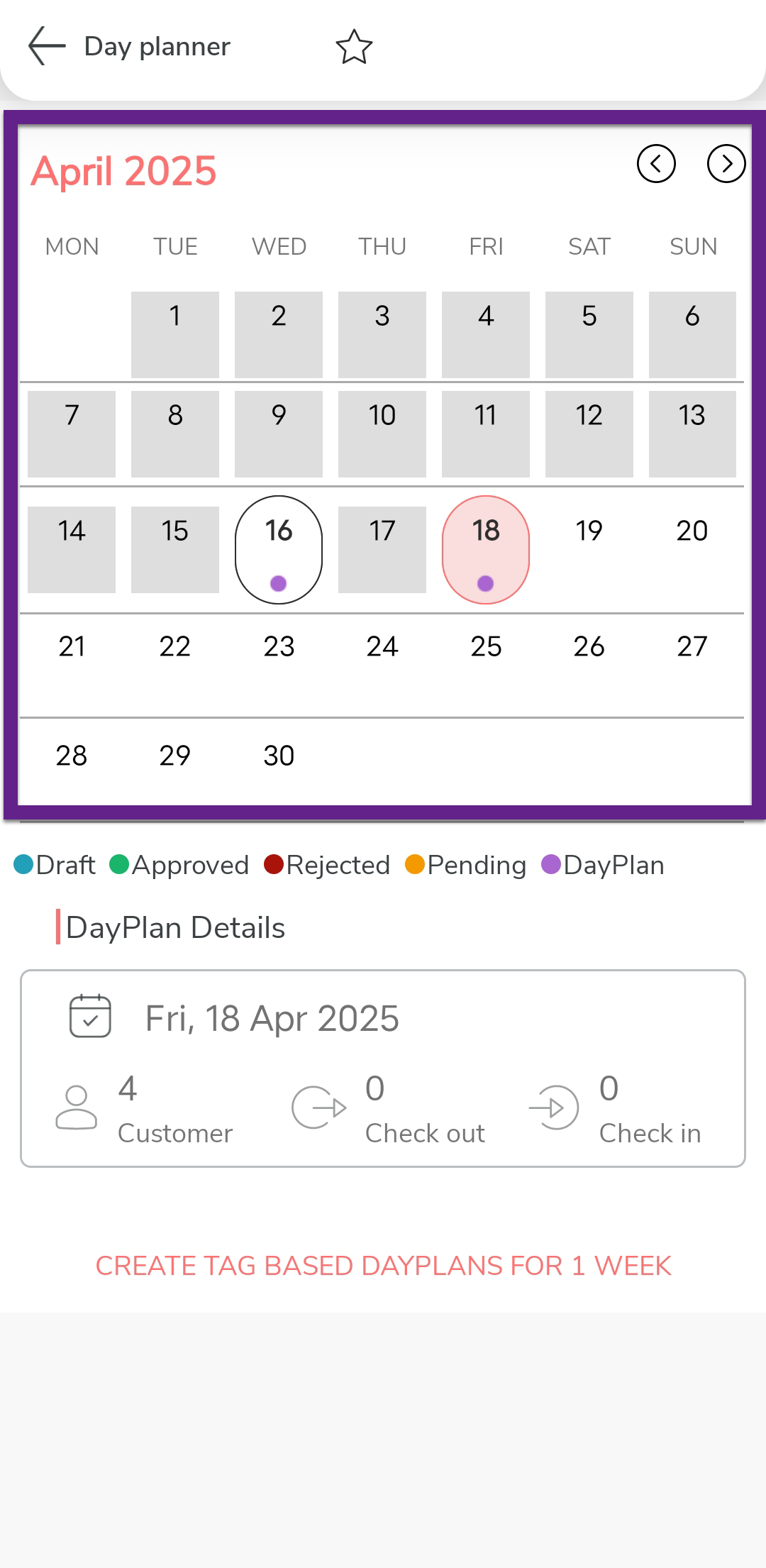
Tap a day with a plan.
-
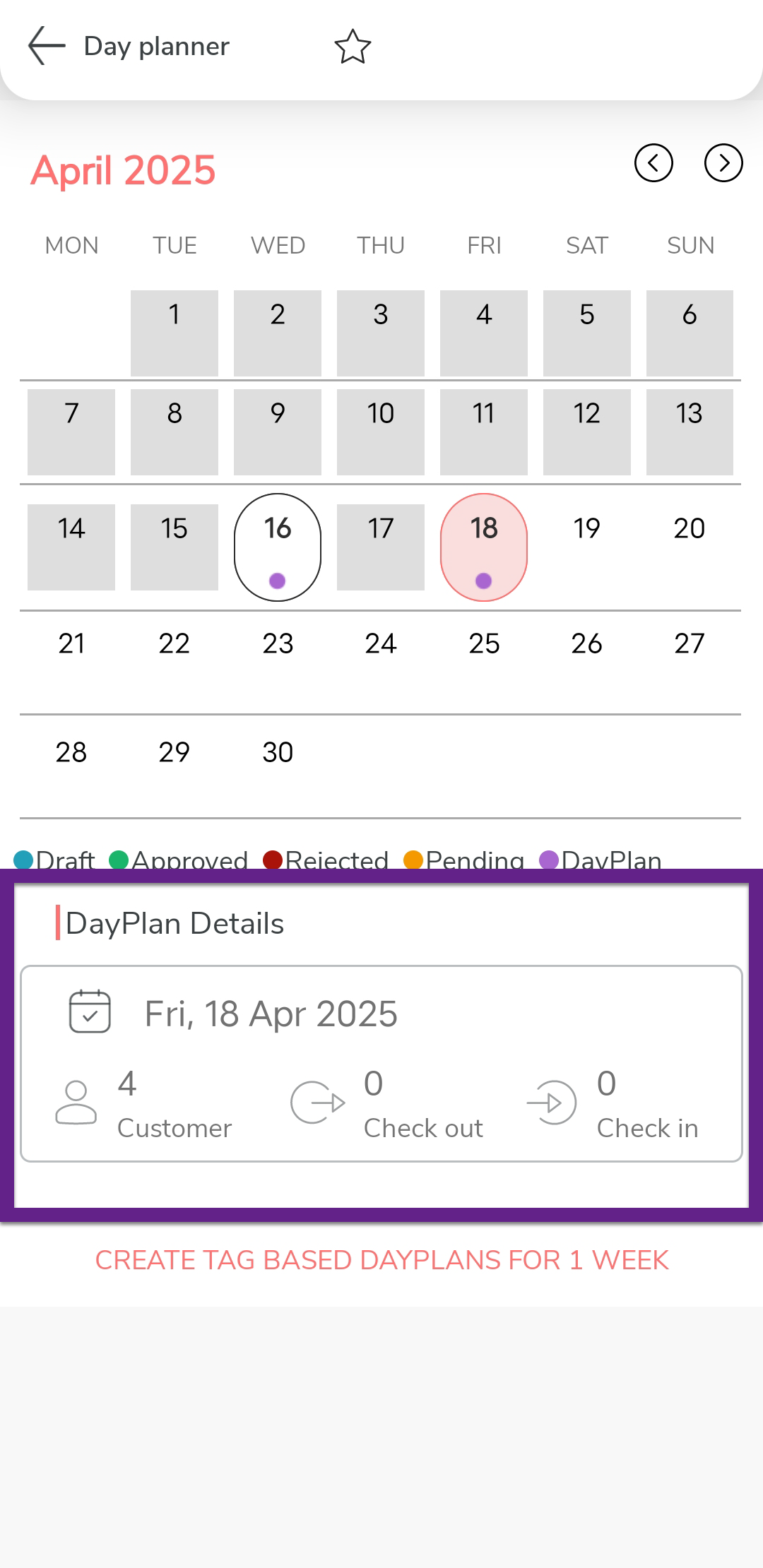
Tap on the day plan that you want to edit under the Day Plan
Details section.
-
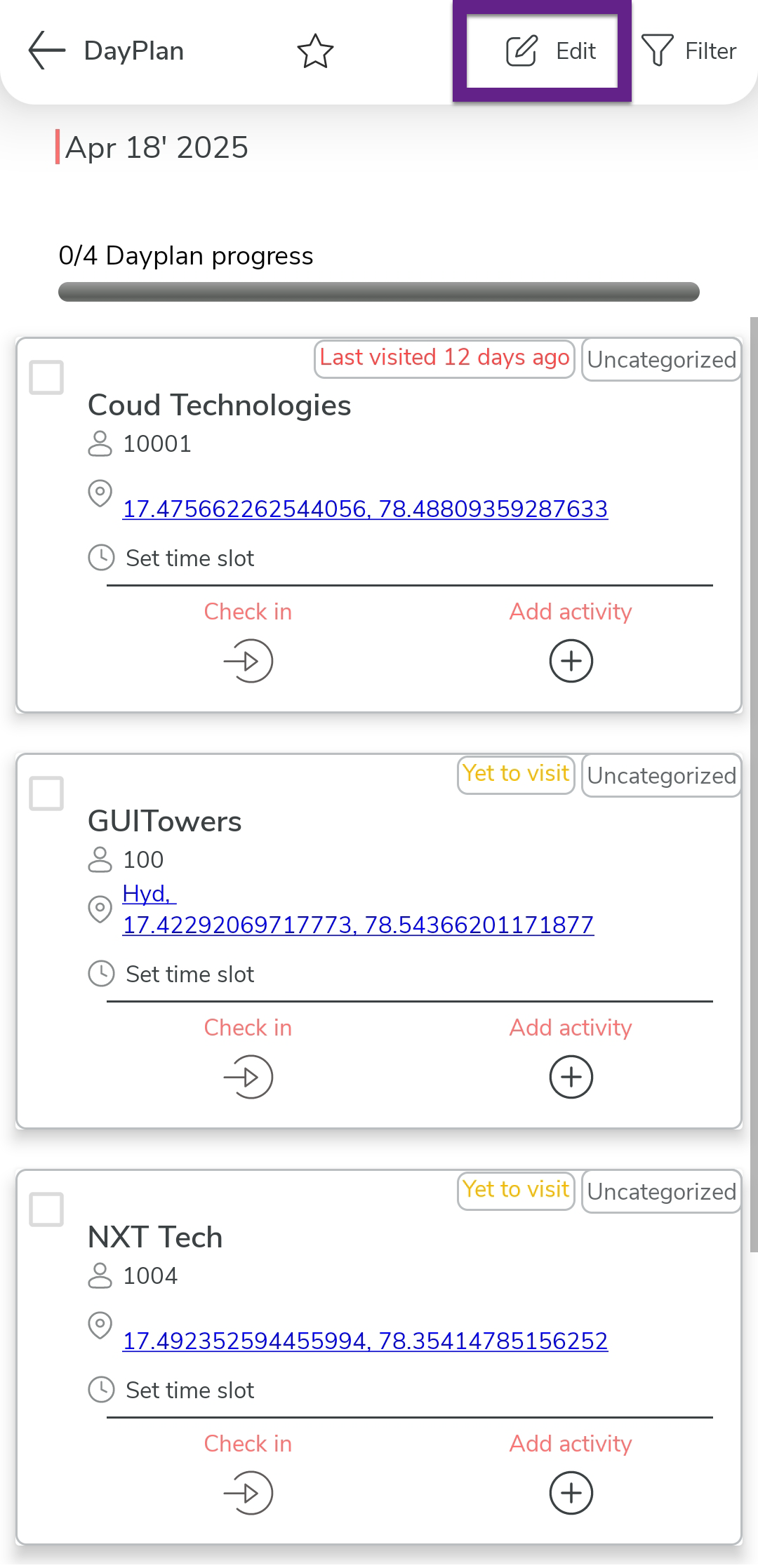
Tap Edit option.
-
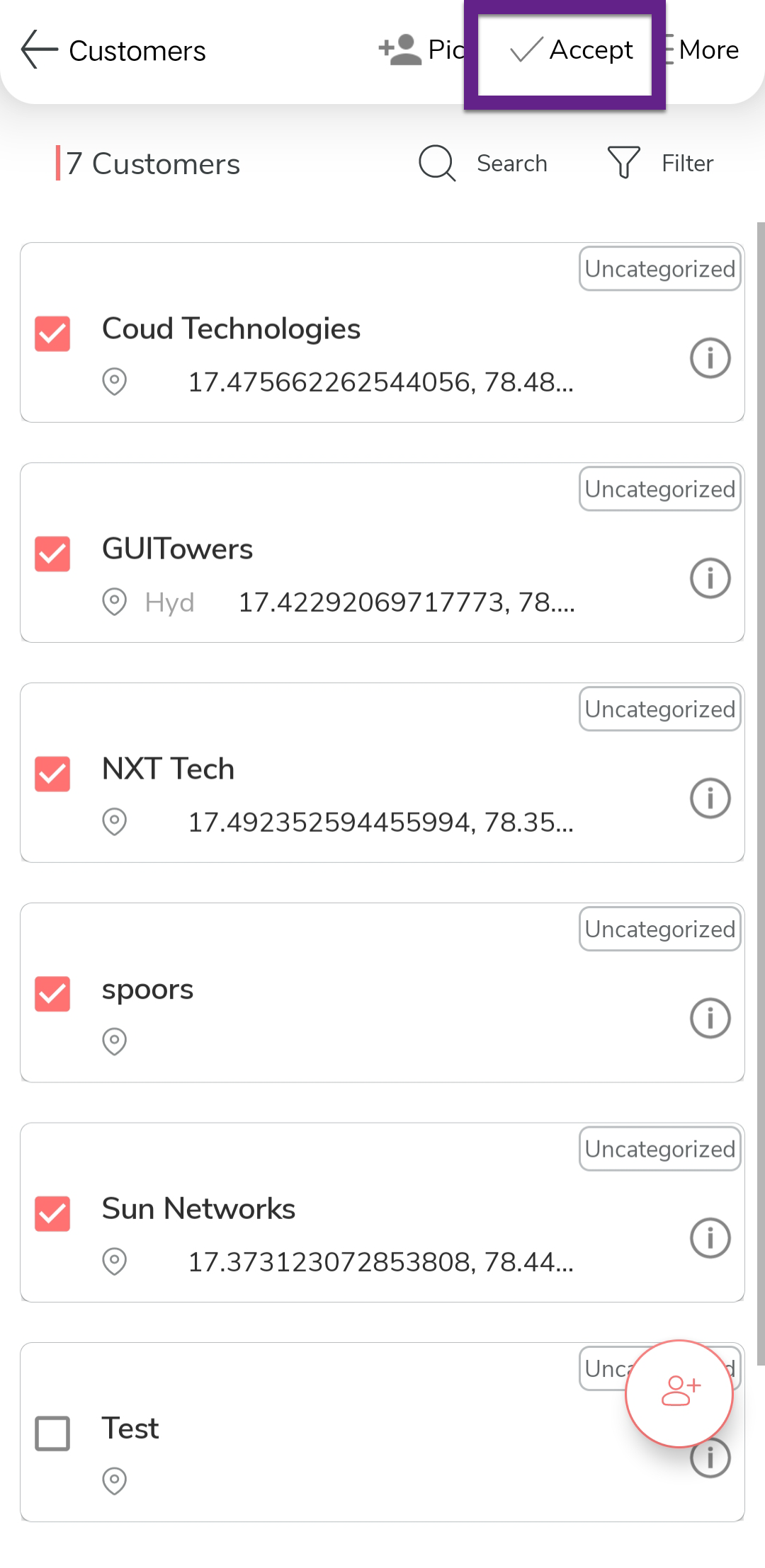
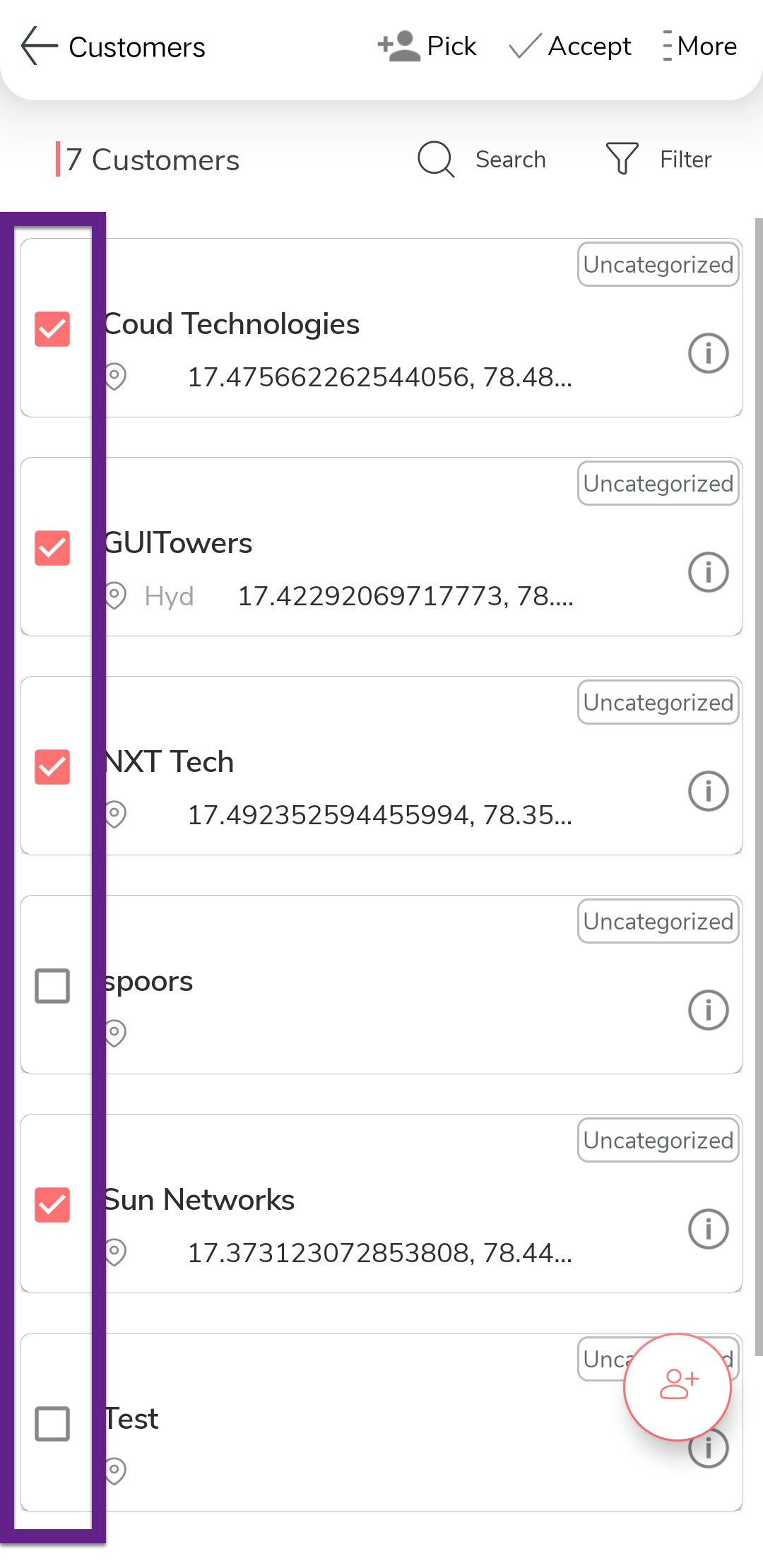
Select/clear checkboxes on the customers list.
-
Tap the
 Accept option.