

Enable an Integration Configuration
To enable an integration configuration, follow the steps below.
-
Go to .
The List of Integration Configurations page appears.
-
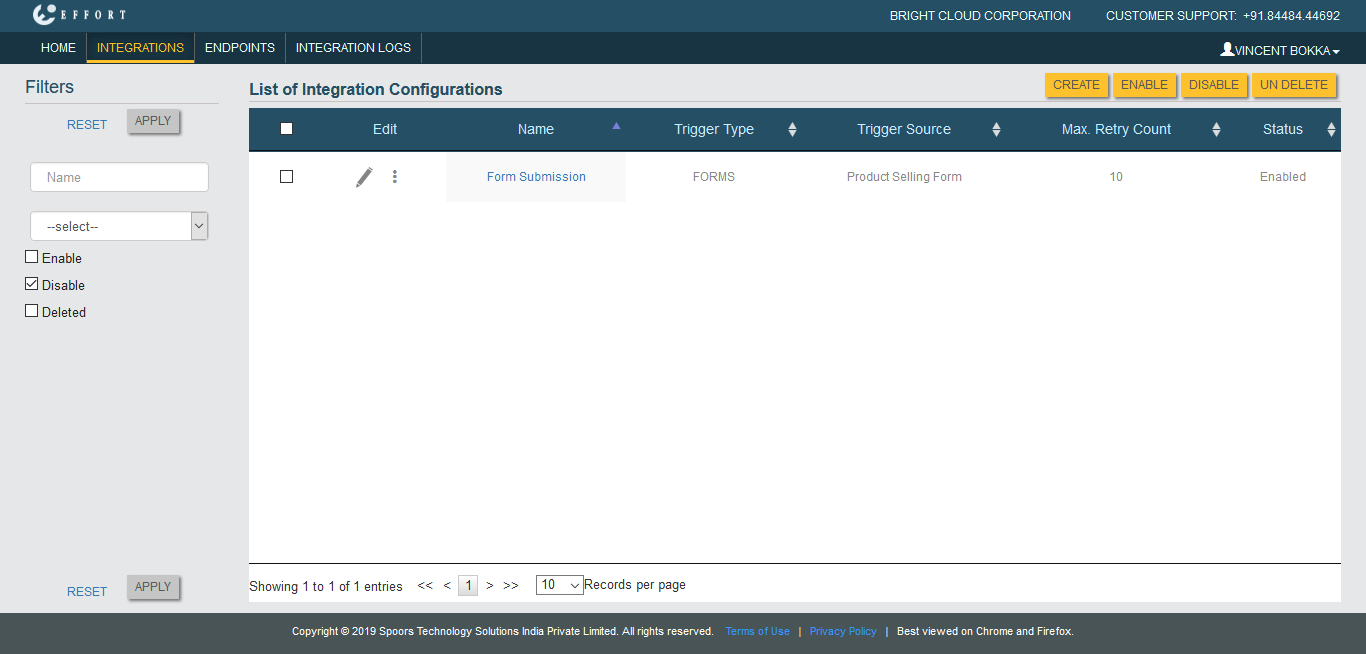
Under the Filters section, uncheck the
Enable checkbox and click the
Disable checkbox.
-
Click Apply button.
The disabled Integration Configurations appears.
-
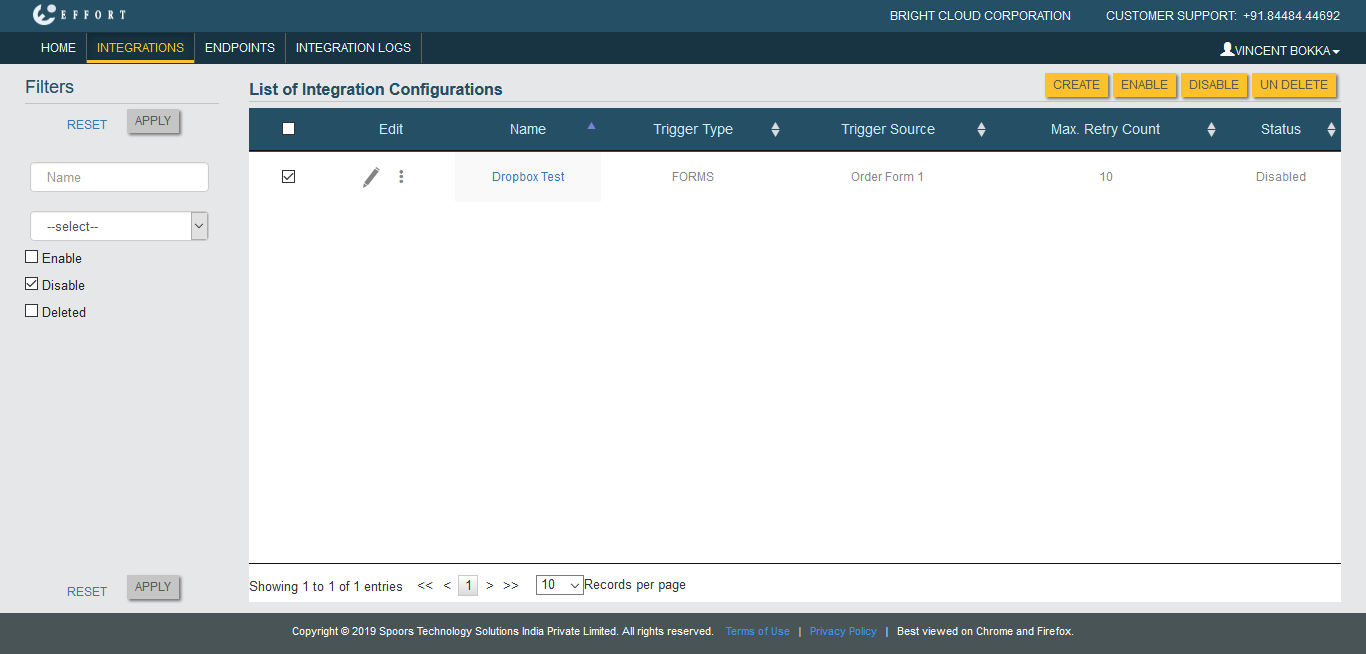
Click the checkboxes of the configurations which you want to enable.
-
Click Enable button.
The status of the Configuration will be changed to Enabled.