

Create Application in Dropbox
To create an application in dropbox, follow the steps below.
- Click the below link.
-
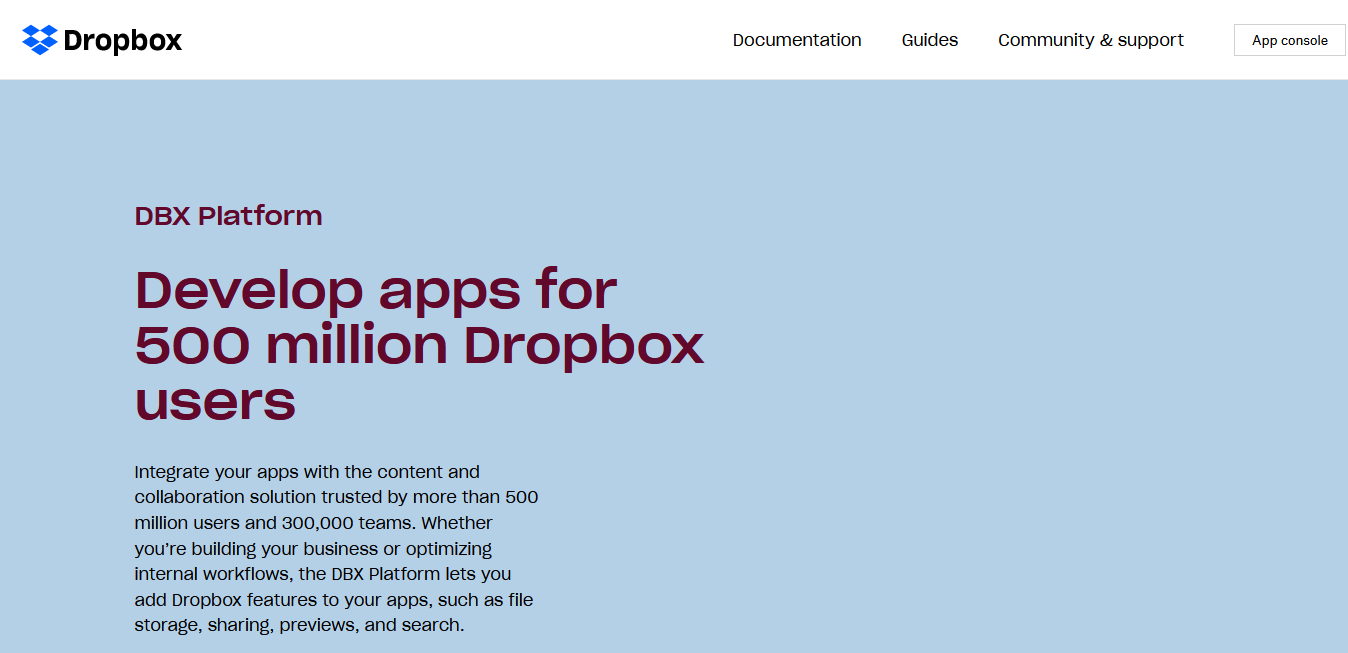
Click App console button located on the top right
corner.
-
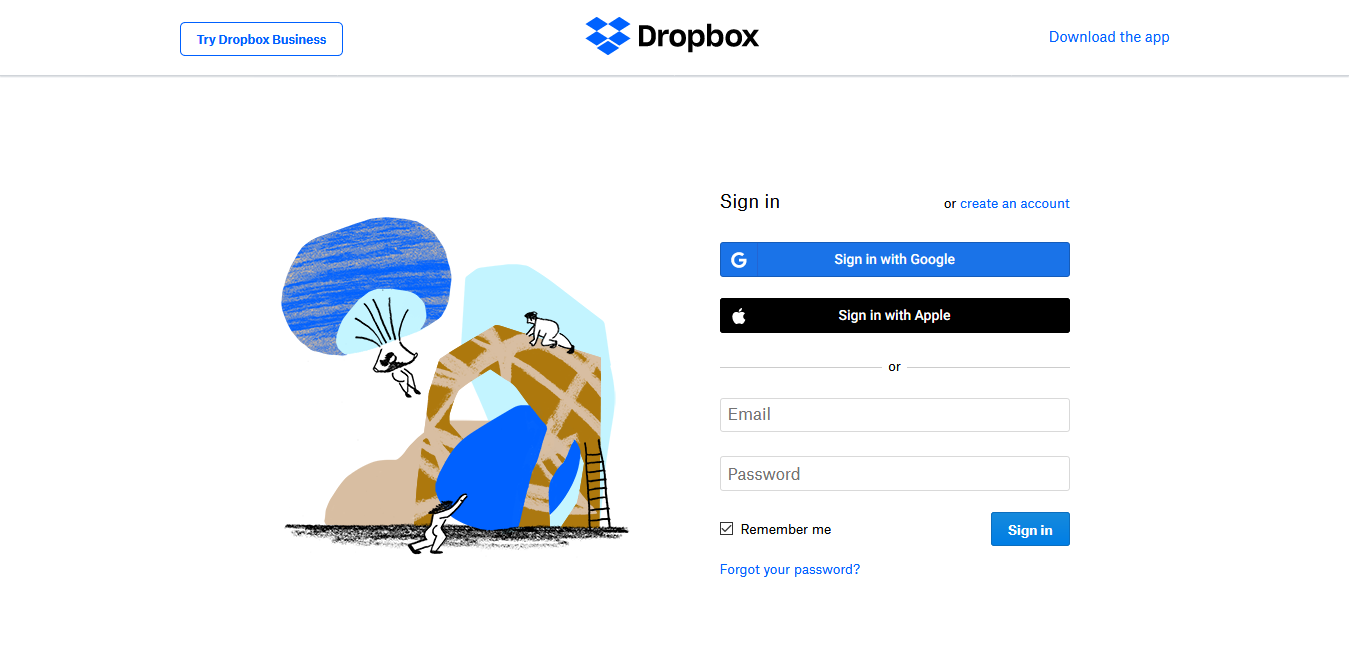
Log in to Dropbox or Register if you don't have an account.
-
Click Create app button.

-
Click Scoped access radio button.

-
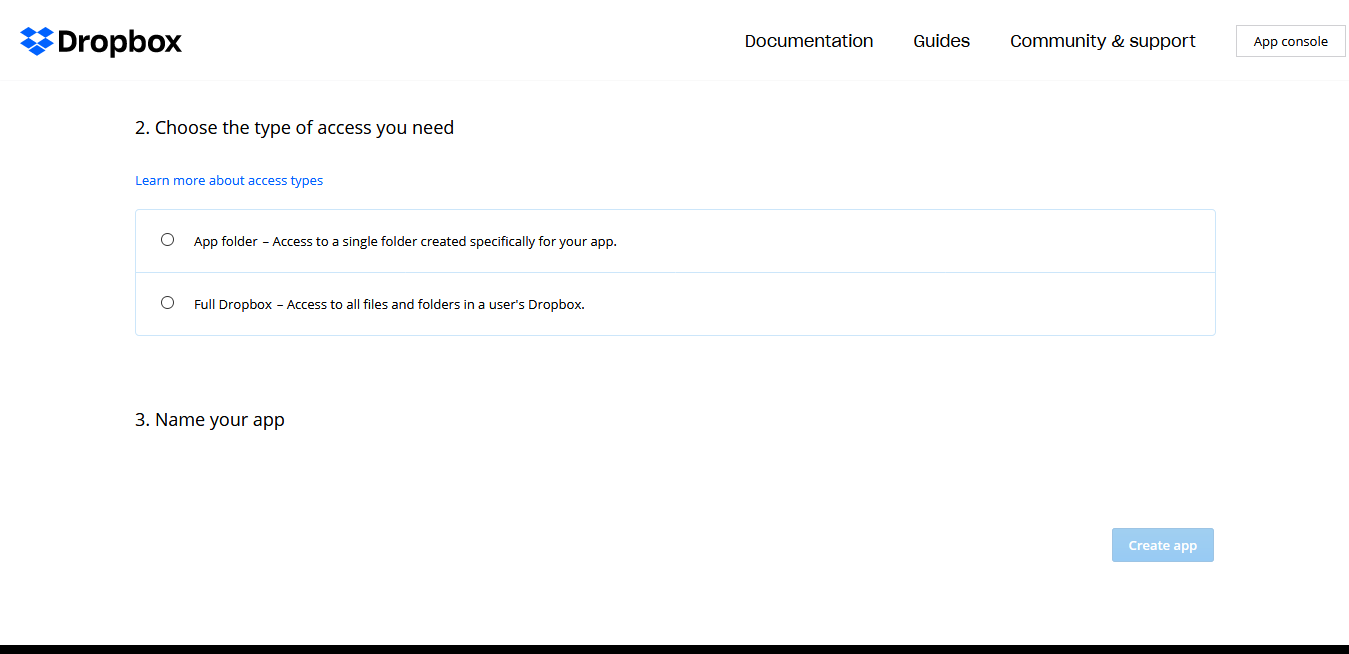
Click Full Dropbox button.
-
Enter a name for the app in the App name textbox.

-
Click Create app button.
The application configuration page appears.