

Create an Endpoint for API Integration
To create an endpoint for API integration, follow the steps below.
-
Go to .
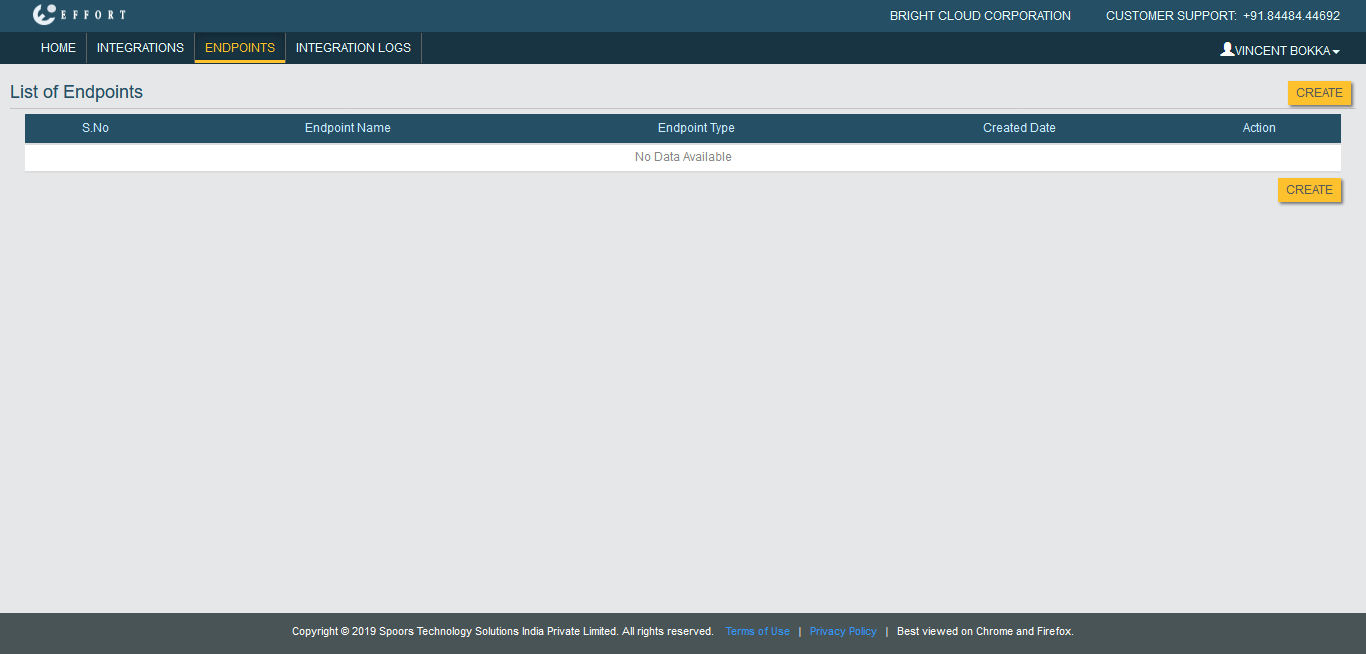
The List of Endpoints page appears.
-
Click the Create button located on the top right
corner.
-
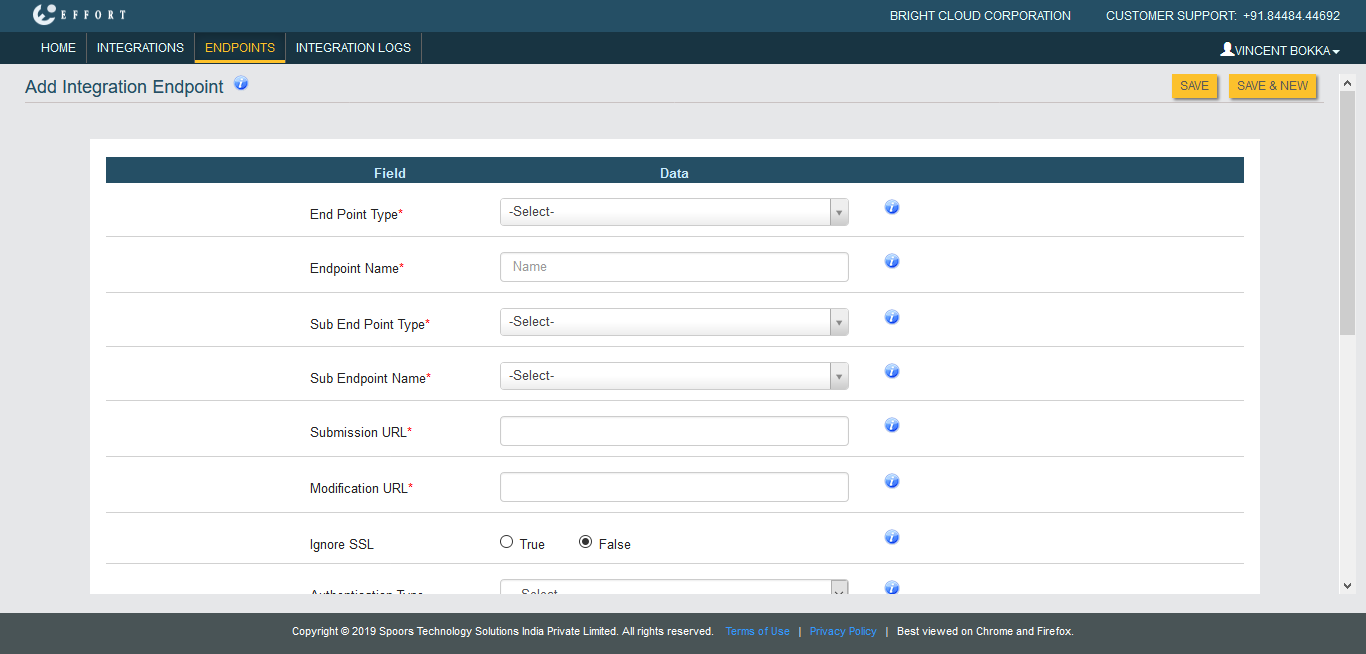
Select API in the End Point Type
dropdown.
-
Enter the details in the below mandatory fields.

- Endpoint Name
- Submission URL
- Modification URL
- Ignore SSL
- Authentication Type
- Username
- Password
Refer to Related Information provided at the bottom to know more about the above configuration fields.
- Click Save.