

Create a Zap
To create a Zap, follow the steps below.
- Click the below link and log in to Zapier. Sign up, if necessary.
-
Click Make A Zap button.
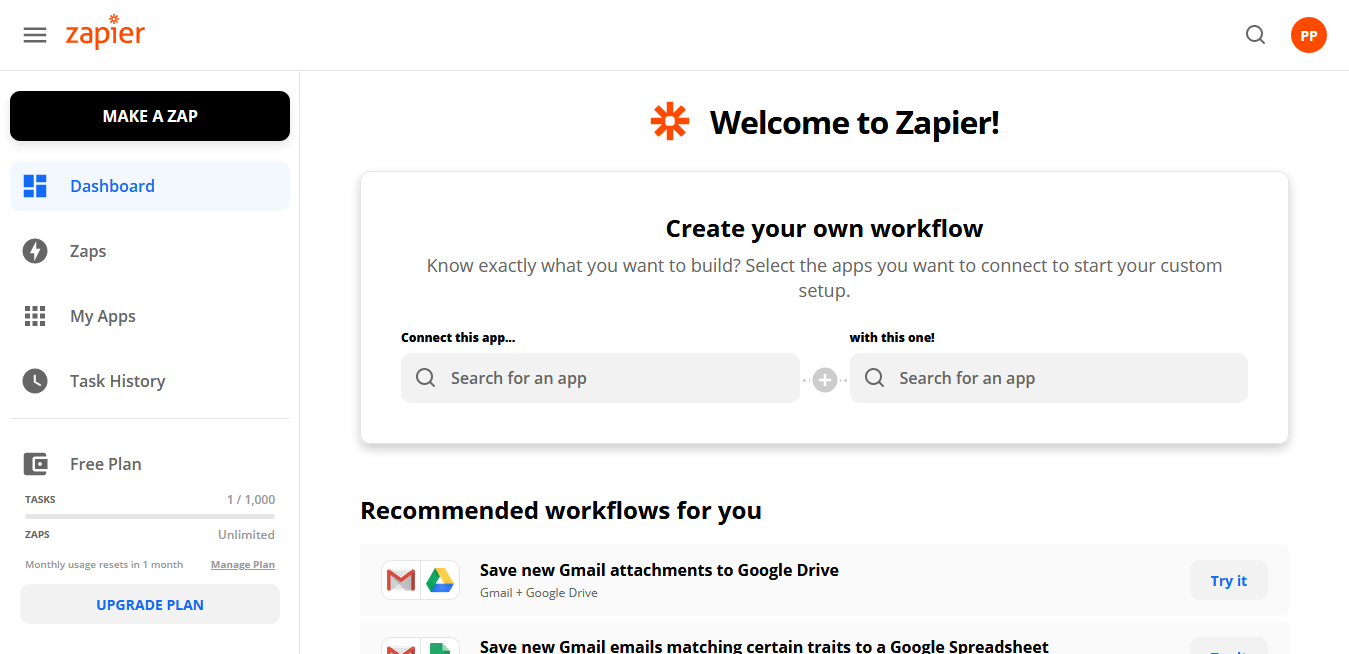
-
Click Name your zap on the top left corner to enter a
name.
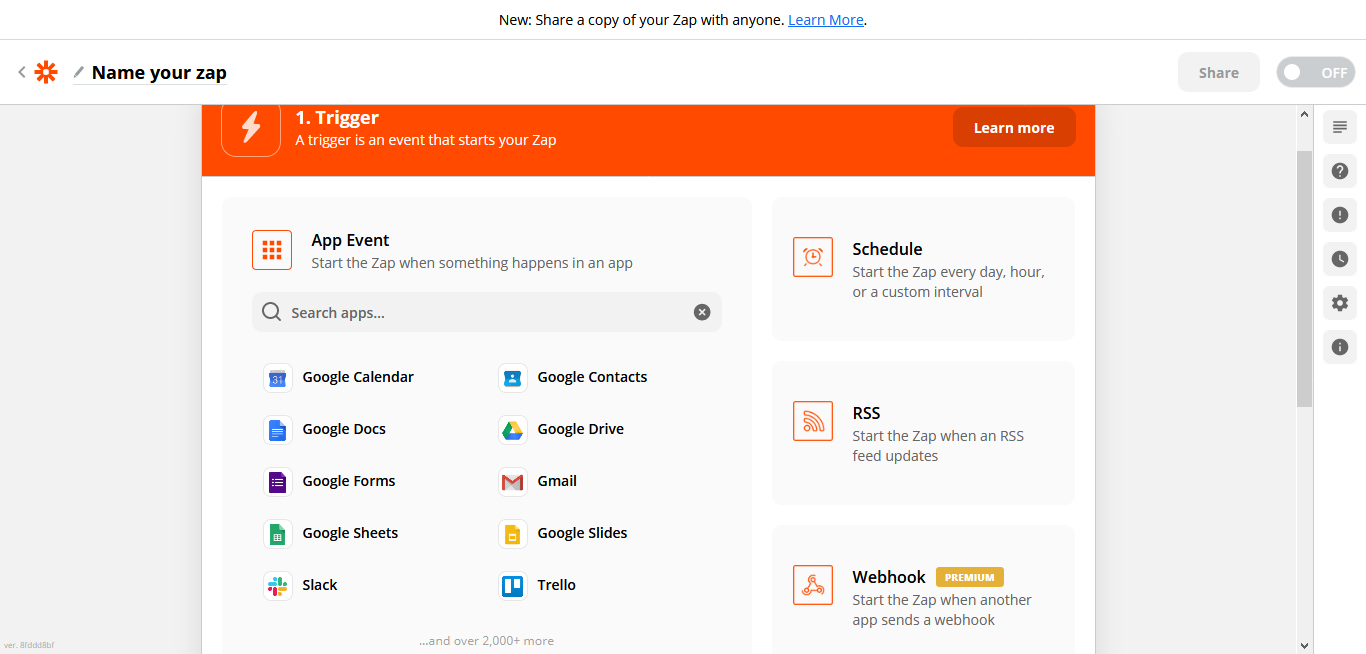
- Click Webhook card.
-
Select Catch Hook in the Trigger
Event dropdown.
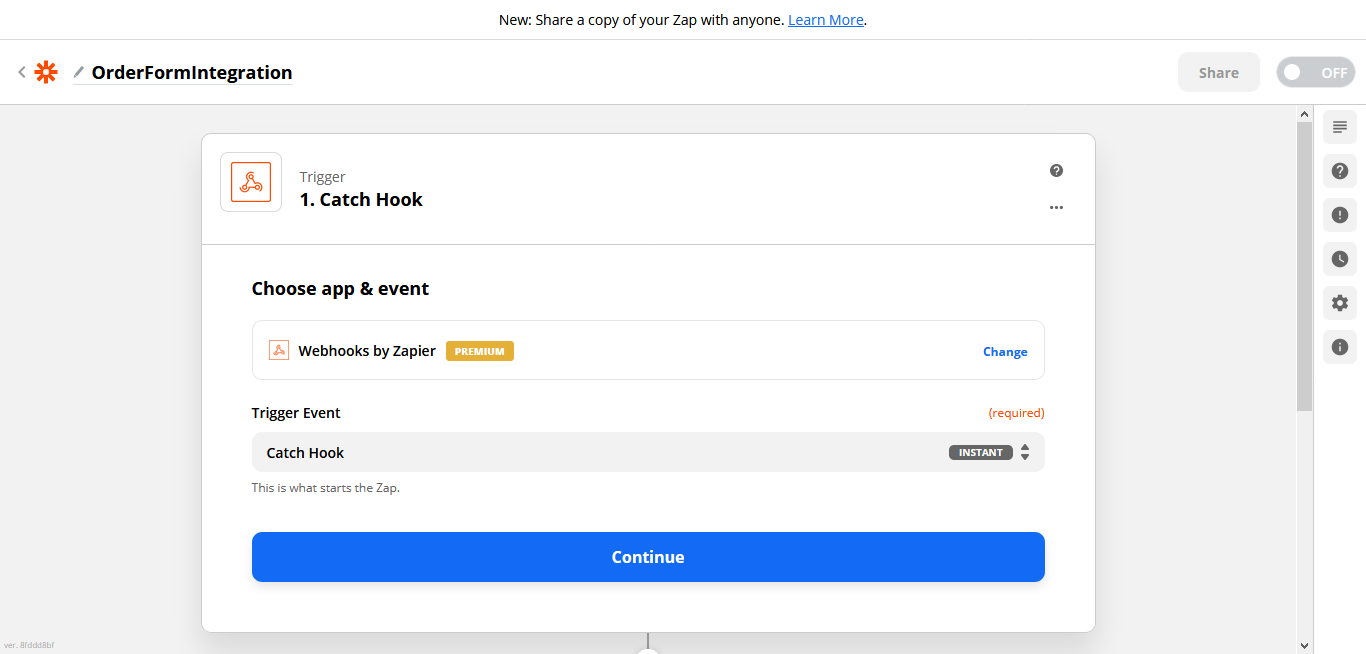
- Click Continue button.
-
Copy the Custom Webhook URL for further
configurations.

-
Click Continue button.
The Test trigger setup appears.
Note: Keep the current tab as it is and open a new tab to do the further steps.
- As a next step, you need to create an endpoint for Zapier integration. Refer Create an Endpoint for Zapier Integration to create.