

Check Form Approval Status
This topic helps you understand how to check the status of submitted forms and view any forms awaiting your approval. You can track whether forms are pending, approved, or rejected directly from the mobile app.
-
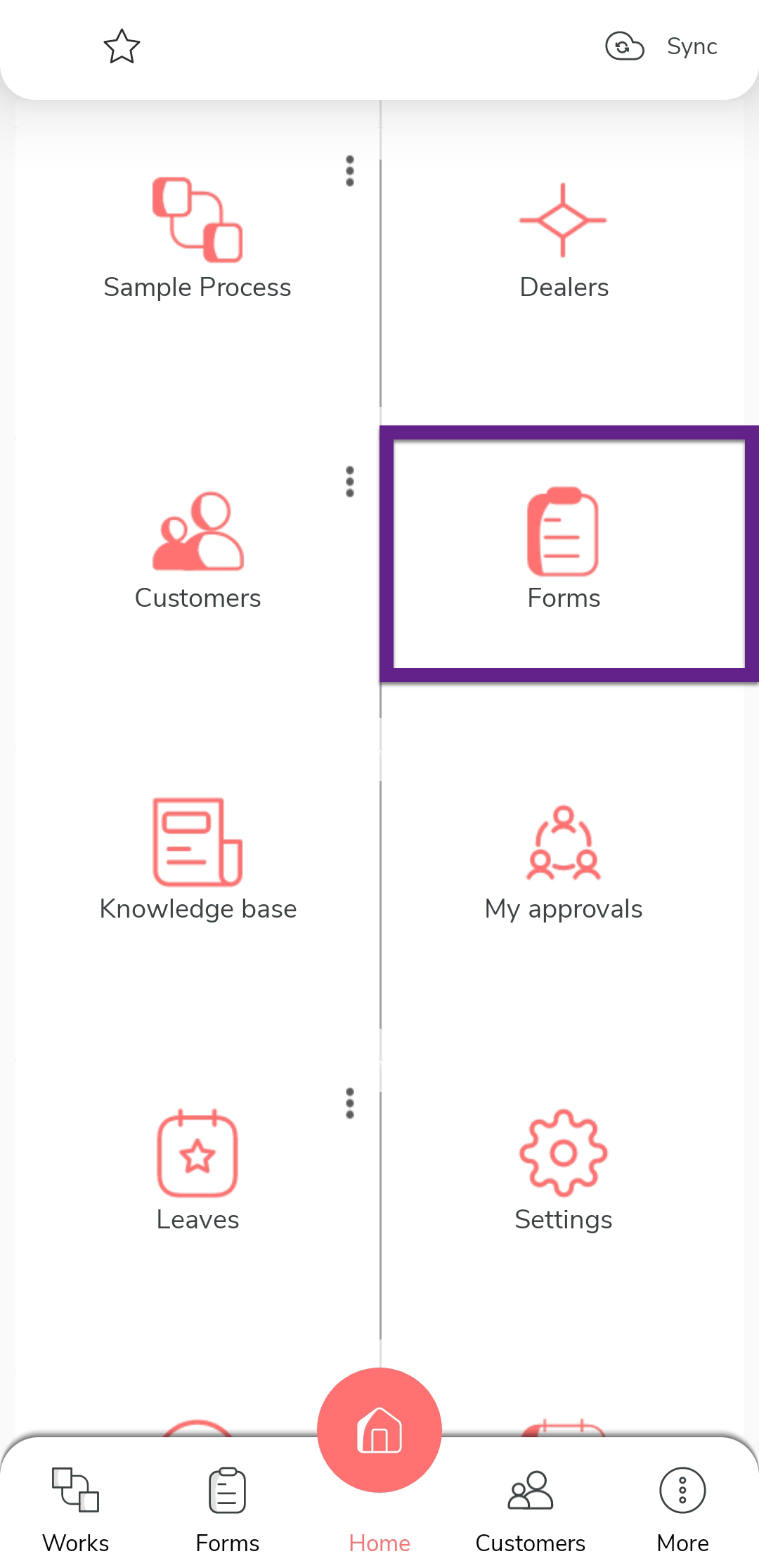
On the home screen or from the navigation drawer, tap
Forms.
-
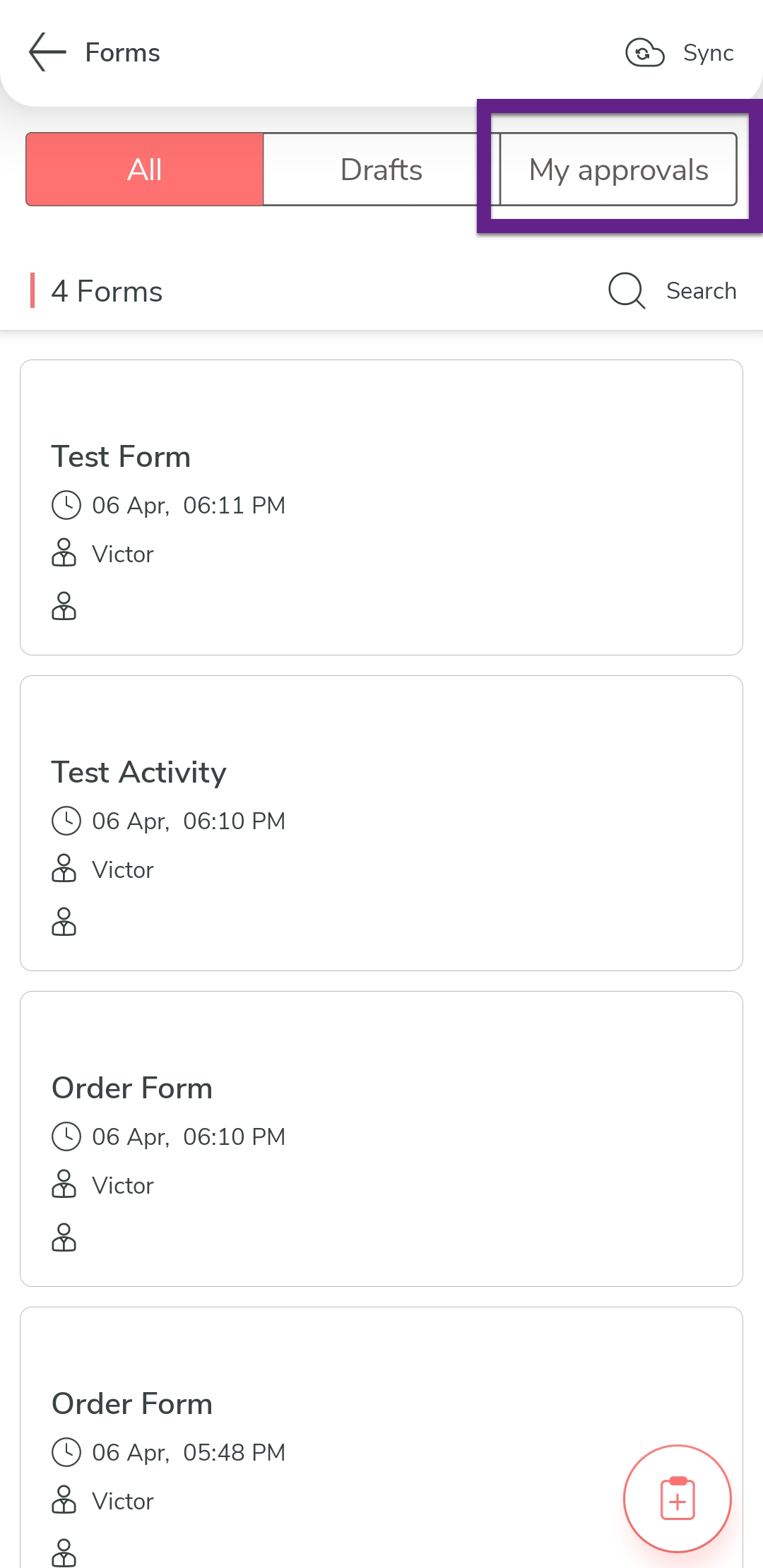
Tap the My Approvals tab.
-
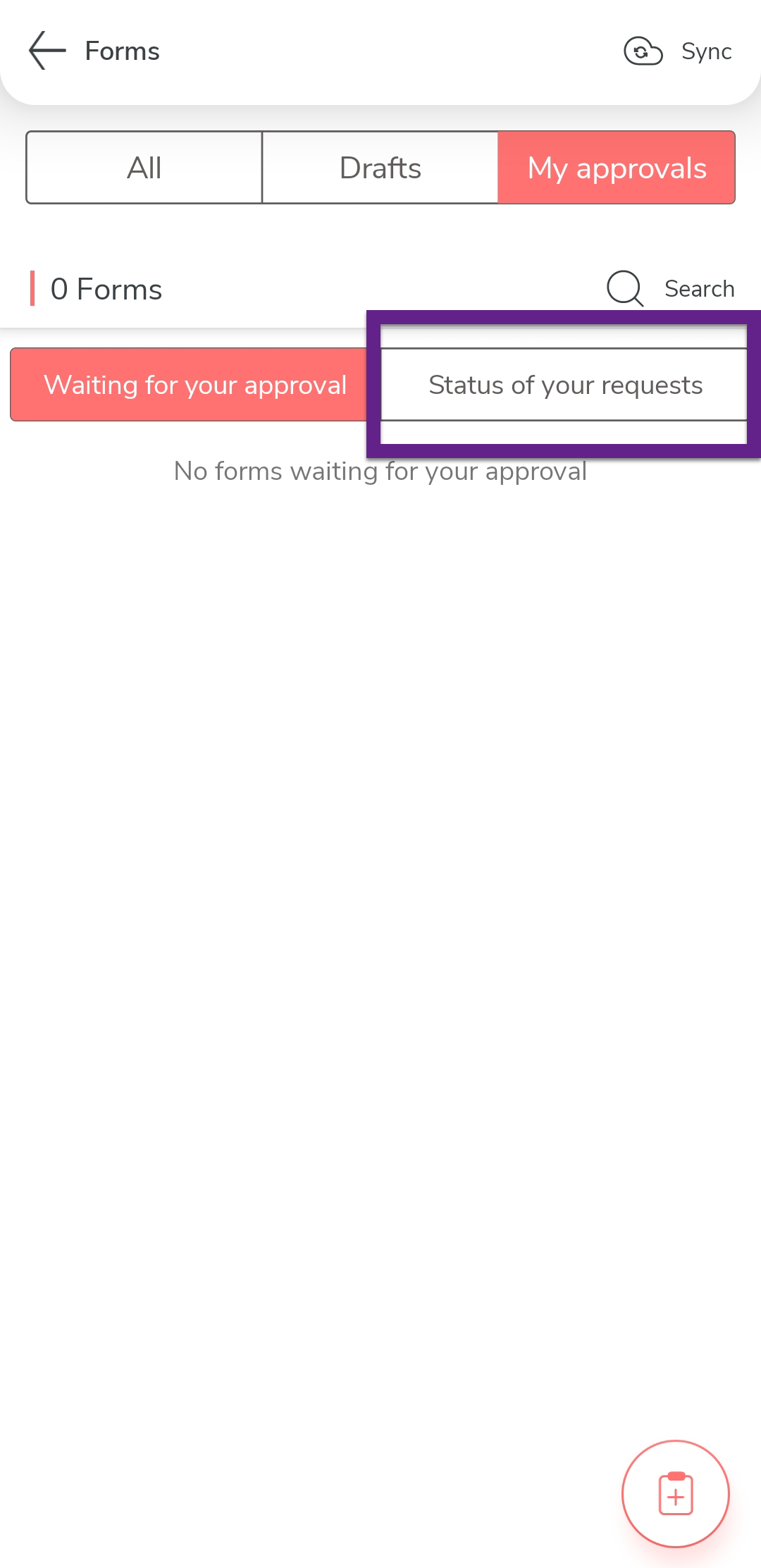
Tap the Status of your requests tab.
-
Tap one of the following options based on your requirement:
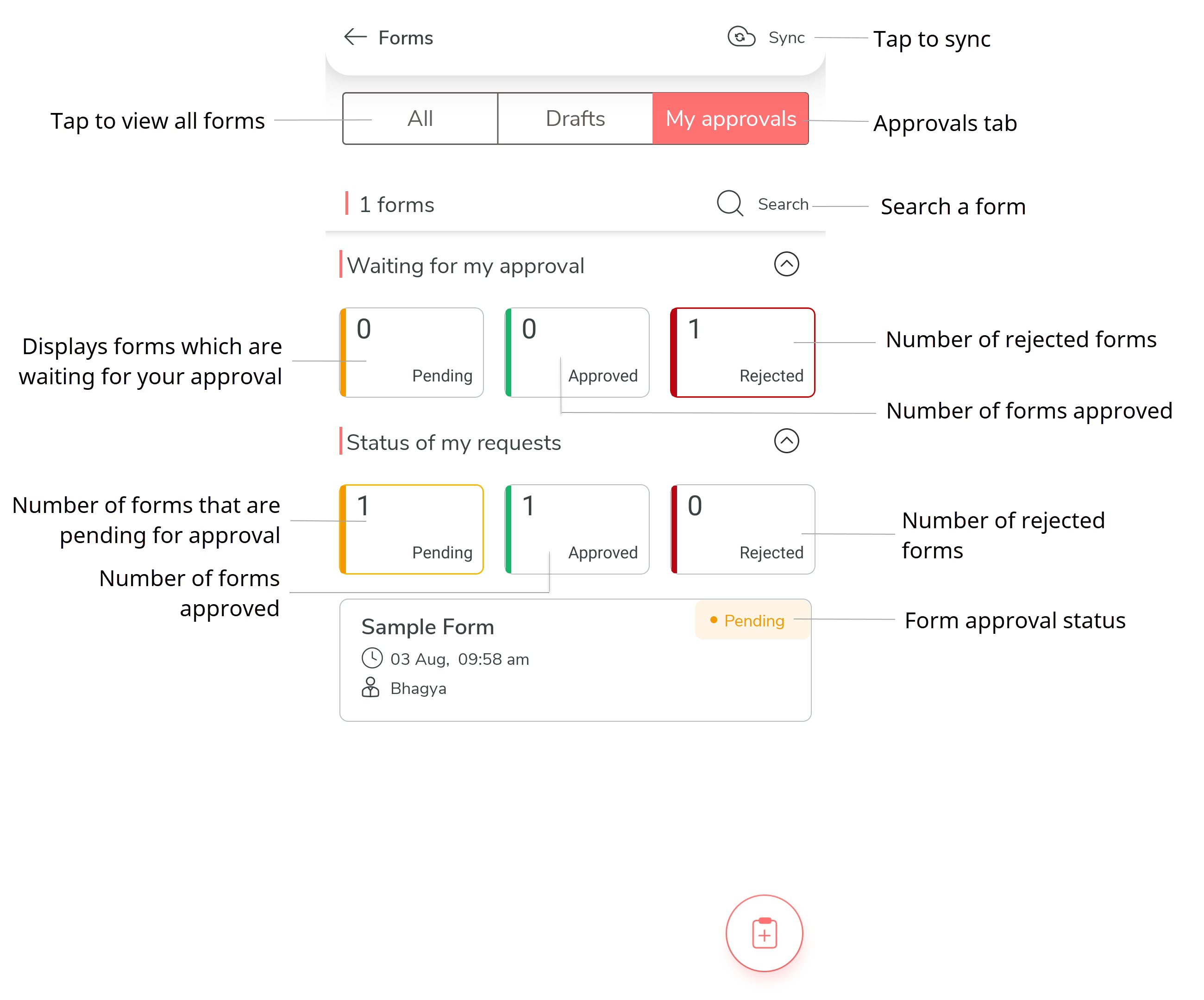
- Pending: View forms awaiting action (either by you or others).
- Approved: View forms that have been approved.
- Rejected: View forms that have been rejected.