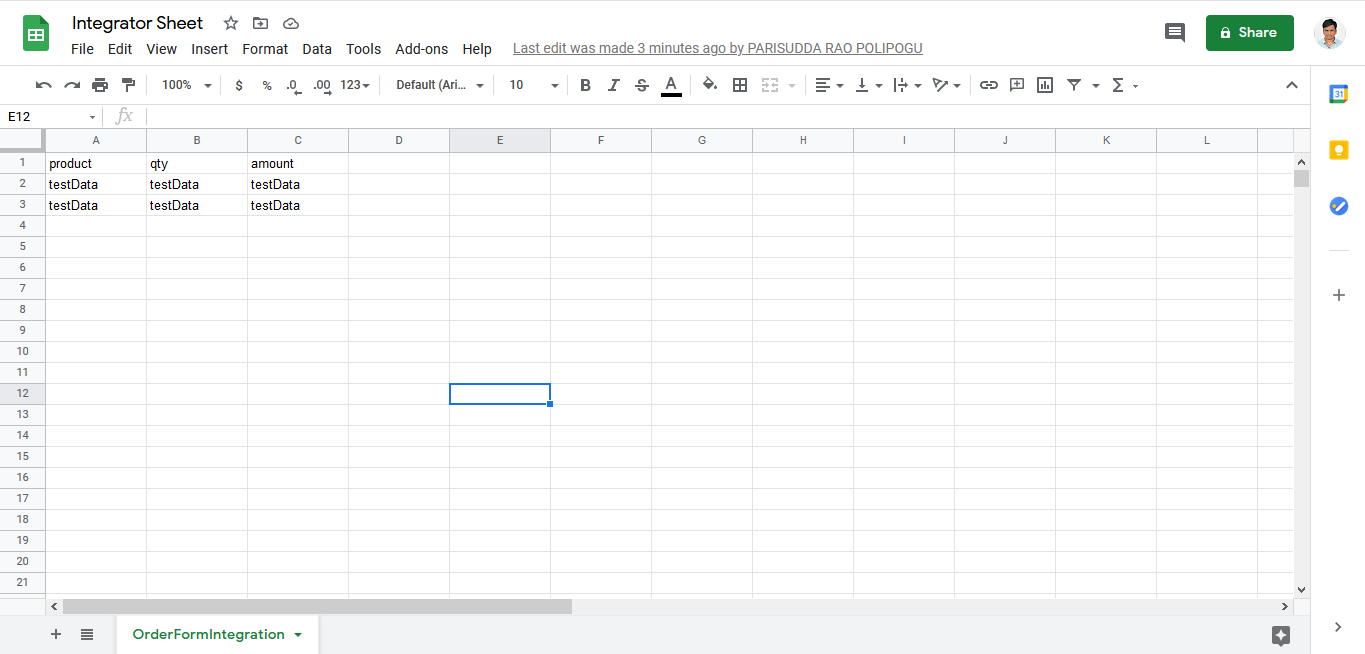
Configure Google Sheet in Zapier
To configure google sheet in Zapier, follow the steps below.
-
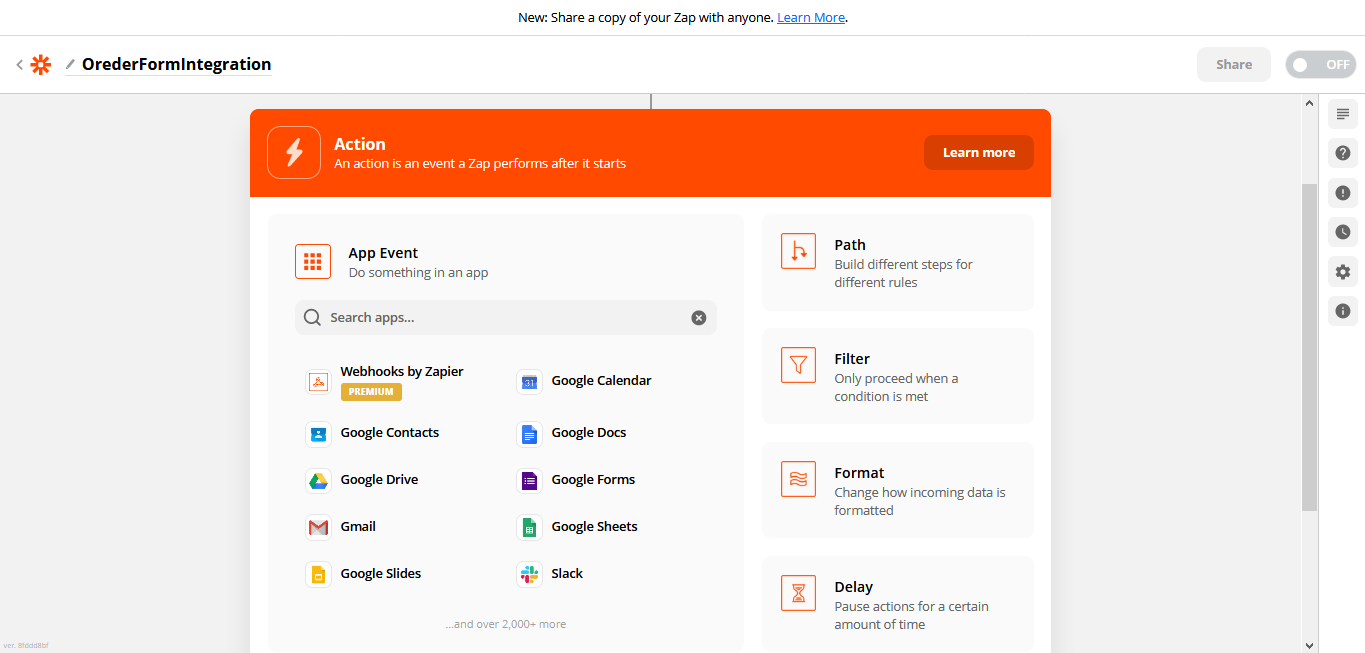
After completion of the first step, click Google Sheet
in the App Event section.
-
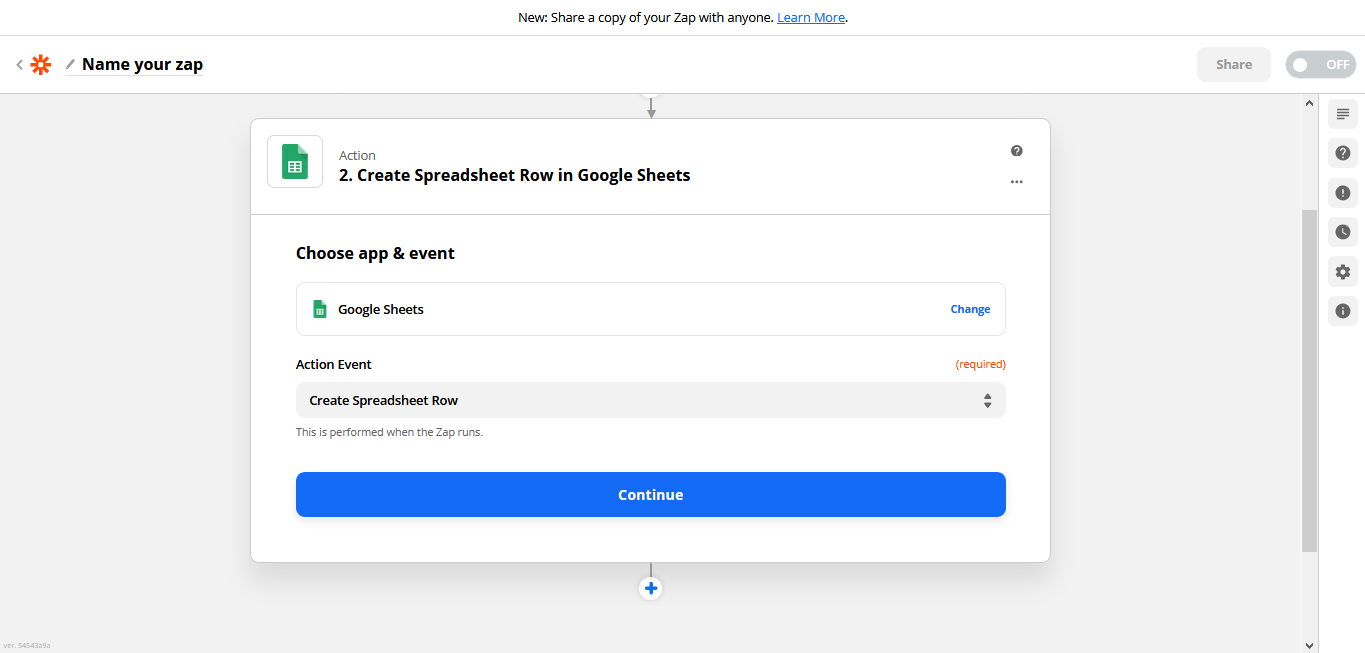
Select an Action Event and click
Continue button.
-
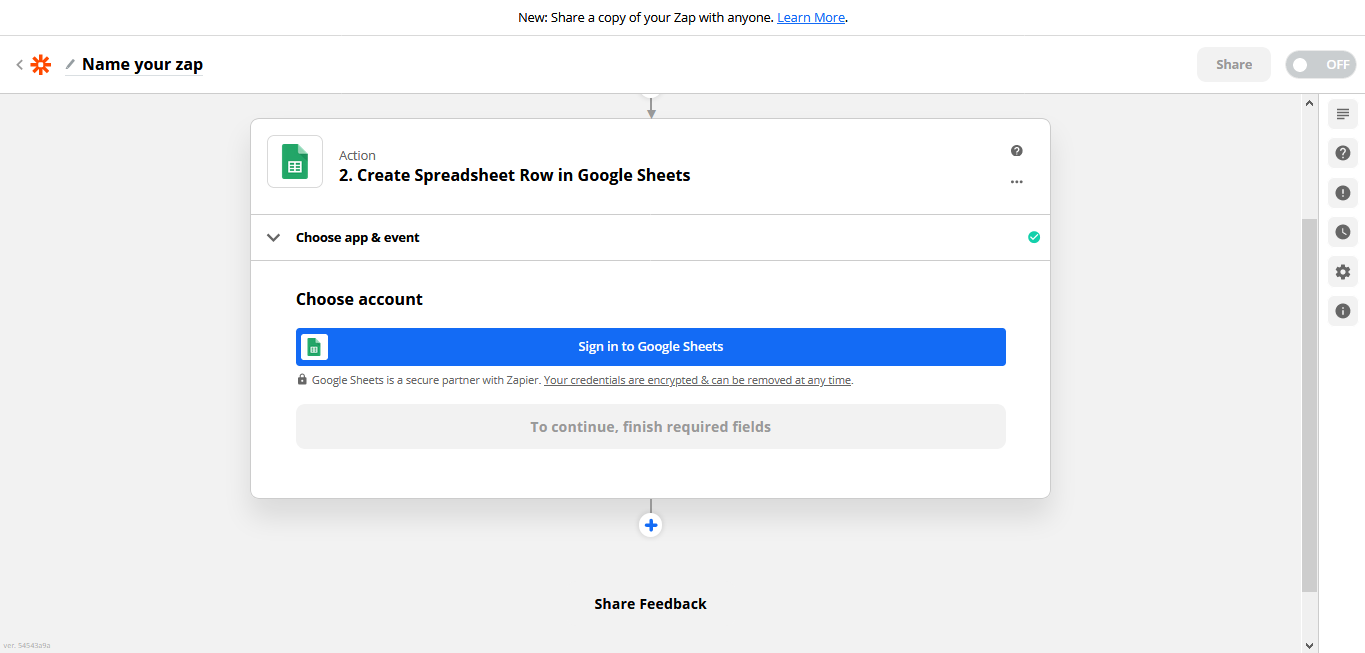
Click Sign in to Google Sheets button and login with
your Google account.
-
Choose an account and click Continue button.
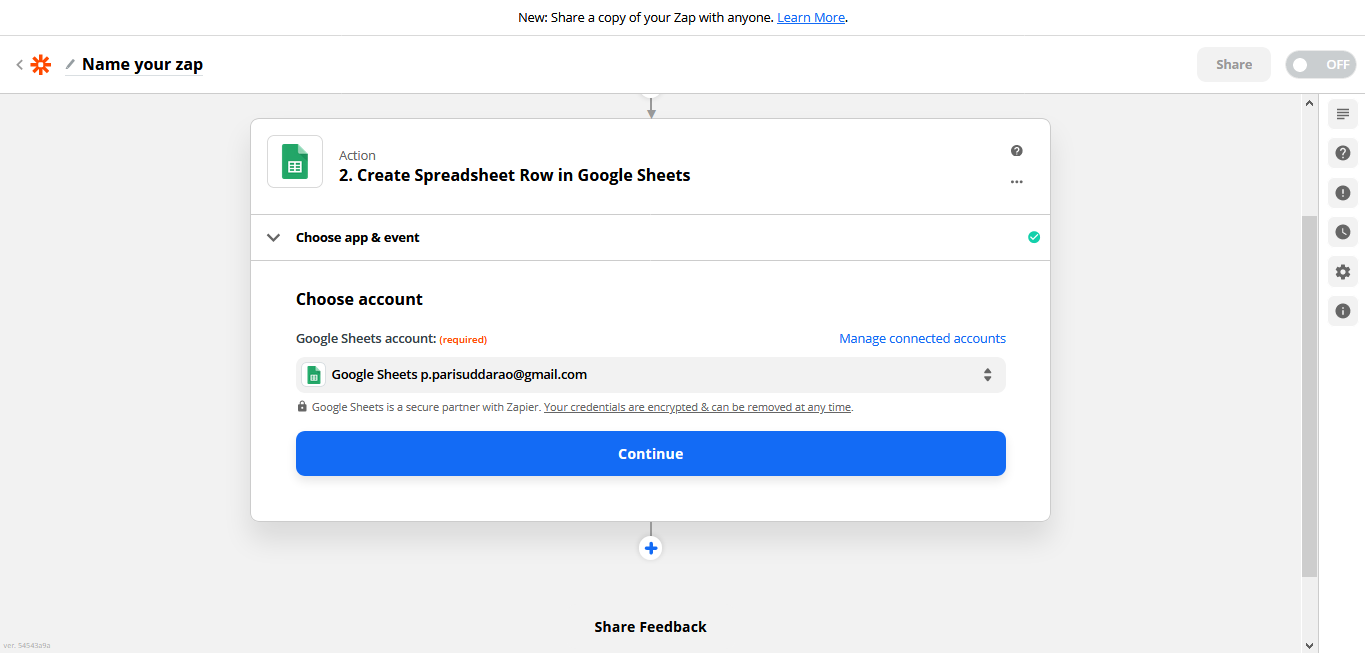
-
Setup action and click Continue button.
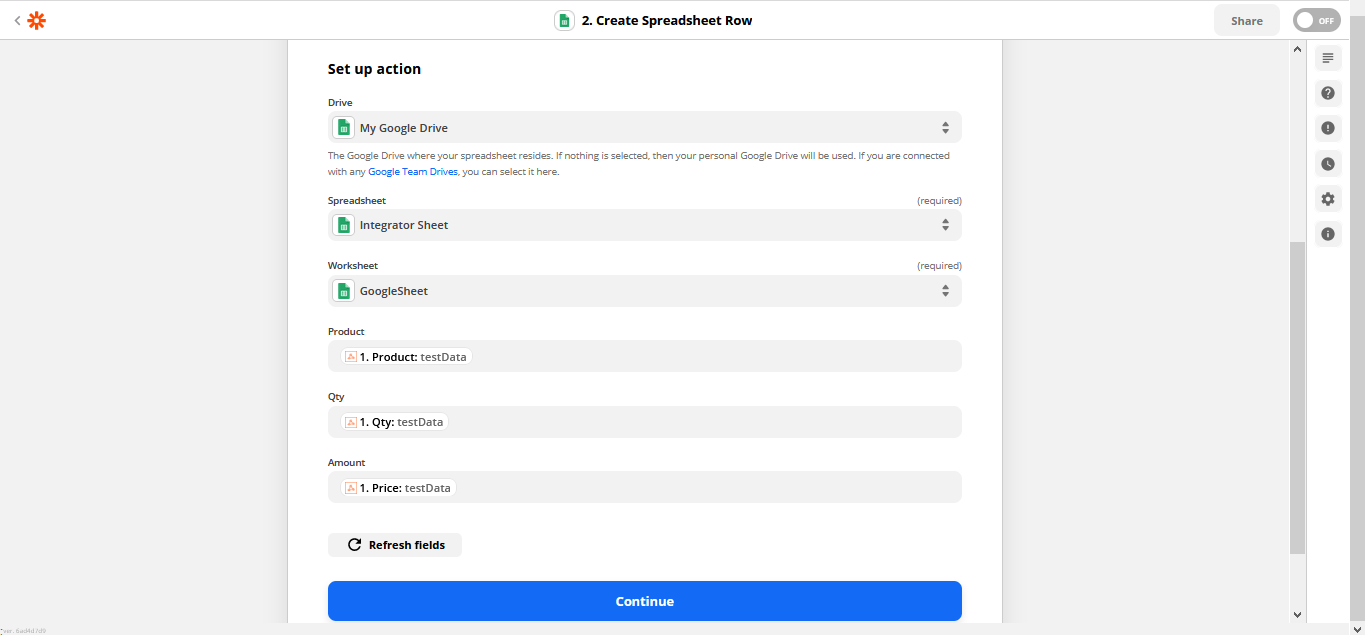
- Click Test & Continue button.
-
Click Turn on Zap button.
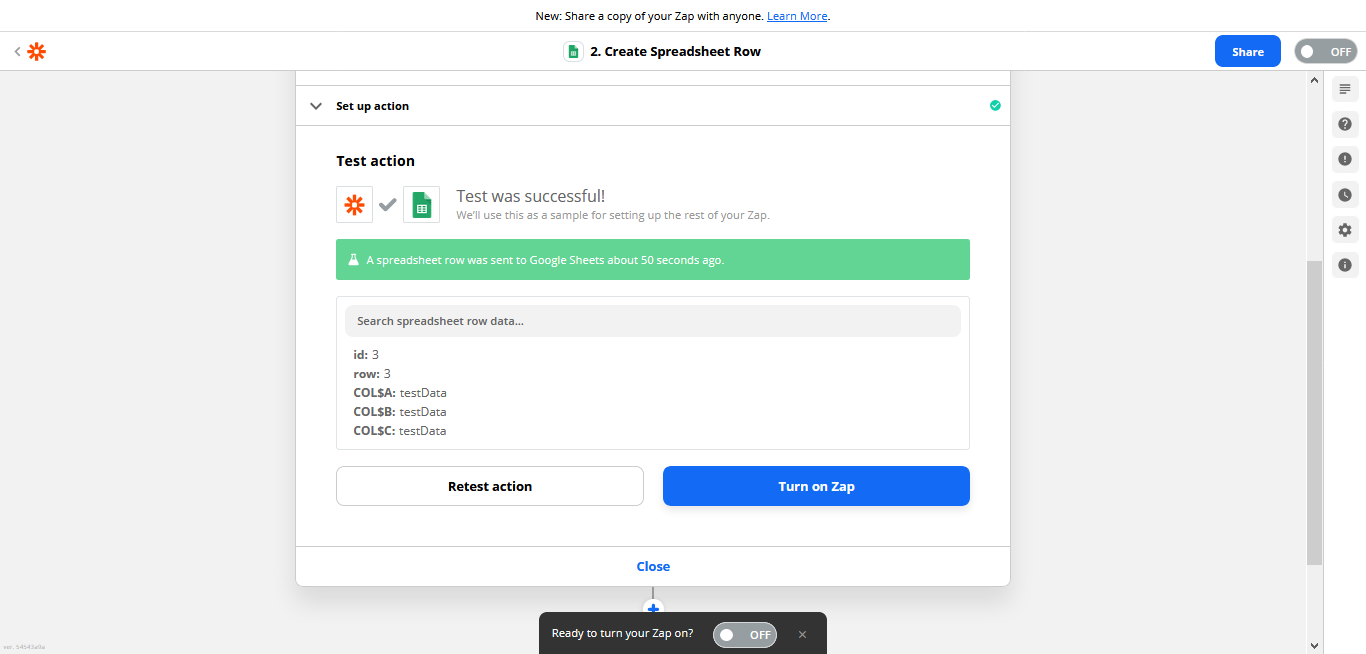
-
The data will be sent to the configured Google Sheet.