

Generate Access Token in Dropbox
Note: Make sure you have already created an application in Dropbox. If not, refer Create Application in Dropbox to create the application.
- Click the below link.
-
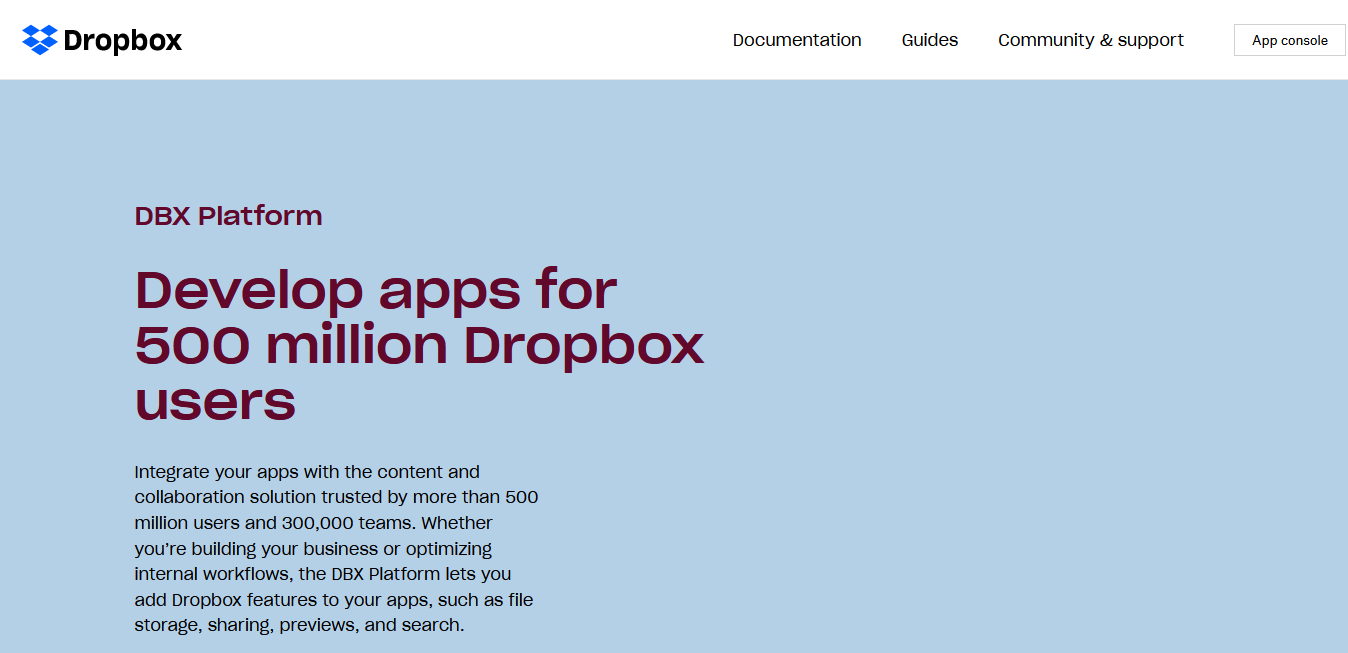
Click App console button located on the top right
corner.
-
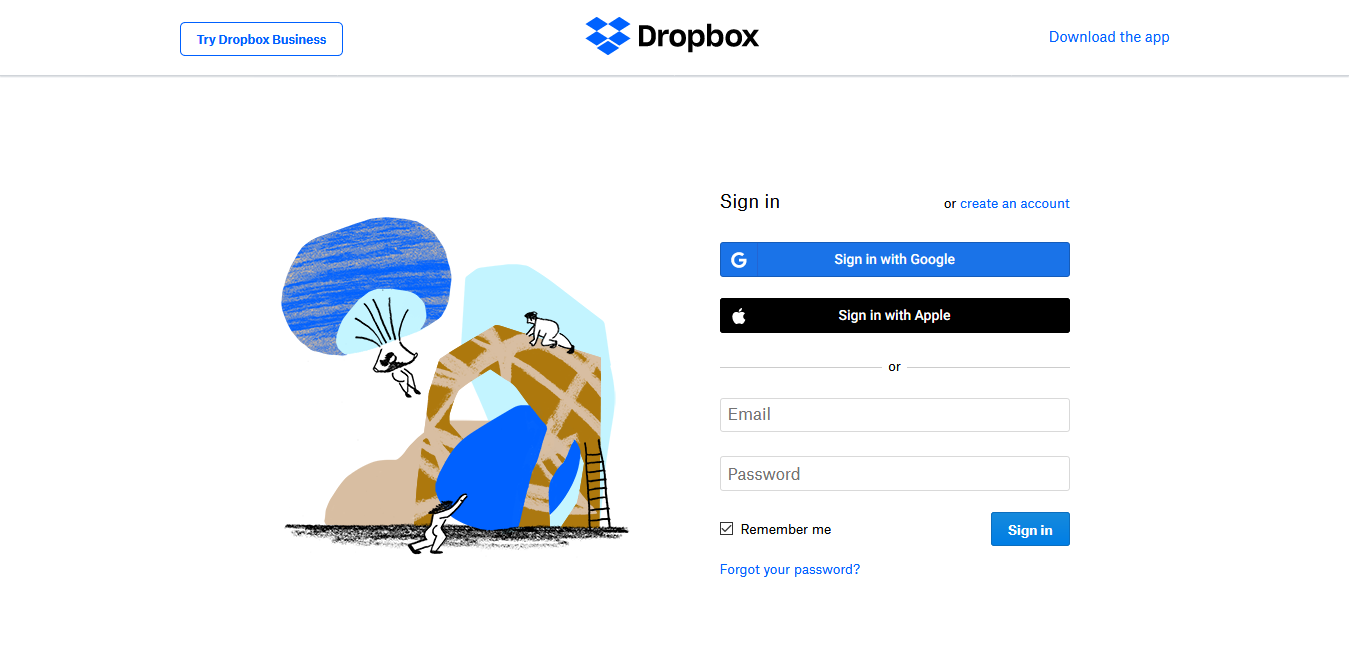
Log in to Dropbox or Register if you don't have an account.
-
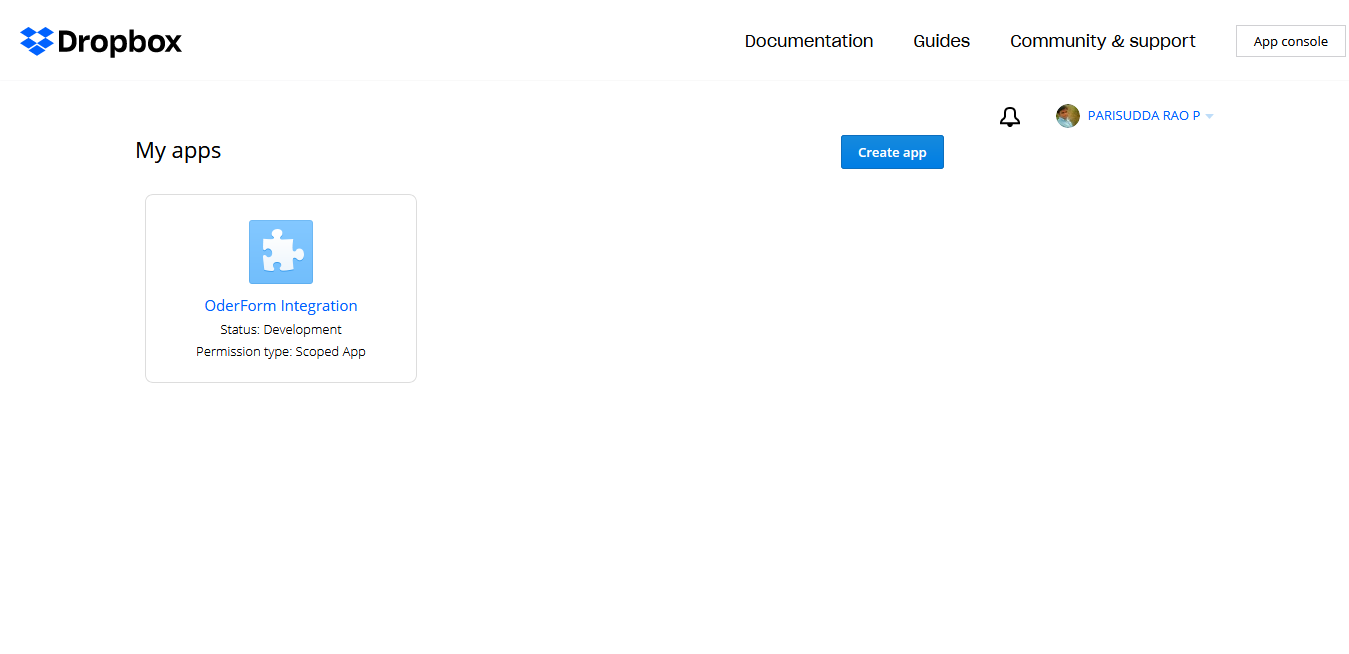
Click the app card under My apps.
-
Scroll down to the OAuth 2 section in the
Settings tab.
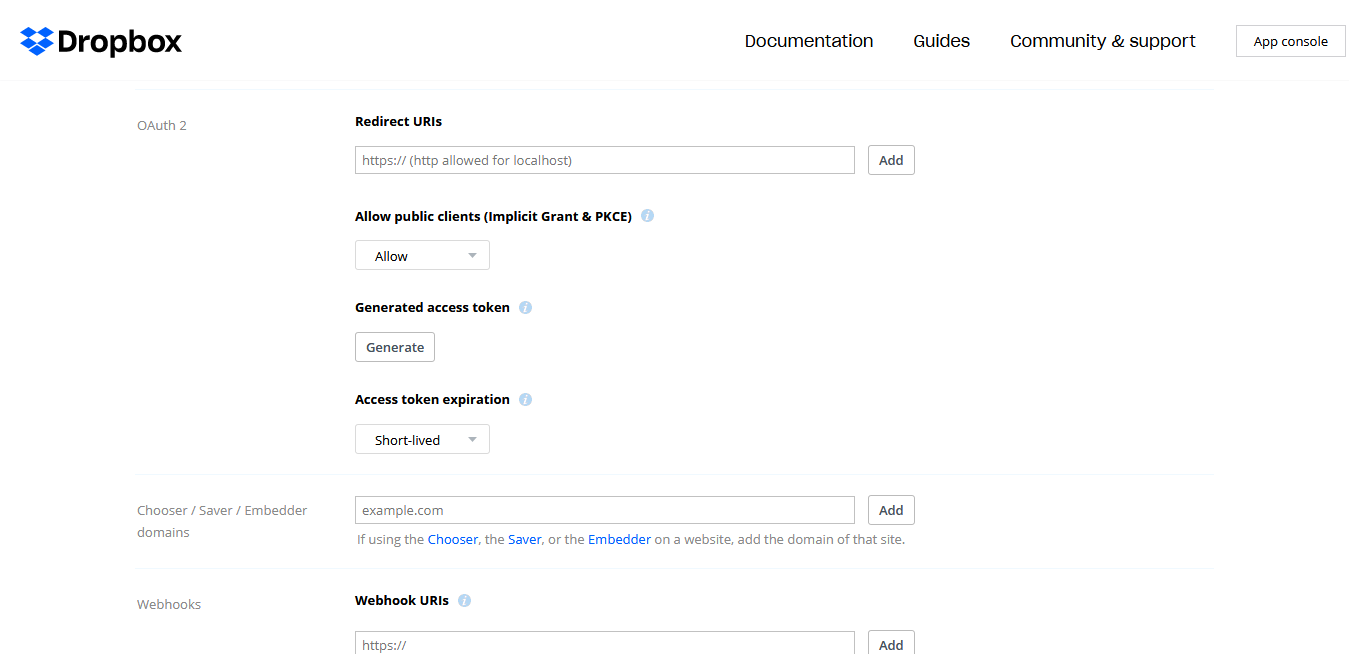
- Select No expiration in the Access token expiration dropdown.
-
Click Generate button.

The Access Token is displayed.