

Assign a Route Plan to an Employee
Schedule customer visits based on a route plan to an employee.
-
Go to .
The Assigned Route Plan page appears.
-
In the Route Plan section, click the
Assign corresponding to the route plan you want to
assign from the sidebar.

If you prefer, you can also click ASSIGN, and select a Route Plan from a drop-down in the next step. -
From the Employee dropdown, select an employee to whom
you want to assign a route plan.
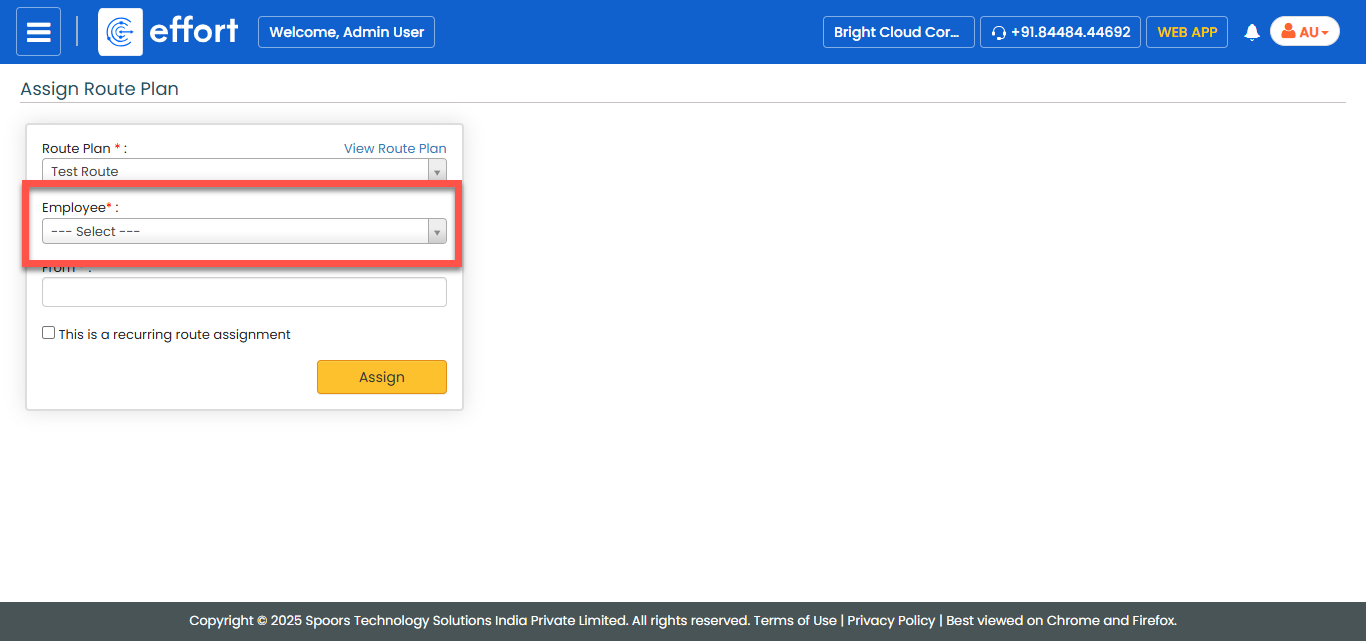
-
In the From field, select the start date of the selected
route.
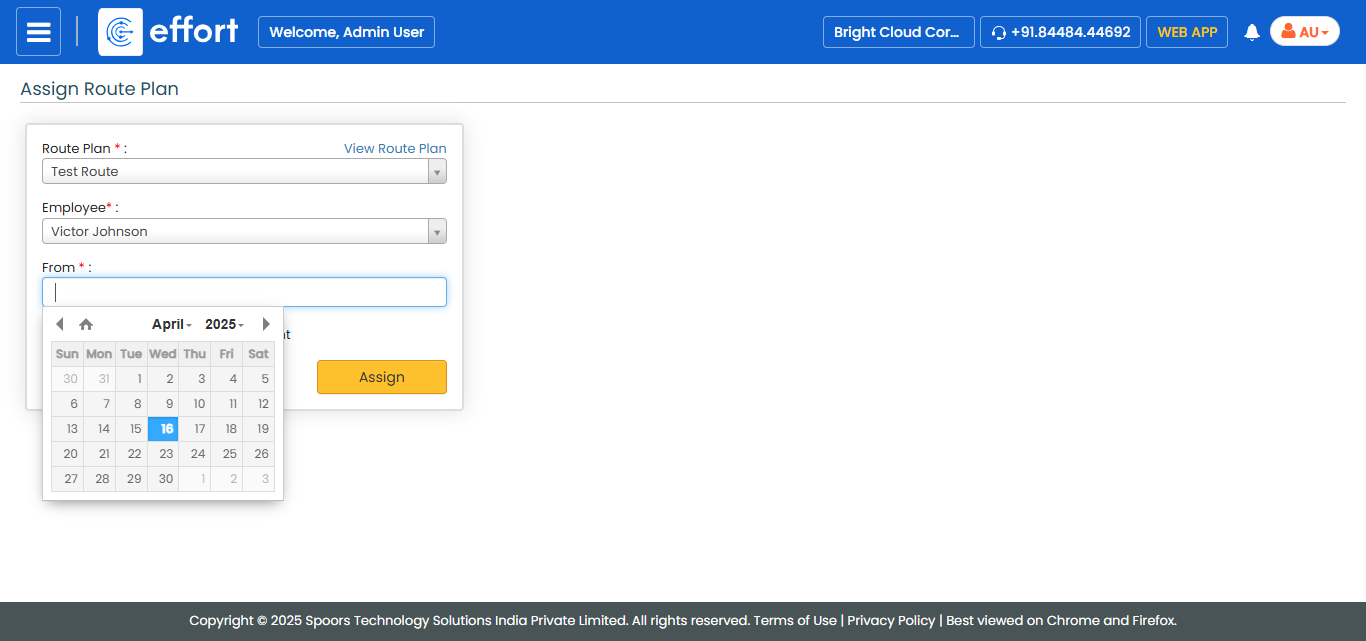
- Click Assign.