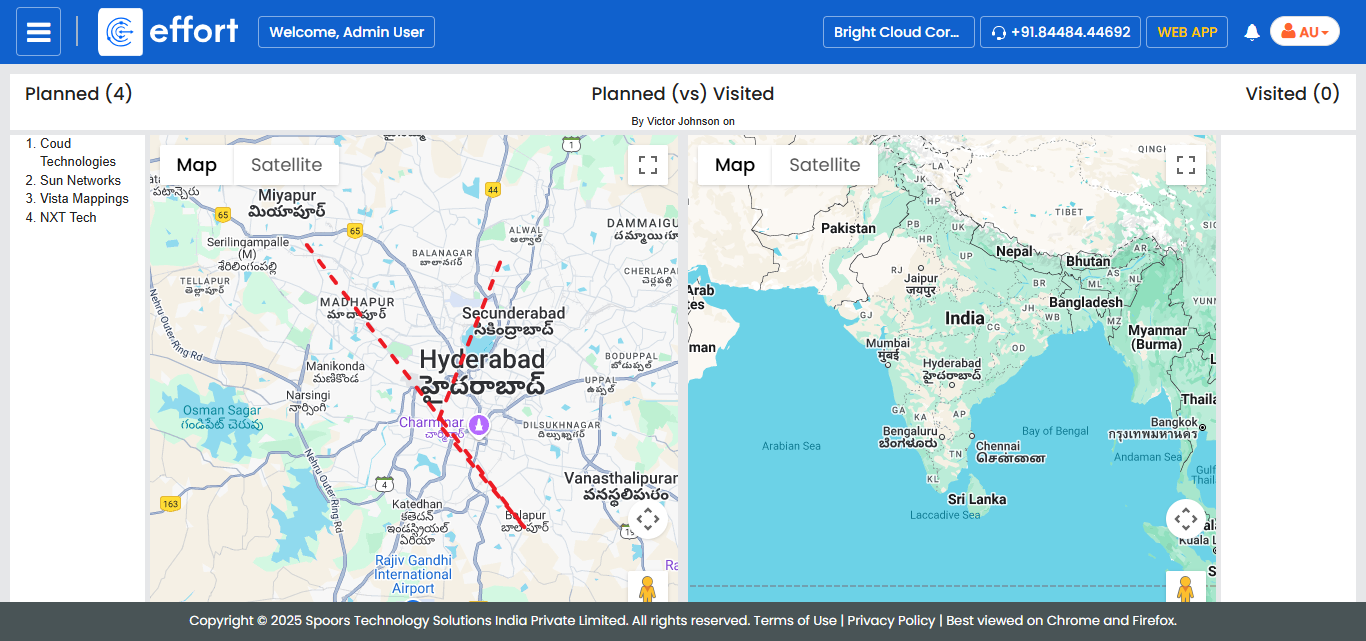
Generate a Route Plan Travel Compliance Report
-
Go to
The Reports page appears.
-
Under the My Reports section, click the Route
and Day Plan Travel Compliance Report link or icon.

The Route and Day Plan Travel Compliance Report page appears.
-
Select Route Plan instead of Day
Plan.

-
Select employee from the Employee Name dropdown.

-
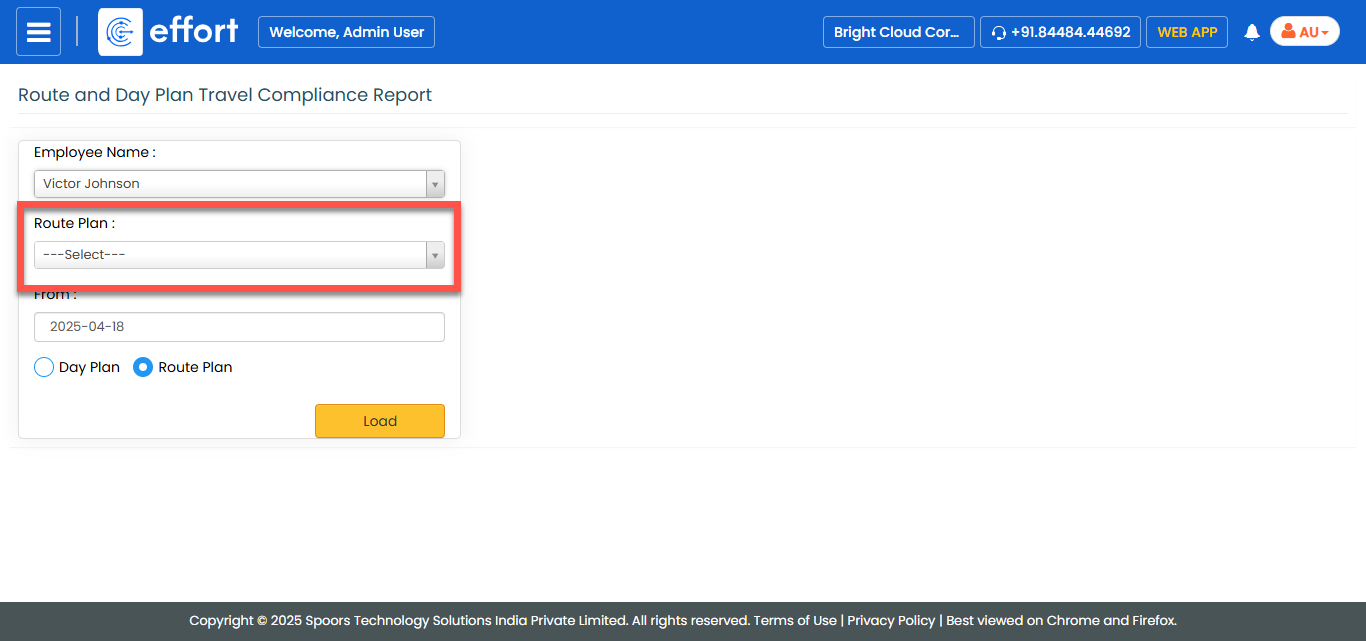
Select Route from the Route Plan dropdown.
- Optional:
Change From date.
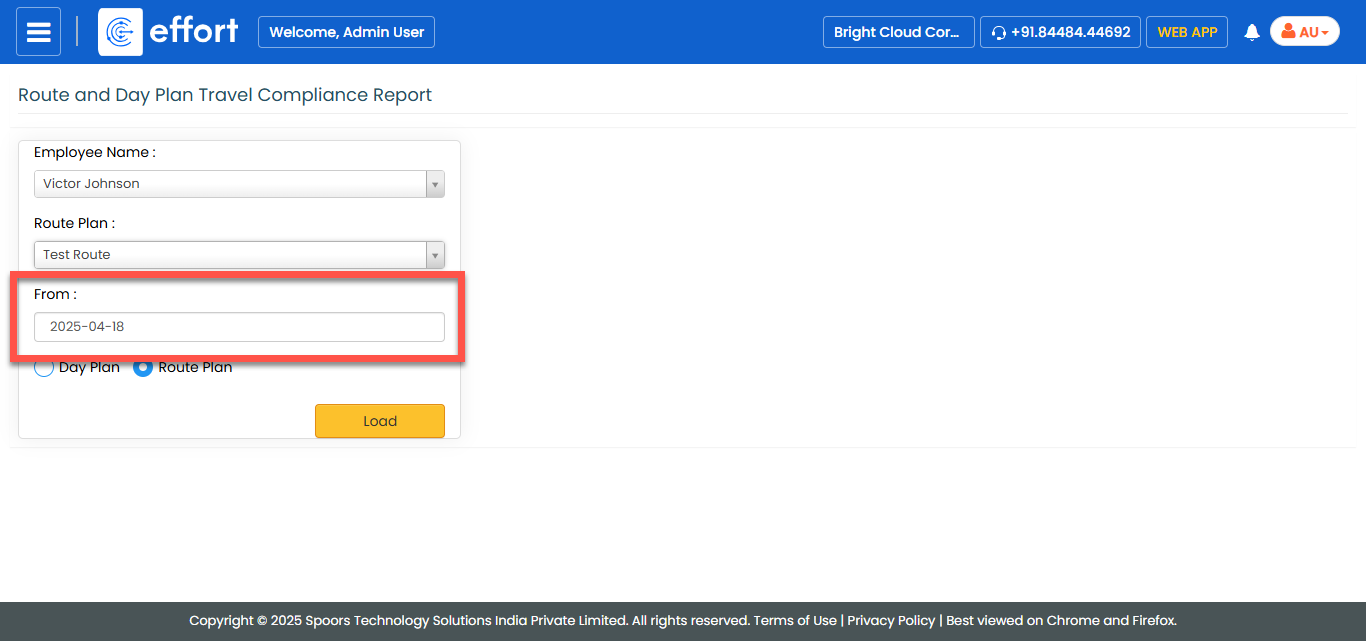
From defaults to today. -
Click Load.
The Planned Vs Visited report for the route plan is displayed in a new tab.