Edit a Form Submission
This topic guides you with the step-by-step procedure to edit a form submission in the Effort Web Lite App. You can follow the below steps to edit a form submission in the Web Lite app.
-
Login to your Effort Web Lite account.
Refer to the Login to Effort Web Lite App topic for the step-by-step procedure to log in to the Web Lite app.
-
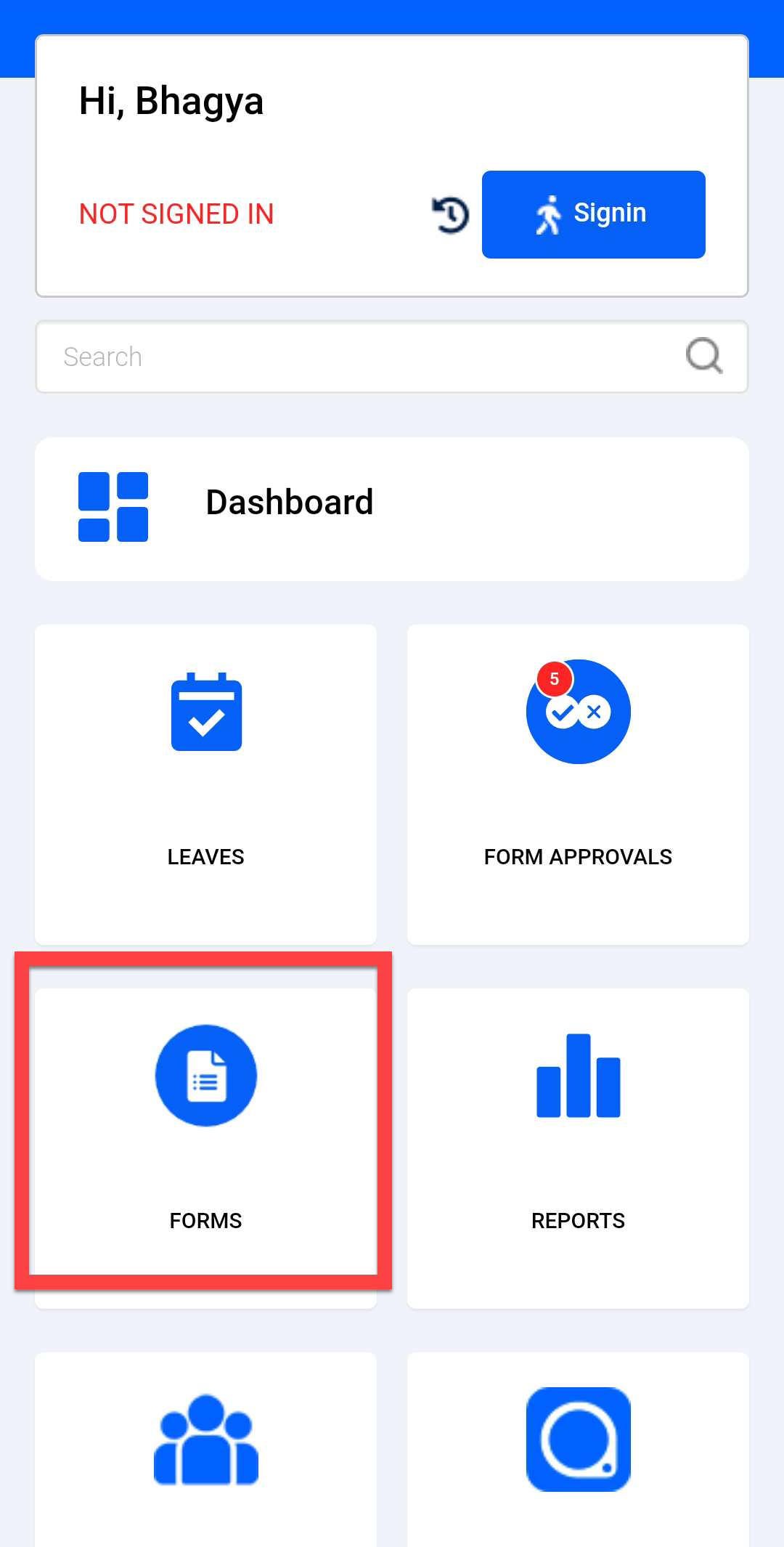
Tap FORMS card on the home screen.
-
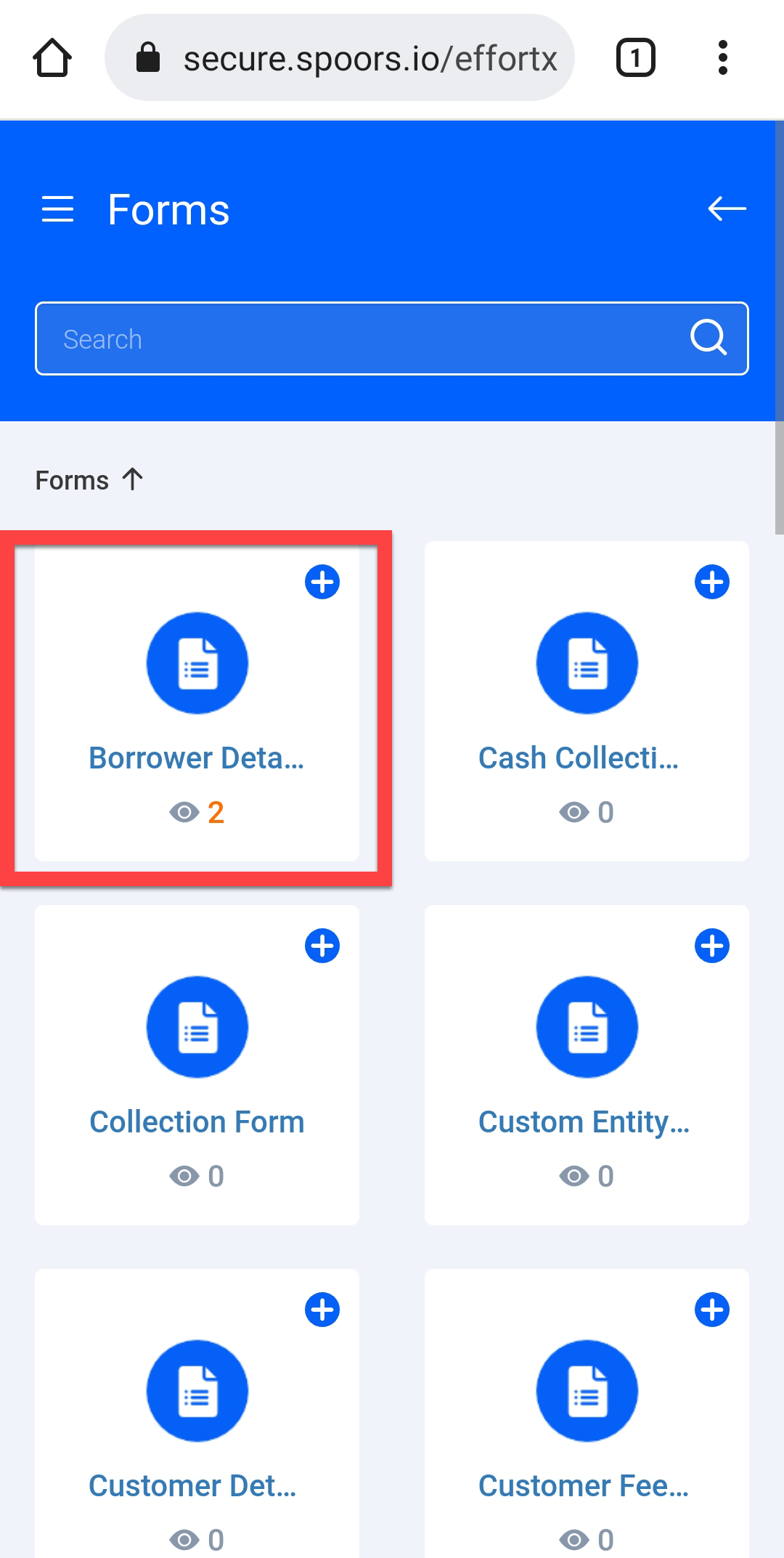
Tap on a form card that you want to modify.
-
Tap the pencil
 icon
given against a form submission.
icon
given against a form submission.
-
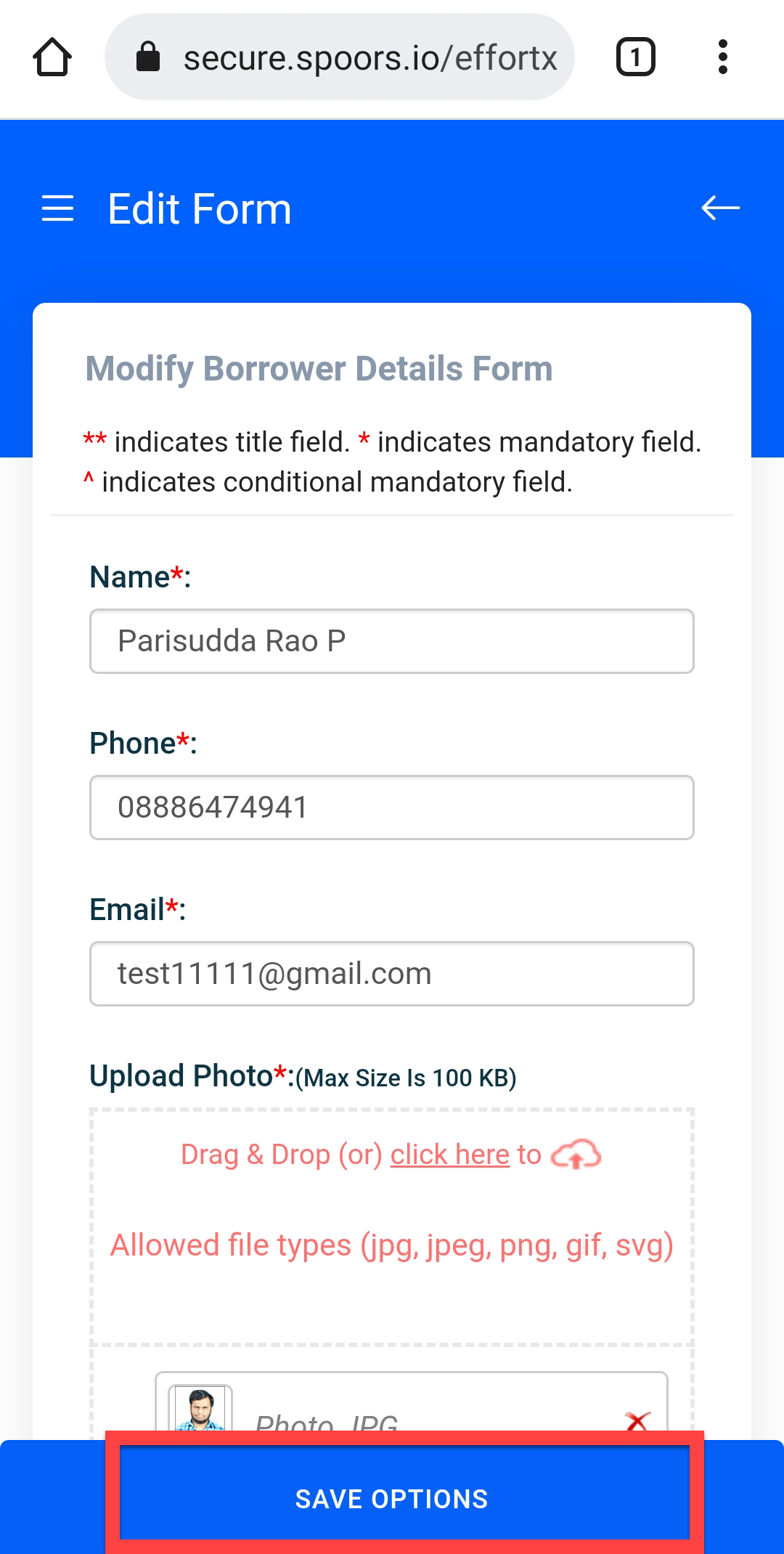
Modify the details in the form fields and tap the SAVE
OPTIONS button.
-
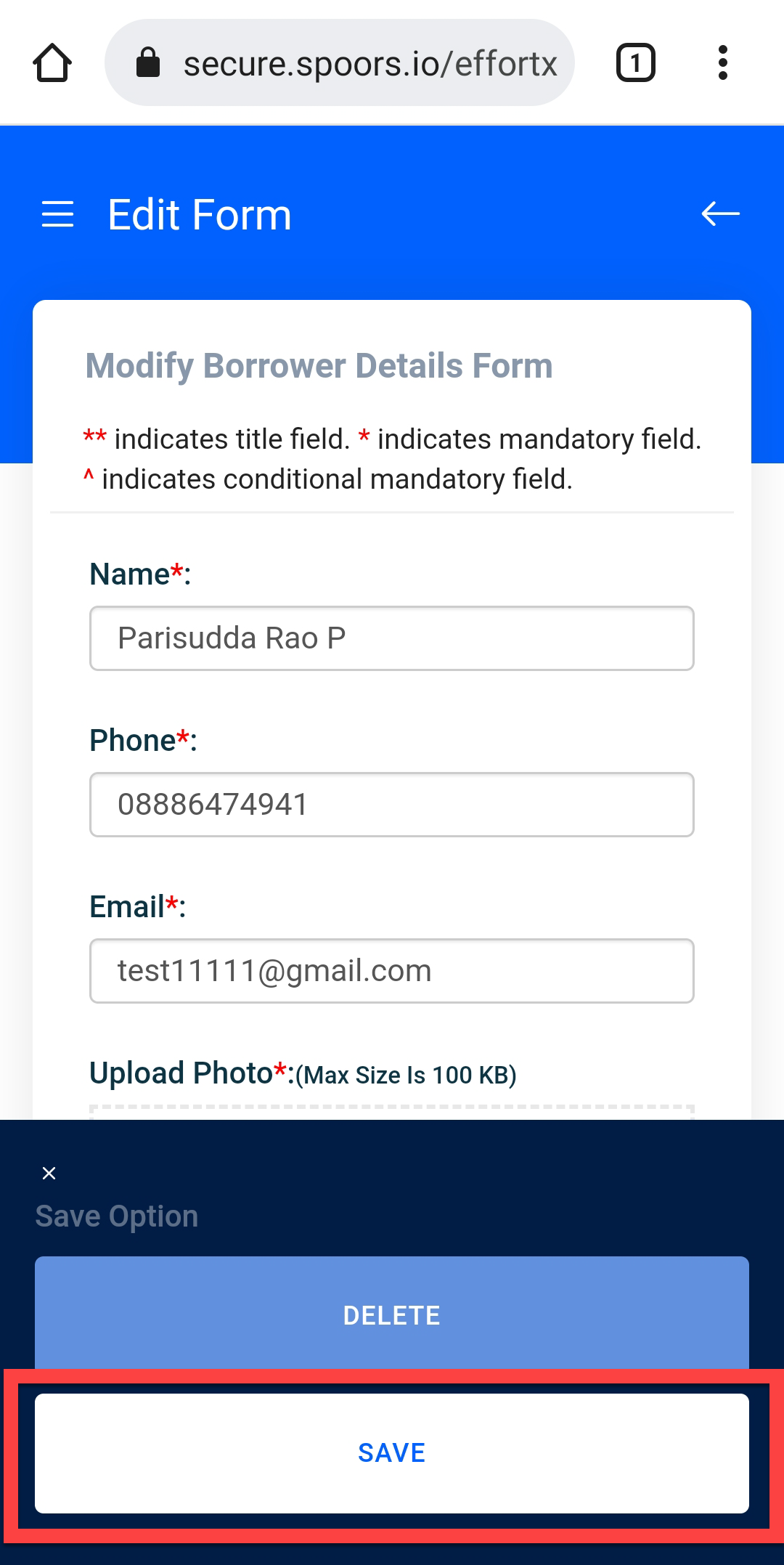
Tap SAVE button.