Submit a Form
This topic guides you with the step-by-step procedure to submit a form in the Effort Web Lite App. You can follow the below steps to submit a form in the Web Lite app.
-
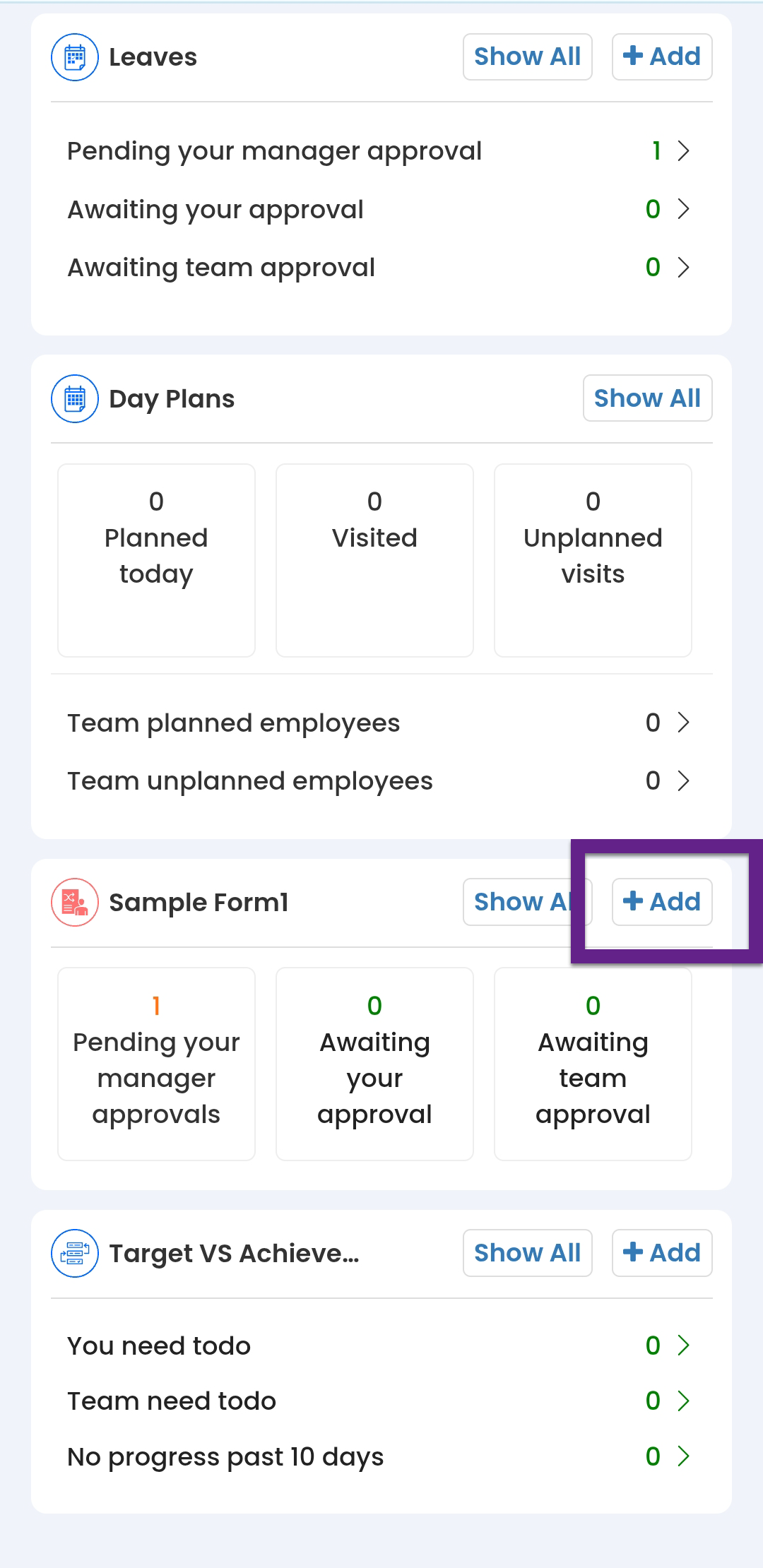
On the Home screen, scroll down to the respective
form section and then tap +
Add.
- Alternatively, you can navigate to .
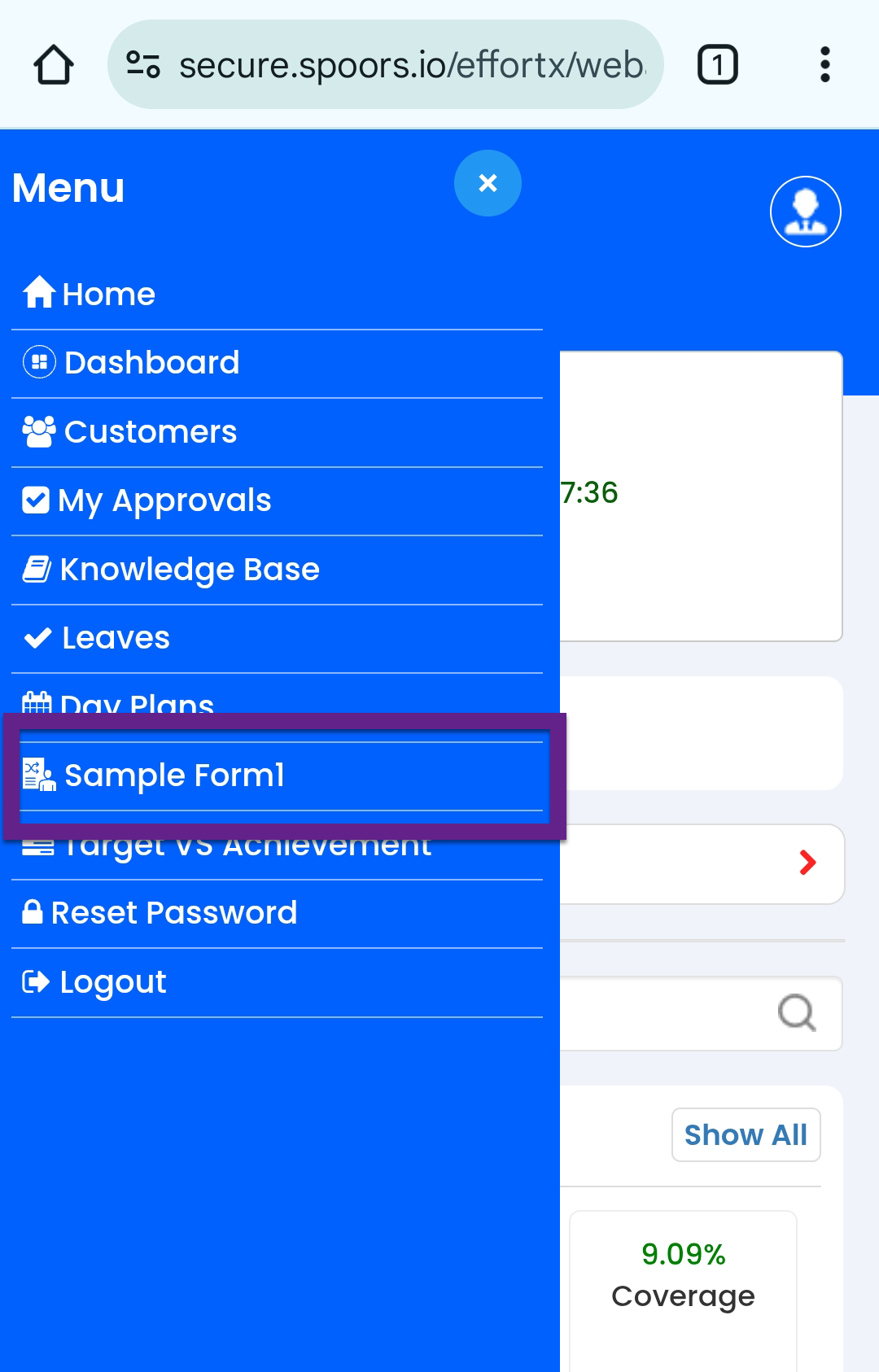
- On the form page, tap Submit
Form.
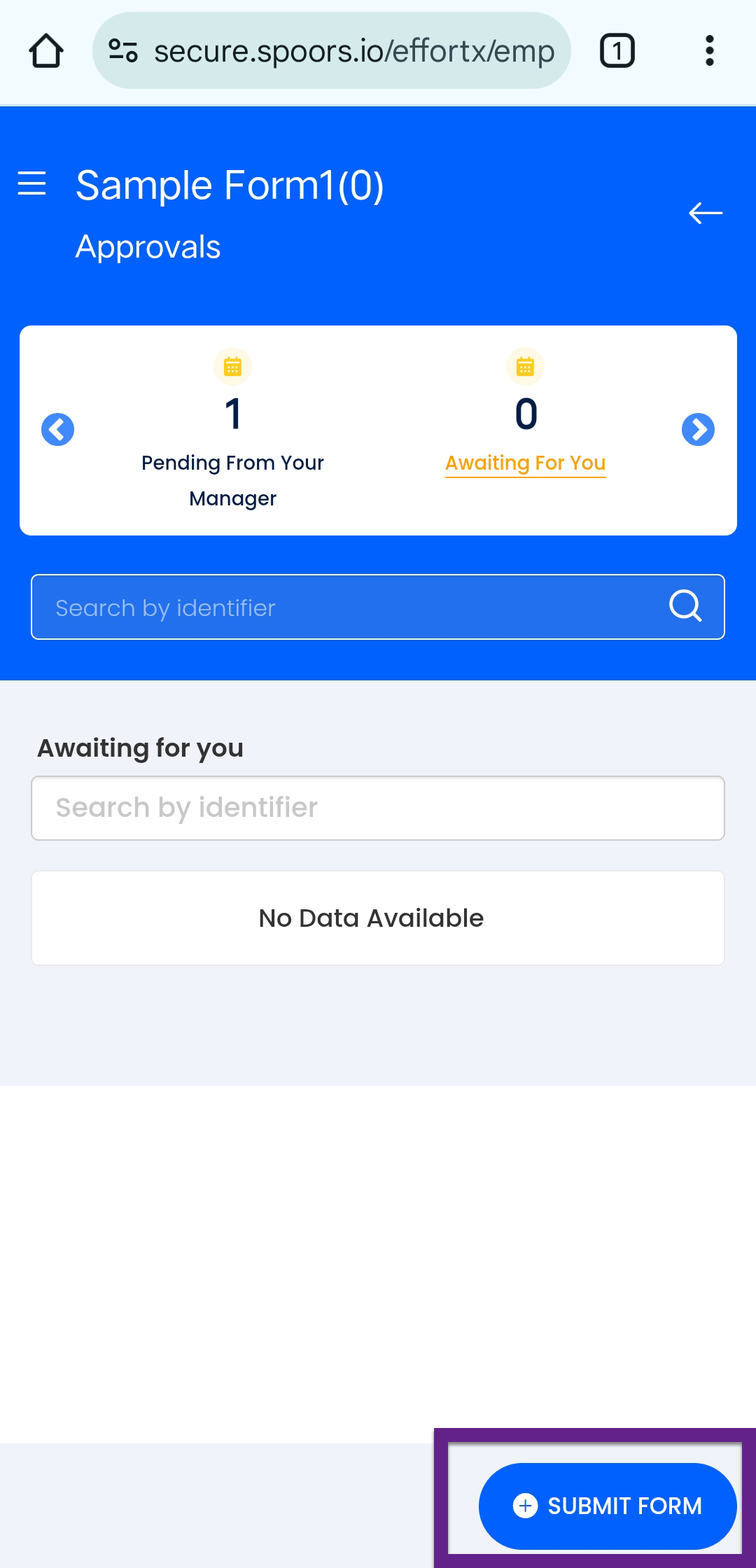
- Alternatively, you can navigate to .
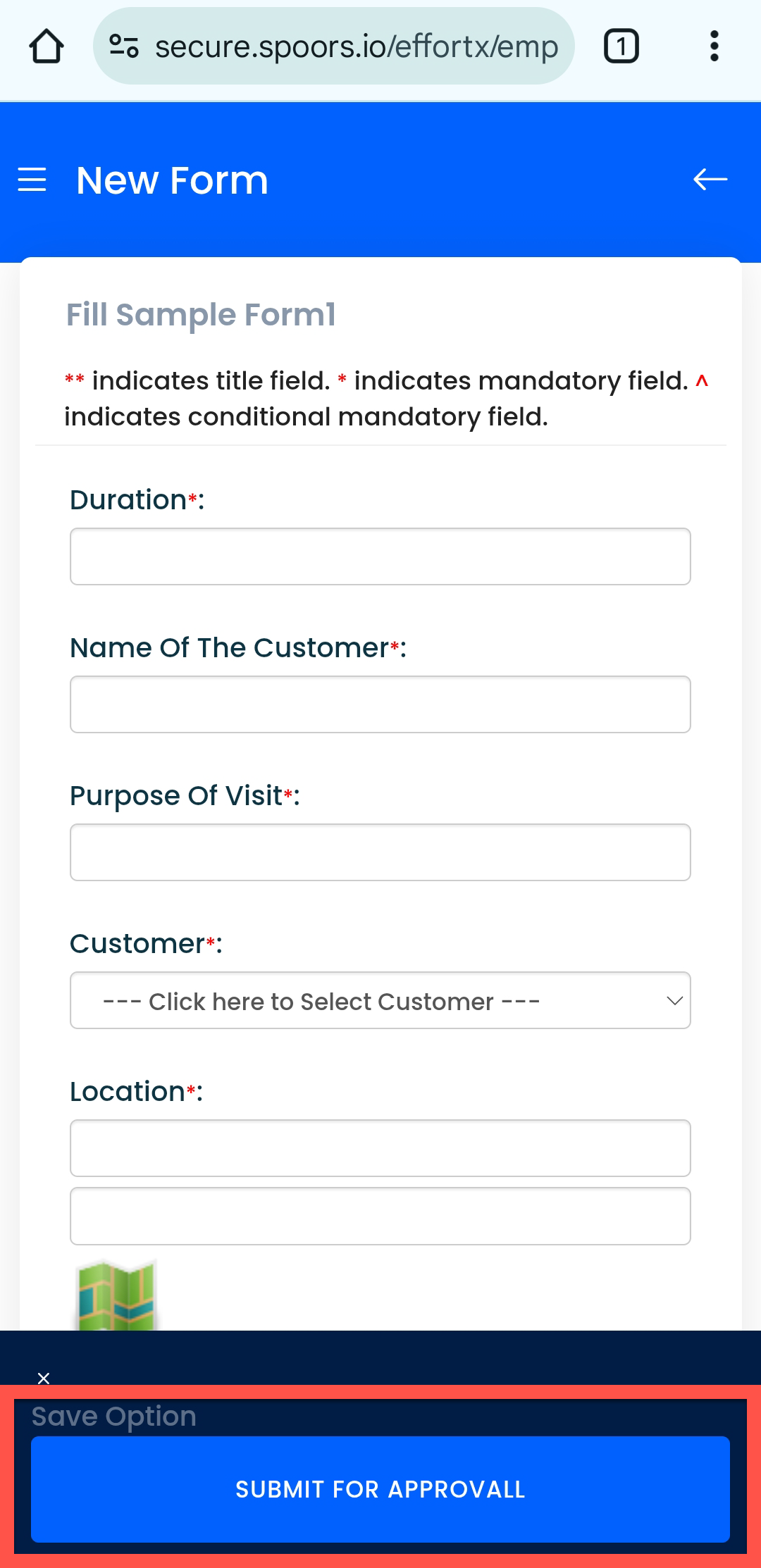
- Fill in details in the form fields.
-
After filling the form, tap the SAVE OPTIONS
button.
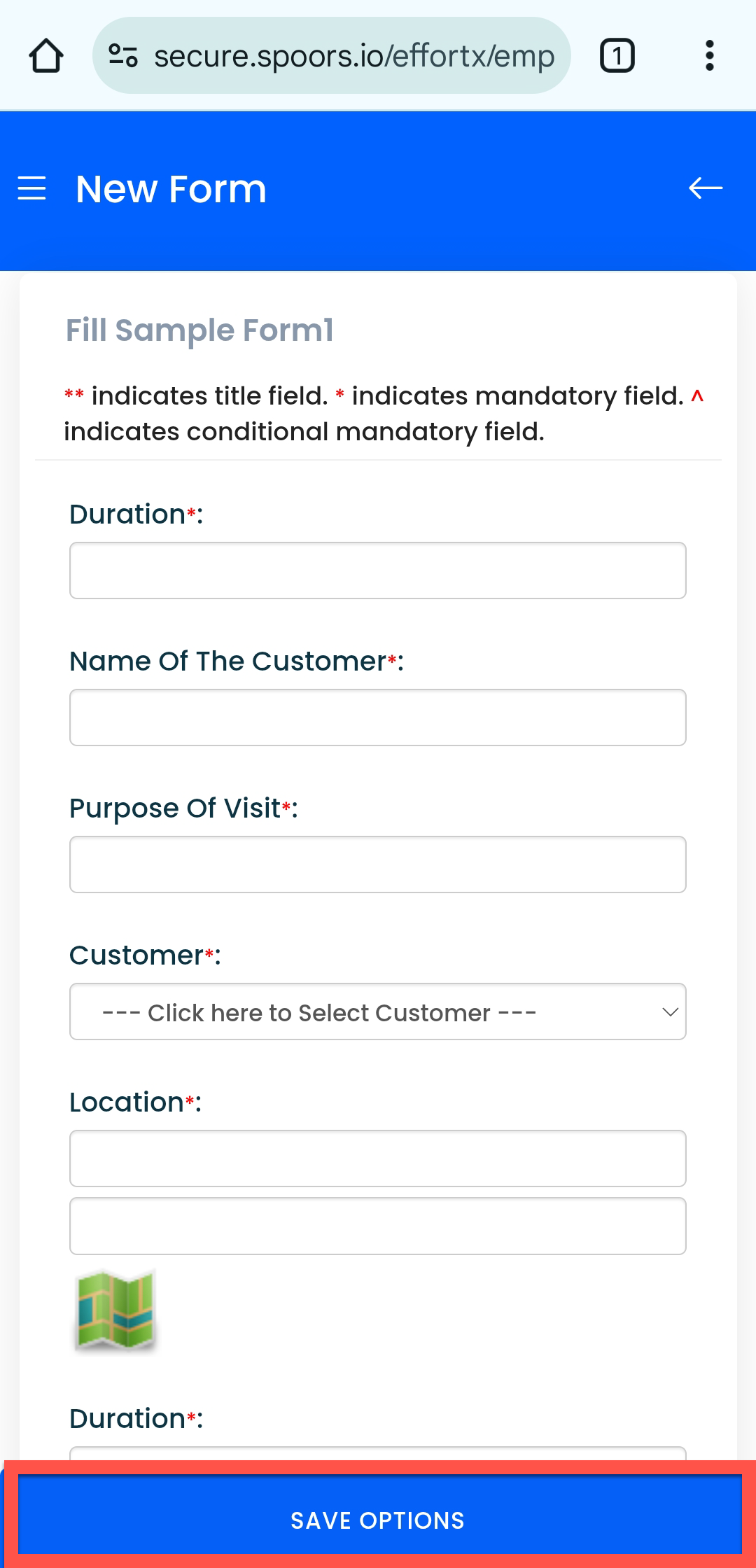
-
Tap SAVE or Submit for
Approval.