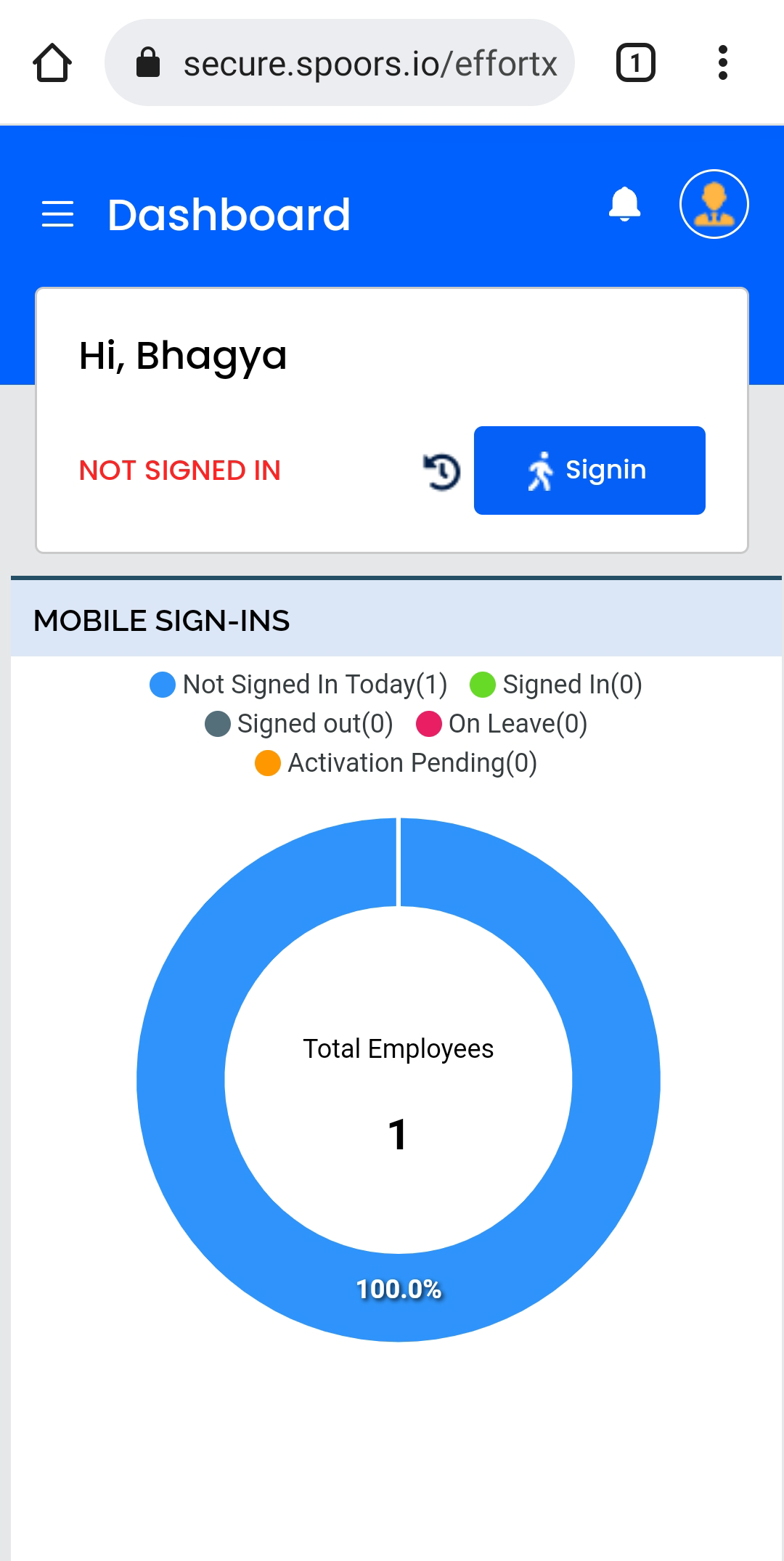
View Dashboard
This topic guides you with the step-by-step procedure to view dashboards in the Effort Web Lite App. You can follow the below steps to view dashboards in the Web Lite app.
-
Login to your Effort Web Lite account.
Refer to the Login to Effort Web Lite App topic for the step-by-step procedure to log in to the Web Lite app.
-
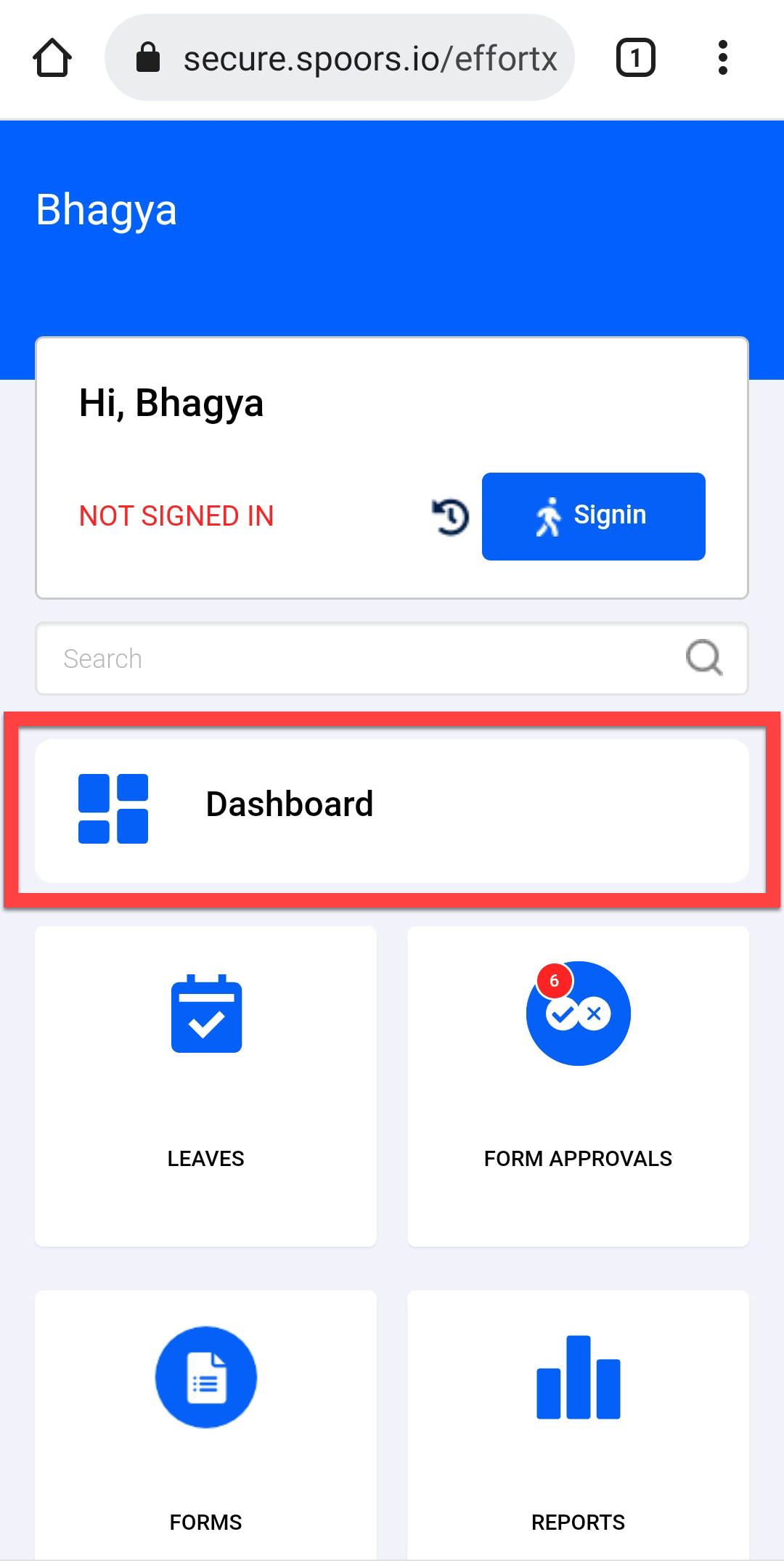
Tap Dashboard card on the home screen.
Your default dashboard is displayed.
-
Tap on the required dashboard card to view related insights.