

List Actions
From the Lists home page, you can create, view, and manage lists. When you click on a list card, the actions page for the list is displayed.
On the lists home page, you will find all the lists you have created. When you click a card, you can view the various actions and information pertaining to the list. It is titled as List Actions
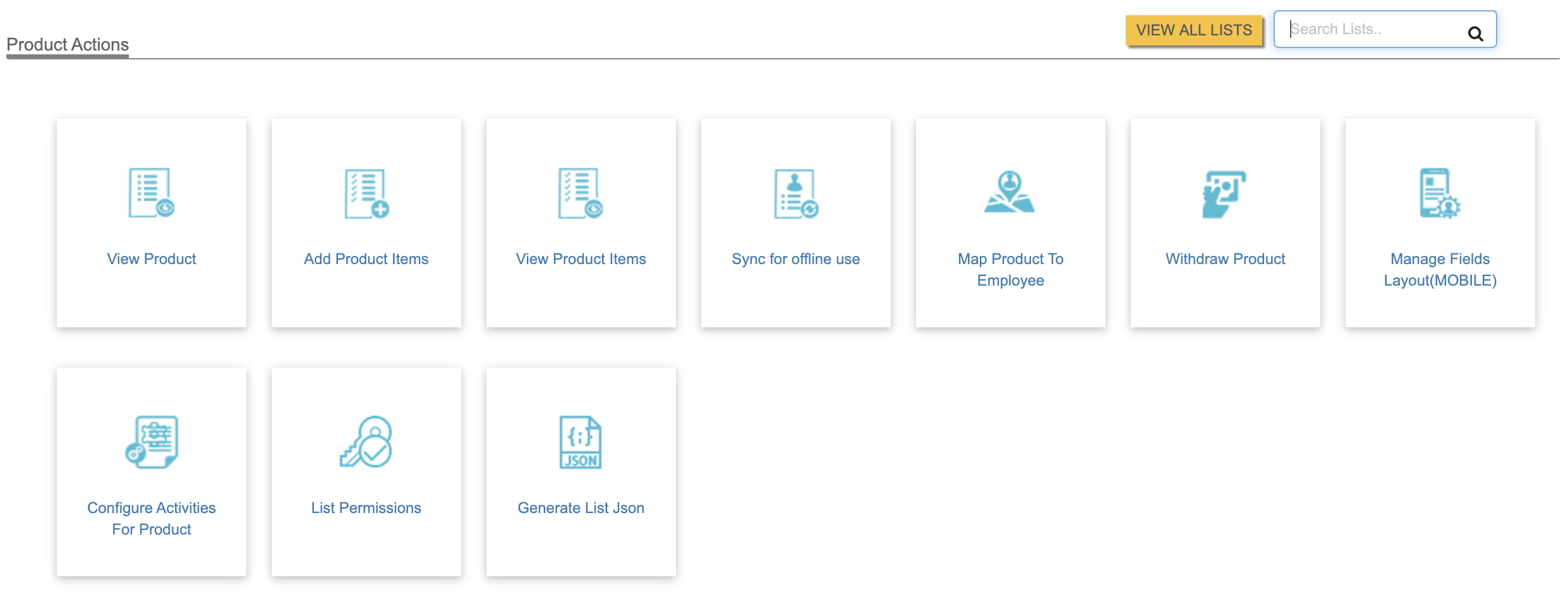
For example, if a new list is created as Product, all the actions
pertaining to Product, such as the ones listed below are displayed
as cards in Product Actions page. Using this interface, you can
customize the web and mobile experience. See the screen shot below:
Related Links: