

Create List
To create a list, follow the steps below.
-
Go to .
The Lists page appears.
-
Click the Create List button.

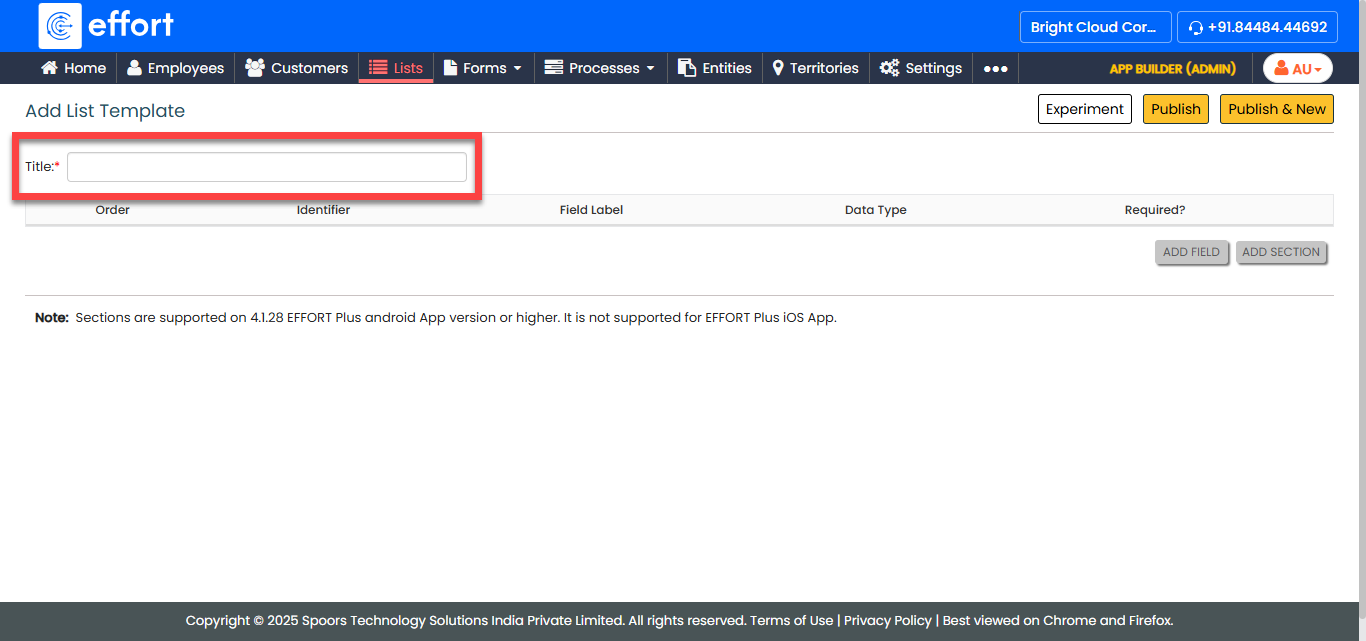
The Add List Template page appears.
-
In the Title textbox, enter a name for the list.
-
Click the Add Field button.

- Field Label
- Data Type (Drop-down)
- Identifier (Yes/No)
- Required
- Optional:
Click Add Field and Add Section
to add repeating group of fields as needed.

- Optional:
Click the Experiment button to save the list as
draft.

-
Click the Publish button and then click
OK.

You cannot change a list once it is published.
-
In the List Scope in Sync dialog, select the sync option
as per your requirements, and then click OK.
