

Edit List Item
To edit a list item, follow the steps below.
-
Go to .
The Lists page appears.
-
Click the List card in which you want to edit
items.

The List Actions page appears.
-
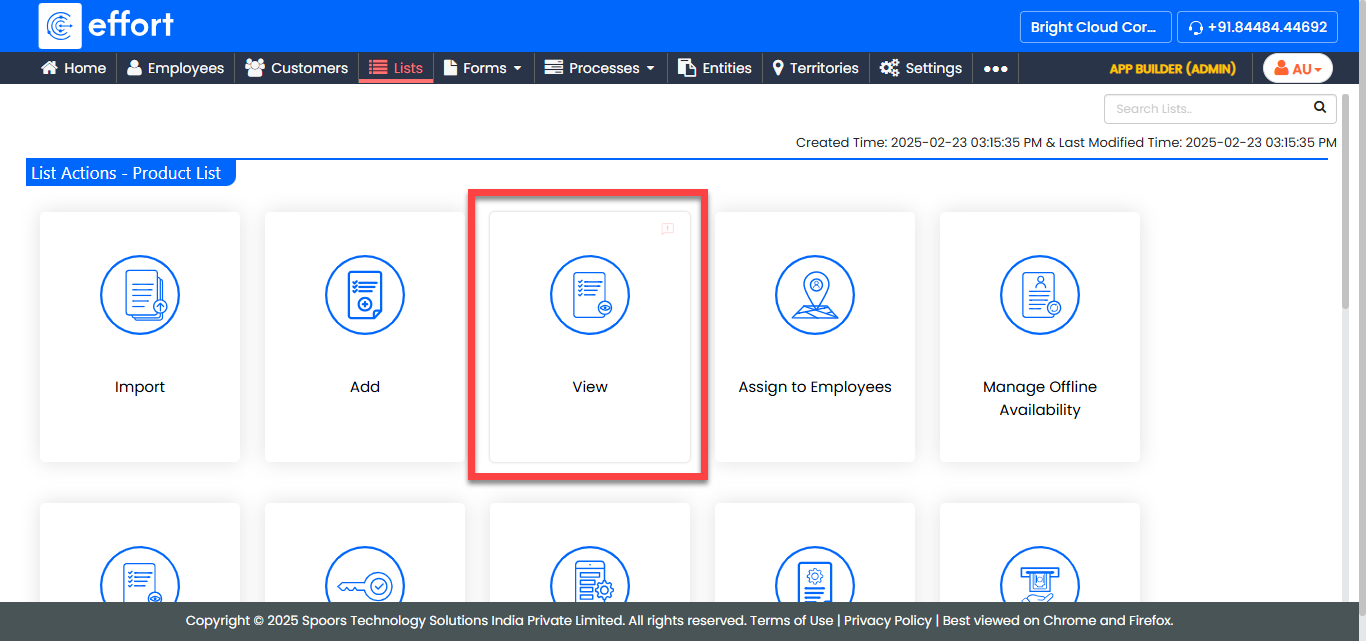
Click the View Items card to view the items in the
list.
-
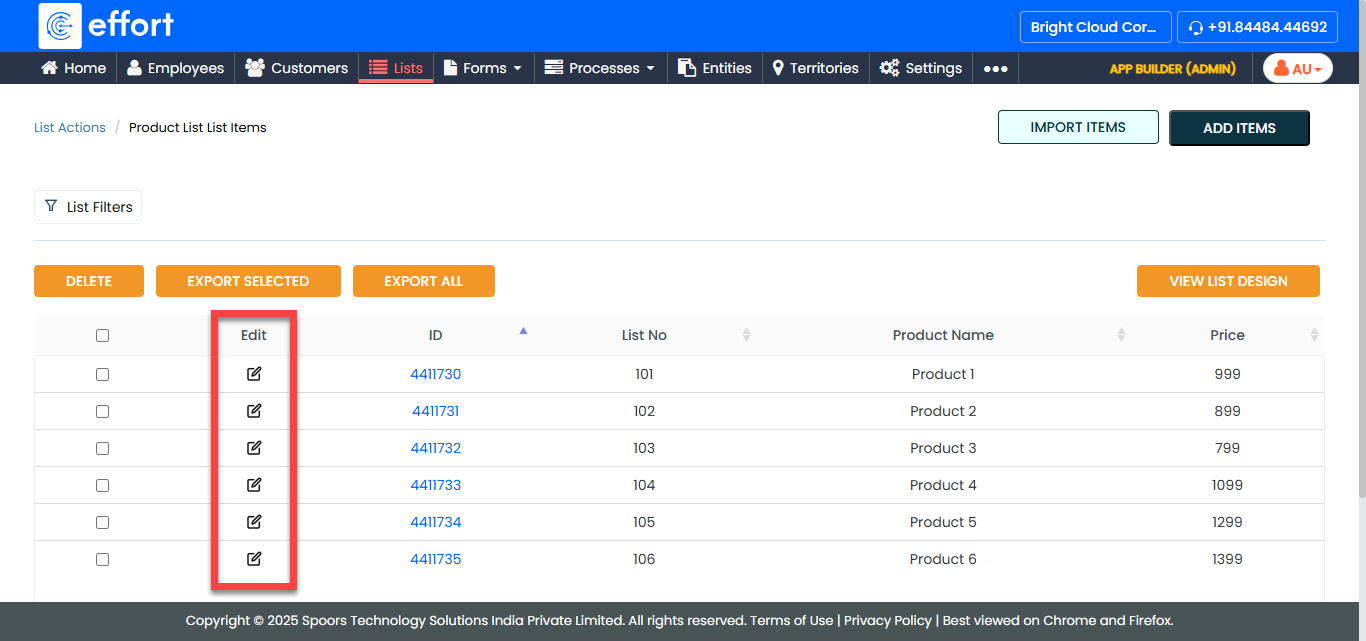
Under the Edit column, click the pencil icon
corresponding to the list item you want to edit.
-
Edit the list item as per your requirement.

- Click Save.