

Withdraw Forms Mapped to List
To withdraw forms mapped to list, follow the steps below.
-
Go to .
The List page appears.
-
Click the List card in which you want to withdraw forms
mapped to the list.

The List Actions page appears.
-
Click the Withdraw card.
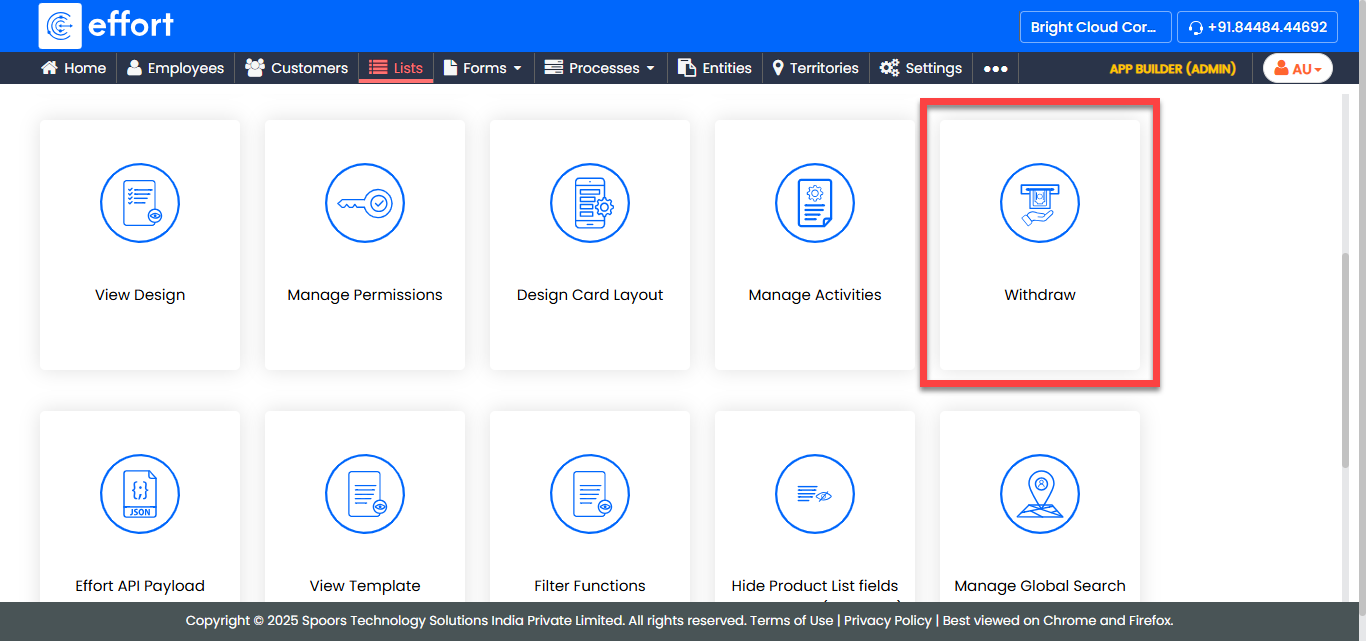
A pop appears with a list of forms mapped to the selected list.
-
Click OK to withdraw.
When a list is withdrawn, it will be marked for deletion and you cannot use it anywhere in the Form template.