

Delete List Items
To delete list items, follow the steps below.
-
Go to .
The Lists page appears.
-
Click the List card in which you want to delete list
items.

The List Actions page appears.
-
Click the View Items card.
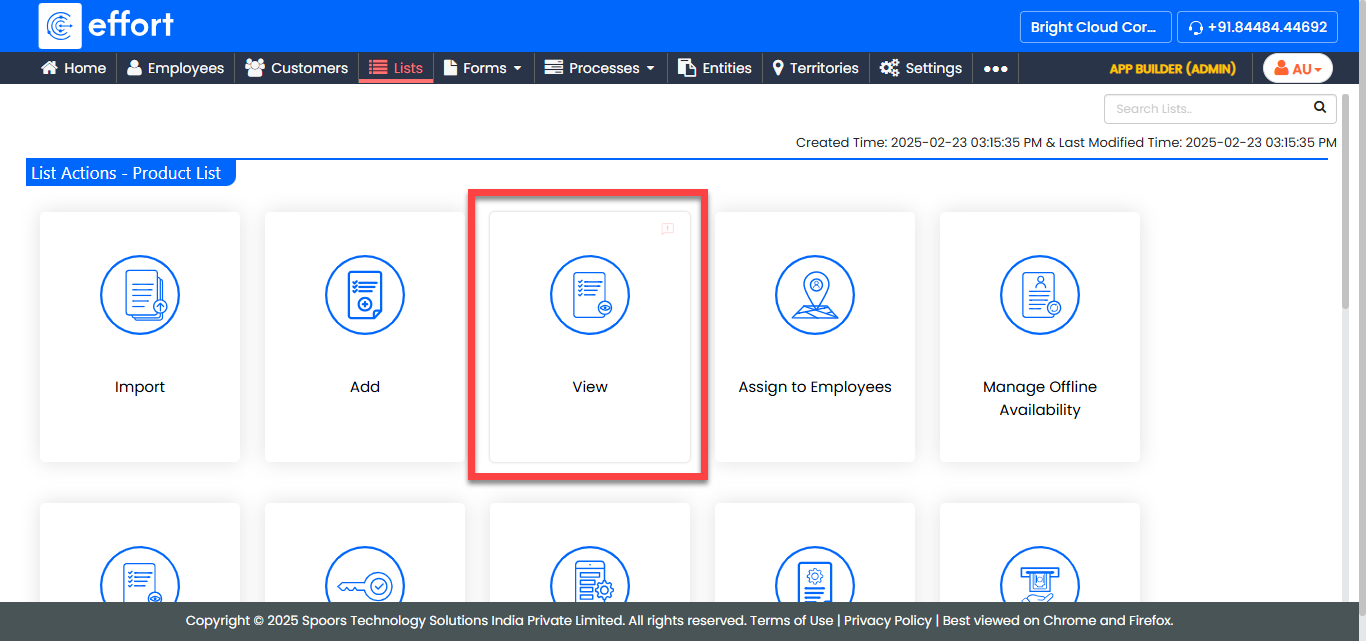
The <List Name> Items page appears.
-
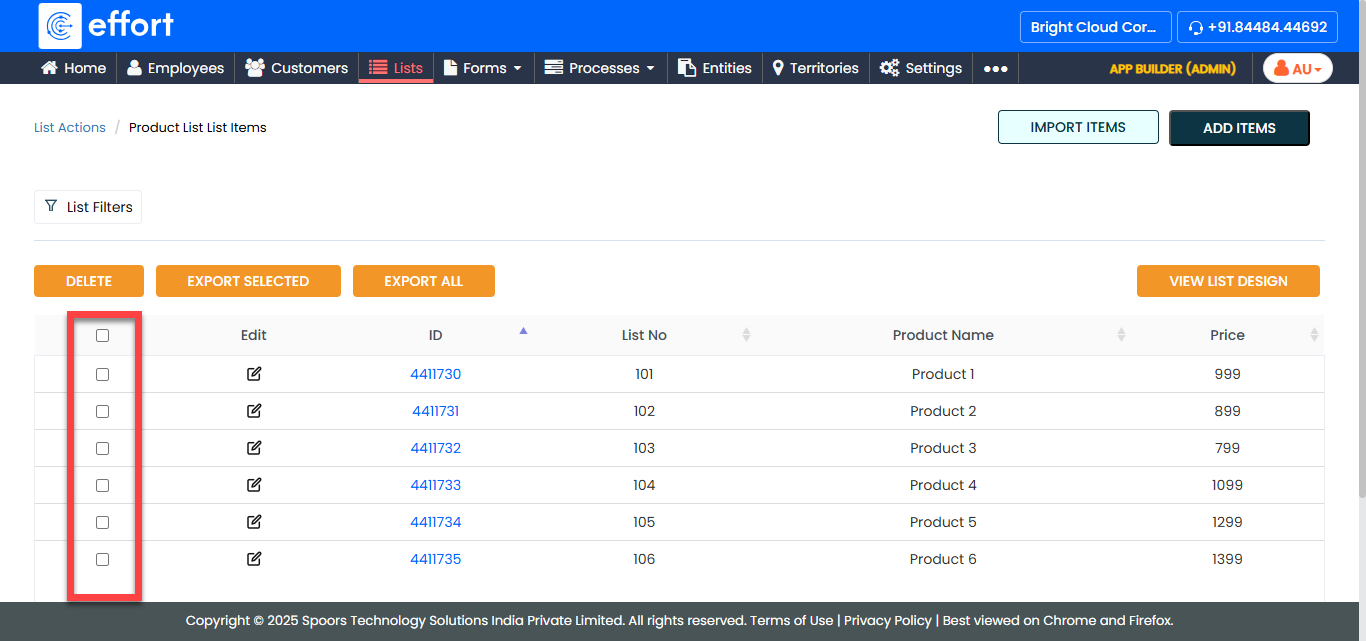
Select the the items that you want to delete.
-
Click the Delete button.
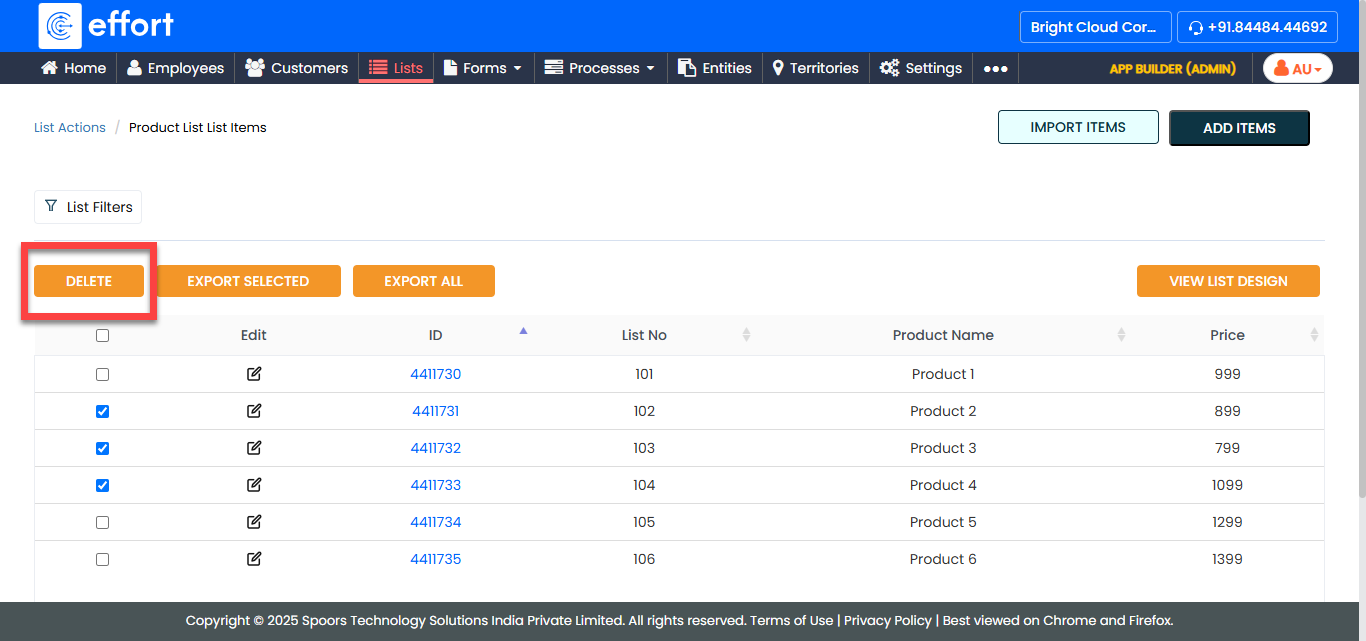
- In the confirmation pop-up, click OK.