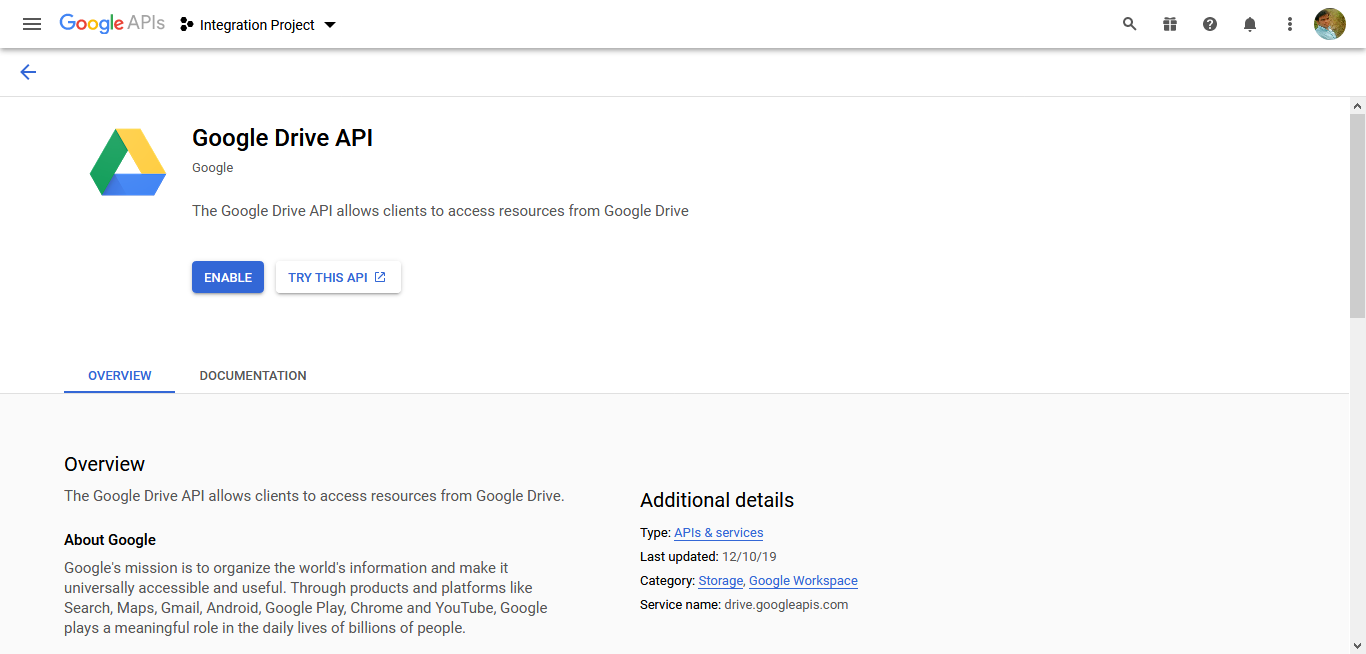
Enable Google Drive API
- Log in to Google Developer Console with below URL.
-
Select a newly created project from the projects dropdown located on top of the
page.

-
Click Enable APIs and Services button.
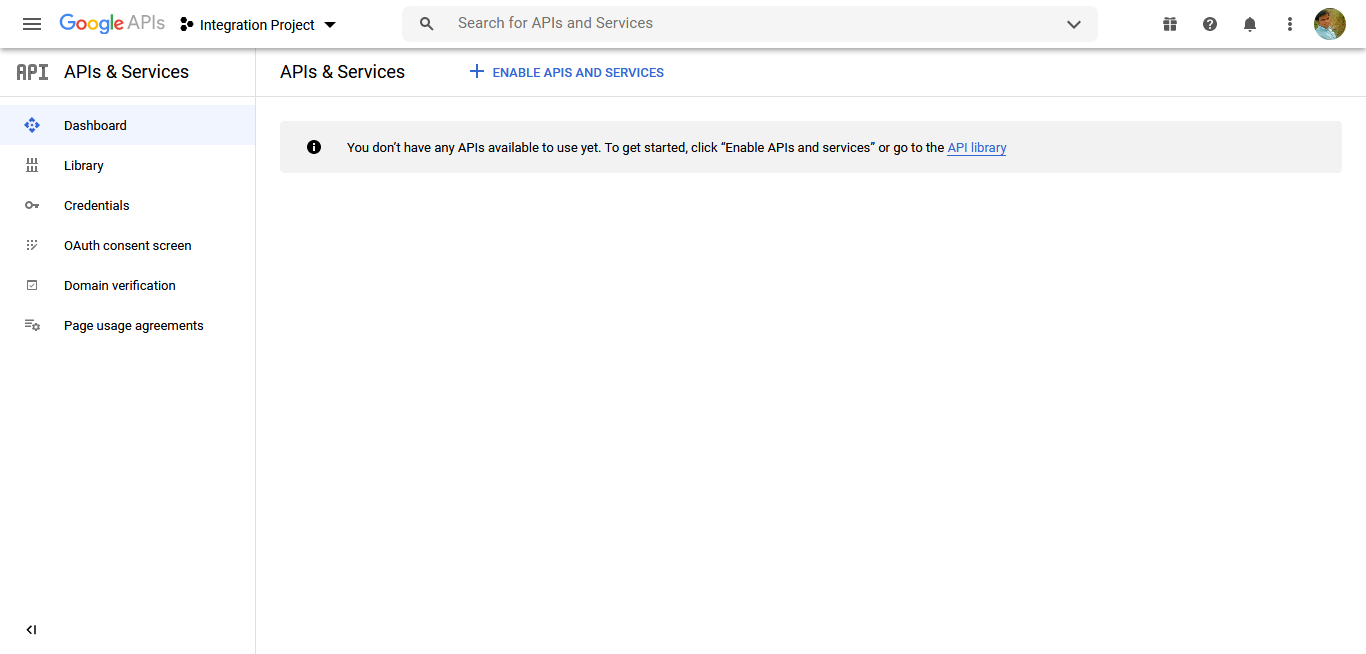
The API Library page appears.
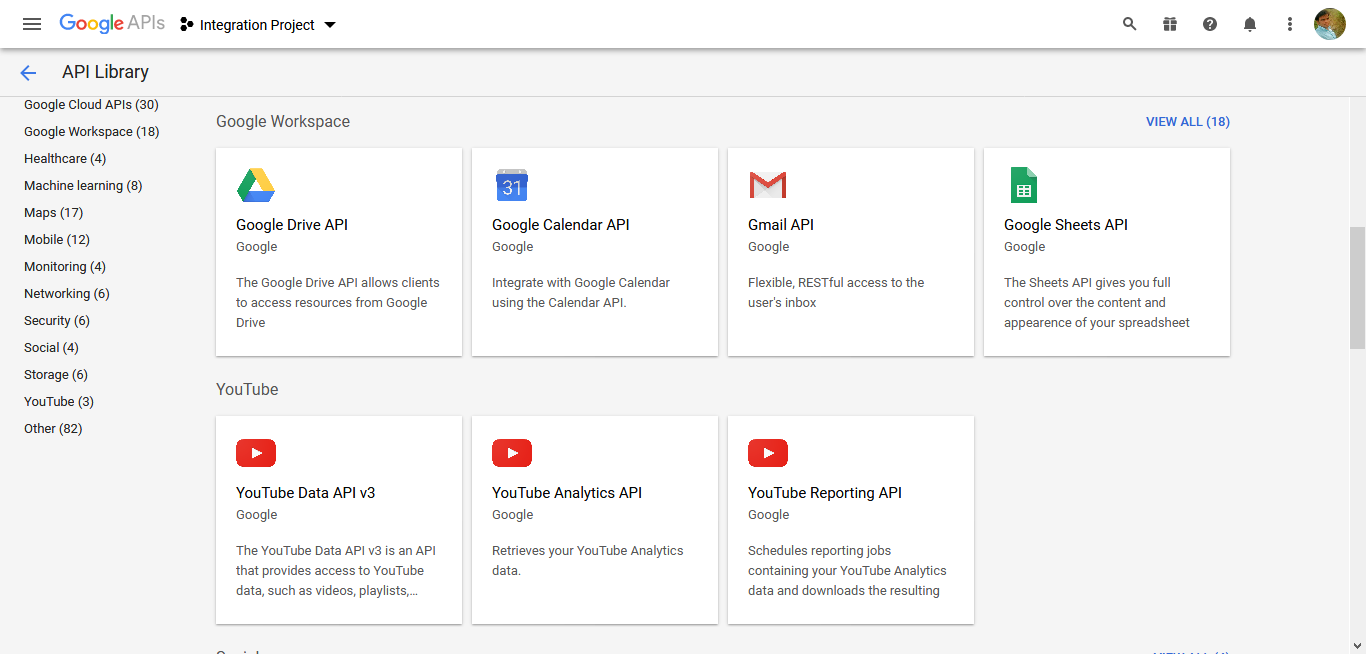
- Scroll down to the Google Workspace section.
-
Click Google Drive API card.
-
Click Enable button to enable the Google Drive
API.