Generate OAuth Client Credentials
- Make sure you have already created a project to enable APIs. To create, refer Create a Project in Google Developer Console.
- Make sure you have already enabled the Google Drive API to create application. To enable, refer Enable Google Drive API.
- Make sure you have already created an application to generate OAuth client credentials. To create, refer Create Application in Google Developer Console.
- Log in to Google Developer Console with below URL.
-
Select a newly created project from the projects dropdown located on top of the
page.

- Click Credentials located on the left.
-
Click Create Credentials button and click
OAuth client ID.

-
Select Web application from the Application type
dropdown.

-
Enter a name to the web apllication in the Name
textbox.

-
Click ADD URI button under the Authorized
redirect URIs and enter the below url.

-
Click Create button.
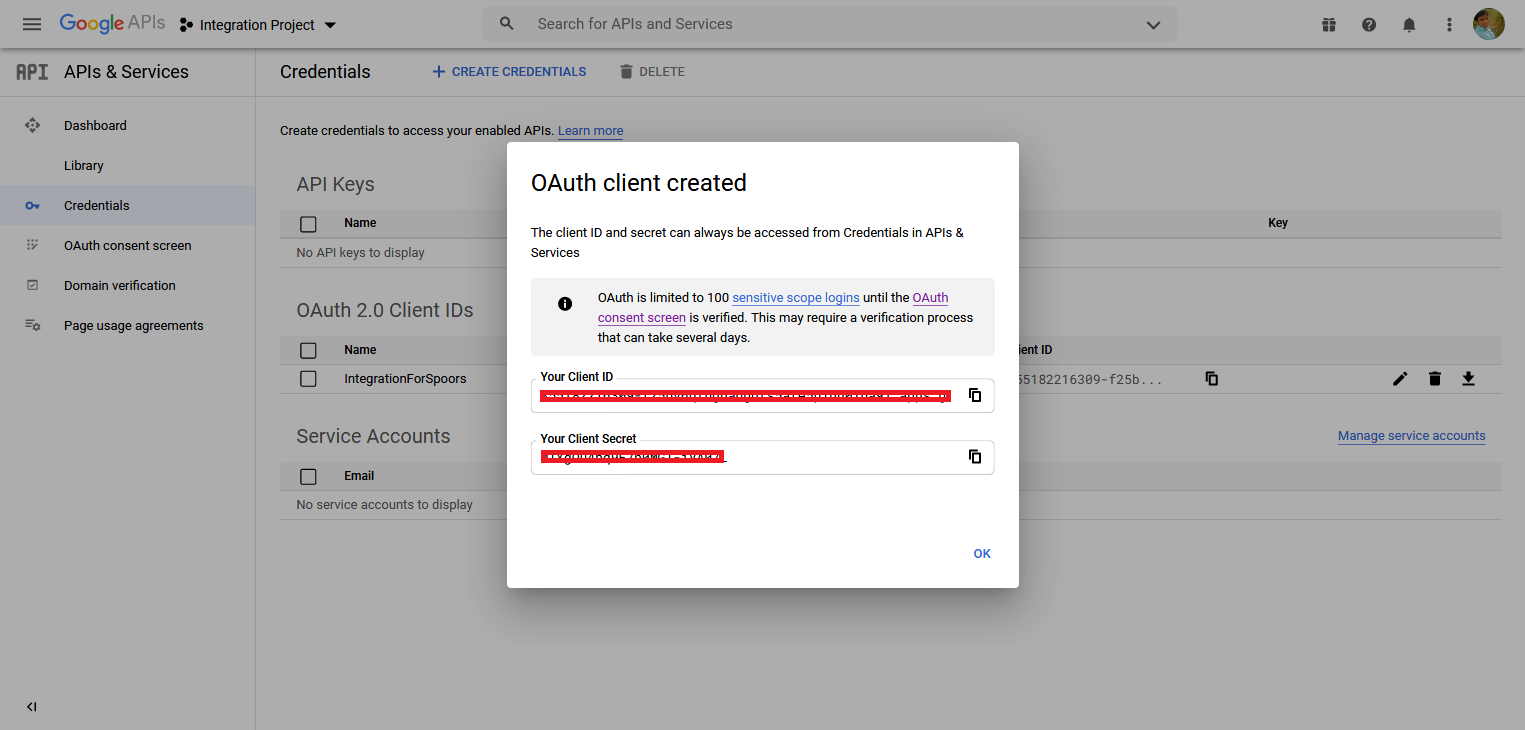
A pop-up window appears with the Client ID and Client Secret details. Copy Name, Client ID, and Client Secret details for further configurations.