

Manage Referenced Masters
The Manage Referenced Masters functionality enables you to manage configured List/Entity masters from the respective Customer Details screen within the Web App. This feature helps you manage customer data such as outstanding amounts, payments, addresses, and more.
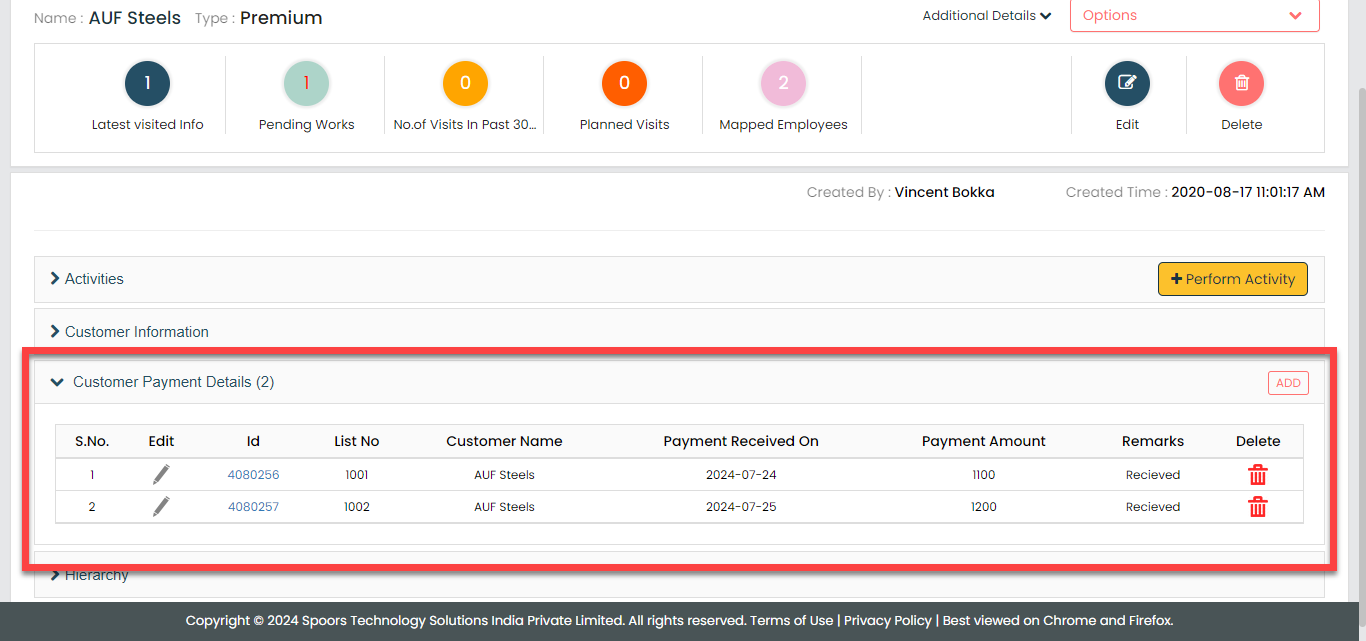
In the screenshot provided, you can see the Customer Payment Details section, which represents an enabled list master. This section provides a detailed view of all payment-related information for a customer, including payment date, amount received, and recent transactions. Similarly, any enabled entity masters will also appear on this page. This integration ensures that all relevant customer data is easily accessible from a single location.
- Created a master list titled "Customer Payment Details" with the following
design:
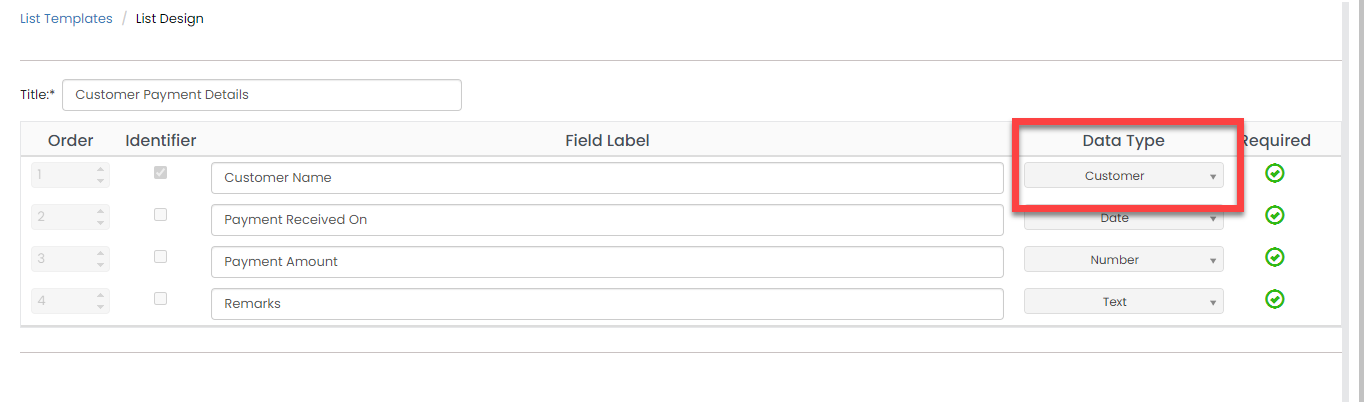 Note: To enable this functionality, customer data type must be included in the design.
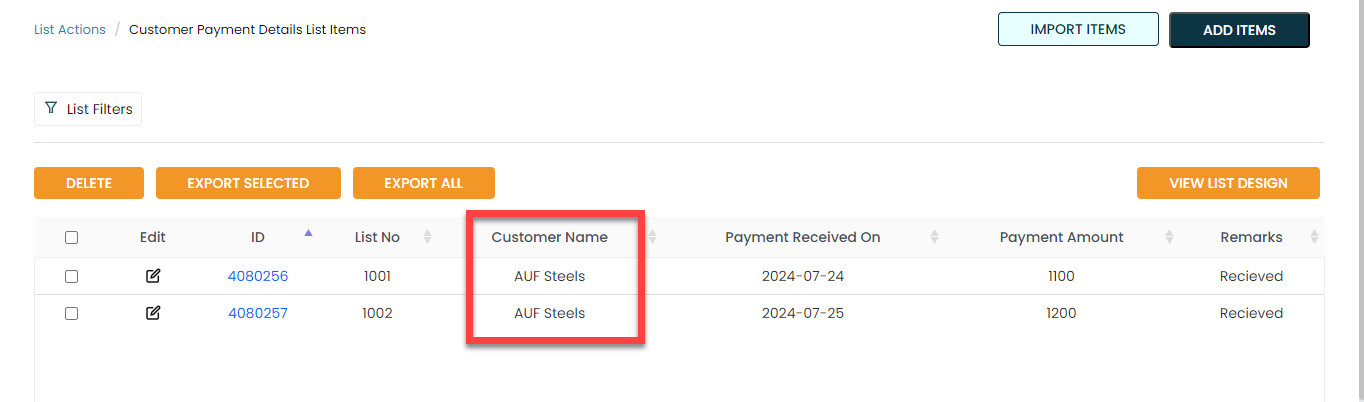
 - Added items to the list master. In the screenshot below, we have added payment
details for the customer "AUF Steels".
- Enabled the "Customer Payment Details" list master on the Manage Referenced
List page.

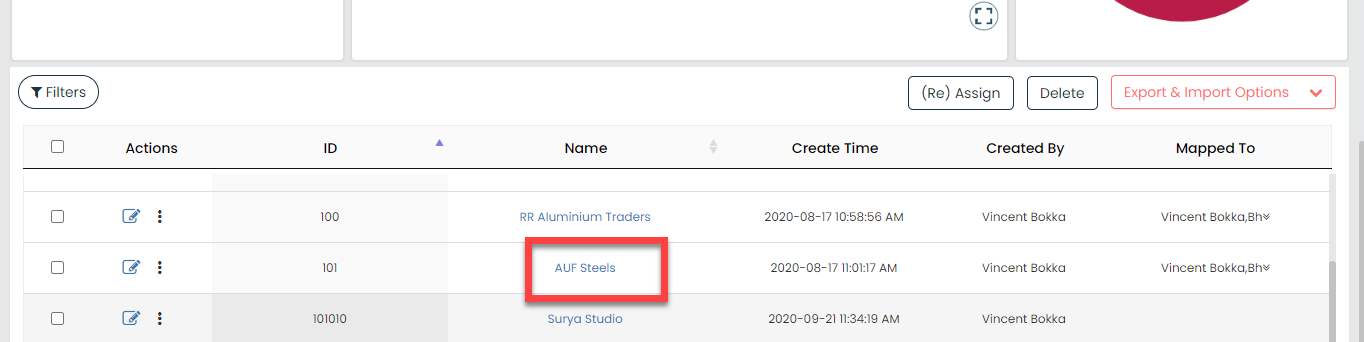
- Now go to and open the details of the customer "AUF Steels".
- The items you added in the second step will be shown on the customer details
page. Here, you can add, edit, and delete items in the list master.
