

Configure Mobile Pop Up Notifications
To configure mobile pop-up notifications, follow the steps below:
-
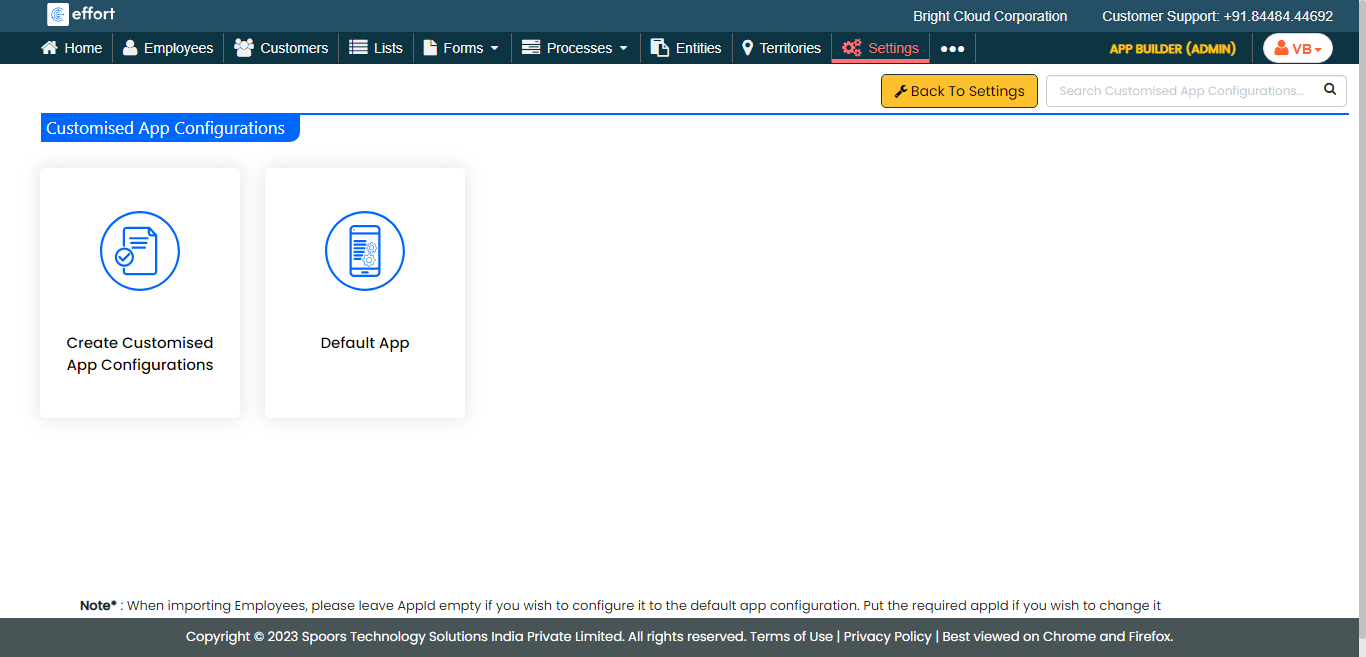
Go to .
The Customised App Configurations page appears.
-
Click on the app for which you want to configure pop-up notifications.
-
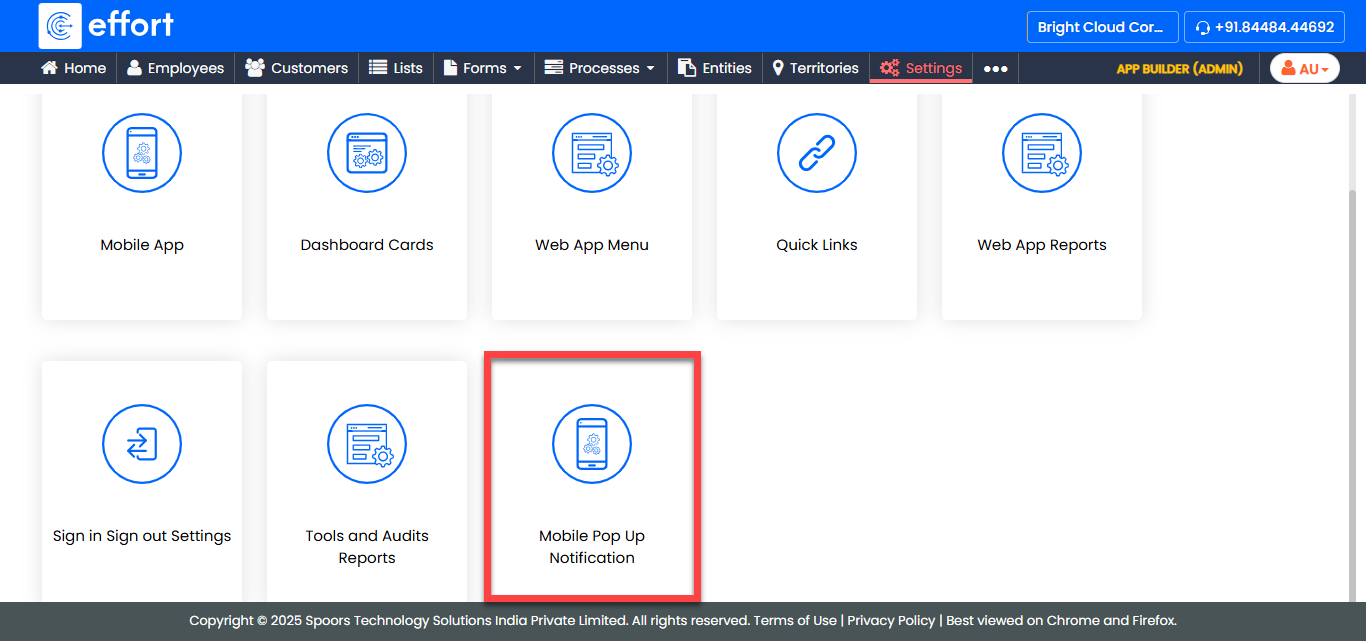
Click the Customise Mobile Pop Up Notification
card.
-
For the Pop Up Notification Image field, click
Choose File and select the image you want to show as
a pop-up notification in the mobile app.

-
From the Pop Up Notification Time (In Seconds) dropdown,
select the duration for which you want the pop-up notification to appear on the
mobile app.

-
From the Pop Up Notification Count (In Seconds)
dropdown, select the number of times you want the pop-up notification to appear
on the mobile app.
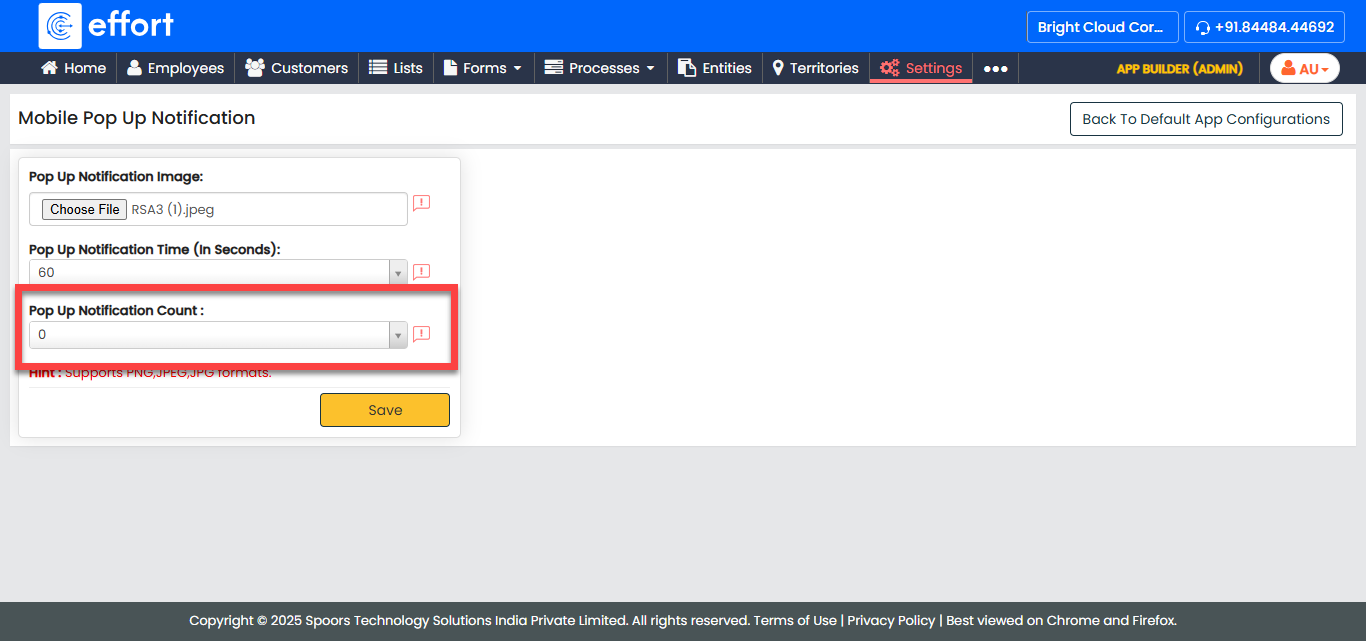
- Click Save.