Configure Notifications for New Version
To configure notifications for new version, follow the steps below:
-
Go to .
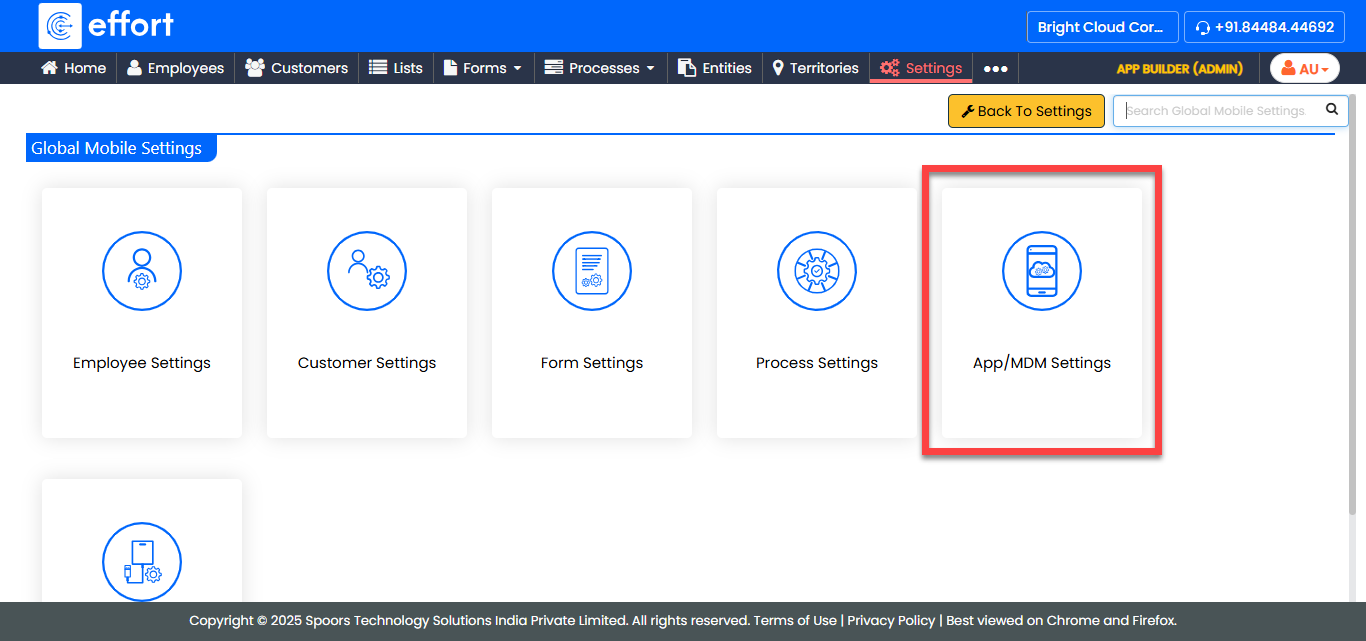
-
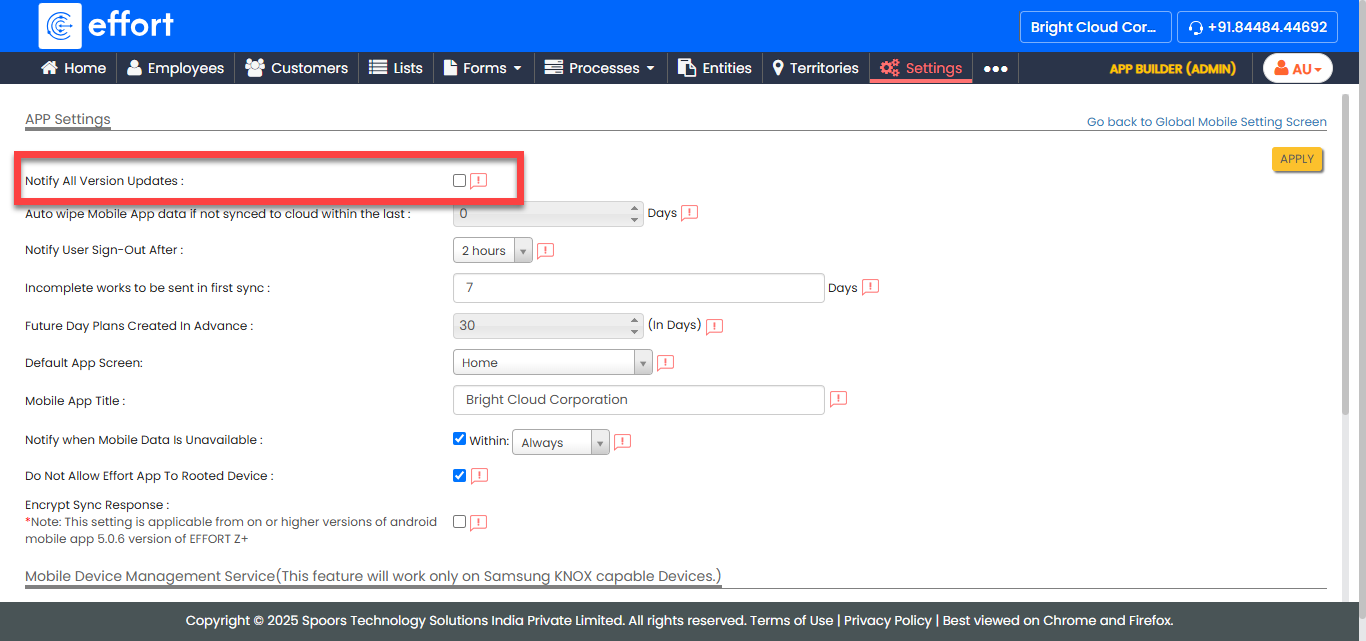
Enable the Notify All Version Updates checkbox.
-
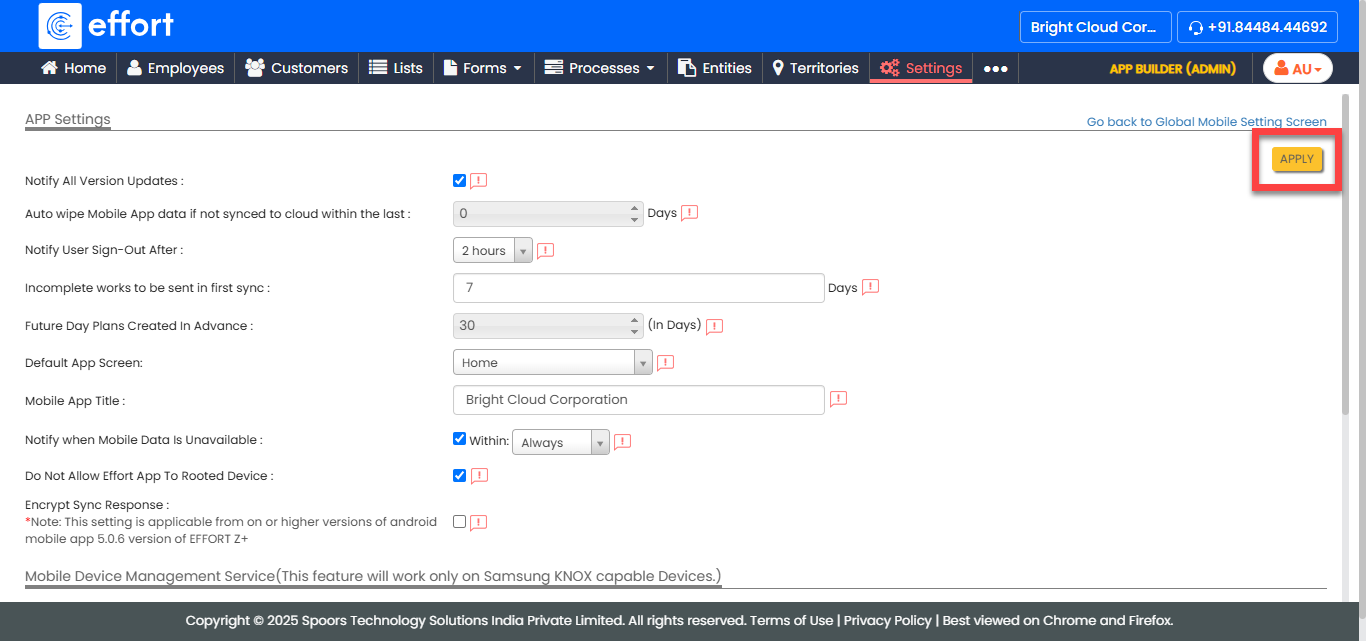
Click Apply.
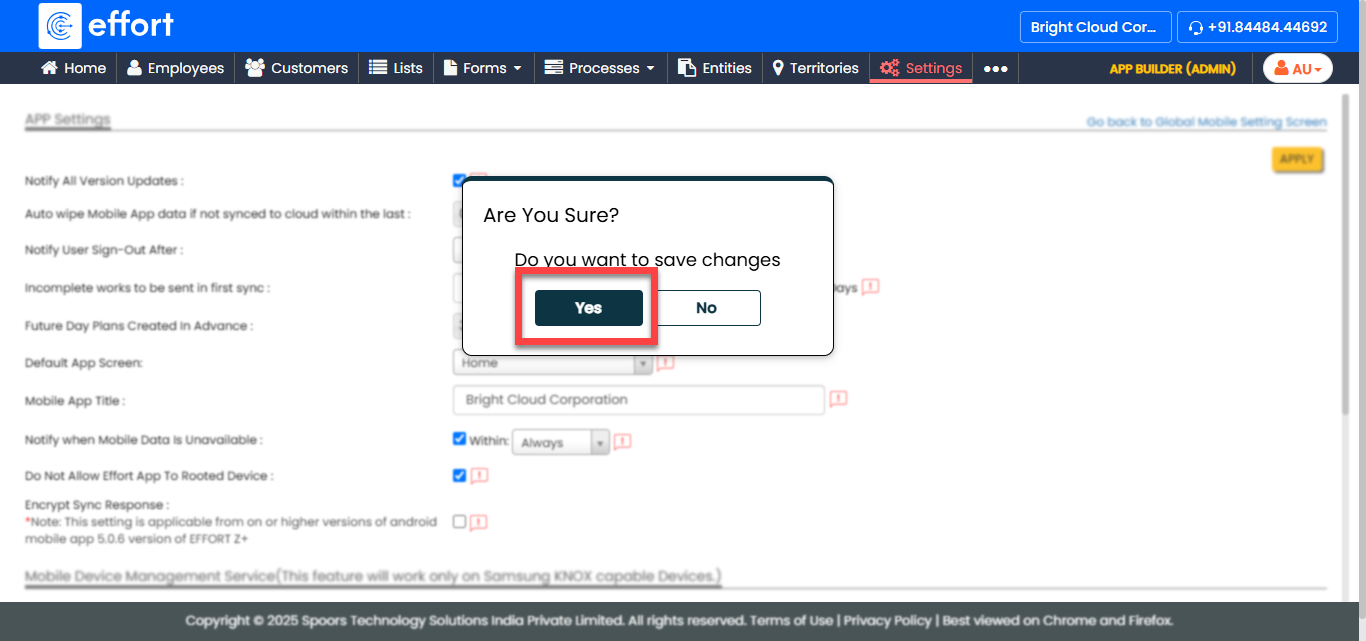
-
In the confirmation pop-up, click Yes.