

Create Customer Returns Form Configuration
-
Go to .
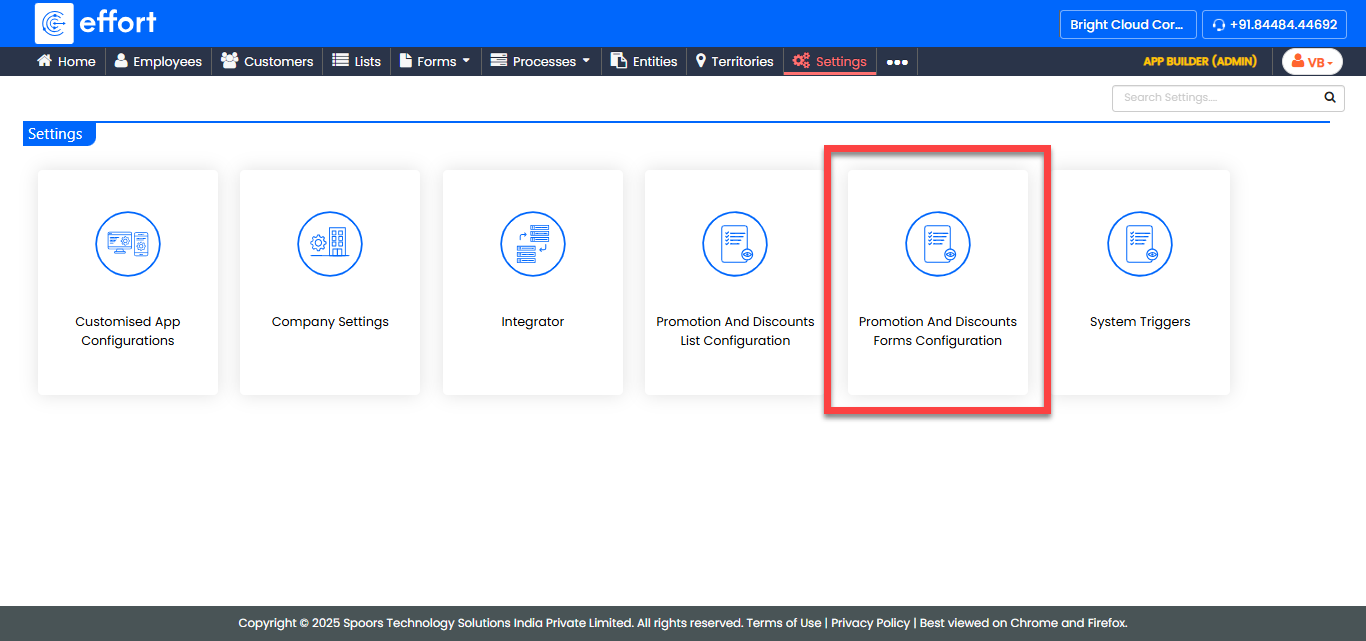
The Settings page appears.
-
Click Promotion And Discounts Form Configuration
card.
-
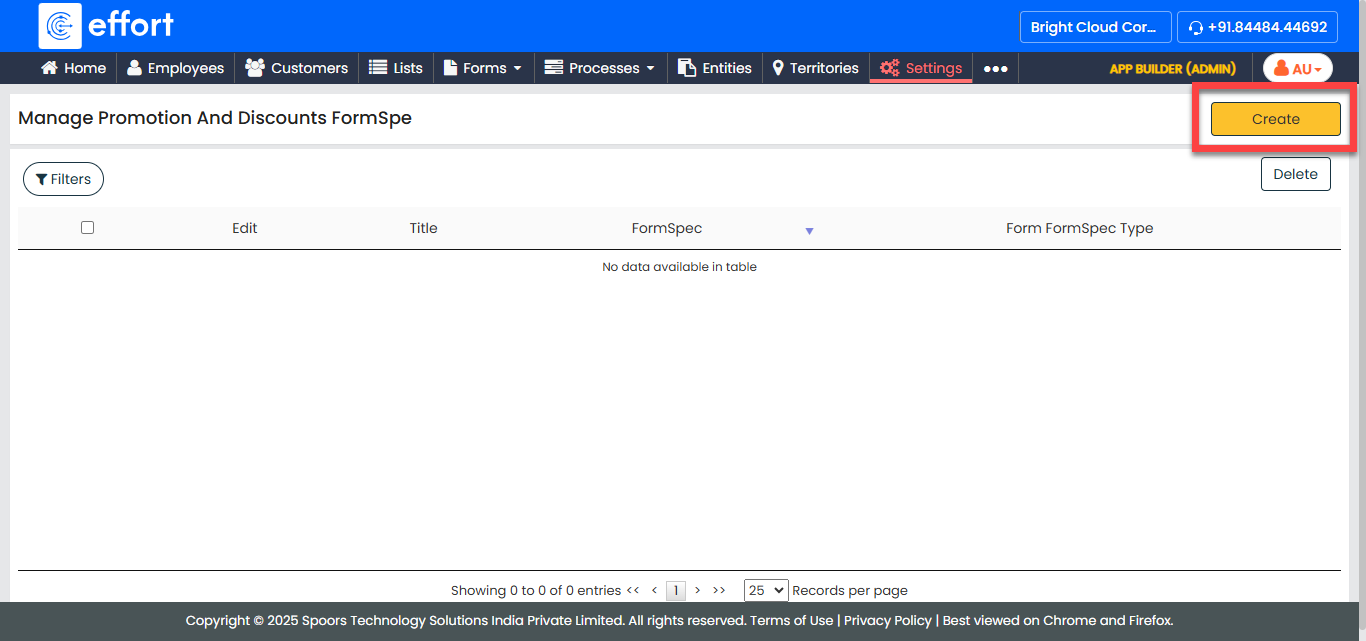
Click the Create button located on the top left
corner.
-
In the Title textbox, enter a title for the
configuration.

- Select CustomerReturns from the Form Spec Type dropdown.
- Select a form spec from the Form Spec dropdown.
-
Configure the appropriate form fields to the Form Field Spec
Type under the Form Field column.

Note: You must configure relevant form fields to all the form field spec types. You are not allowed to save the configuration until you map all the entity field spec types. - Click Save.