

Customise Web App Menu
To customise dashboard cards, follow the steps below:
-
Go to .

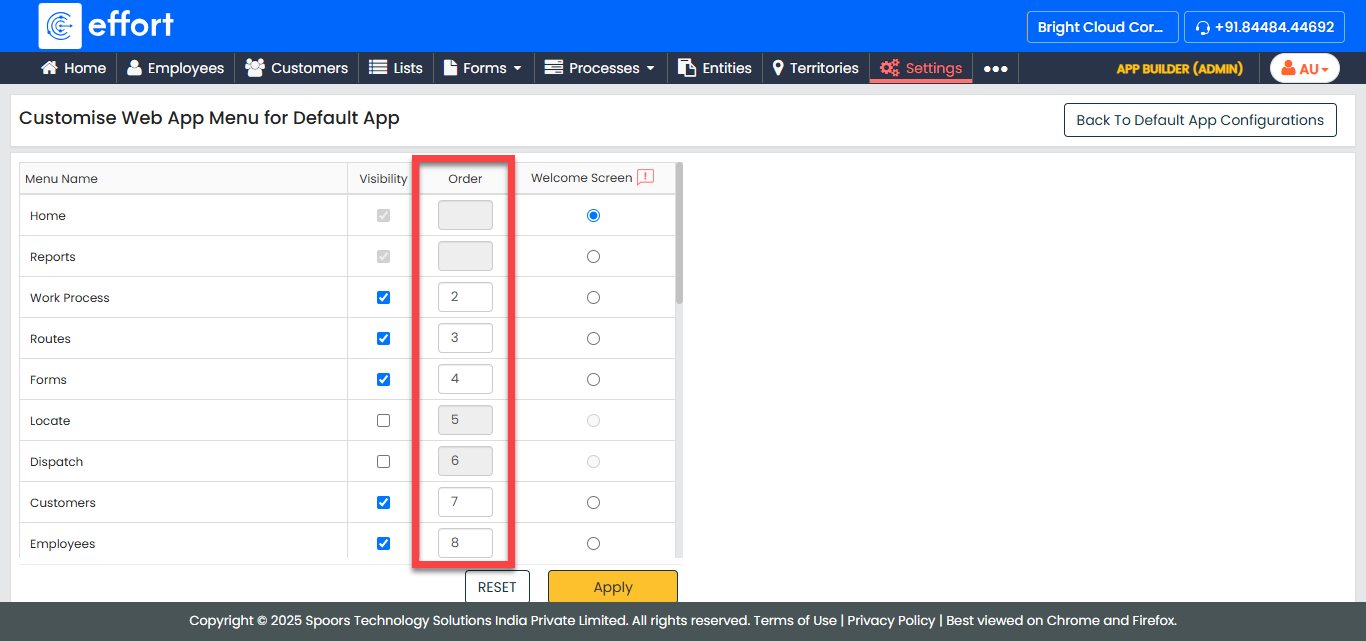
The Customise Web App Menu for Default App page appears.
-
Under the Visibility column, enable the modules as per
your requirement.

-
Under the Order column, define the order of
modules.
-
Under the Welcome screen, select a module you want to
make as welcome screen in Web App.

-
Click Apply.
For description of fields, see Menu Configuration - Fields and Description