

Customise Dashboard Cards
To customise dashboard cards, follow the steps below:
-
Go to .
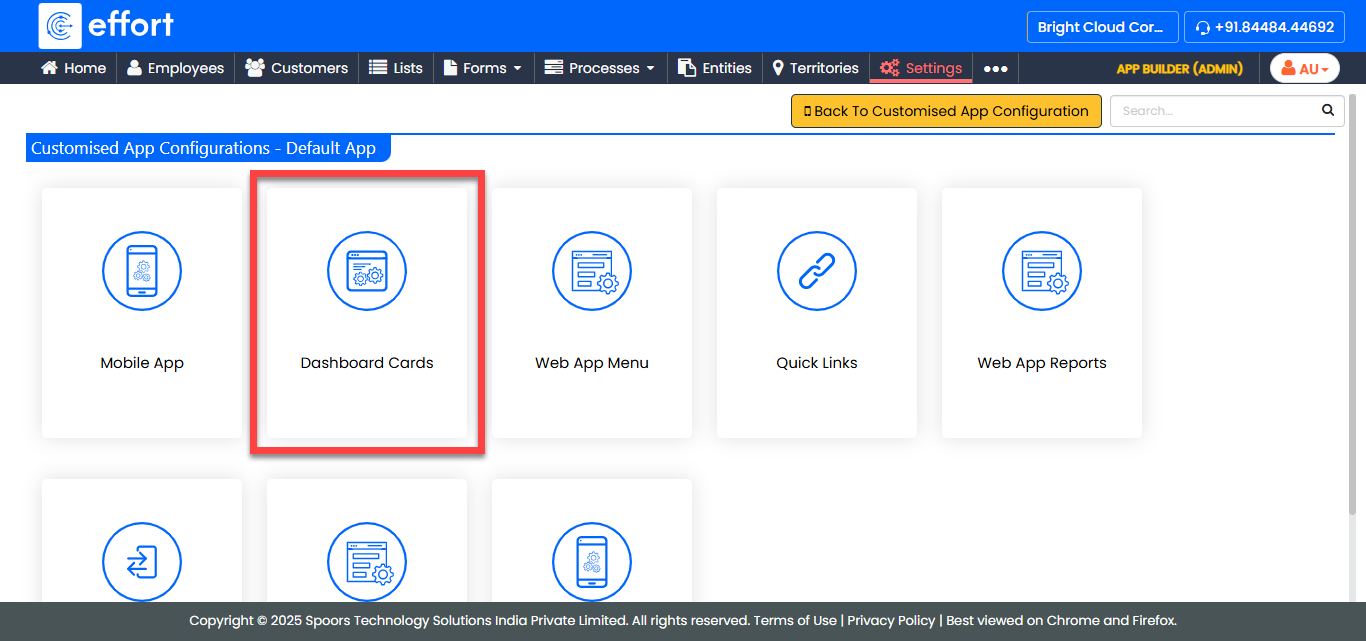
The Customise Dashboard Cards for Default App page appears.
-
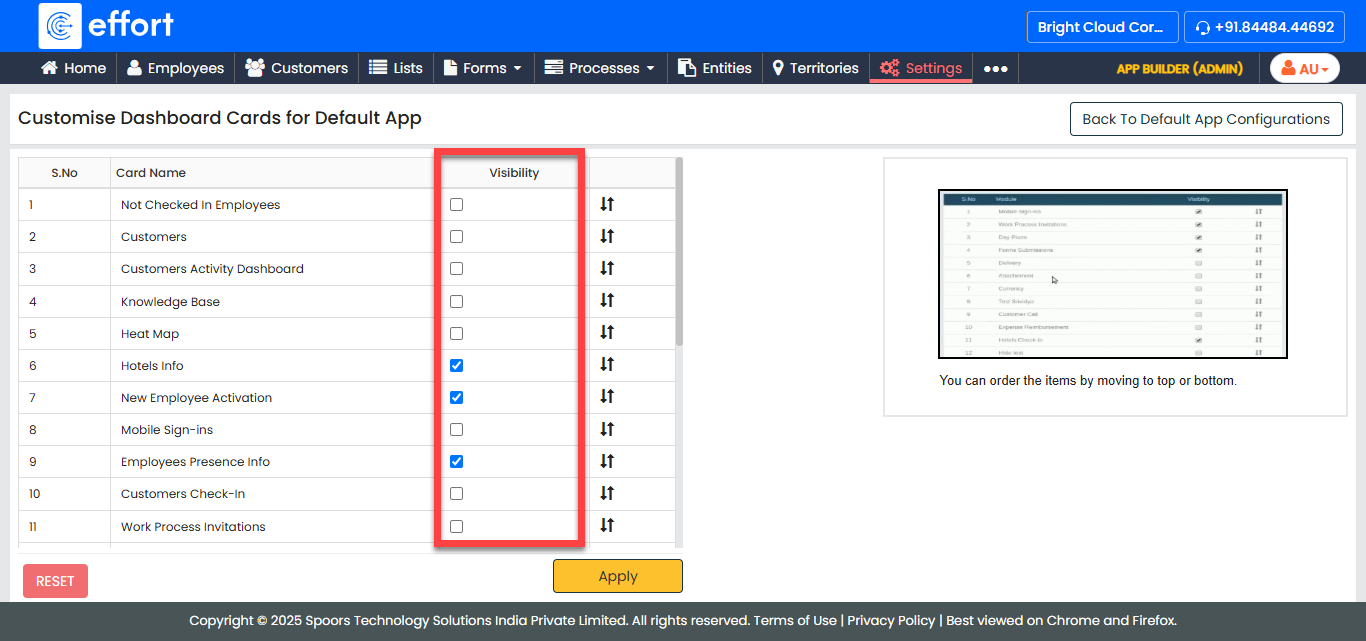
Under the Visibility column, enable the cards you want to access in the
dashboard.
-
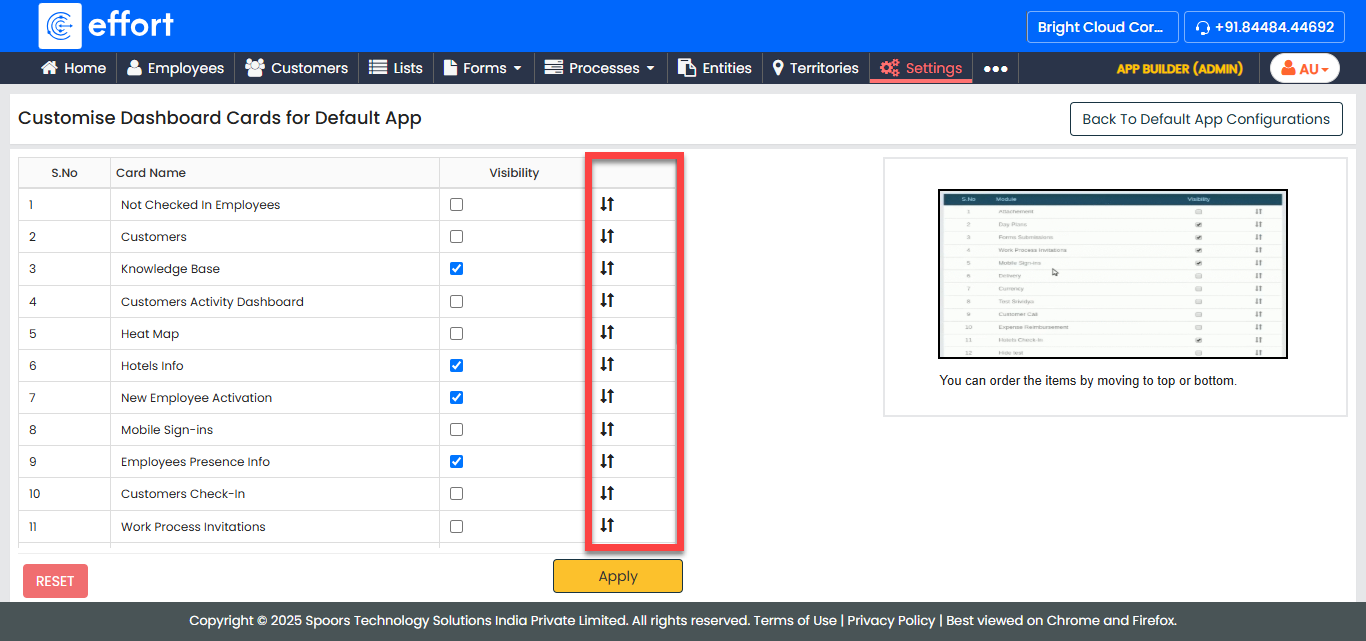
Configure the order of the modules using arrow icons.
-
Click Apply.
For field description see,
Dashboard - Fields