

Create a Fiscal Calendar
To create a fiscal calendar, follow the steps below:
-
Go to .
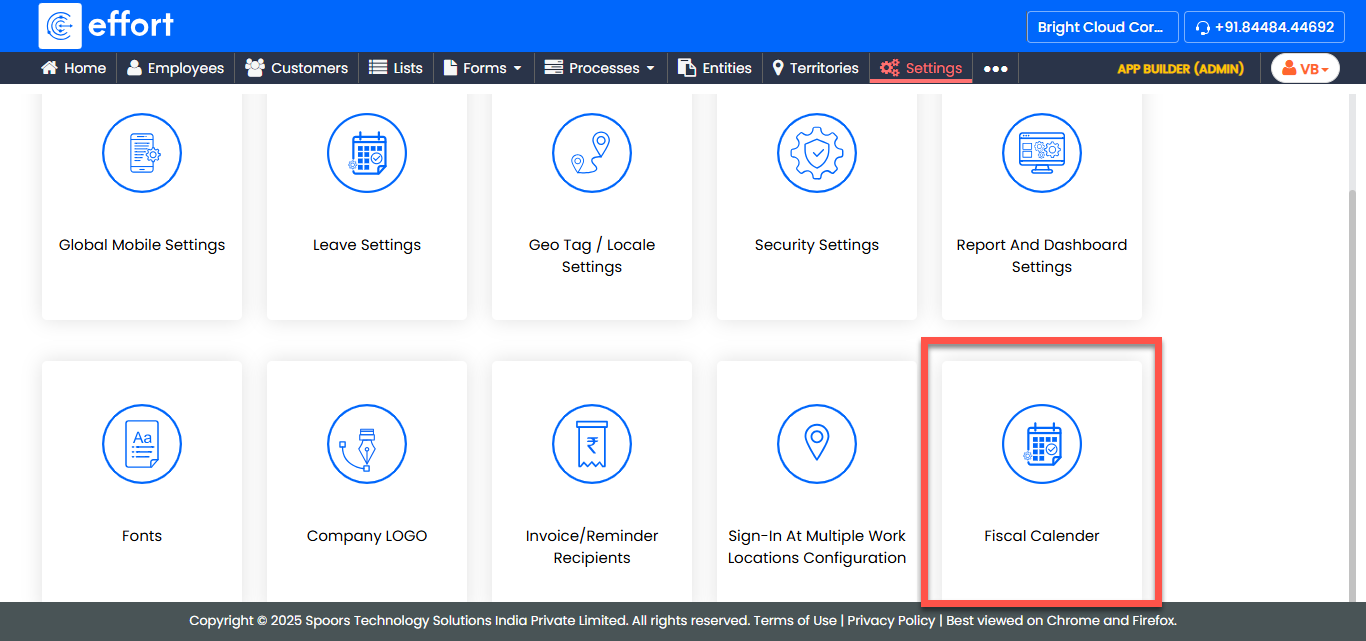
-
In the Fiscal Calendar page, click Add Fiscal
Year.
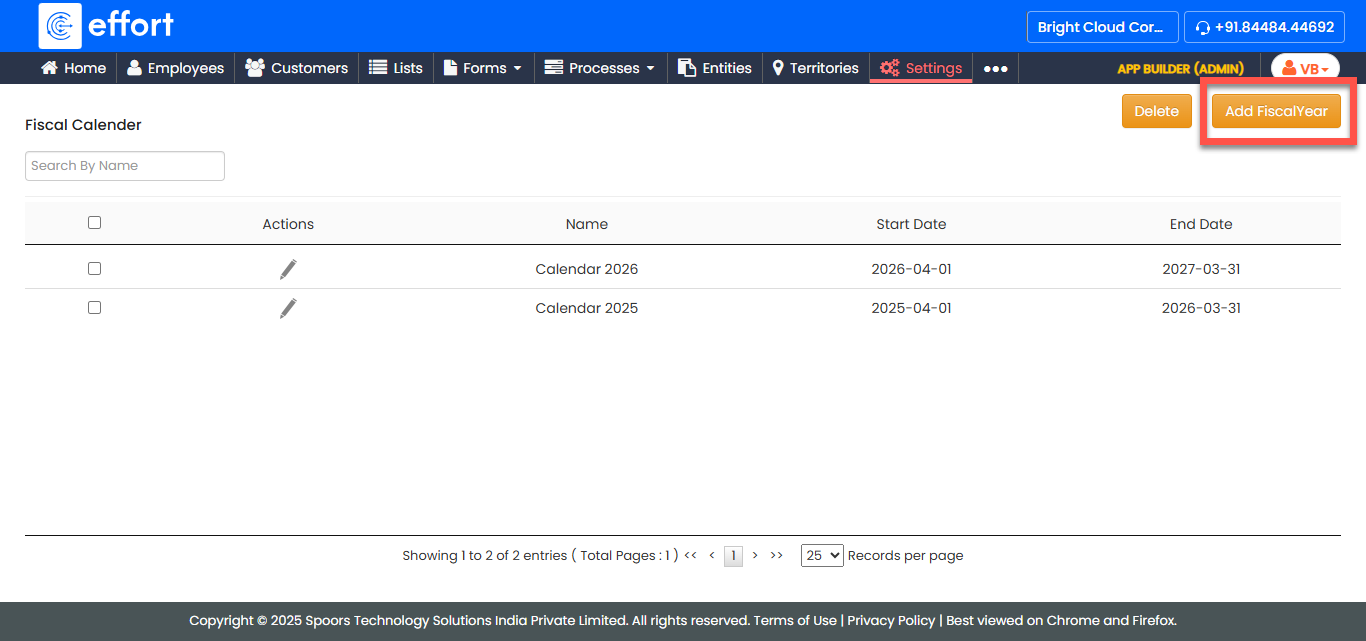
-
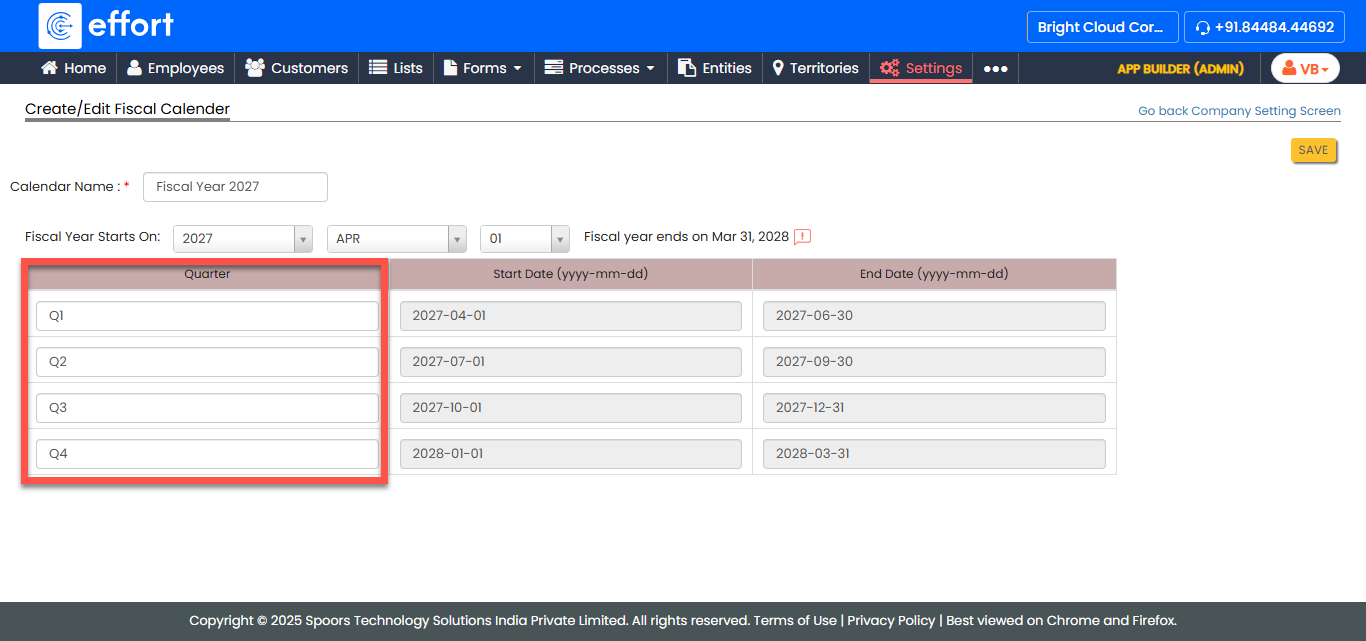
In the Calendar Name field, enter a unique name for the
fiscal calendar.
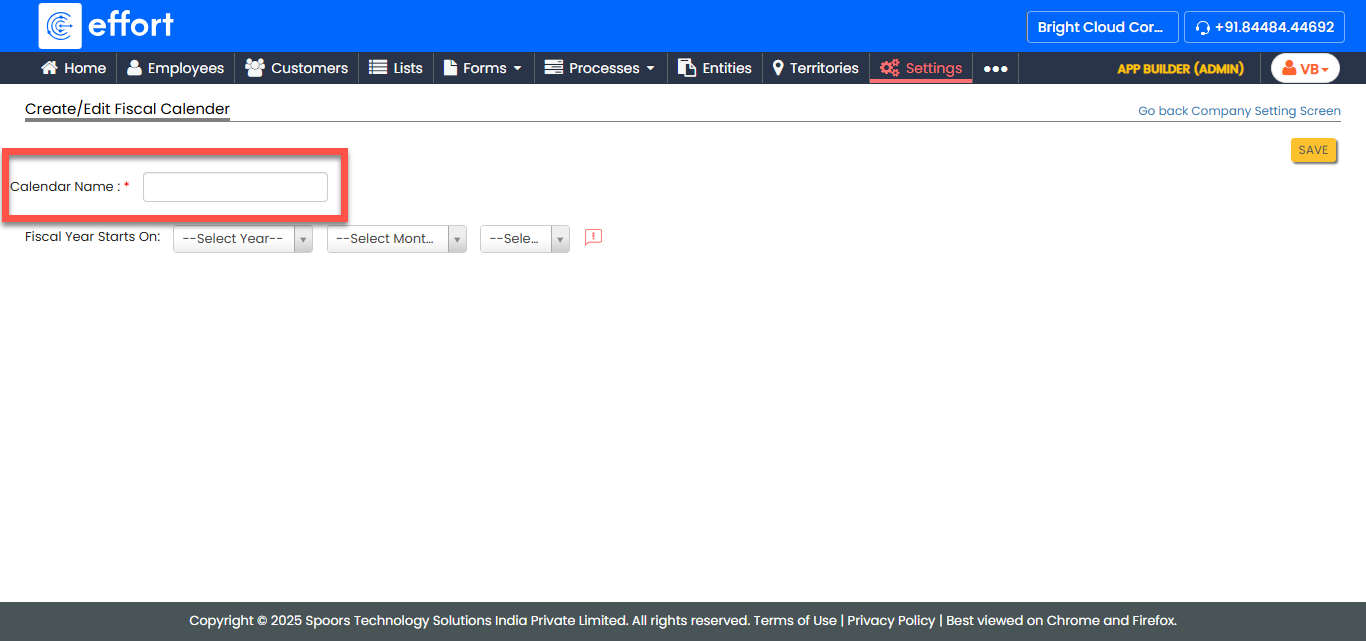
-
Select the specific year, month, and day that marks the beginning of the fiscal
year for your organization.
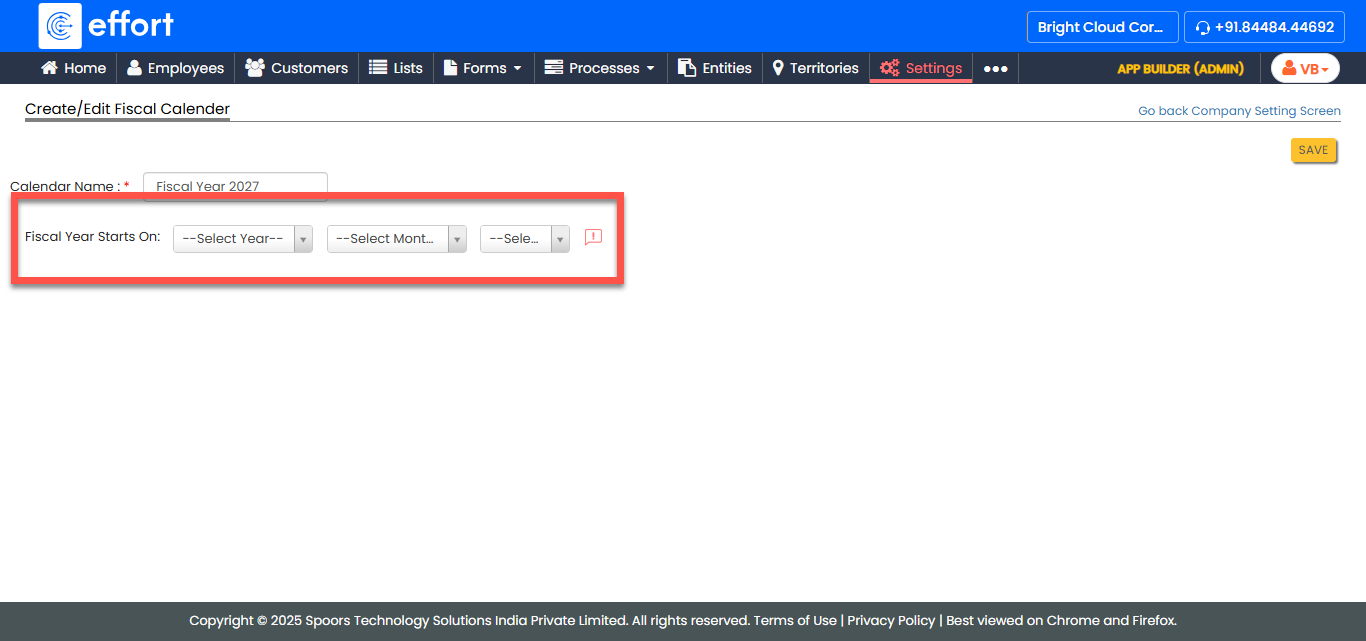
- Optional:
Under the Quarter column, update the quarter labels as
per your requirements.
- After providing all the details, click Save.