

Edit a Fiscal Calendar
To edit an existing fiscal calendar, follow the steps below:
-
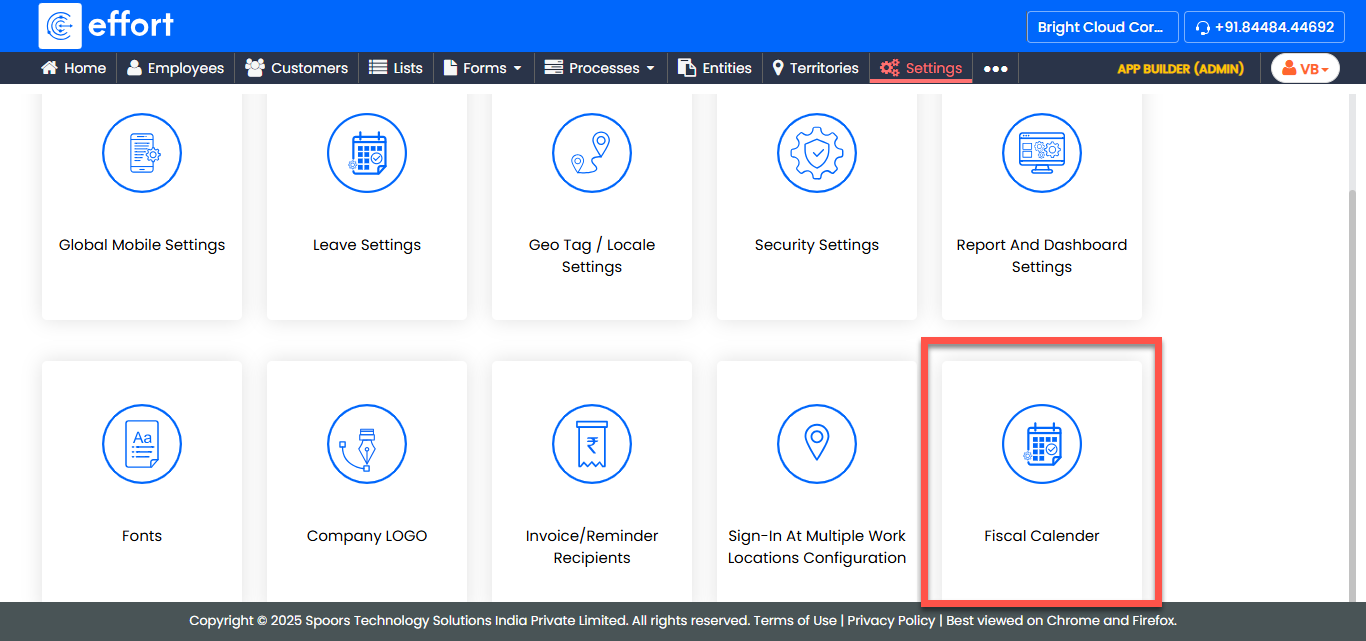
Go to .
-
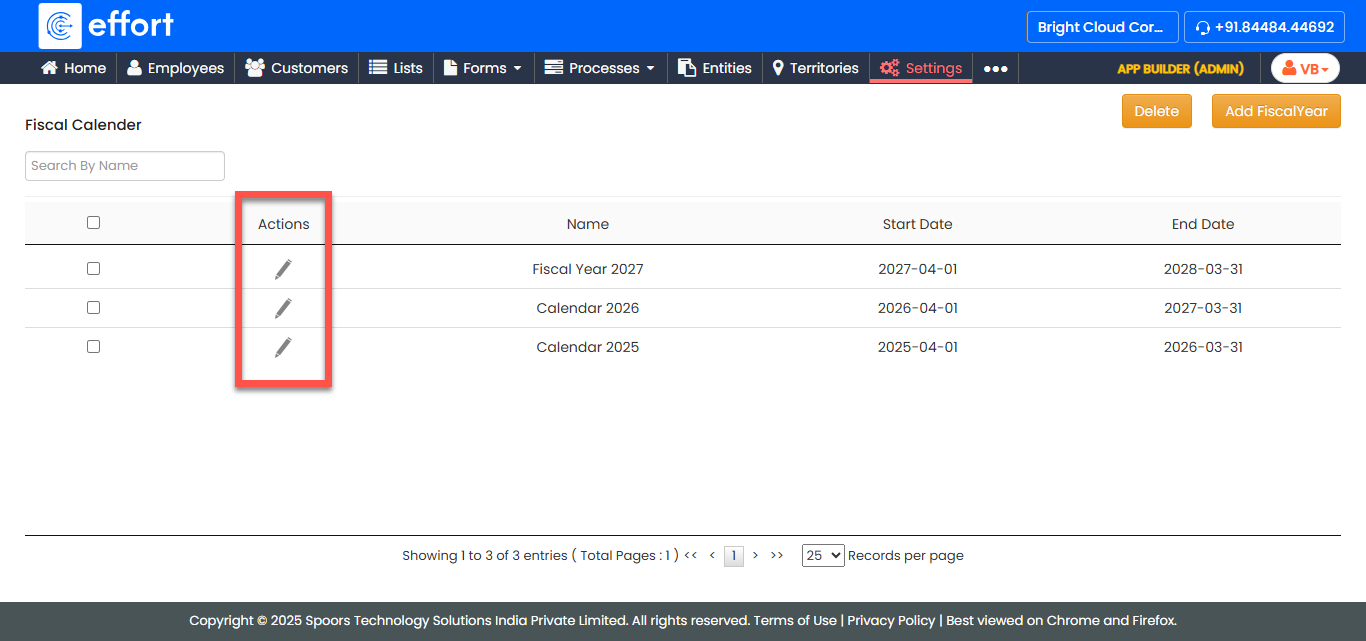
In the Fiscal Calendar page, locate the fiscal calendar you want to edit
and click the Edit icon in the
Actions column.
-
In the Create/Edit Fiscal Calender page, modify the calendar details as
per your requirement.
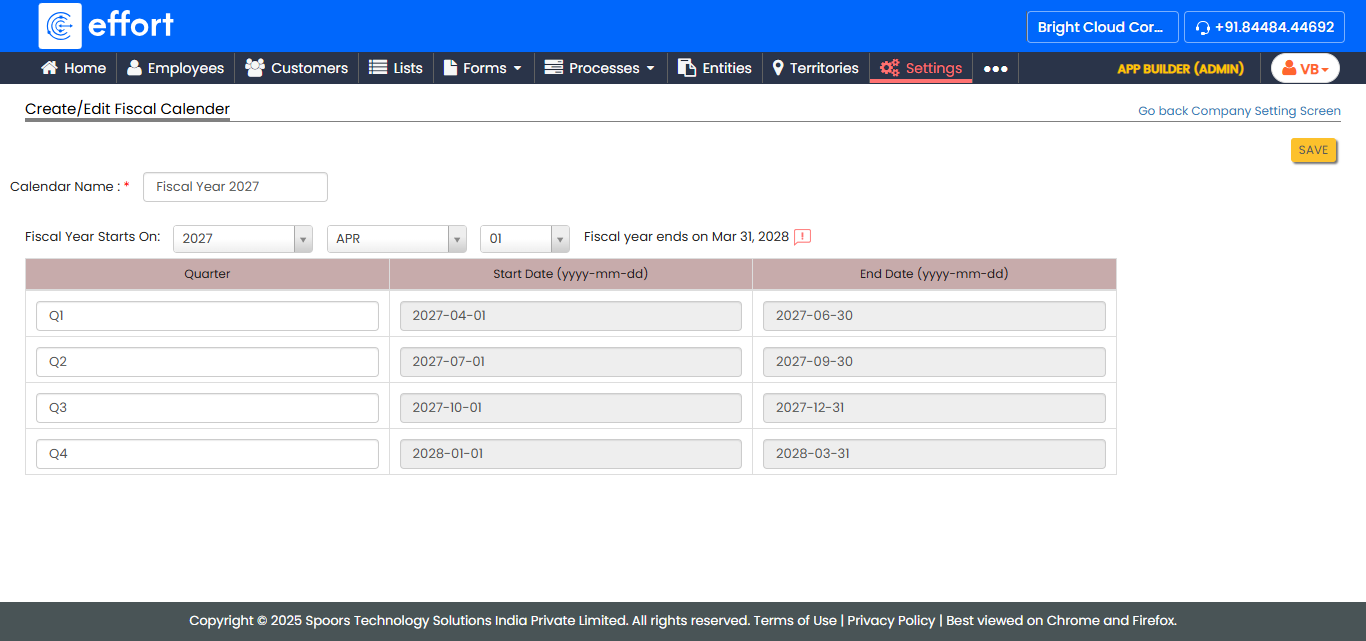
- Once you have made the necessary changes, click Save to update the fiscal calendar.