

Log in to Mobile App Using Email
Ensure that your mobile number and Email Id are registered with the company.
- On your mobile, open EFFORT Plus app.
-
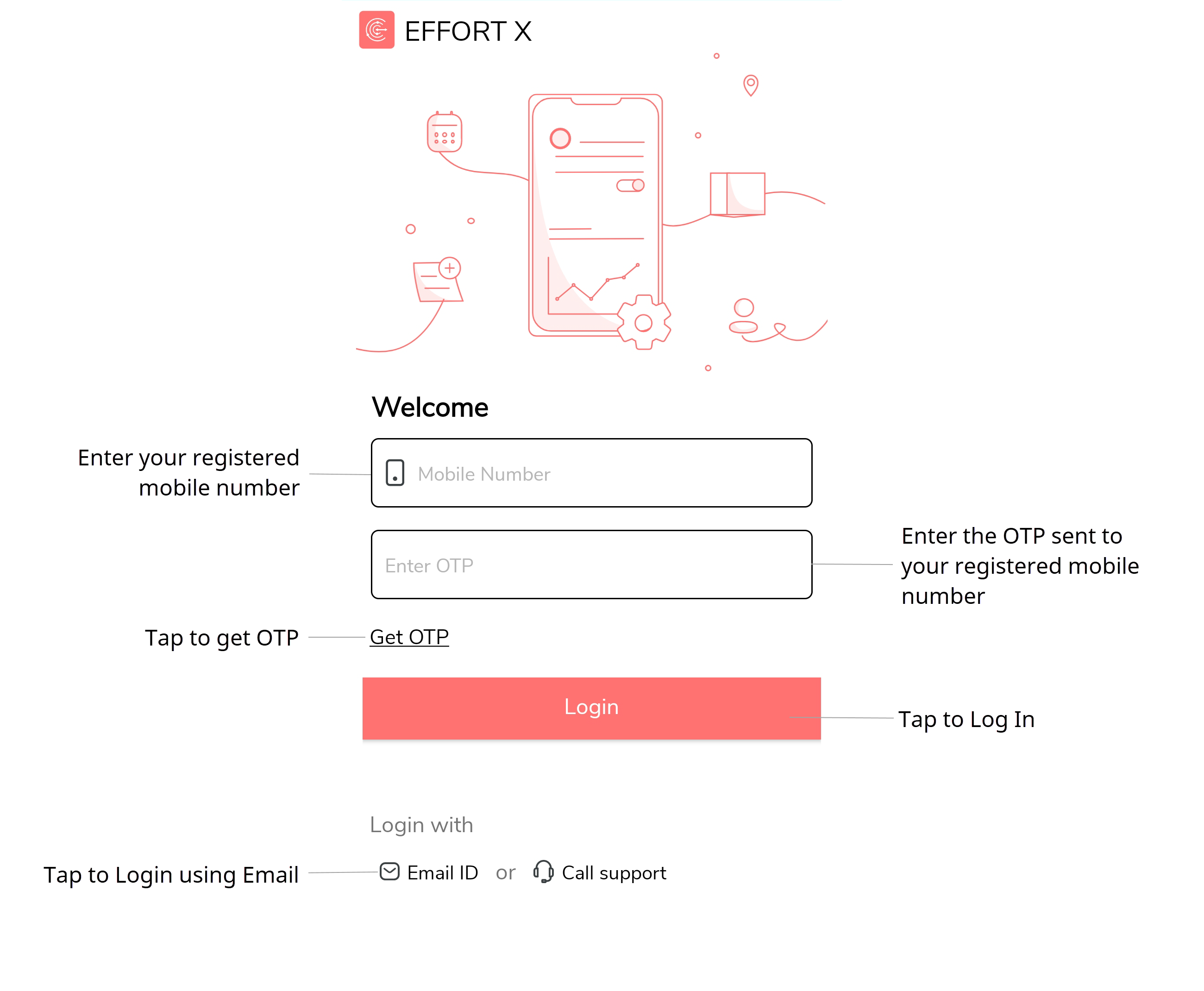
Tap Log In Using Email or Phone.

-
Tap Email ID option provided at the bottom of the
page.
-
Enter your email Id in the Email ID field.

Enter your email Id that is registered with the company. -
Enter password in the Password field.
Enter the password that is sent to your email.
-
Tap Log In.
The Welcome to EFFORT Plus screen appears with EFFORT ID, employee name, and employee ID.
-
Tap Launch App to go to the home screen.
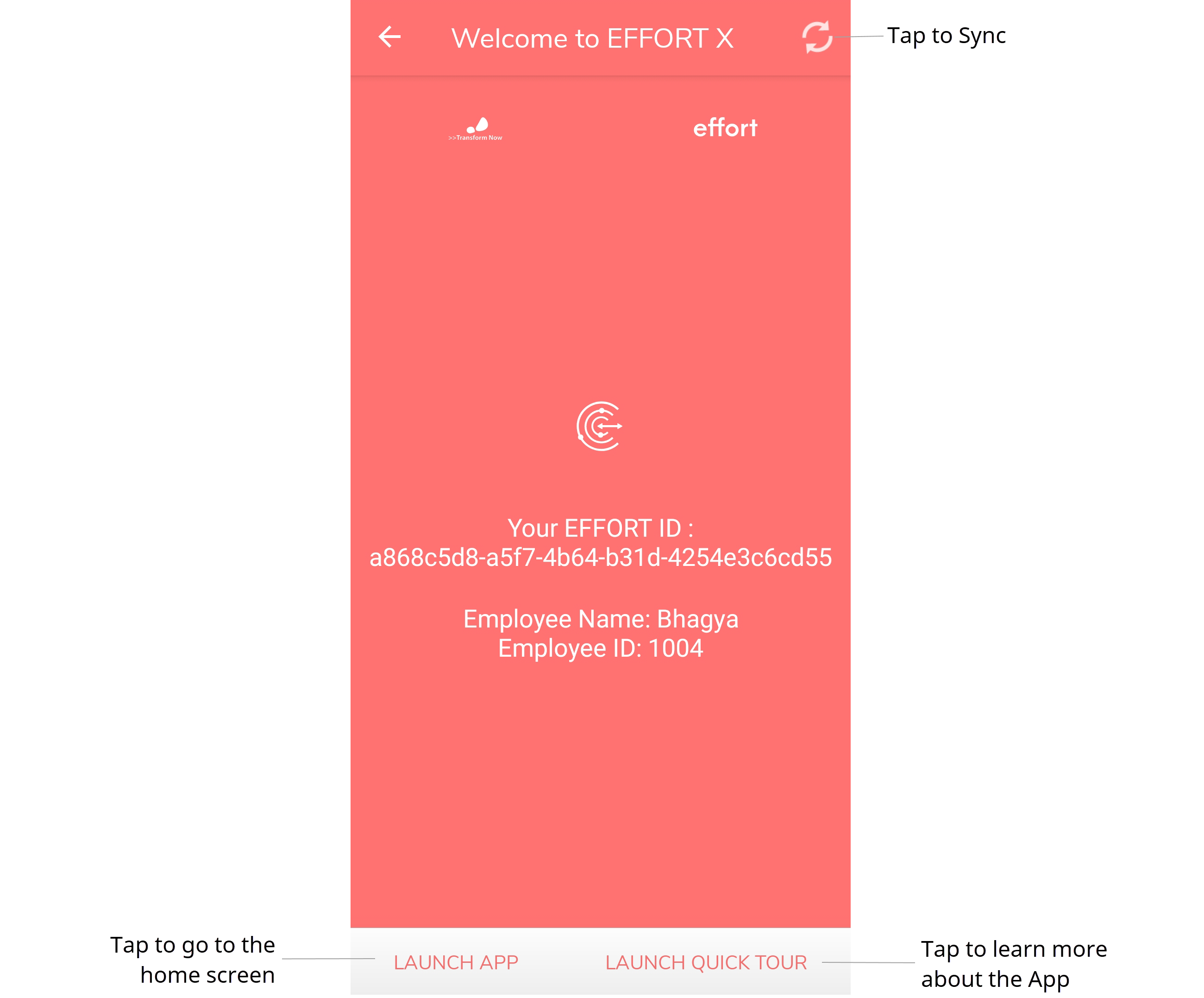
- Optional: Tap Launch Quick Tour to learn more about the app.