

Change Password
To change the password, do the following:
-
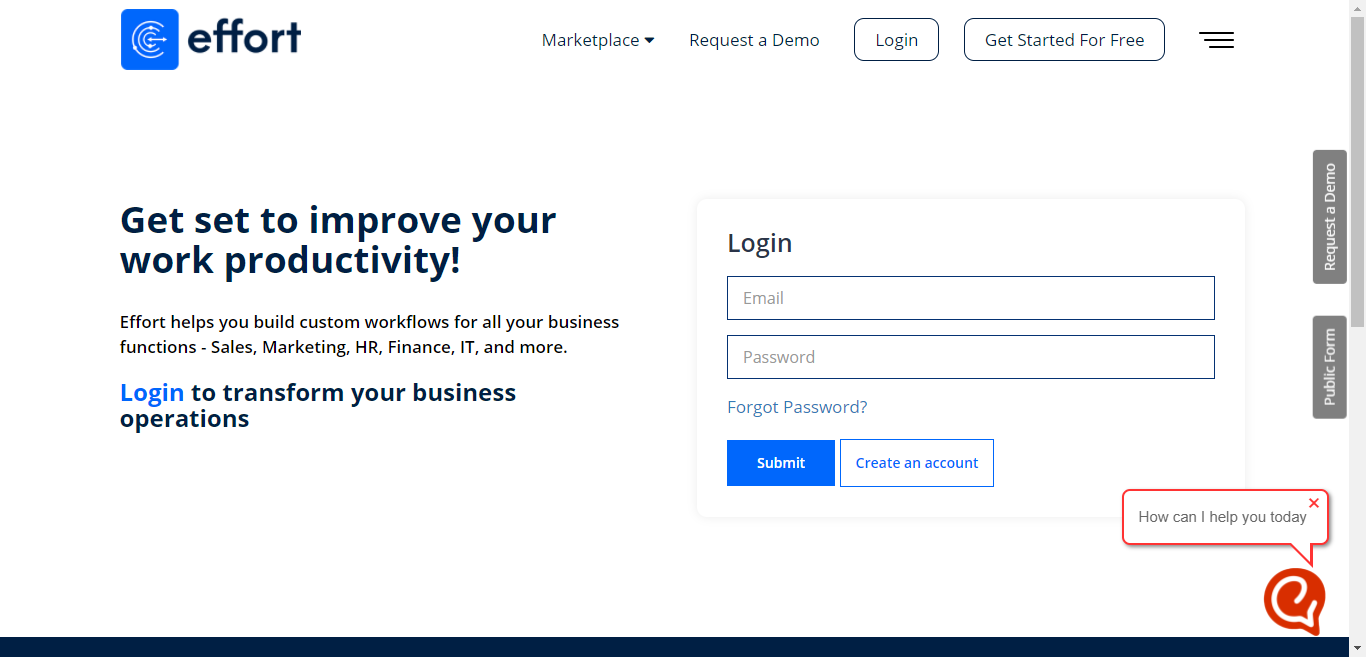
Sign in to Effort with your login credentials.
-
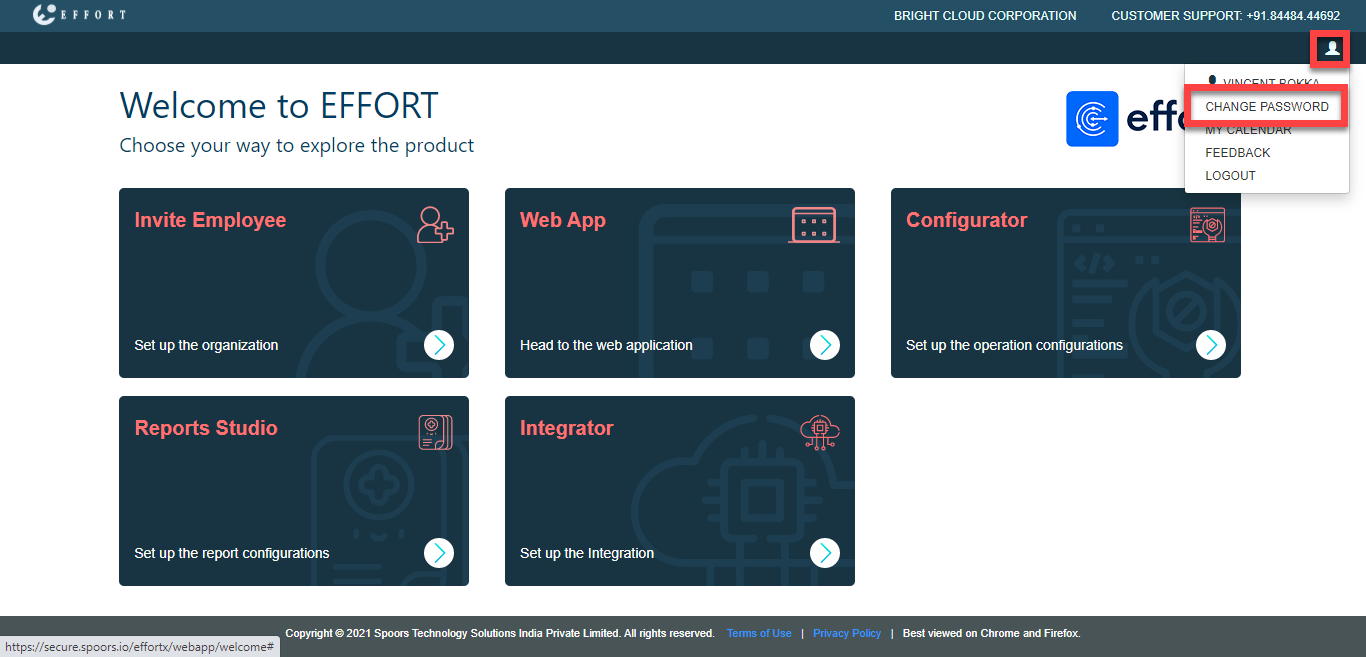
Click on the employee icon
 located at the top right corner.
-
Click the CHANGE PASSWORD option.
-
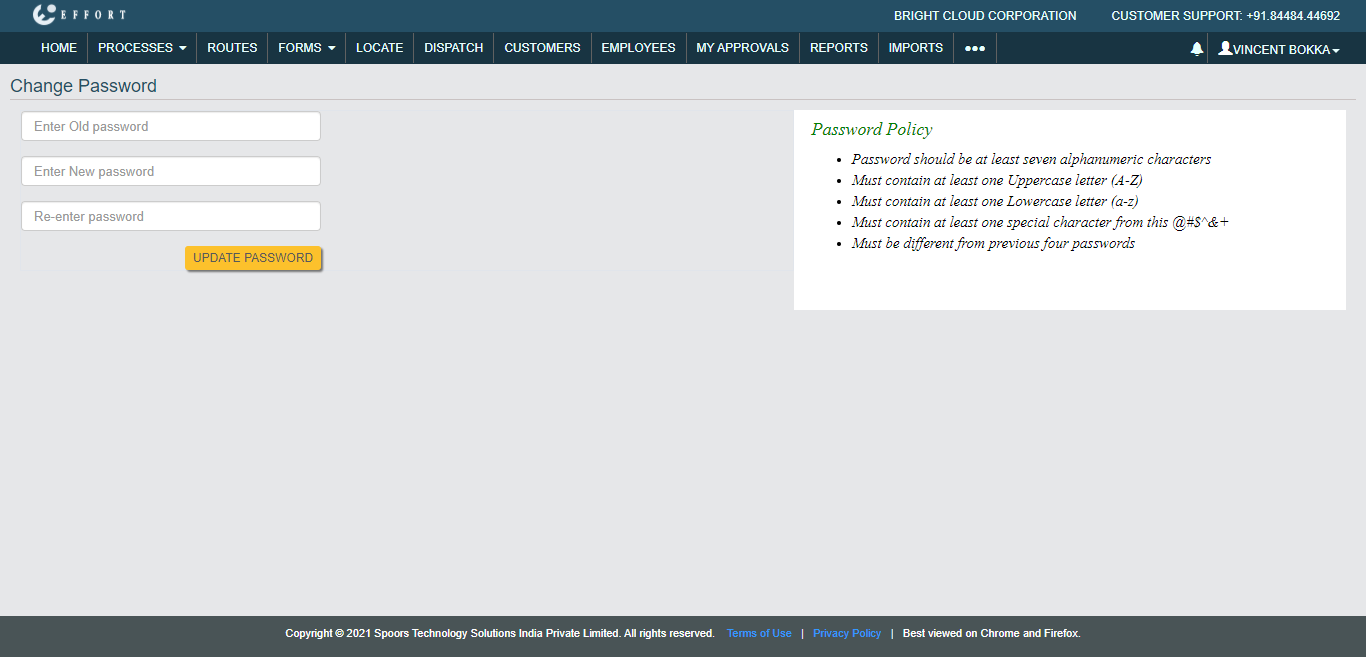
Enter your Old Password.
-
Enter a new password in New Password and
Re-Enter Password fields.
Note: We recommend that you refer to the Password Policy to set a strong password.
- Click UPDATE PASSWORD button.