

Generate a Data Push to External Systems Report for Works
To generate a data push to external systems report for works, follow the steps below.
- Go to .
-
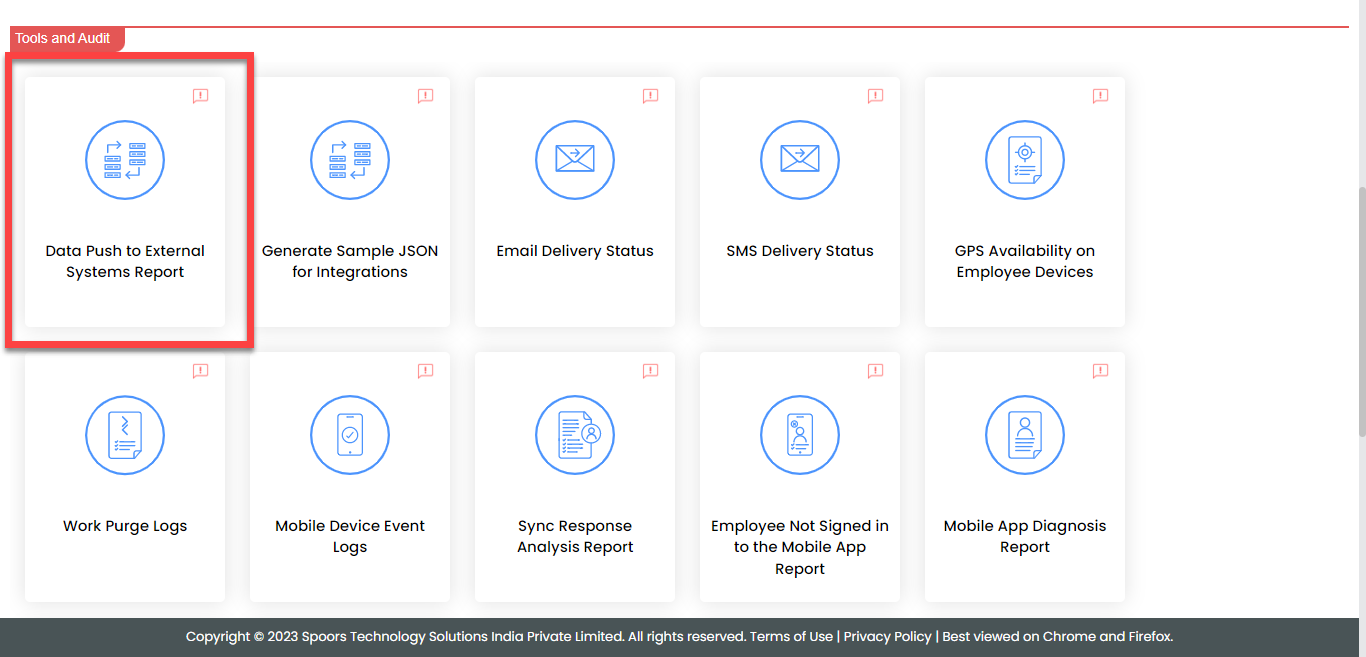
Click Tools and Audit in the user menu located on the
top right corner under the employee name.

The Tools and Audit page appears.
-
Click the Data Push to External Systems Report link or
icon under the Tools and Audit section.
The Data Push to External Systems Report page appears.
-
Enter the work ID in the ID field.
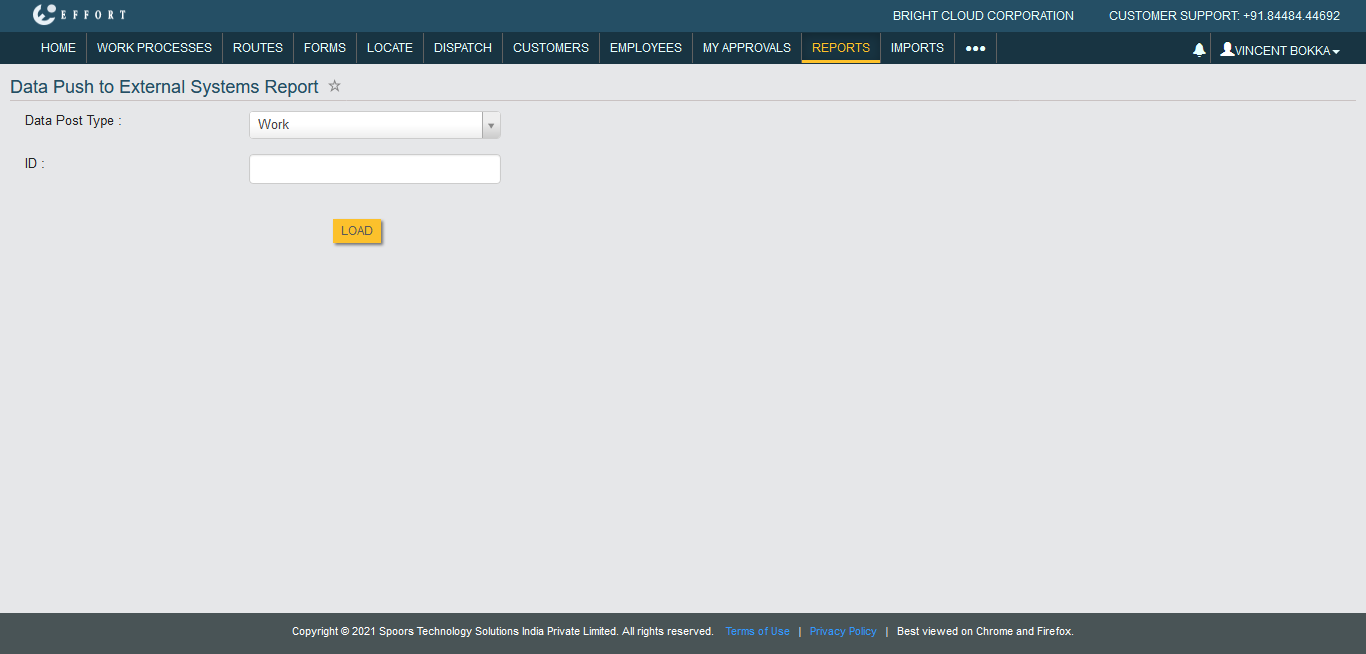
- Click Load.