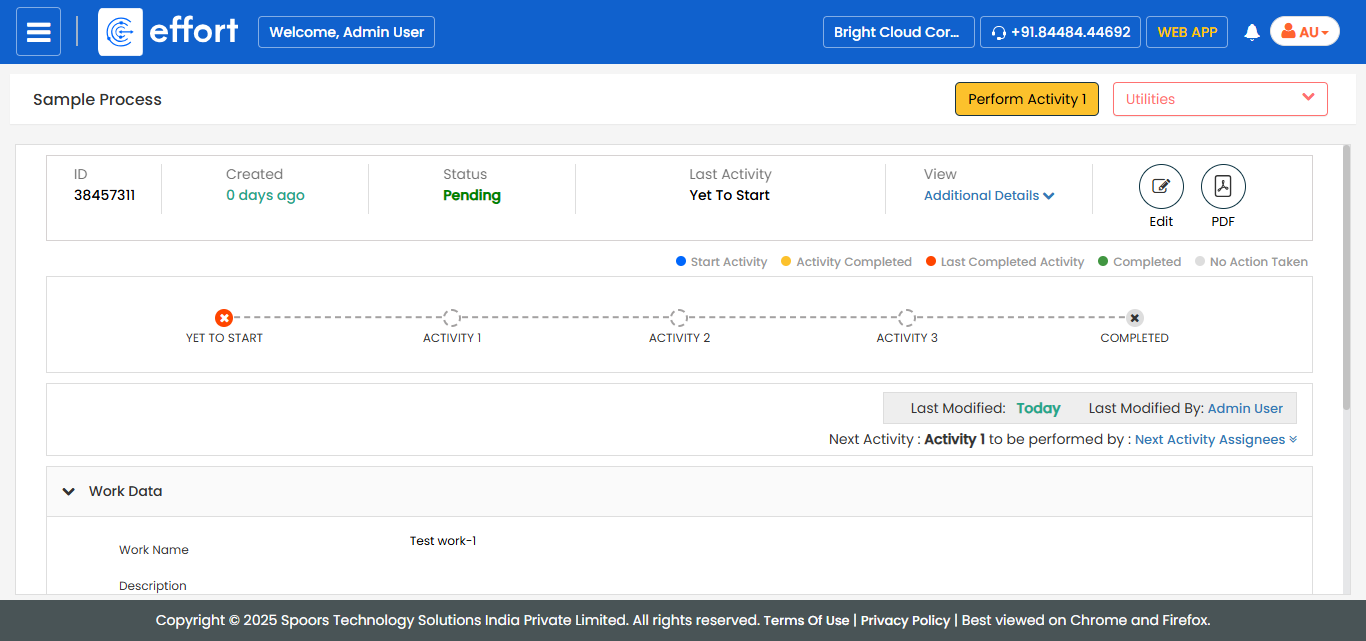
View Work Details
To view work details, follow the steps below.
-
Go to .
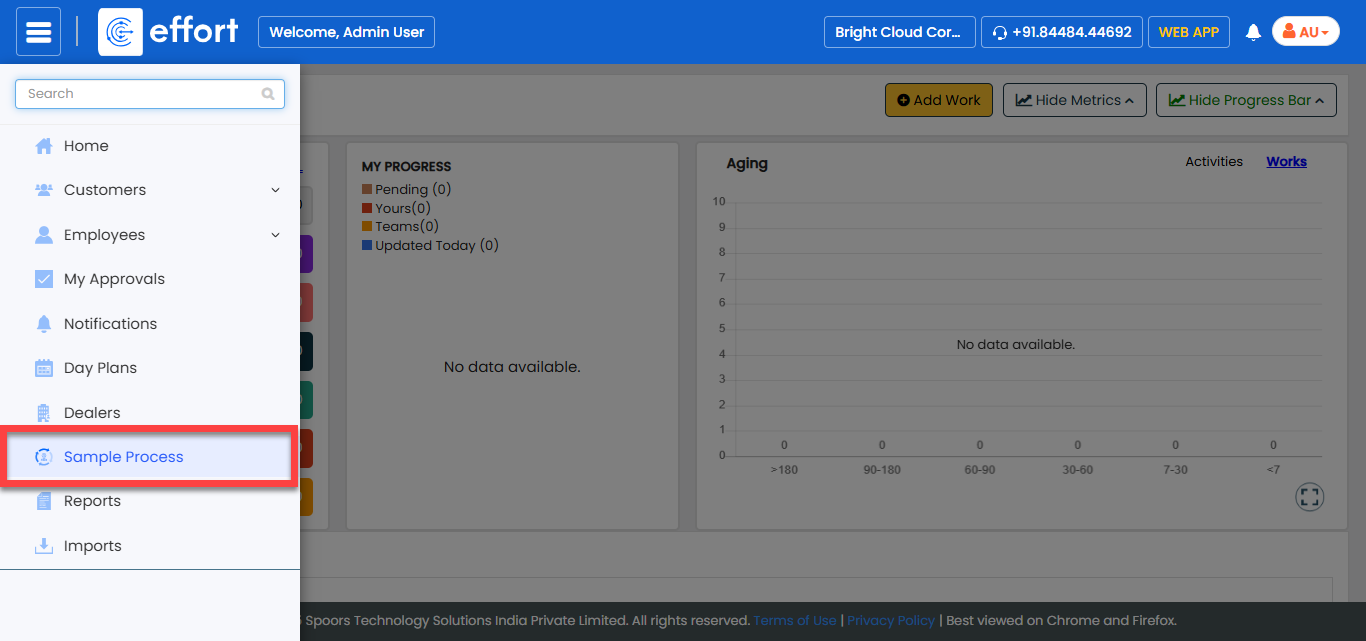
Note:The sample process shown in the screenshot is a test process created for documentation purposes. In your system, you will see your own processes instead. Click on the desired process to proceed.
- Optional:
Click the Filters button and apply the required filter
to find the work that you want to modify.

. -
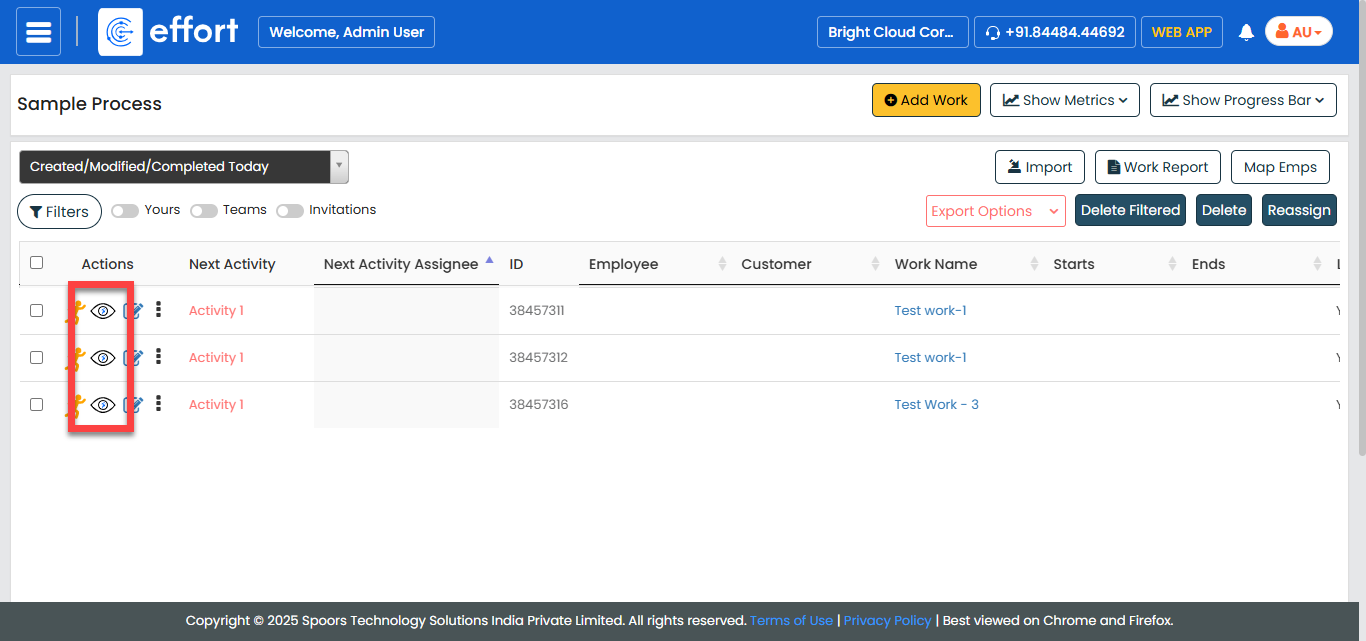
Under the Actions column, click the eye icon.
The work details page appears with all the details.