

Bulk Delete List Items
To bulk delete list items, follow the steps below.
-
Go to .
The Lists page appears.
- Scroll down to the Actions section.
-
Click the Delete List Items card.

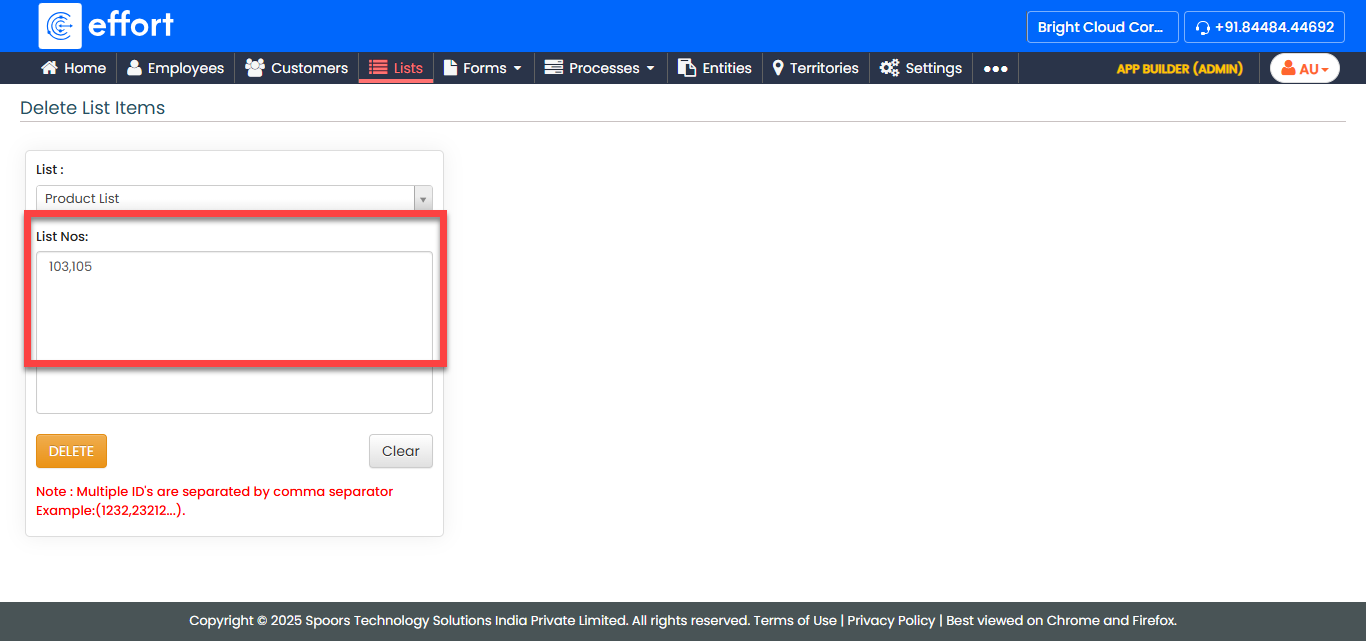
The Delete List Items page appears.
-
Select the list template from the List dropdown.

-
Enter the list numbers in the List Nos. textbox.
-
Click Delete.
The deleted records are shown in a tabular format.