

Create Filter Functions
To create filter functions, follow the steps below.
-
Go to .
The Lists page appears.
-
Click the list card for which you want to create filter functions.

-
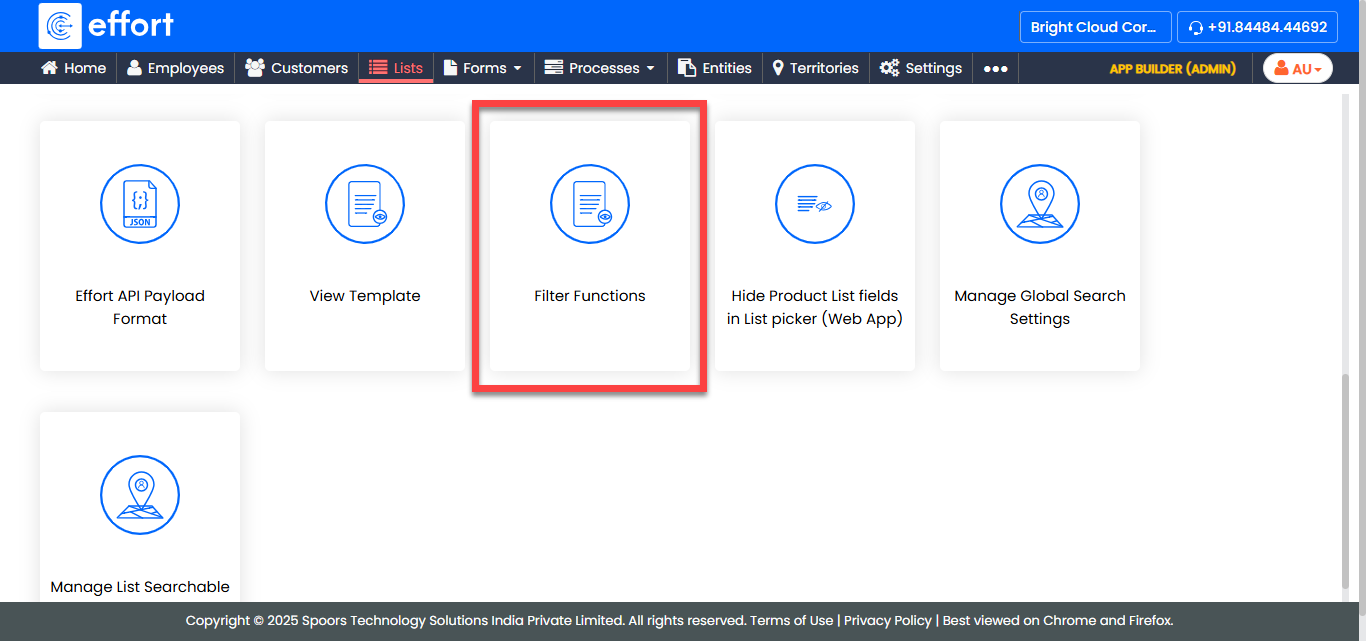
Click the Filter Functions card.
-
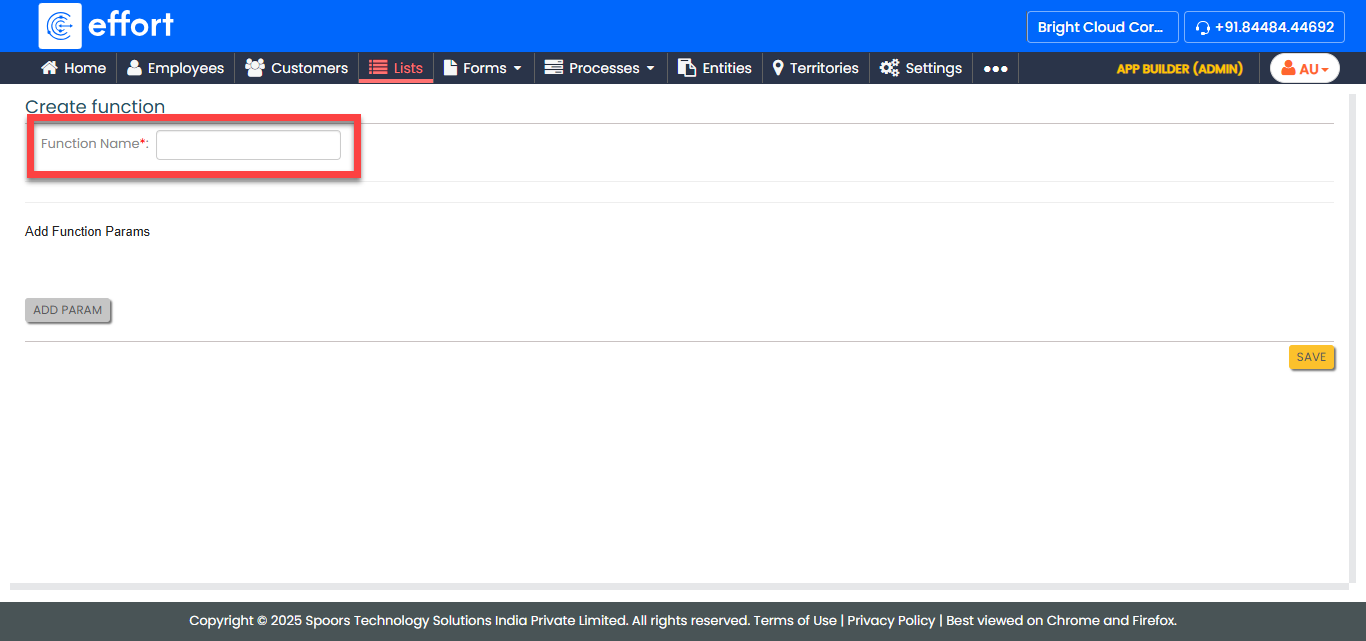
In the Function Name textbox, enter a title for the
function.
-
Click the Add Param button to add function params.

-
Complete the below param configurations.
- Param Name: Enter the name of the parameter.
- Display Label: Enter the label to be displayed.
- FieldType: Select the field type for the parameter.

- Click Save.