

Configure Logic for Multiple Days Attendance Report
To configure the logic for multiple days attendance report, follow the steps below:
-
Go to .
The Home page appears.
-
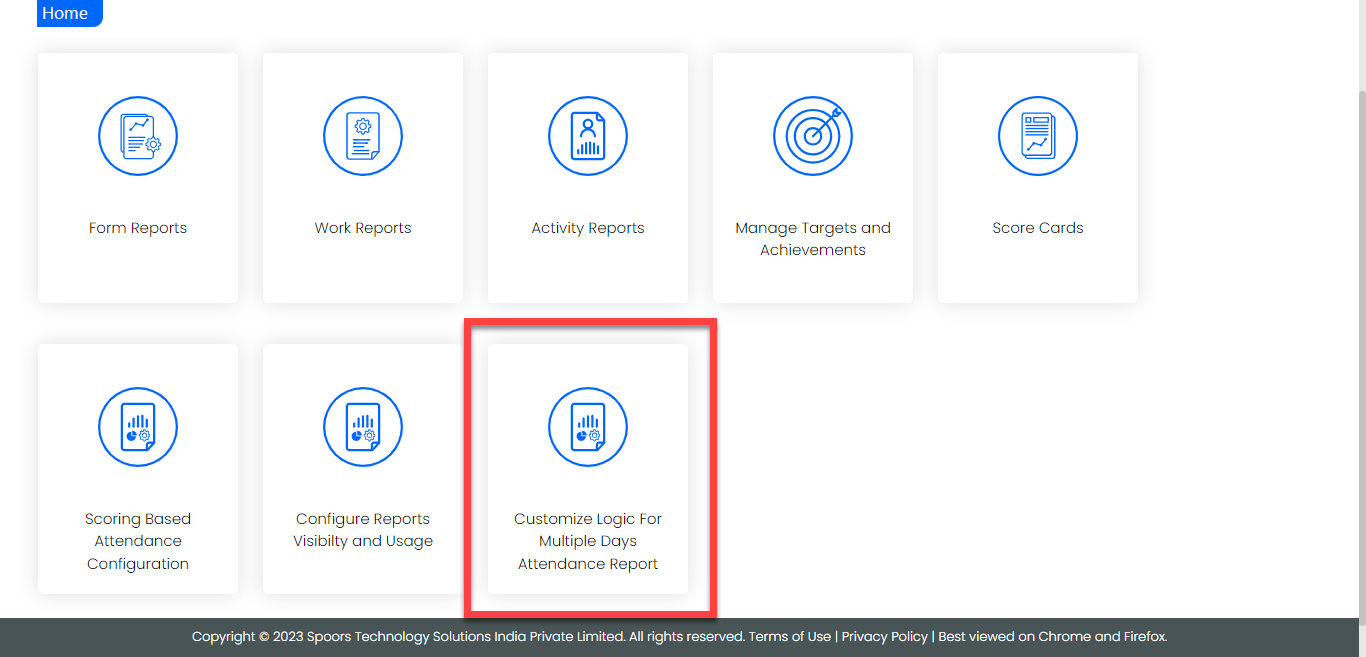
On the Home page, click the Customize Logic
For Multiple Days Attendance Report card.
-
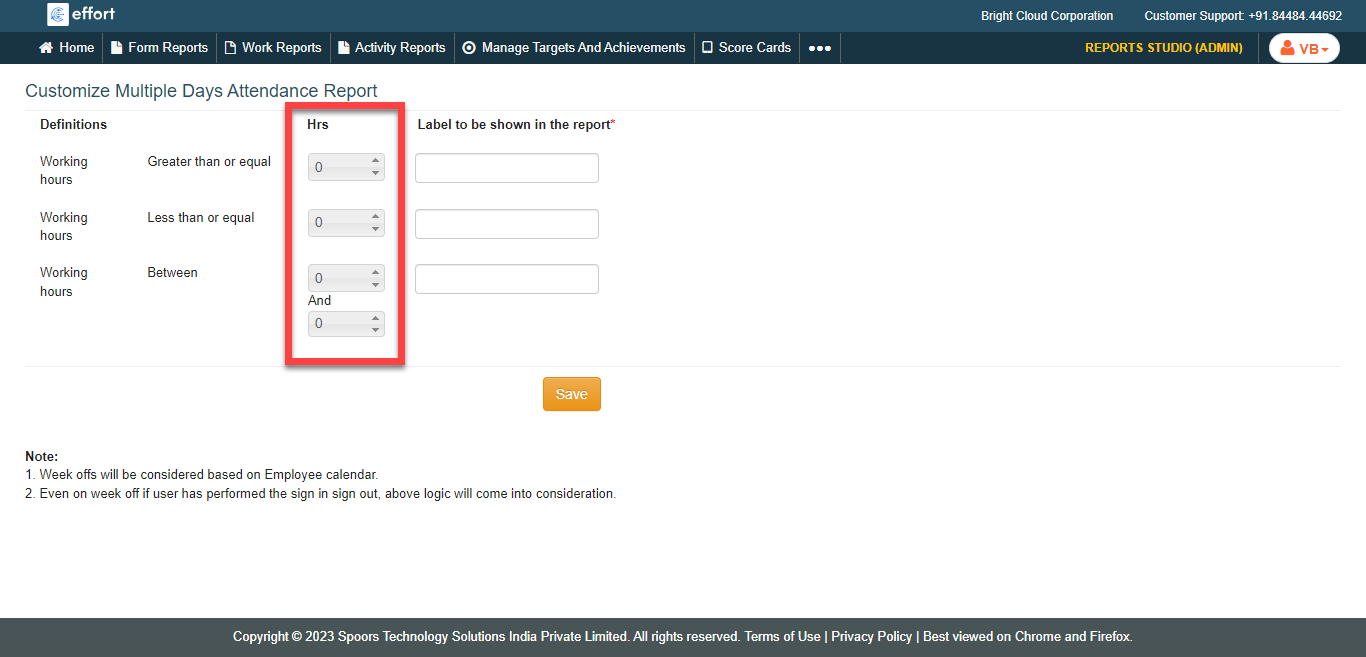
Under the Hrs column, specify the working hours for
different conditions as per your requirement.
-
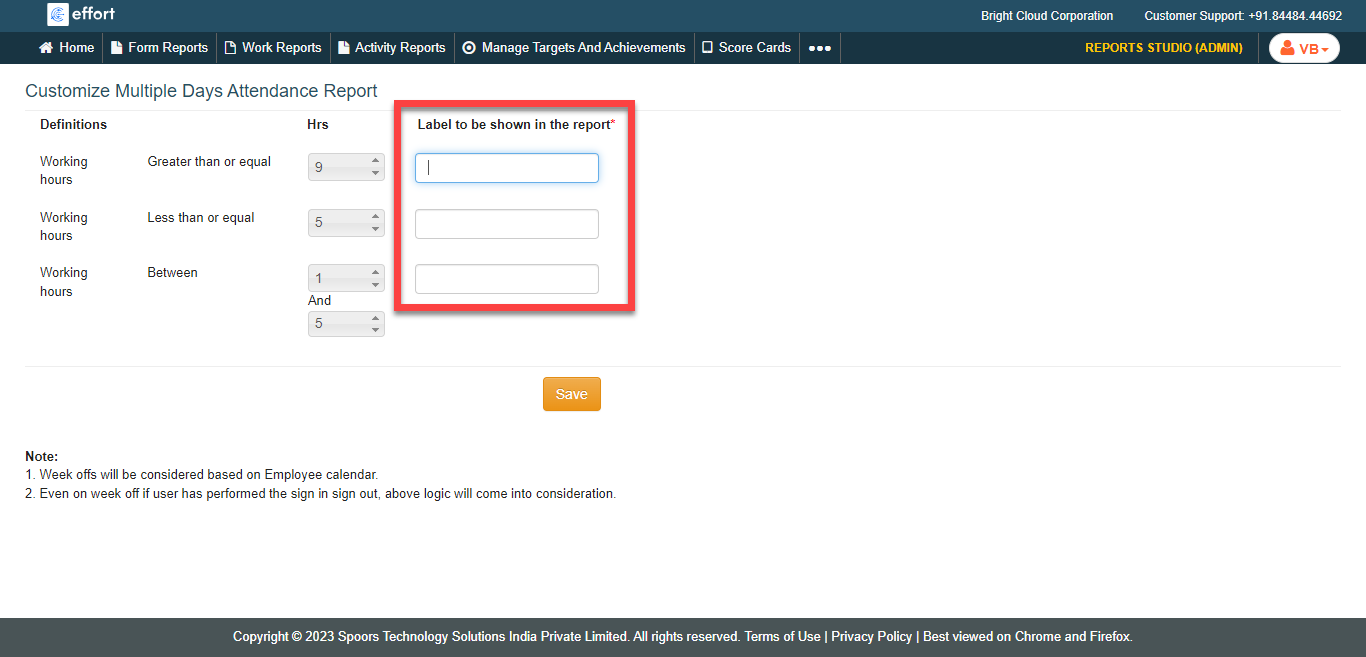
Under the Label to be shown in the report column,
specify the label.
- Click Save.