

Create Activity Report
To create activity report, follow the steps below.
-
Go to .
The Manage Activity Reports page appears.
-
Click the Create button located on the top right
corner.

-
Enter a title for the report in the Title Name
field.

-
Select the listed activities as per your requirement.
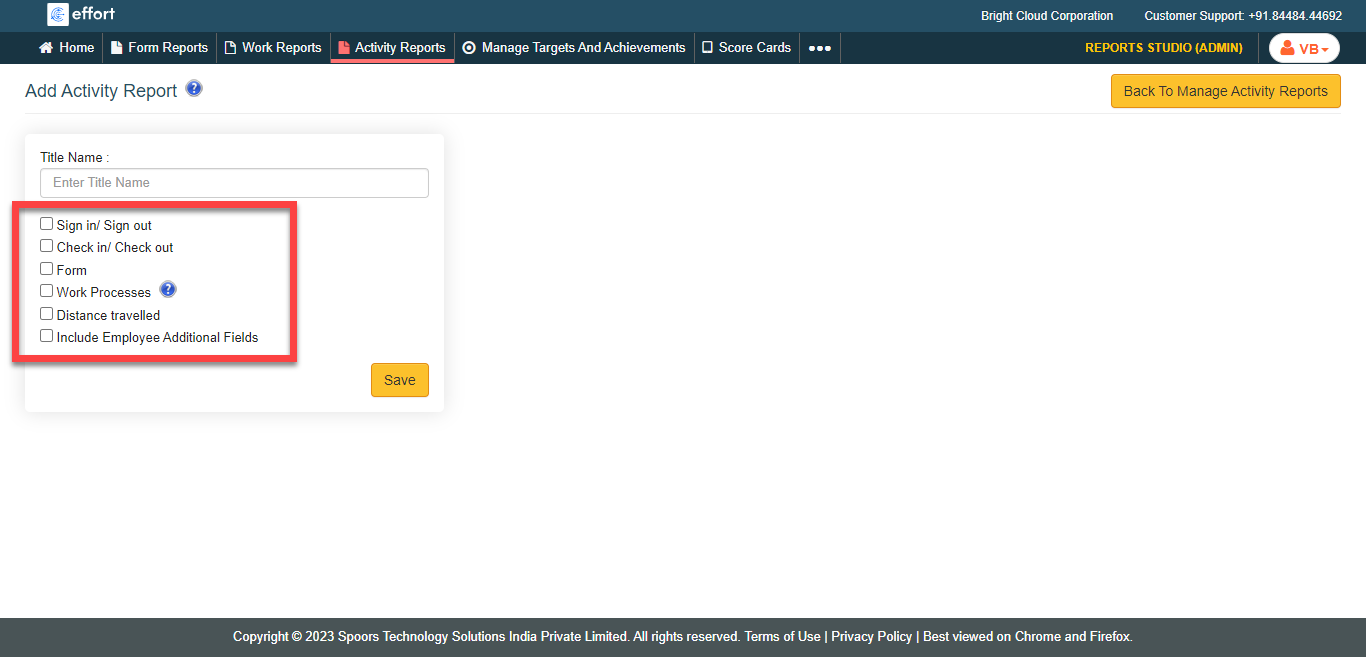
- Click Save.