

Define Achievement
To define achievement, follow the steps below.
-
Go to .
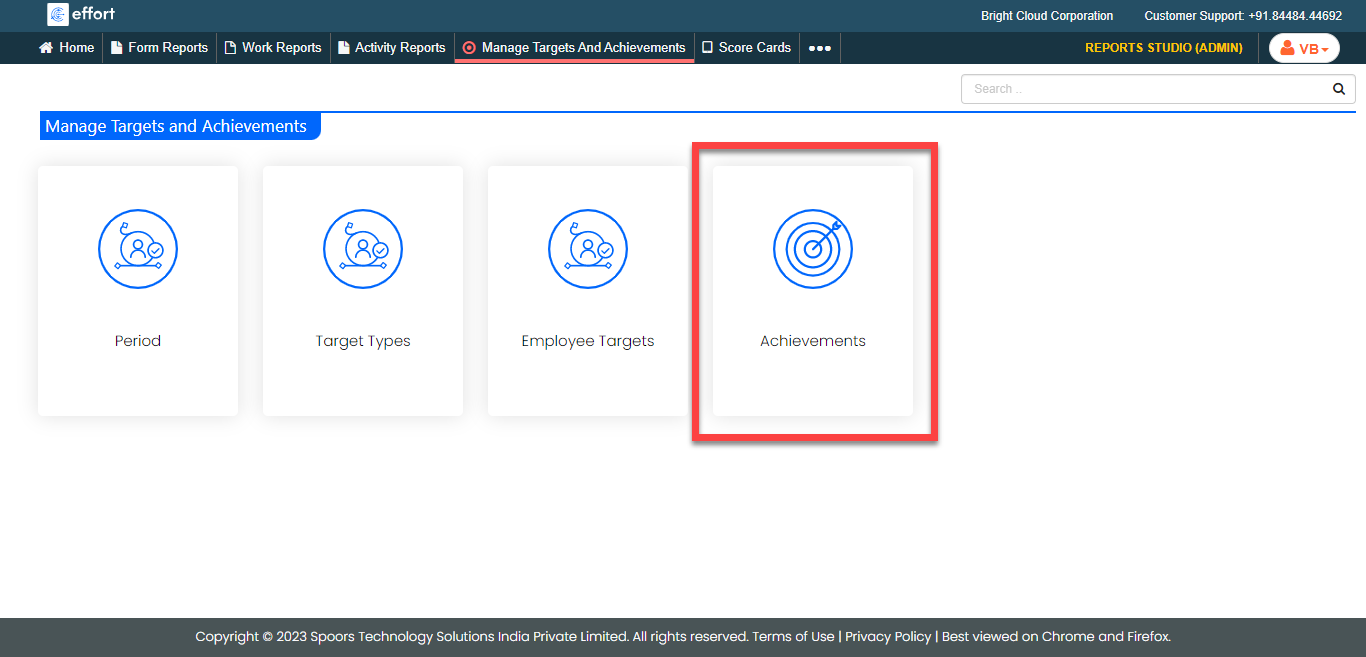
The Manage Targets and Achievements page appears.
-
Click the Achievements card.
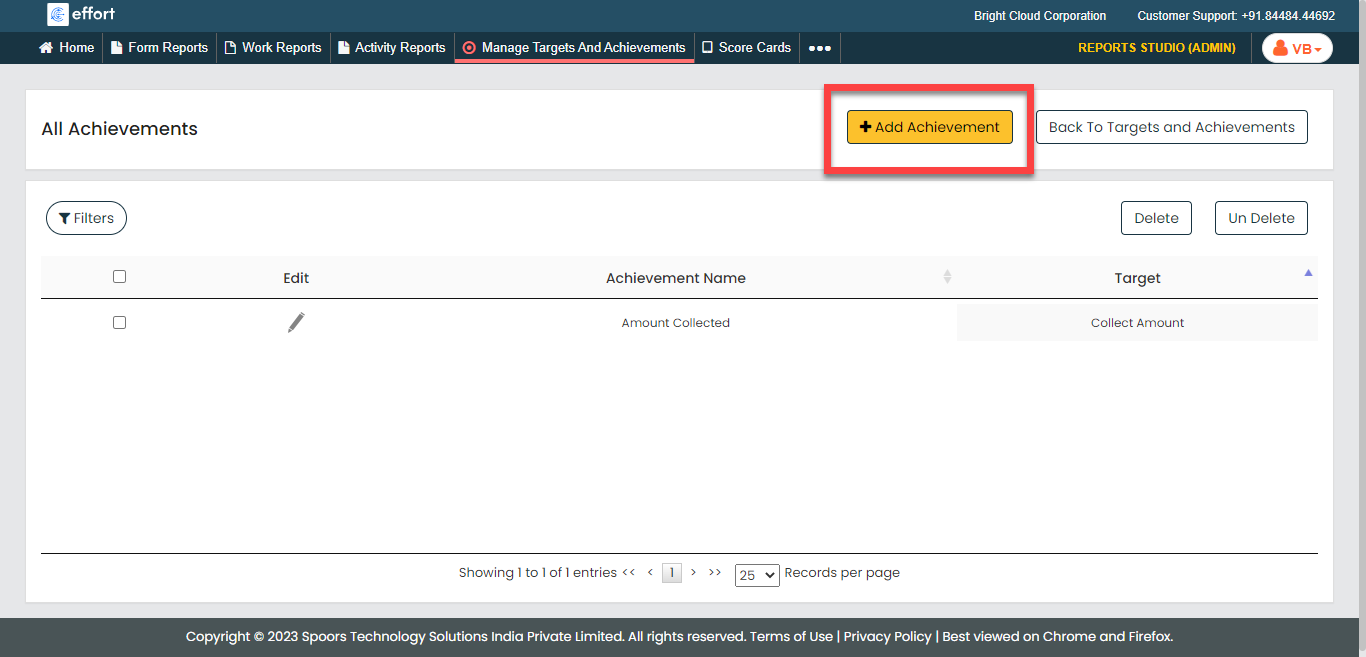
The All Achievements page appears.
-
Click the Add Achievement button located on the top
right corner.
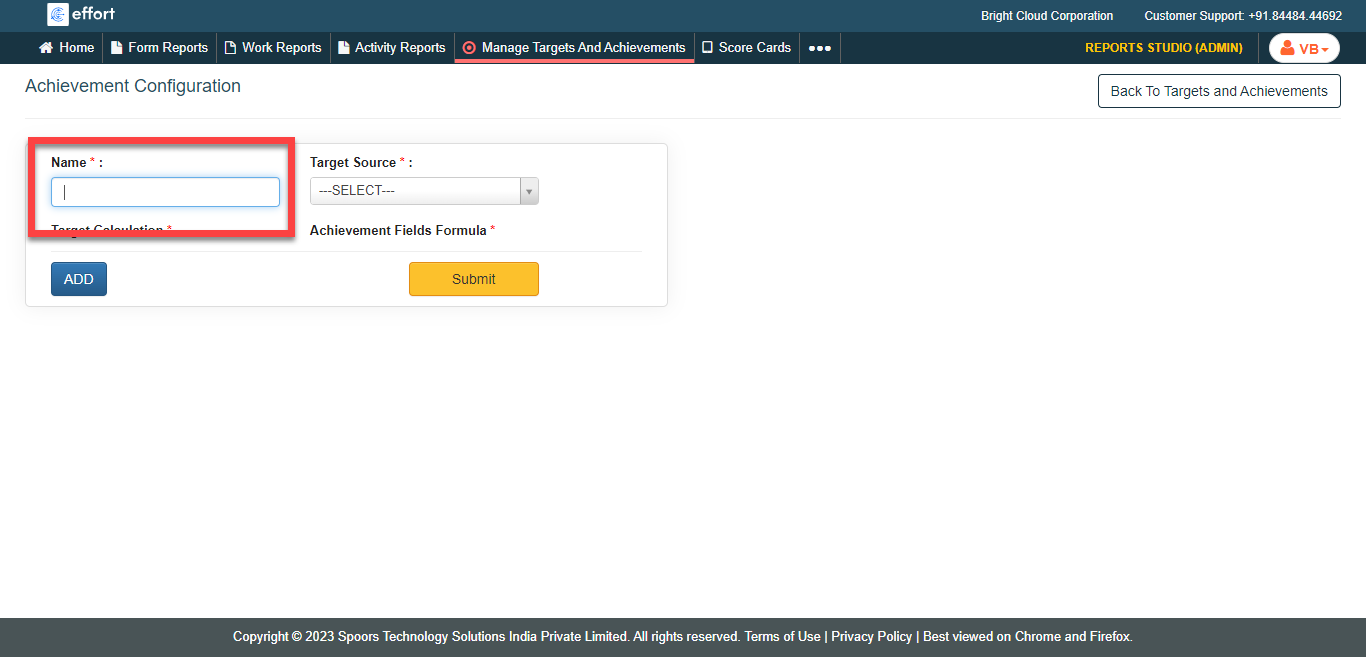
The Achievement Configuration page appears.
-
Enter the achievement name in the Name text box.
-
Select the Target Source.

-
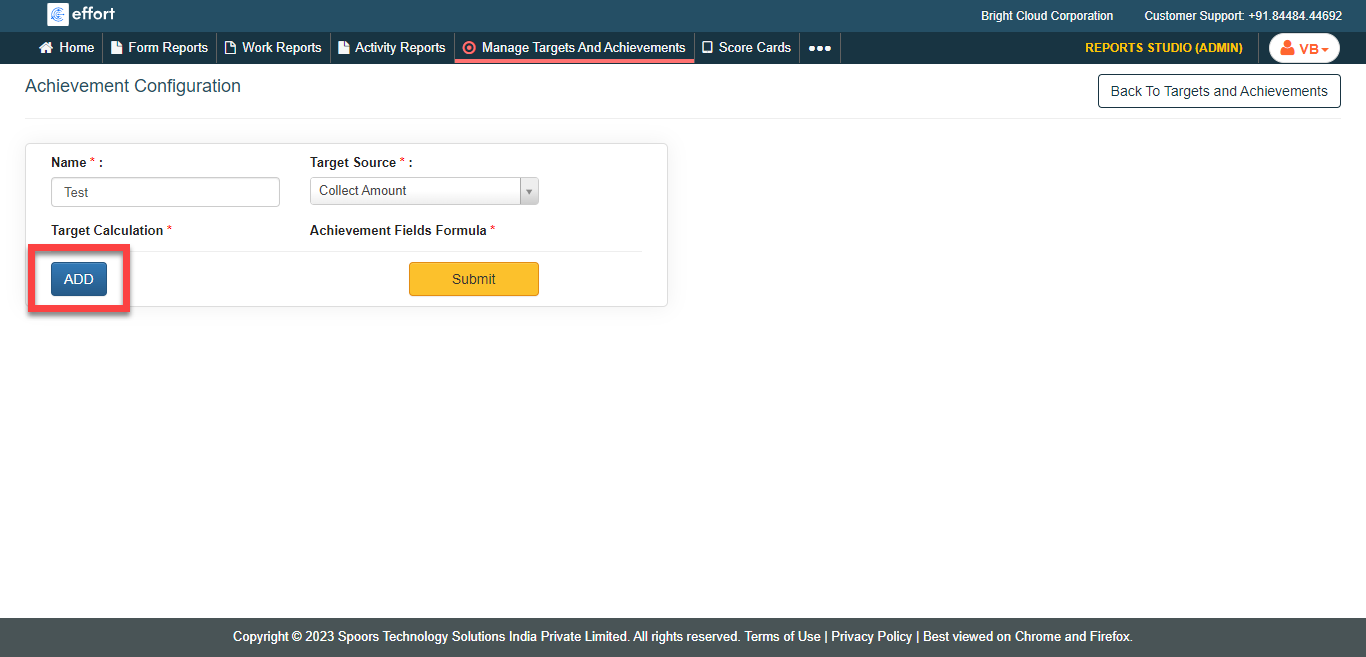
To calculate the target, click Add button.
-
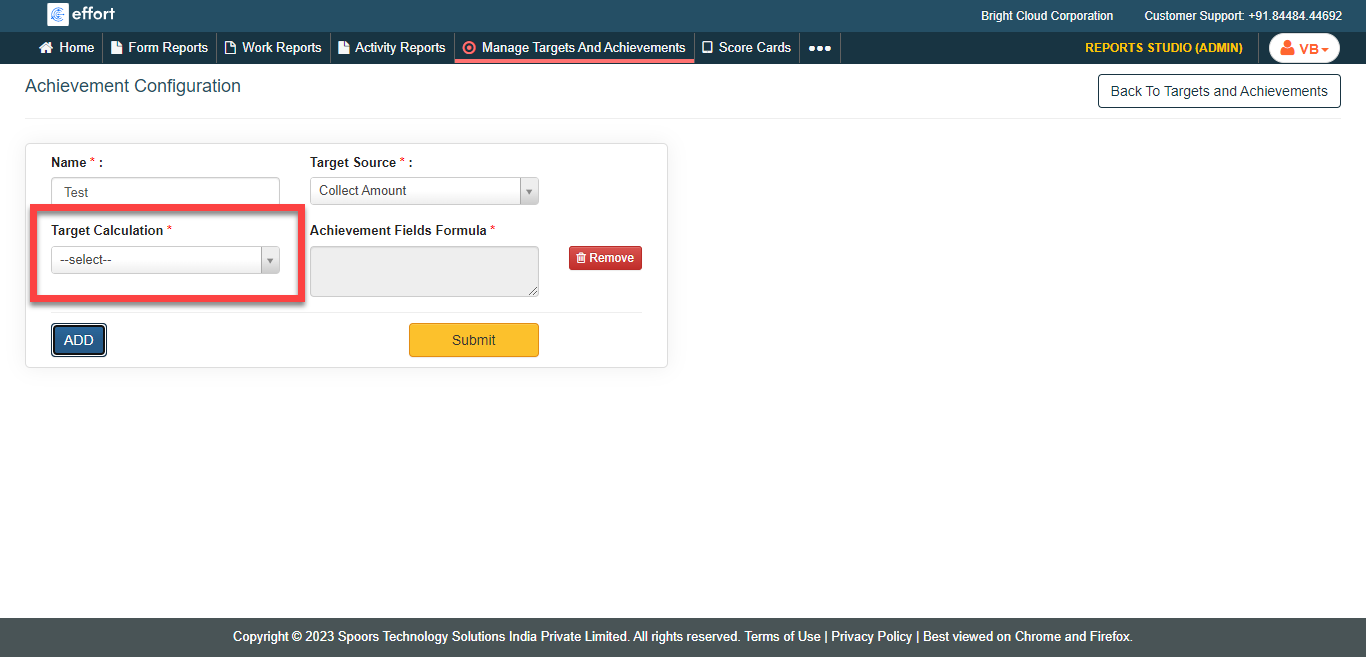
Configure the following fields.
- Select a form from the Target Calculation
dropdown.
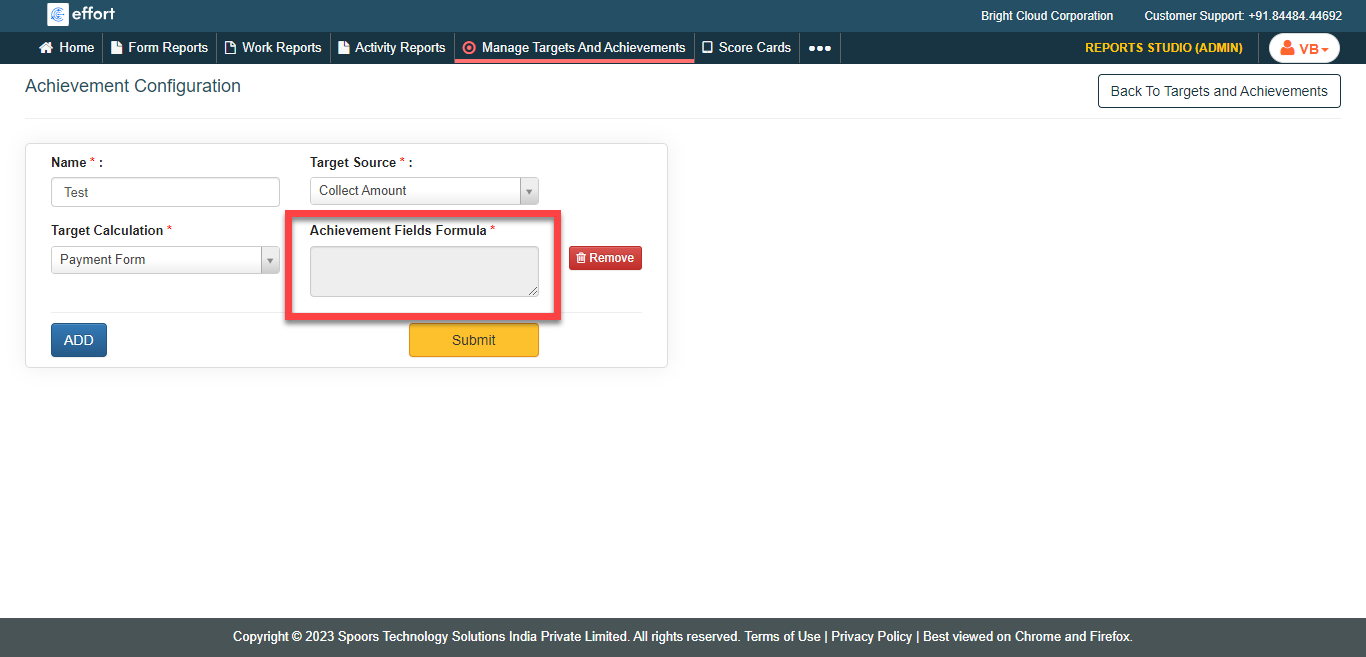
- Click the Achievement Fields Formula text box to
open the Formula Editor.
- Enter the needed calculations to define the target formula.
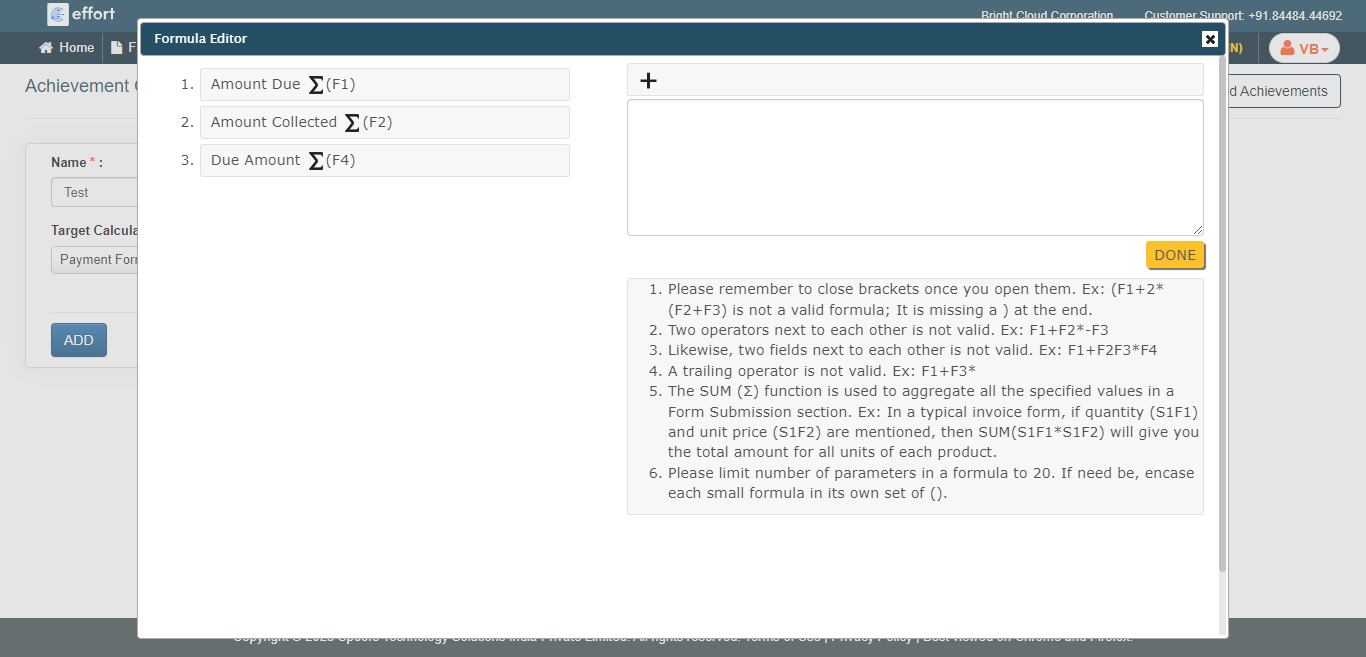
- Click Done.
- Select a form from the Target Calculation
dropdown.
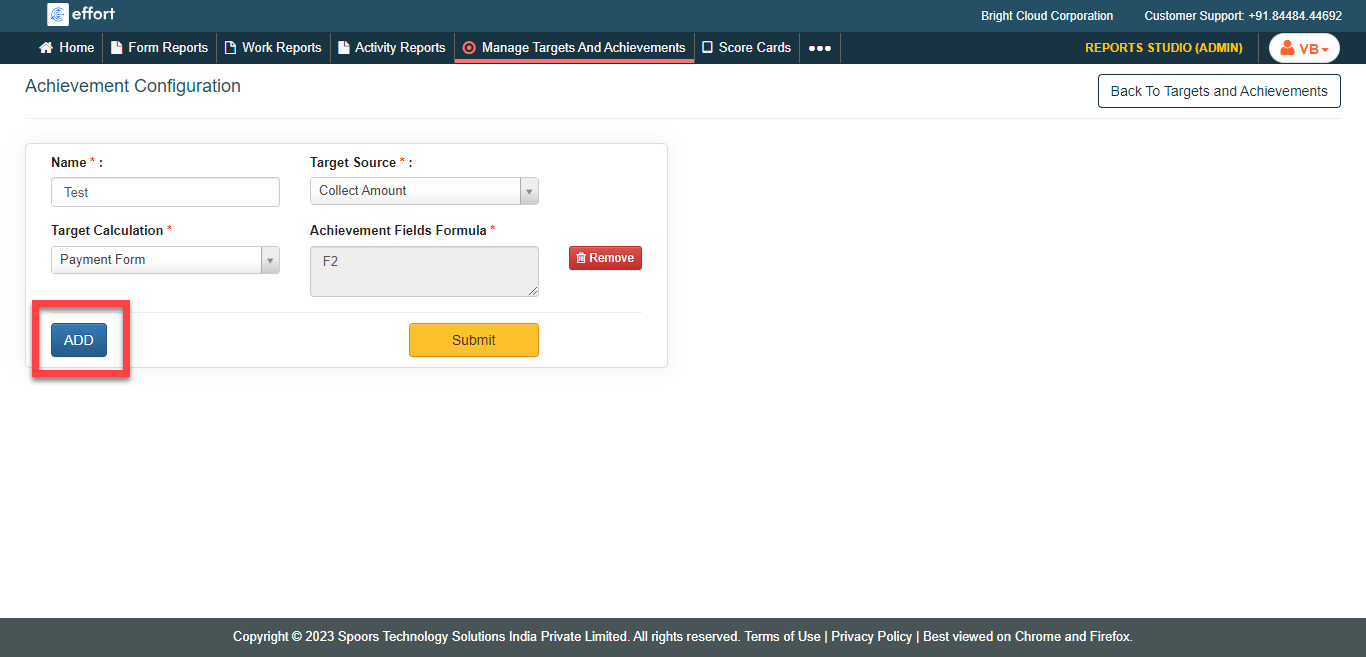
- Optional:
Click the Add button to define more achievements.
- Click Submit .