

Modify Work Report
To modify a work report, follow the steps below.
-
Go to .
The Manage Work Reports page appears.
-
Click the pencil
 icon
under the Edit column.
icon
under the Edit column.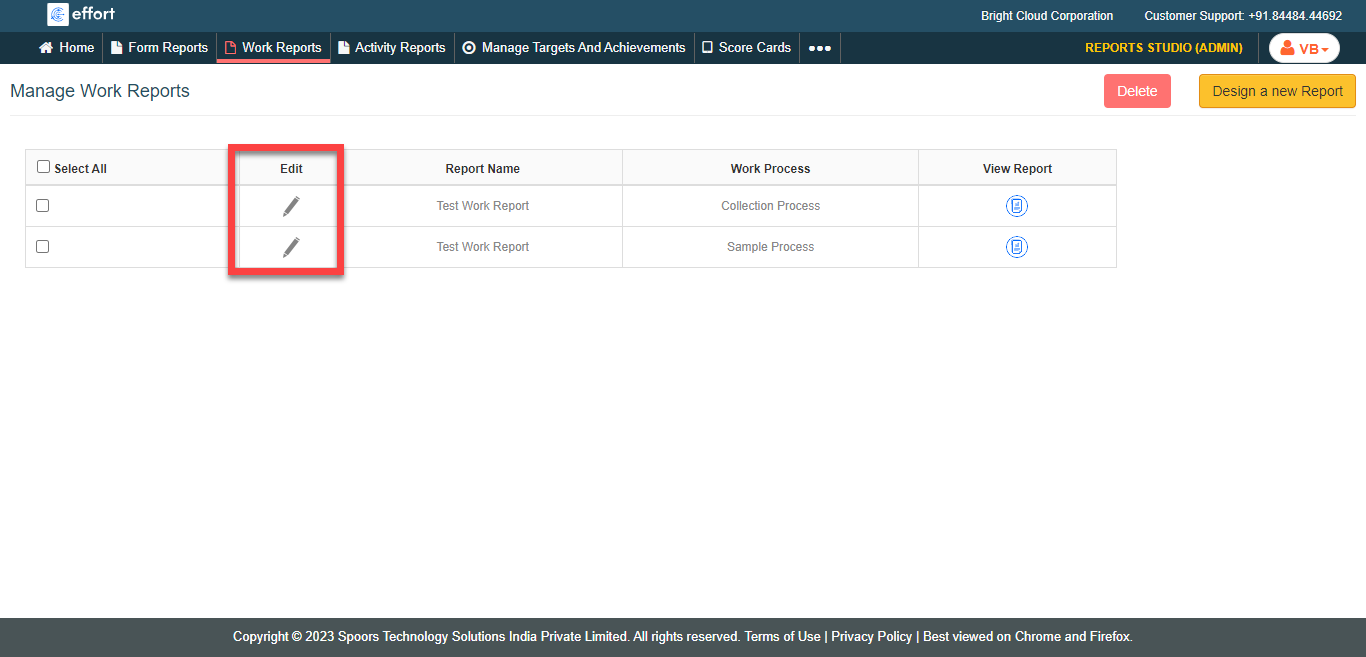
-
Modify the required fields.

- Click Save As Report.