

Edit Achievement
To edit achievement, follow the steps below.
-
Go to .
The Manage Targets and Achievements page appears.
-
Click the Achievements card.
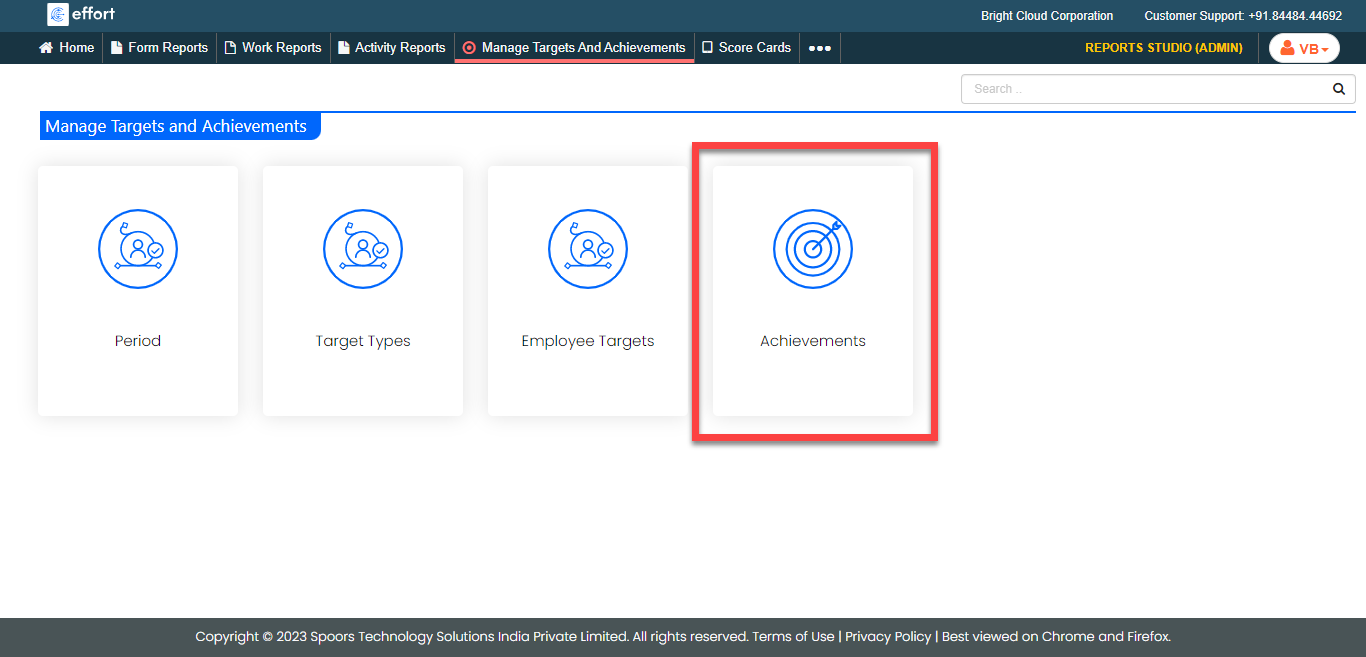
The All Achievements page appears.
-
Click pencil
 icon
under the Edit column.
icon
under the Edit column.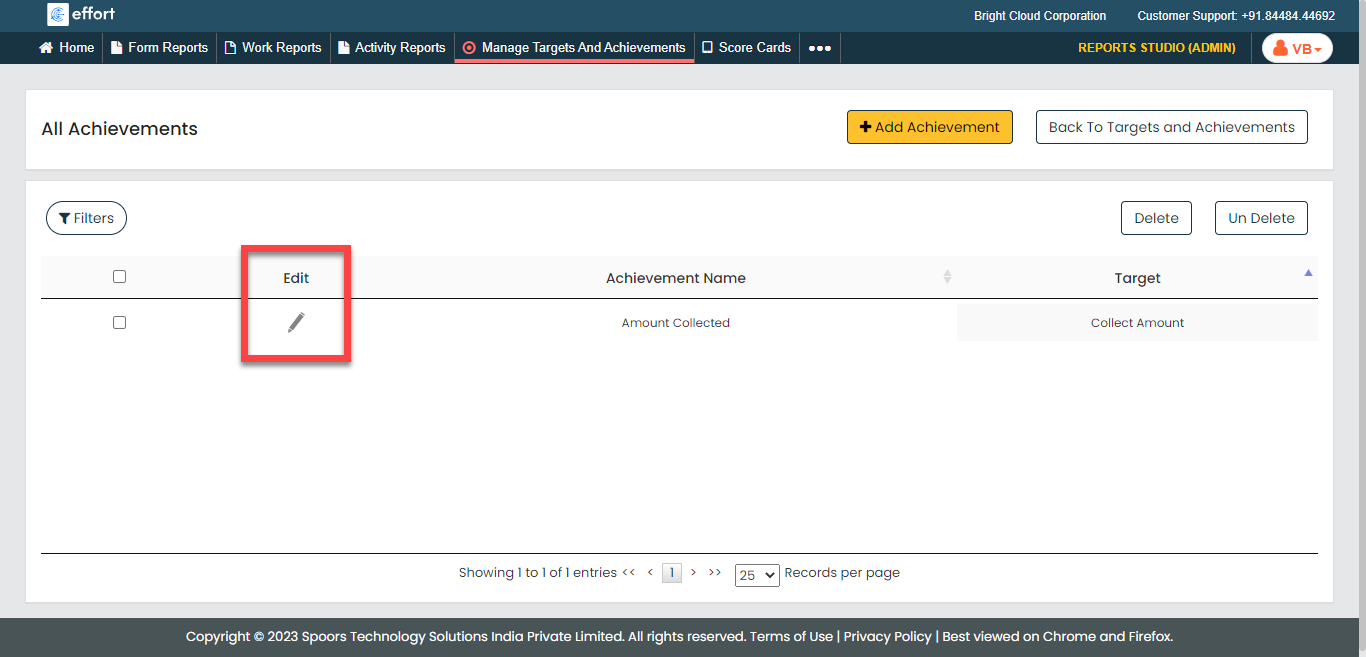
-
Edit the fields as per your requirement.
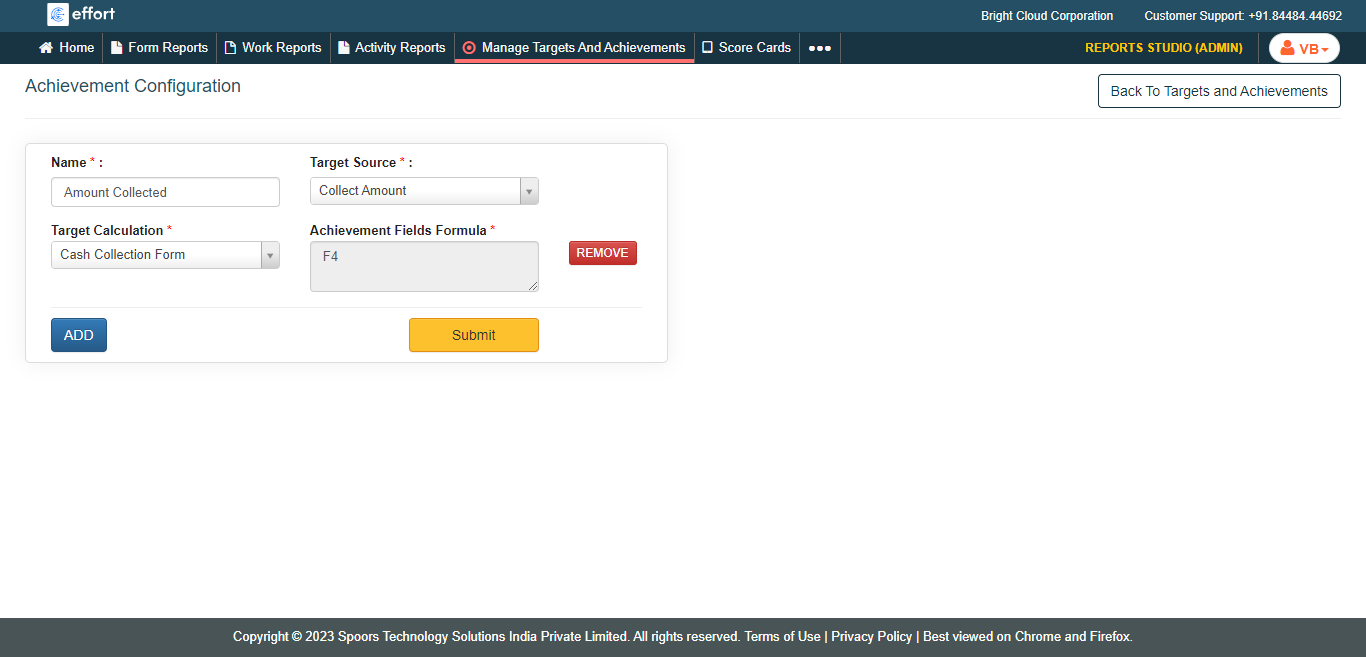
- Click Submit.