

Configure Web Reports
To configure web reports, follow the steps below.
-
Go to .
The Manage Reports page appears.
-
Click the Customise Web Reports card.

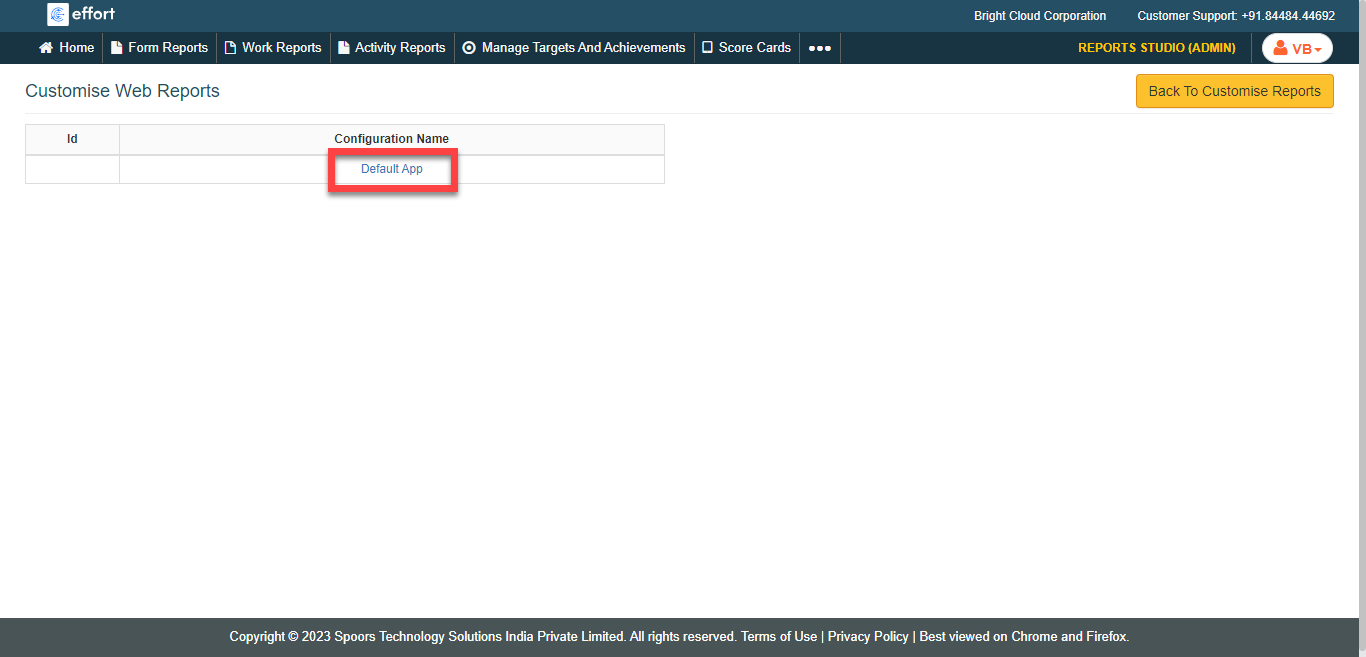
The Manage Web Reports page appears.
-
Click the Default App link under the
Configuration Name column.
-
Click the checkboxes of the required reports under the visibility column.

- Cancel the selection in the Download column to impose restrictions for data download either as PDF or Excel.
- Click Save.