

Delete Work Reports
To delete the work reports, follow the steps below.
-
Go to .
The Manage Form Reports page appears.
-
Click the checkbox to select a report.
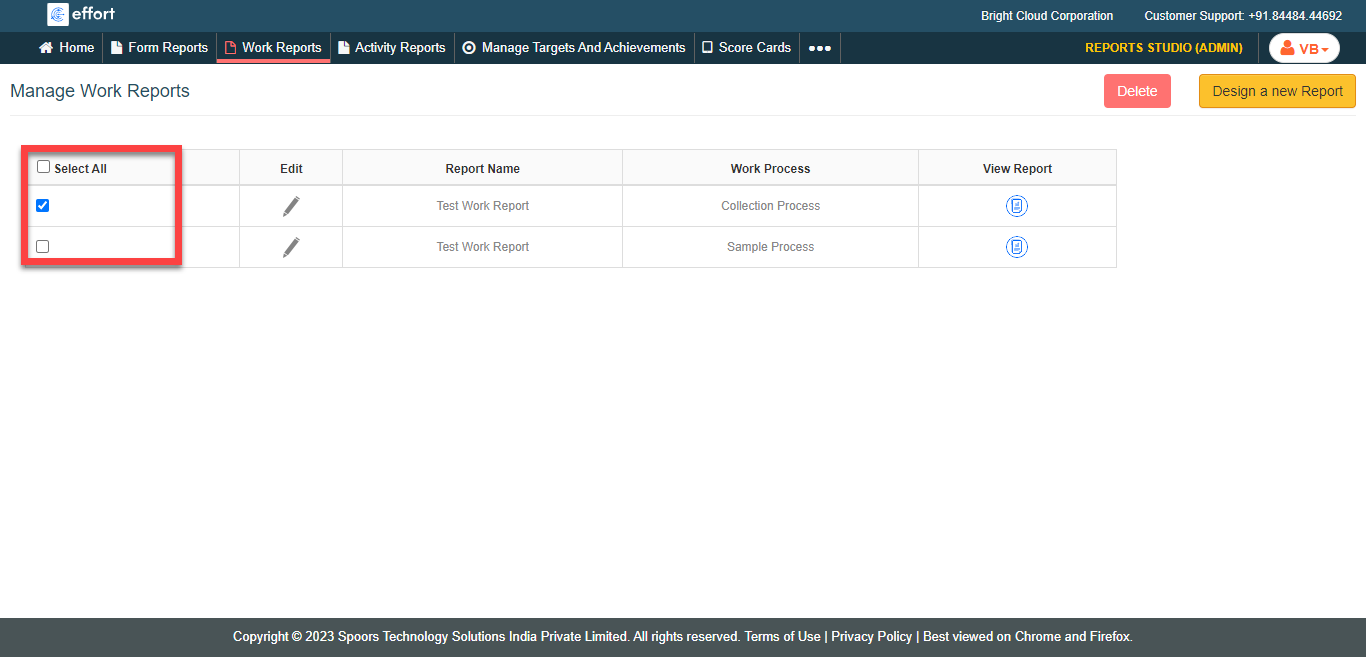
You can also click Select All to select all the reports. -
Click the Delete button.

- In the confirmation pop-up, click OK to delete the report.